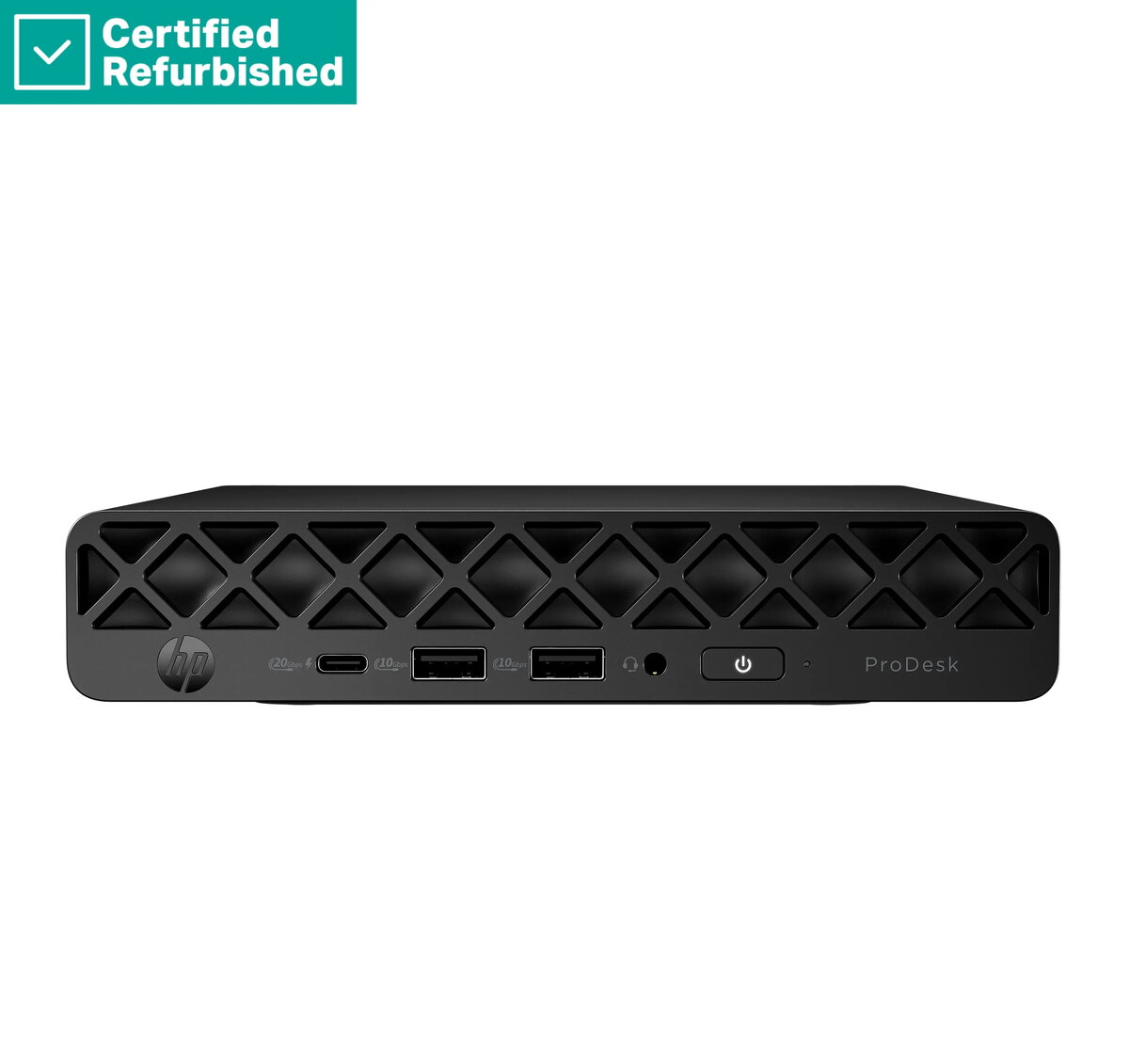
The HP RENEW ProDesk 4 G1i Mini is a high-performance, compact desktop computer engineered to meet the demands of modern professional environments. By combining a powerful Ultra 5-235 processor with 16GB of RAM and a fast 512GB SSD, this system ensures smooth multitasking and rapid data access. Its space-saving design allows it to fit seamlessly into any workspace, making it a reliable choice for businesses and home offices that prioritize efficiency and productivity.
Advantages
This desktop PC offers significant benefits for users who require a balance of power and portability. The inclusion of a high-speed solid-state drive significantly reduces boot times and improves application responsiveness, while the generous 16GB of memory allows for handling multiple demanding tasks simultaneously without performance degradation. The compact form factor is specifically designed to minimize desk clutter, providing a clean and organized work environment. Furthermore, the pre-installed Windows 11 Pro operating system provides advanced security features and management tools essential for professional use.
Suitable for
- General office productivity and administrative tasks
- Multitasking with multiple web browser tabs and office applications
- Space-constrained home office setups
- Educational environments and research workstations
When it may not be suitable
This device is not intended for high-end gaming, professional video editing, or complex 3D rendering tasks that require a dedicated graphics card. Users looking for a system to perform heavy graphical workloads or intensive computational simulations may find the integrated hardware insufficient for their specific needs.
Key specifications
- Processor: Ultra 5-235
- Memory: 16GB RAM
- Storage: 512GB SSD
- Operating System: Windows 11 Pro
- Included accessories: USB mouse
- Form factor: Mini Desktop
How to use
Setting up the HP RENEW ProDesk 4 G1i Mini is straightforward. Connect your monitor to the appropriate video output port, plug in the included USB mouse, and attach a keyboard. Connect the power adapter to the device and a wall outlet, then press the power button to initiate the initial Windows 11 Pro setup process. Follow the on-screen instructions to configure your network settings and user account.
What to consider before purchase
- Ensure your monitor is compatible with the available video output ports on the device.
- Verify that your workspace has adequate ventilation to maintain optimal operating temperatures.
- Consider if you need additional peripherals such as a keyboard or specialized monitors, as only a mouse is included.
Usage recommendations
To maintain peak performance, keep the operating system updated through Windows Update and ensure the ventilation vents remain unobstructed by dust or external objects.