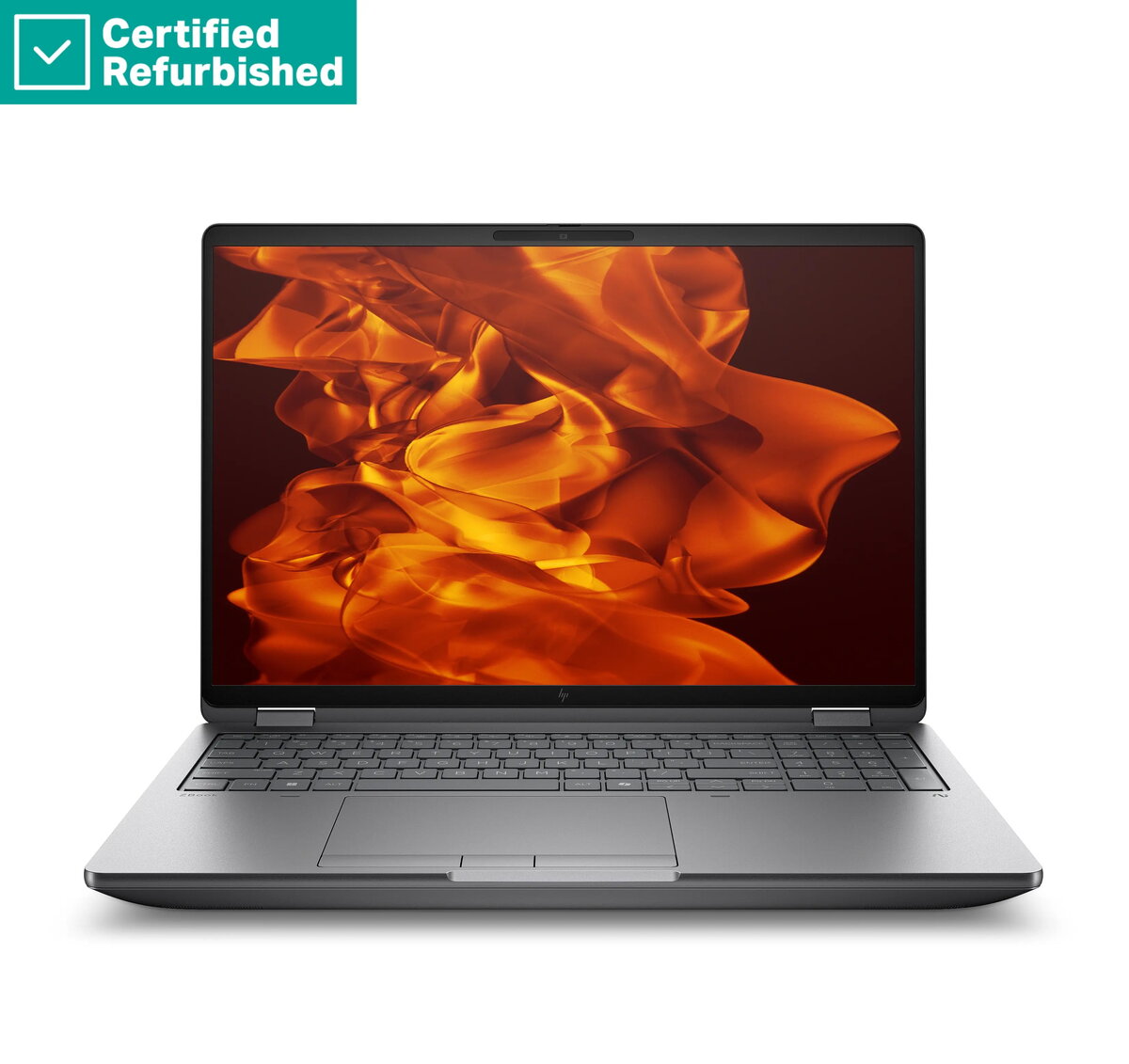
The HP ZBook Fury G1i 16 is a high-performance mobile workstation engineered to meet the rigorous demands of professional environments. Combining the power of an Intel Core Ultra 7-255HX processor with professional-grade NVIDIA RTX PRO 1000 graphics, this device provides the computational speed and visual accuracy required for complex technical projects. Its robust design and high-capacity memory ensure seamless multitasking, making it a reliable tool for engineers, designers, and data analysts who require desktop-level performance in a portable form factor.
Advantages
This workstation offers exceptional processing power and thermal management, allowing for sustained performance during intensive rendering or simulation tasks. The integration of professional NVIDIA graphics ensures compatibility and stability with industry-standard software applications. Furthermore, the inclusion of high-speed storage and ample RAM facilitates rapid data access and efficient workflow management. The 16-inch anti-glare display provides a clear and comfortable viewing experience, while the comprehensive security features, including a smartcard reader and fingerprint sensor, protect sensitive professional data.
Suitable for
- 3D modeling and CAD design
- Software development and compilation
- Data analysis and scientific simulations
- Professional video and photo editing
- Virtual machine hosting
When it may not be suitable
This device is optimized for professional productivity and may not be the ideal choice for casual gaming or general home entertainment due to its specialized hardware configuration. Additionally, its weight and size are designed for power rather than extreme portability, which may be a consideration for users who prioritize lightweight devices for frequent travel.
Key specifications
- Processor: Intel Core Ultra 7-255HX
- Memory: 32GB RAM
- Storage: 1TB SSD
- Graphics: NVIDIA RTX PRO 1000 8GB
- Display: 16-inch WUXGA 400-nit anti-glare
- Operating System: Windows 11 Pro
- Security: Smartcard reader, fingerprint sensor
- Battery: 99Wh
How to use
To begin using the HP ZBook Fury G1i 16, connect the power adapter and perform the initial Windows 11 Pro setup. Ensure all drivers are updated through the manufacturer's support software to maintain optimal performance. For professional tasks, utilize the dedicated graphics settings to assign specific applications to the NVIDIA GPU. The backlit keyboard can be adjusted for comfort in various lighting conditions, and the integrated security features should be configured during the user account setup process to ensure data protection.
What to consider before purchase
- Verify that your specific professional software is compatible with the NVIDIA RTX PRO 1000 architecture.
- Assess whether the 16-inch form factor meets your requirements for workspace and portability.
- Consider the need for additional external peripherals if your workflow requires specific connectivity ports not present on the chassis.
Usage recommendations: To maintain the longevity of the battery and system performance, keep the workstation in a well-ventilated area during heavy workloads and ensure the firmware is regularly updated via the official support portal.