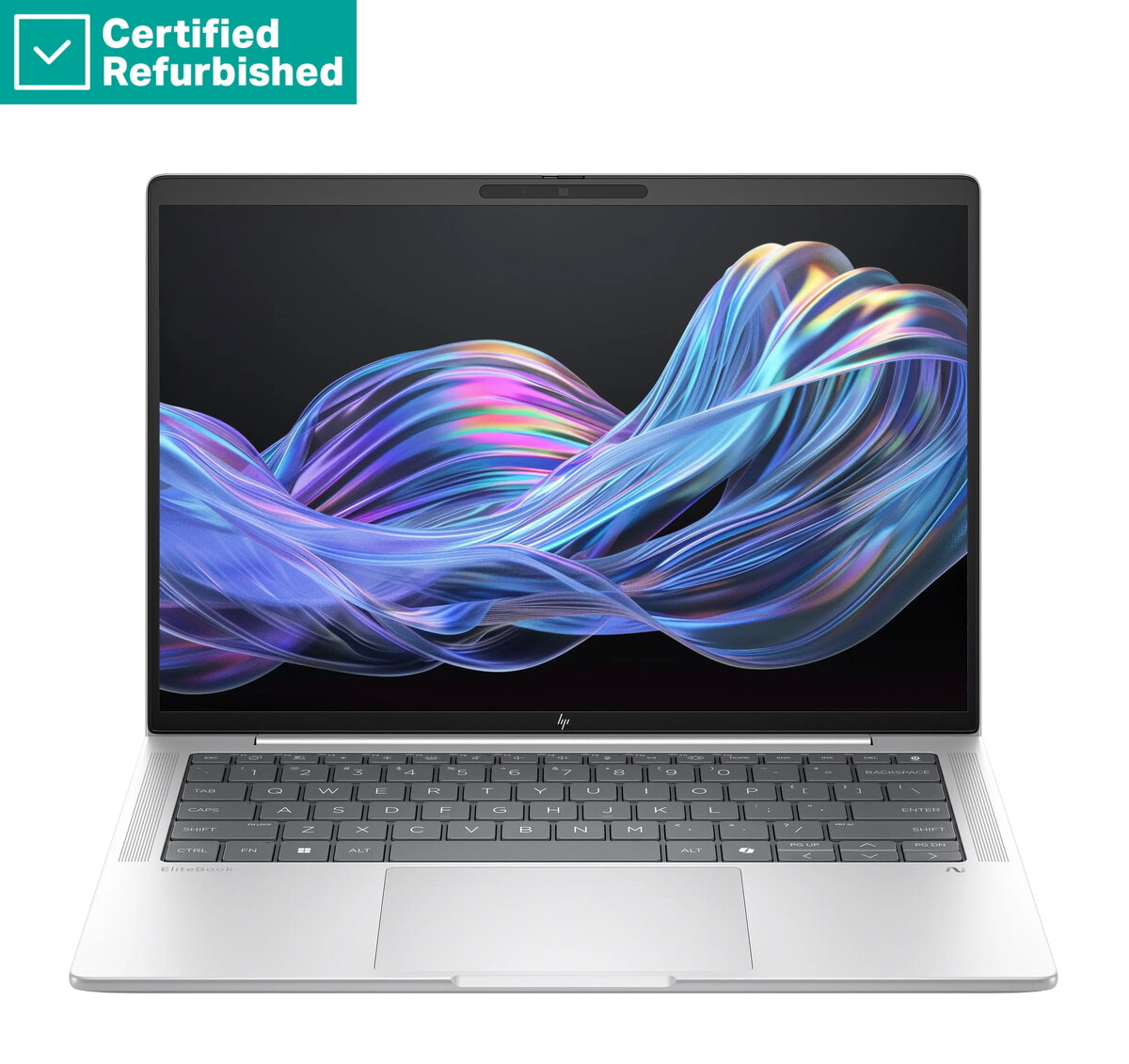
The HP RENEW EliteBook X G1i AI 14 is a premium business laptop engineered to deliver high-level performance for professionals who require reliability and speed. Equipped with the advanced Intel Ultra 7-258V processor and 32GB of RAM, this device handles complex multitasking and demanding software applications with ease. The 1TB SSD provides ample storage space for large files and ensures rapid system boot times and data access. Its sleek design, combined with a high-resolution 14-inch 2.5K display, makes it an ideal companion for both office work and mobile productivity.
Advantages
This laptop stands out due to its robust hardware configuration which is optimized for modern business environments. The 400-nit anti-glare display ensures clear visibility even in bright lighting conditions, reducing eye strain during long working hours. Security is prioritized through the integrated fingerprint reader and the 5MP IR camera, which supports secure biometric authentication. Furthermore, the inclusion of a 68Wh battery ensures extended operational time, while the backlit QWERTZ keyboard provides a comfortable typing experience in various environments.
Suitable for
- Professional office work and multitasking
- Video conferencing and remote collaboration
- Data analysis and content creation
- Business travel and mobile computing
When it may not be suitable
This device is primarily designed for professional productivity and business applications. It may not be the optimal choice for users seeking a dedicated gaming laptop, as it lacks a high-end discrete graphics card. Additionally, users who require a larger screen for specialized design work might find the 14-inch form factor limiting.
Key specifications
- Processor: Intel Ultra 7-258V
- Memory: 32GB RAM
- Storage: 1TB SSD
- Display: 14-inch 2.5K, 400-nit, anti-glare
- Camera: 5MP IR camera
- Battery: 68Wh
- Operating System: Windows 11 Pro
- Keyboard: Backlit QWERTZ
- Security: Fingerprint reader
How to use
To begin using the laptop, connect the power adapter to charge the 68Wh battery fully. Press the power button to initiate the Windows 11 Pro setup process. Follow the on-screen instructions to configure your user account, network settings, and biometric security features like the fingerprint reader. Once set up, you can utilize the high-speed ports for peripherals and connect to external displays if needed. Keep the system updated through the Windows Update settings to ensure optimal performance and security.
What to consider before purchase
- Verify that the QWERTZ keyboard layout meets your typing requirements.
- Ensure the 14-inch screen size aligns with your portability and workspace needs.
- Check if the available ports are compatible with your existing peripherals.
Usage recommendations
For maximum battery longevity, adjust the screen brightness to an appropriate level and utilize the power management settings within Windows 11 Pro. Regularly clean the anti-glare display with a soft, dry microfiber cloth to maintain visual clarity.