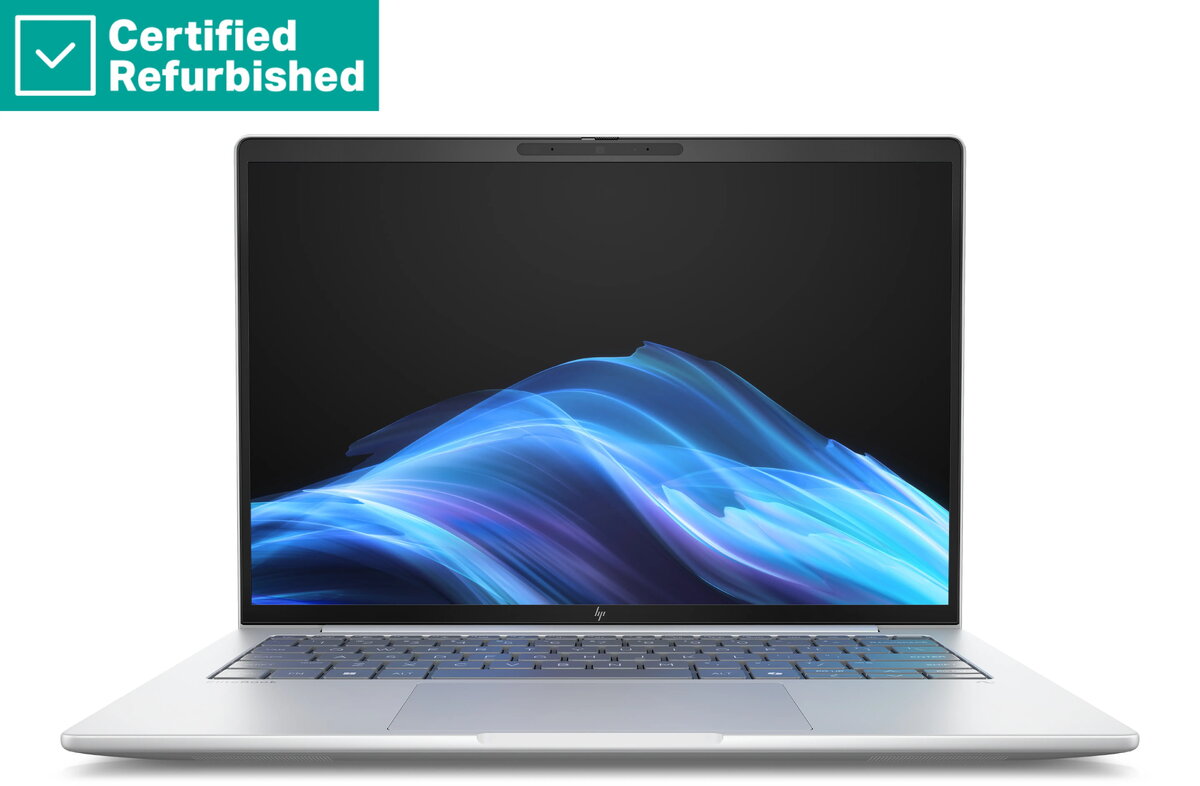
The HP RENEW EliteBook 8 G1i 14 is a high-performance professional laptop engineered to meet the demands of modern business environments. Powered by the Intel Ultra 5-238V processor and equipped with 32GB of RAM, this device ensures seamless multitasking and efficient handling of complex applications. Its 14-inch WUXGA display provides crisp visuals, while the 512GB SSD offers fast data access and ample storage for essential files. Designed for reliability and security, this laptop includes a smartcard reader and a backlit keyboard, making it a robust tool for professionals who require consistent performance on the go.
Advantages
This laptop stands out due to its combination of powerful hardware and professional-grade features. The inclusion of 32GB of RAM allows for intensive multitasking without performance degradation, while the Intel Ultra 5-238V processor provides the necessary speed for demanding office software. The 14-inch WUXGA anti-glare display minimizes eye strain during long working hours, and the integrated smartcard reader adds an essential layer of security for corporate environments. Furthermore, the 62Wh battery ensures extended productivity, and the backlit keyboard facilitates comfortable typing in various lighting conditions.
Suitable for
- Corporate office work and multitasking
- Mobile professionals requiring a portable yet powerful device
- Secure environments utilizing smartcard authentication
- General business productivity and communication tasks
When it may not be suitable
This laptop is not designed for high-end gaming or professional-grade video editing that requires a dedicated graphics card. Users who prioritize extreme portability over screen size or those who need massive internal storage beyond 512GB may find the specifications limiting for their specific workflows.
Key specifications
- Processor: Intel Ultra 5-238V
- Memory: 32GB RAM
- Storage: 512GB SSD
- Display: 14-inch WUXGA anti-glare
- Battery: 62Wh
- Security: Integrated smartcard reader
- Keyboard: UK backlit layout
- Operating System: Windows 11 Pro
How to use
To begin using the HP RENEW EliteBook 8 G1i 14, connect the device to a power source and follow the on-screen prompts to complete the Windows 11 Pro setup. Once configured, you can utilize the smartcard reader for secure login if your organization requires it. The backlit keyboard can be adjusted using the function keys to suit your ambient lighting. Ensure the laptop is placed on a flat, stable surface to allow for proper ventilation during operation.
What to consider before purchase
- Verify if your organization's security protocols are compatible with the integrated smartcard reader.
- Consider whether the 512GB storage capacity is sufficient for your long-term data needs.
- Ensure the UK keyboard layout meets your typing requirements.
- Check if your specific software applications require a dedicated GPU.
Usage recommendations
To maintain optimal battery health and system performance, keep the device updated with the latest Windows 11 Pro security patches and drivers. Avoid blocking the air vents to prevent overheating during intensive tasks.