



Dreame vacuums for fast and efficient cleaning!
In cart {{totalProductsCount}} item(s)
Your cart is empty
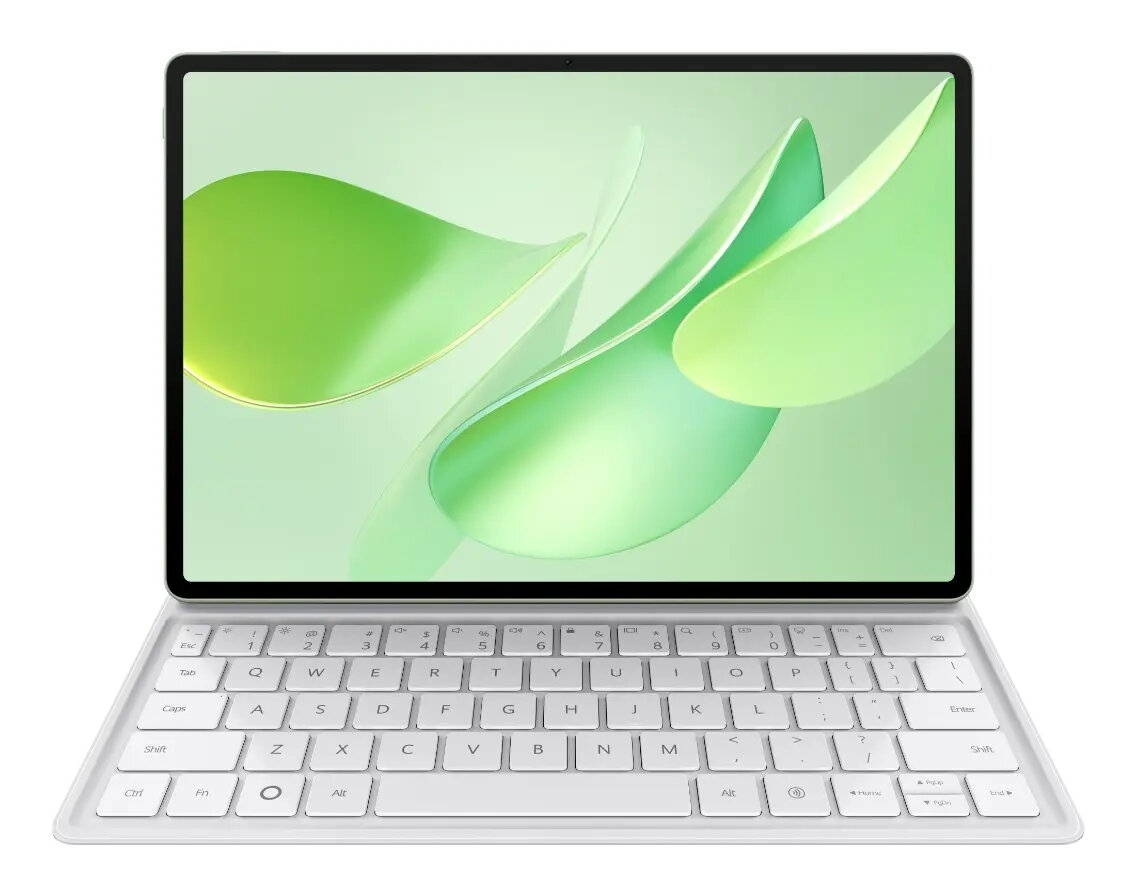
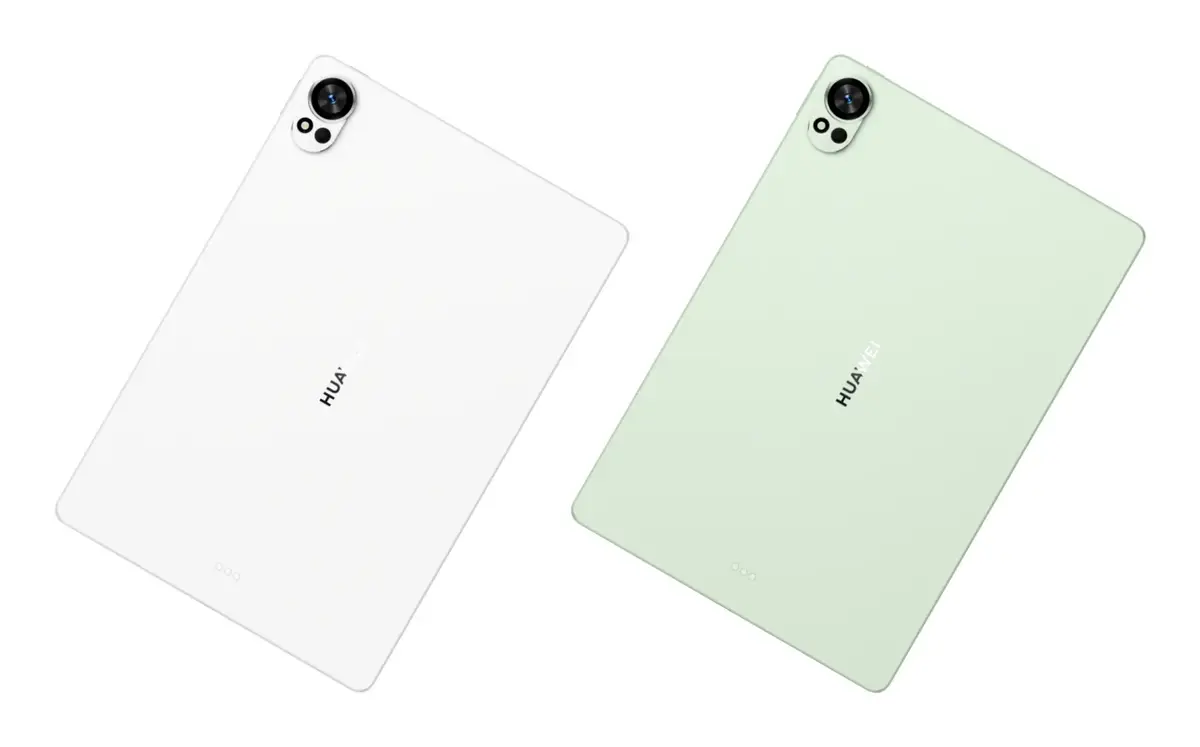
Tablet HUAWEI MatePad 12X — 12" (30.5 cm), 256 GB, 12 GB RAM, Wi‑Fi 7, HarmonyOS 4.3, Green
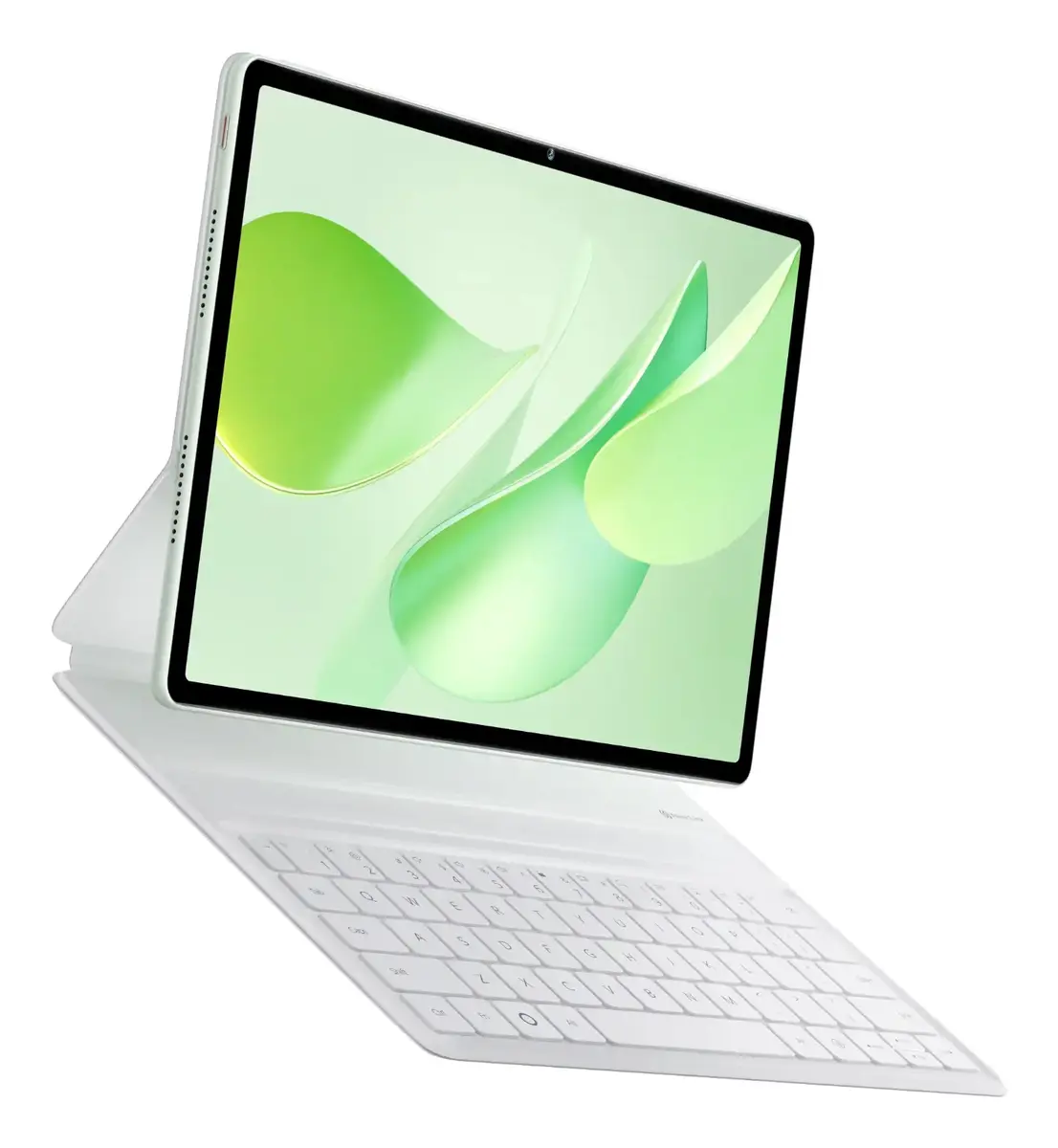
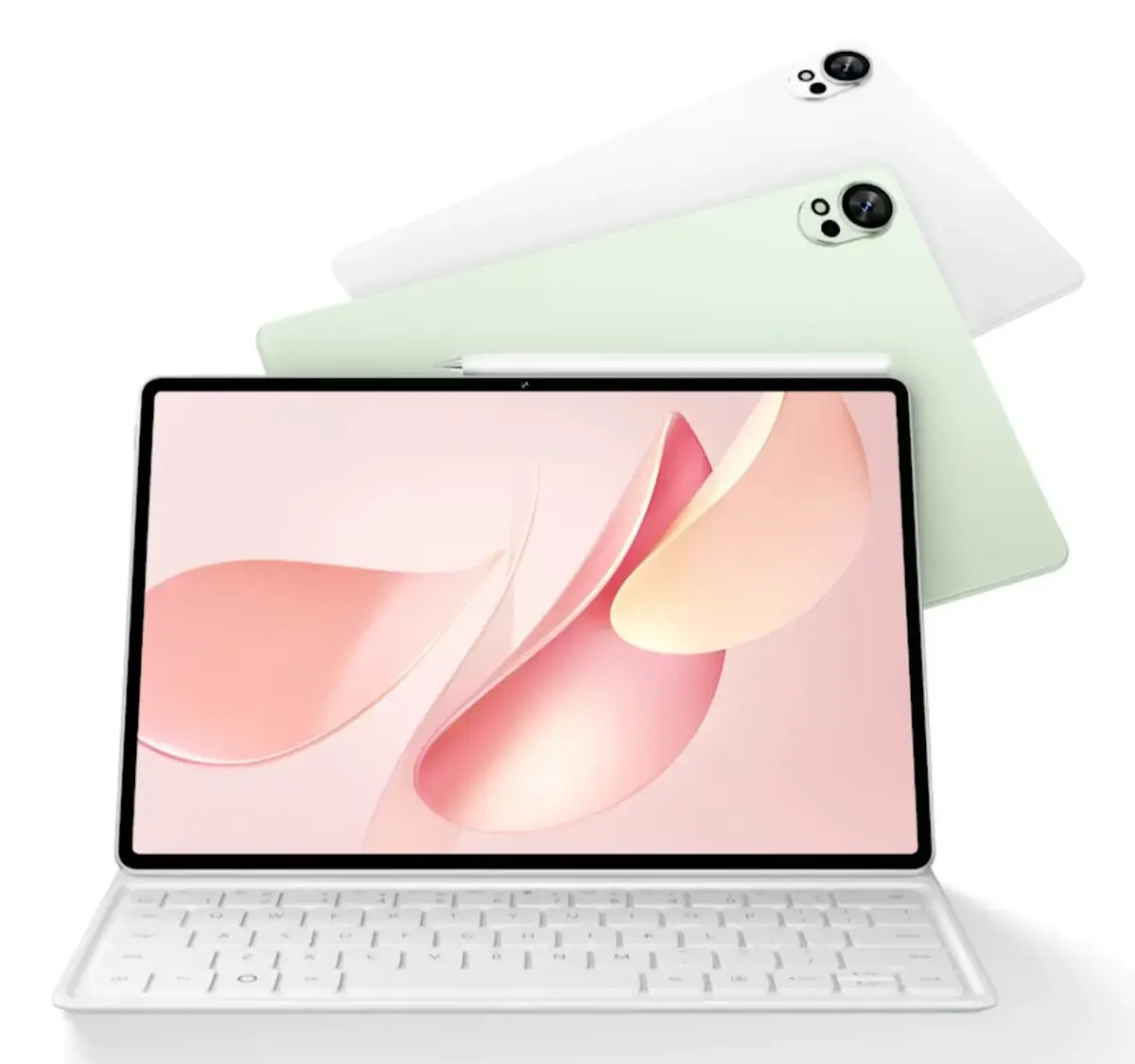
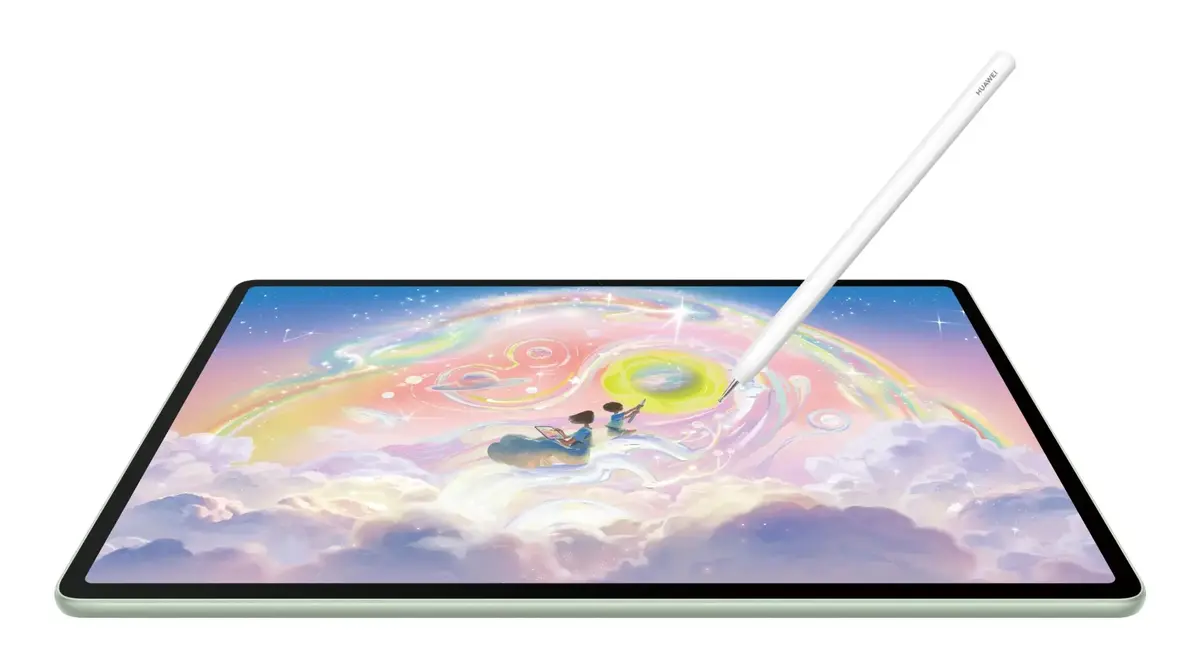
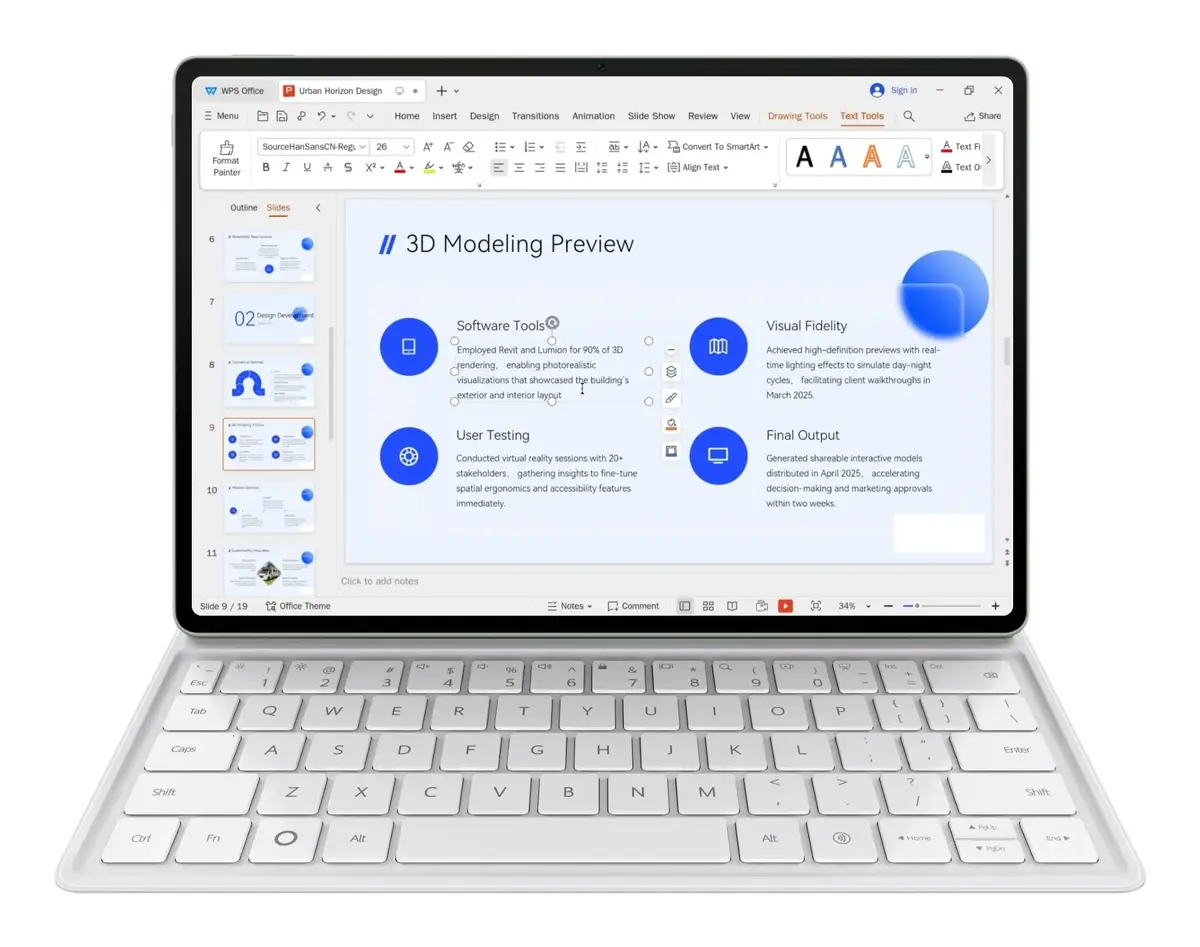
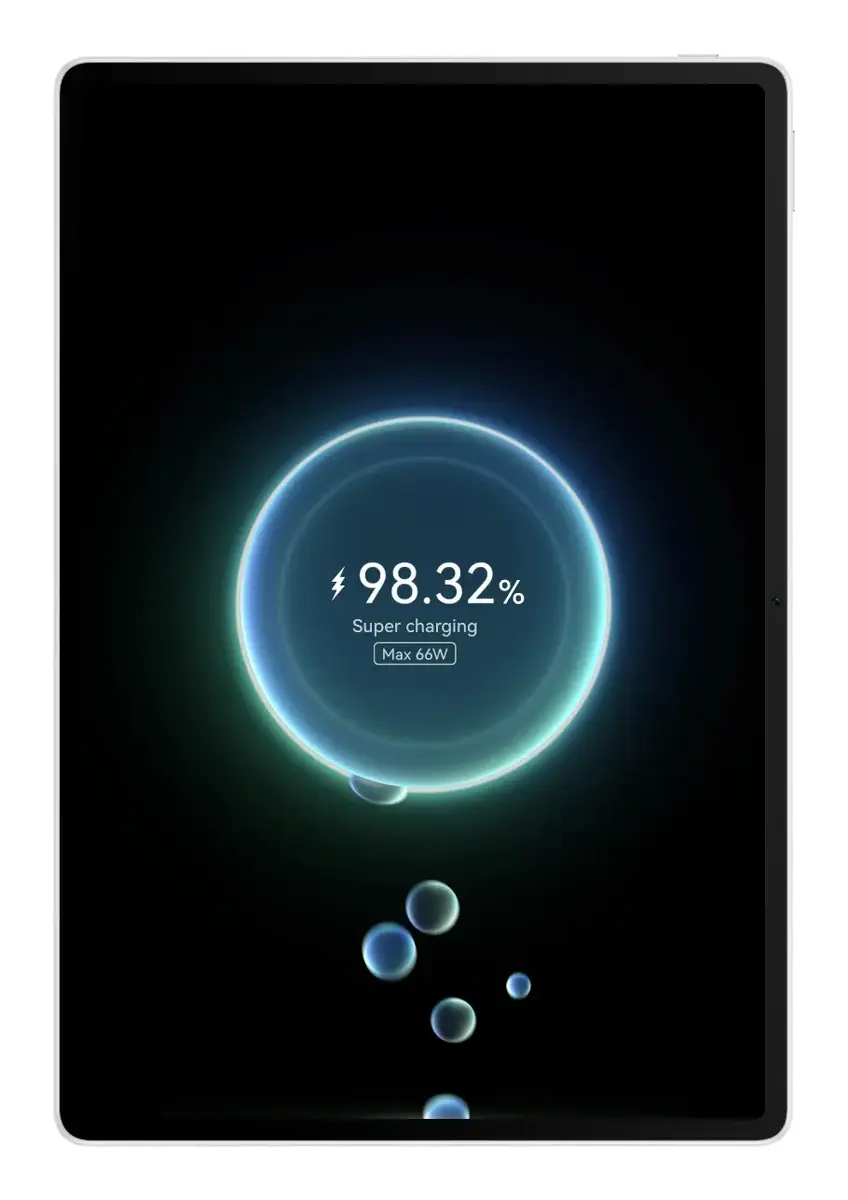
HUAWEI MatePad 12X is a 12" (30.5 cm) tablet with a 2800 × 1840 resolution display, 256 GB internal storage and 12 GB RAM. Running HarmonyOS 4.3 and supporting Wi‑Fi 7 (802.11be), it combines a large, high-resolution screen with a lightweight metal body in green. The device includes a 50 MP rear camera and an 8 MP front camera, a high-capacity Li‑Po battery and compatibility with HUAWEI M‑Pencil Pro and a detachable keyboard for enhanced input options.
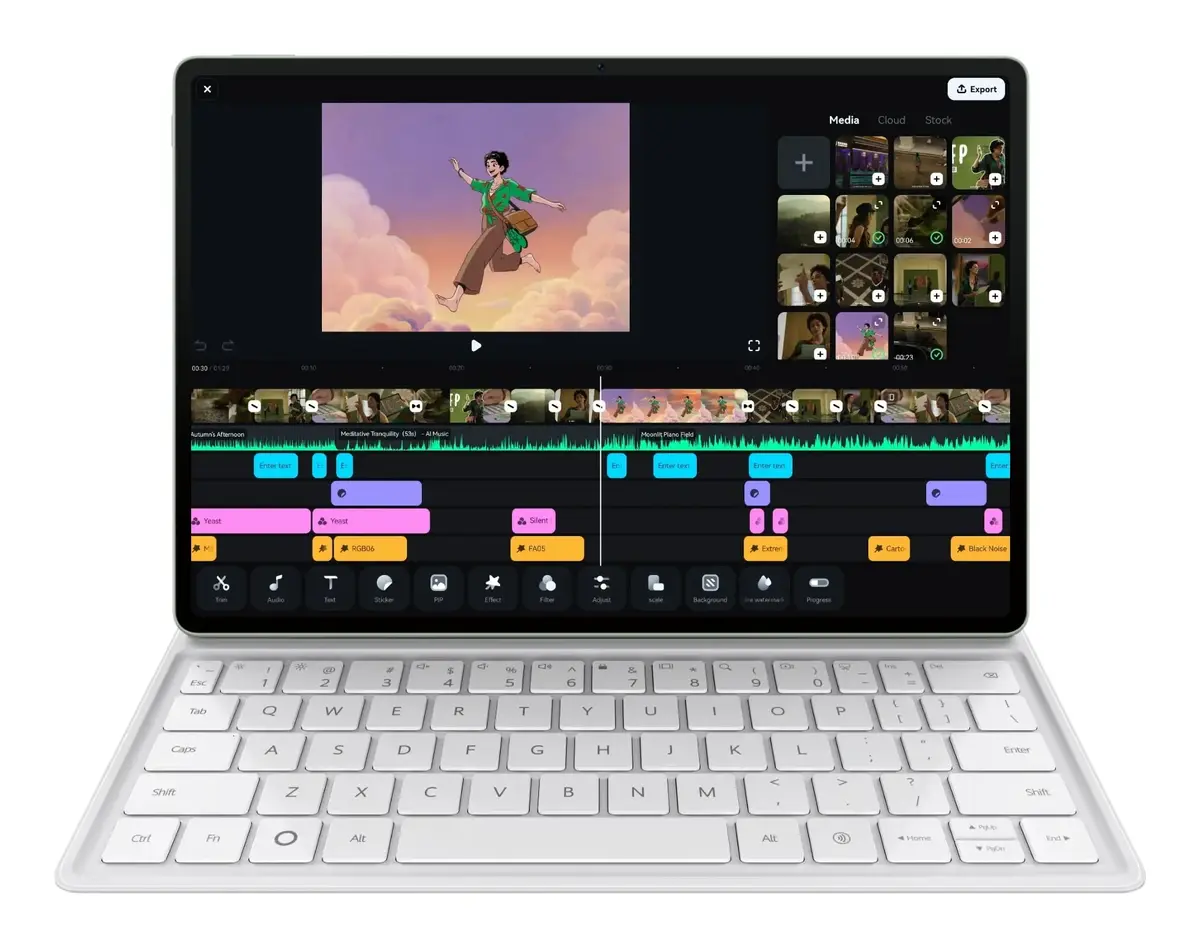
The Ultra-clear PaperMatte display reduces glare and surface sparkle while providing a paper-like touch for drawing and note-taking. Built with an all-metal unibody and mica-enriched rear cover, the tablet offers a refined appearance and a lightweight, portable design. Compatibility with HUAWEI M‑Pencil Pro and a slim keyboard enables PC-level productivity, while HarmonyOS 4.3 and Wi‑Fi 7 deliver fast, responsive connectivity and multitasking capabilities. Advanced thermal design helps maintain sustained performance during demanding tasks.
Charge the tablet with the supplied charger before first use and complete the initial HarmonyOS setup, including Wi‑Fi configuration and Huawei ID sign‑in if required. Pair the HUAWEI M‑Pencil Pro or compatible keyboard via Bluetooth or NearLink following on-screen prompts to enable stylus input and keyboard typing. Use the tablet’s multitasking features to open and arrange apps side by side, and adjust display and power settings in system menus to match your usage pattern. For photography or video calls, select the appropriate front or rear camera in the camera app and use built-in tools for exposure and framing.
To preserve screen clarity and the PaperMatte surface, clean the display with a soft, lint-free cloth and avoid abrasive materials. When using the HUAWEI M‑Pencil Pro, store the stylus securely and replace tips as recommended to maintain pressure sensitivity. For sustained performance during heavy workloads, keep the tablet ventilated and avoid covering vents; enable power management options when prioritizing battery life.
{{highlightedFeature.featureTitle}}:
{{getProductFeatureValueById(product, highlightedFeature.featureId)}}
{{ productComparisonGenerationError }}