





A curated selection of maximum value offers!
In cart {{totalProductsCount}} item(s)
Your cart is empty
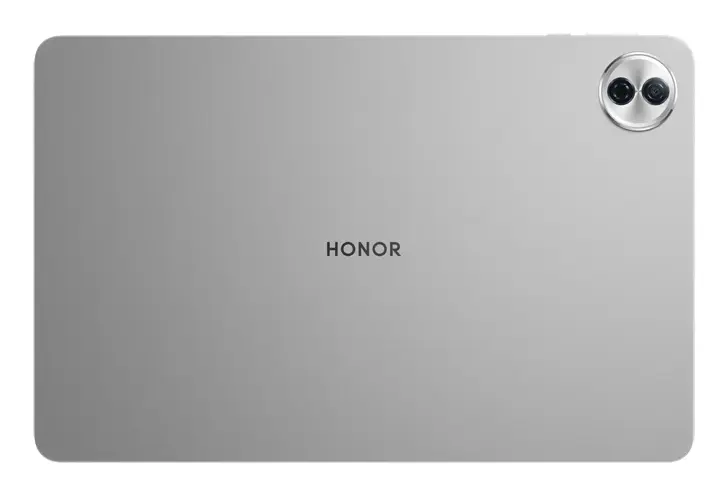
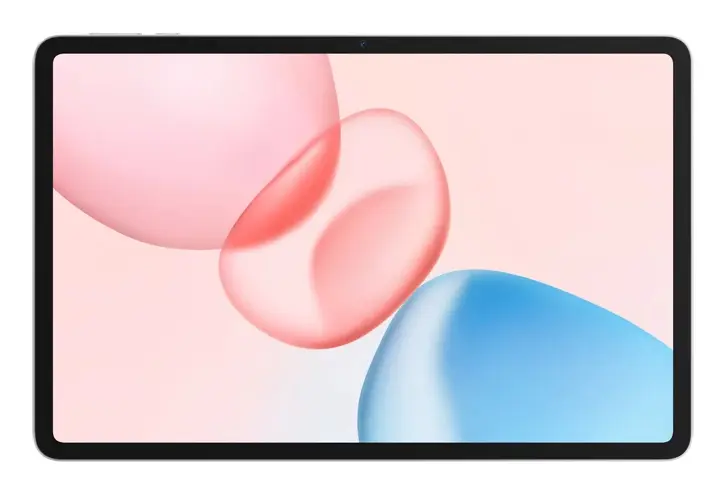
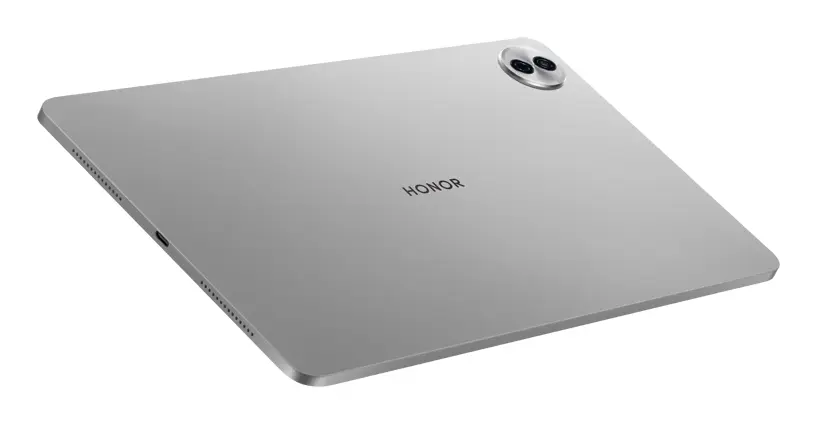
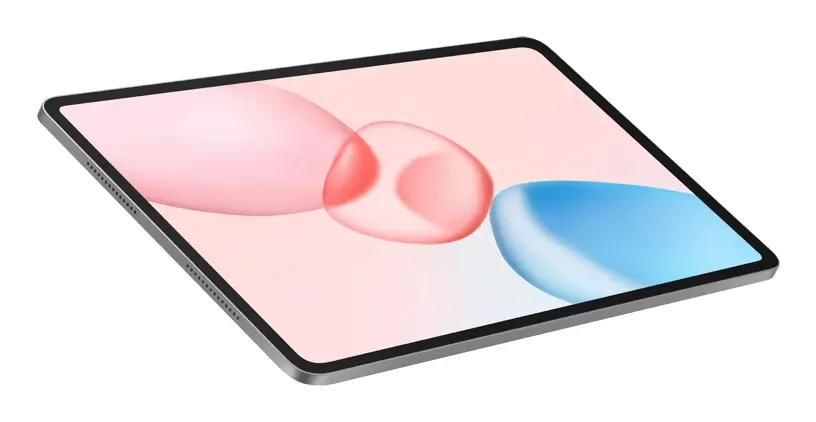
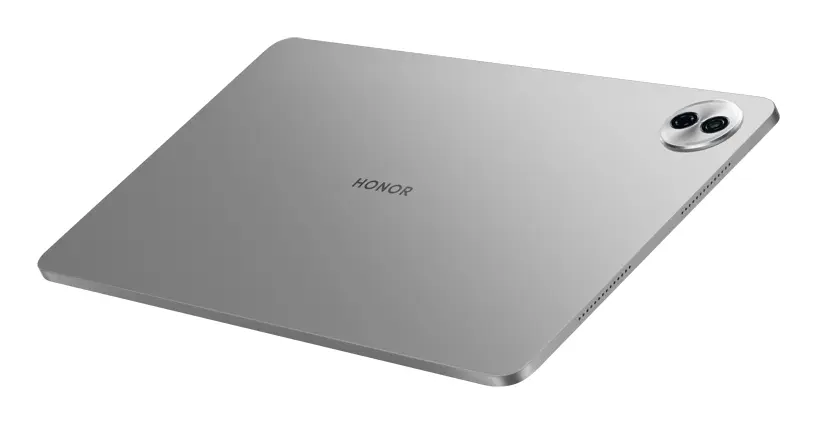
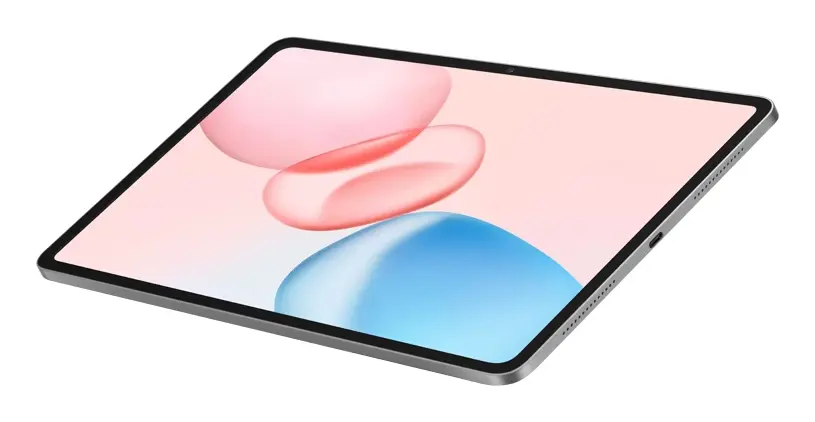
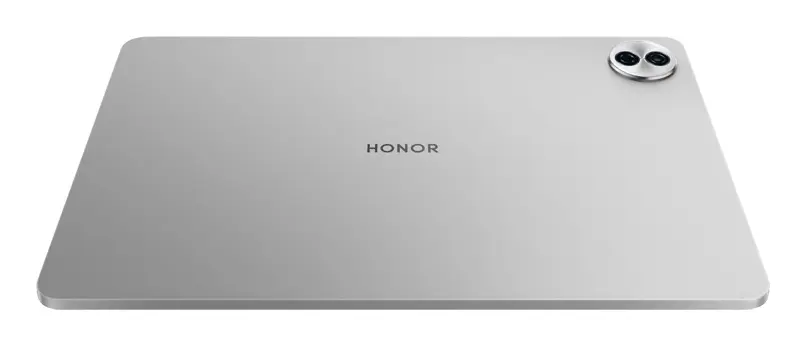
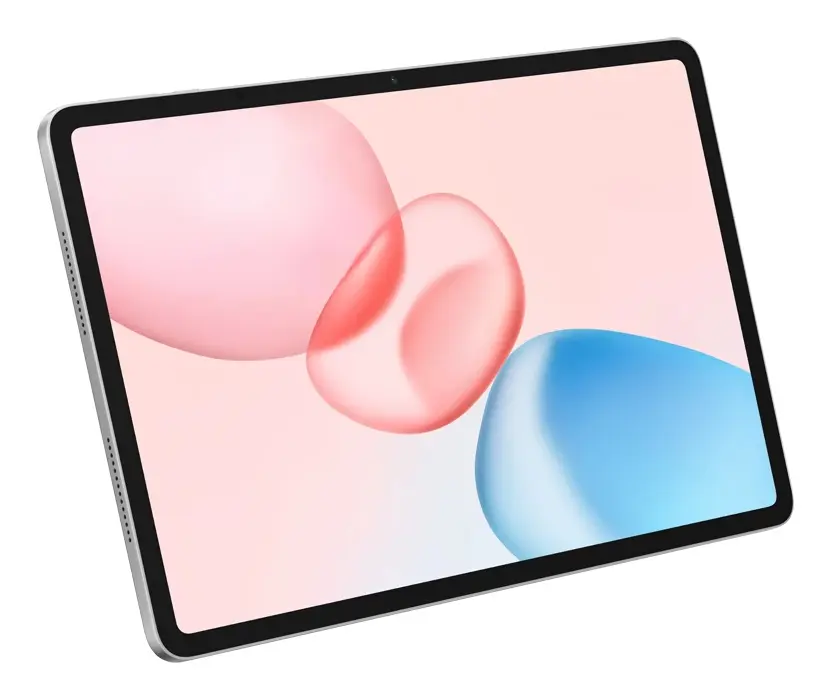
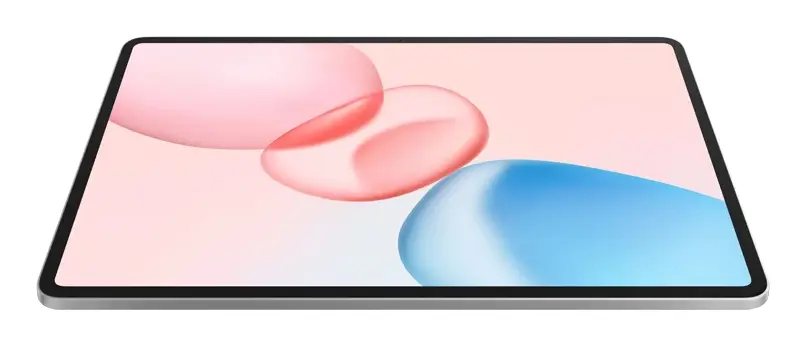
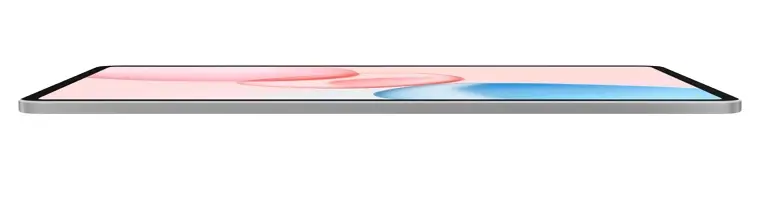
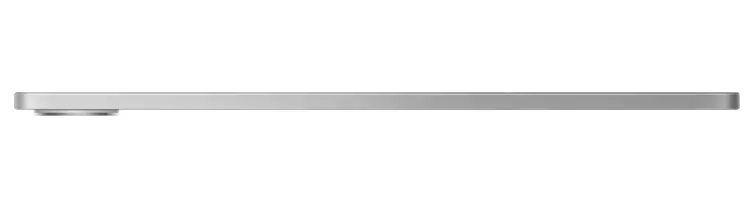
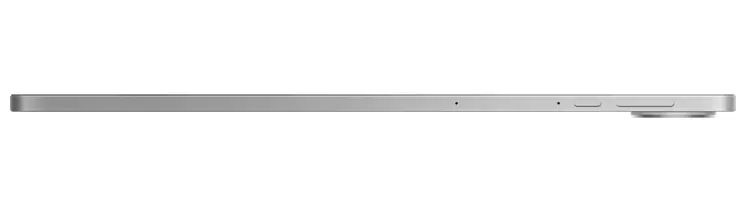
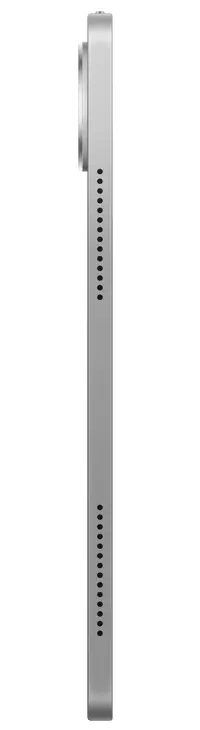
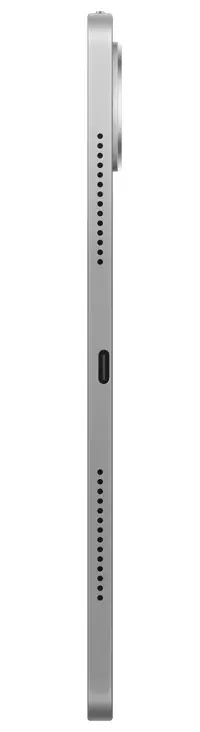
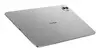
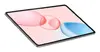
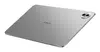
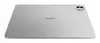
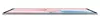
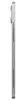
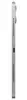
Honor Pad 10 Tablet Snapdragon 8 GB RAM 256 GB Storage 12.1-inch 2560 x 1600 Display Wi-Fi 6 Android 15 Grey
The Honor Pad 10 Tablet is a high-performance mobile tablet designed to handle multitasking, entertainment, and everyday productivity with ease. Powered by a Snapdragon processor combined with 8 GB of internal memory and 256 GB of storage space, it delivers smooth and reliable operation for various applications. The device features a sharp 12.1-inch LCD display with a resolution of 2560 x 1600 pixels, an 8 MP rear camera, an 8 MP front camera, and fast Wi-Fi 6 connectivity. Equipped with a long-lasting 10100 mAh battery and running on the Android 15 operating system, this slate tablet in grey is ideal for media consumption, office tasks, and on-the-go use.
This mobile tablet offers substantial internal storage and memory capacity, allowing users to keep multiple applications running smoothly and store large collections of files, media, and documents locally. The high-resolution display provides clear visuals, making it well-suited for viewing detailed content, streaming videos, and reading. Fast Wi-Fi 6 connectivity ensures stable and efficient network access for browsing and downloading. Additionally, the large-capacity lithium polymer battery supports extended usage periods between charges, while the modern Android operating system provides access to a wide range of current applications and security features.
This device may not meet the demands of professional users requiring heavy 3D rendering, advanced video editing, or high-end resource-intensive gaming, as it is optimized for general productivity and media consumption rather than workstation-level performance. Furthermore, because it relies on Wi-Fi for internet connectivity without cellular data options, it is less suitable for users who require constant mobile internet access outside of wireless network zones.
To begin using the Honor Pad 10 Tablet, charge the device using a compatible USB Type-C power adapter, adhering to the required charging power specifications. Power on the slate by pressing and holding the power button, then follow the on-screen setup instructions to configure your language, Wi-Fi network, and Google account on the Android 15 interface. Navigation is handled primarily through the touchscreen display. You can install additional applications from the app store, manage your files within the 256 GB storage, and connect wireless accessories using Bluetooth. When recharging is necessary, connect the USB Type-C cable to the charging port.
For optimal battery longevity, avoid exposing the device to extreme temperatures and use a certified power adapter that matches the recommended charging power requirements. Regularly update the Android operating system and installed applications to maintain security and performance efficiency. Clean the LCD screen gently with a soft, dry microfibre cloth to prevent dust and smudges without damaging the display surface.
{{highlightedFeature.featureTitle}}:
{{getProductFeatureValueById(product, highlightedFeature.featureId)}}
{{ productComparisonGenerationError }}