Powerful EcoFlow stations for energy anywhere!
In cart {{totalProductsCount}} item(s)
Your cart is empty
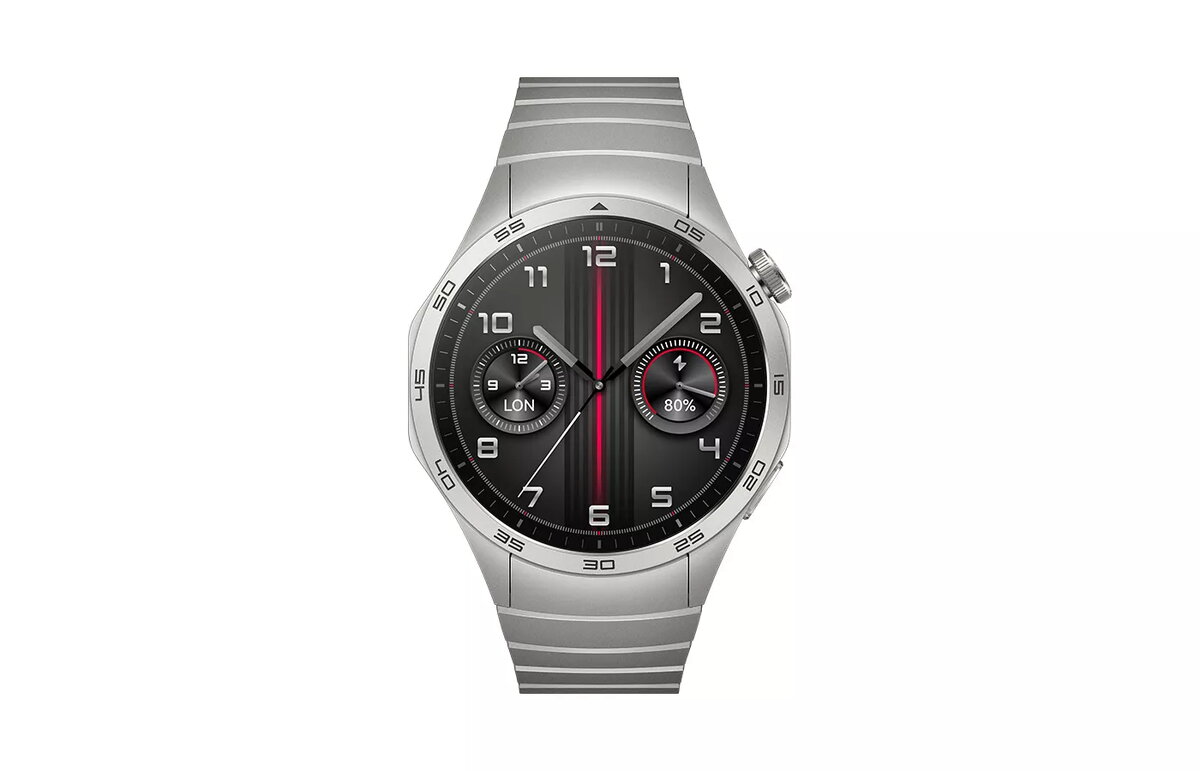
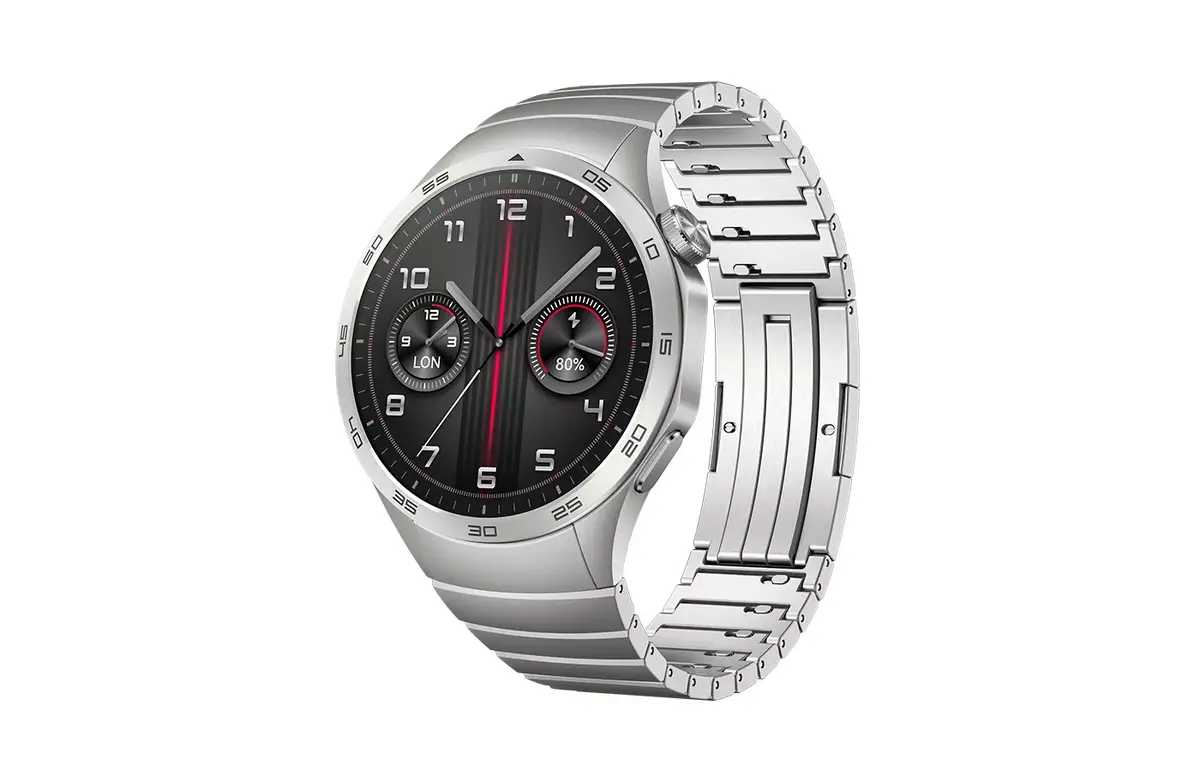
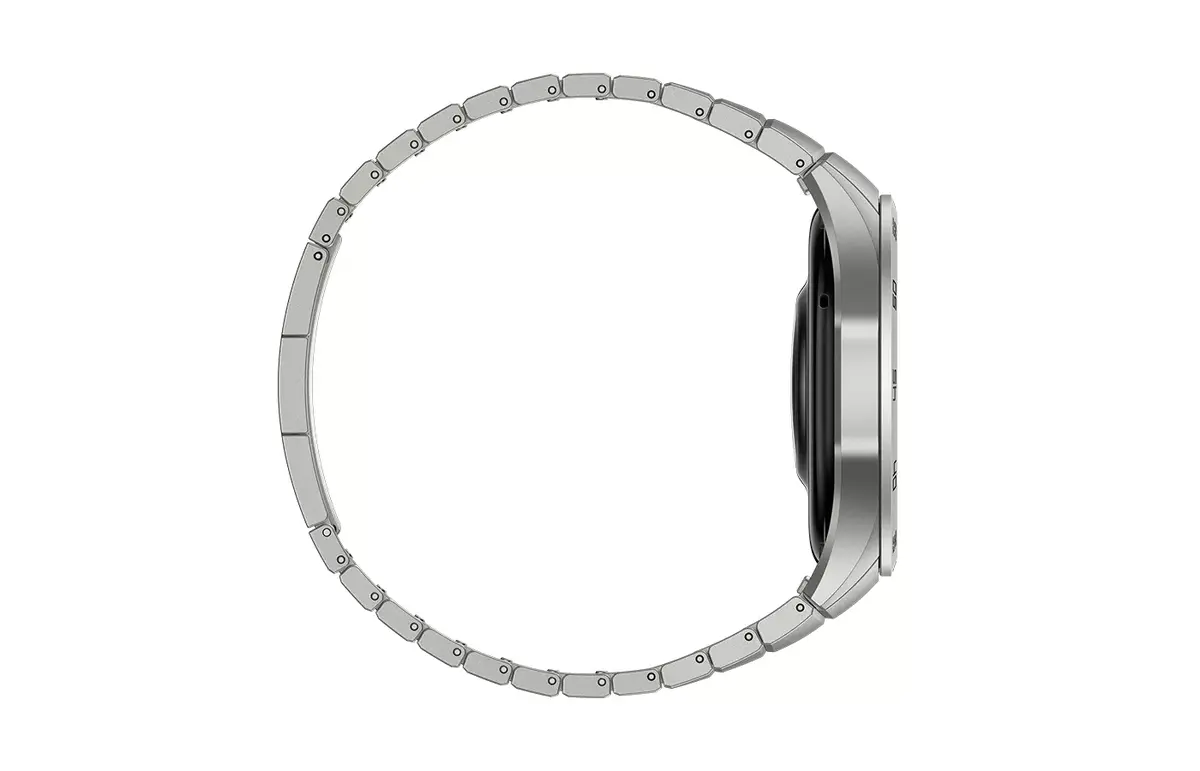
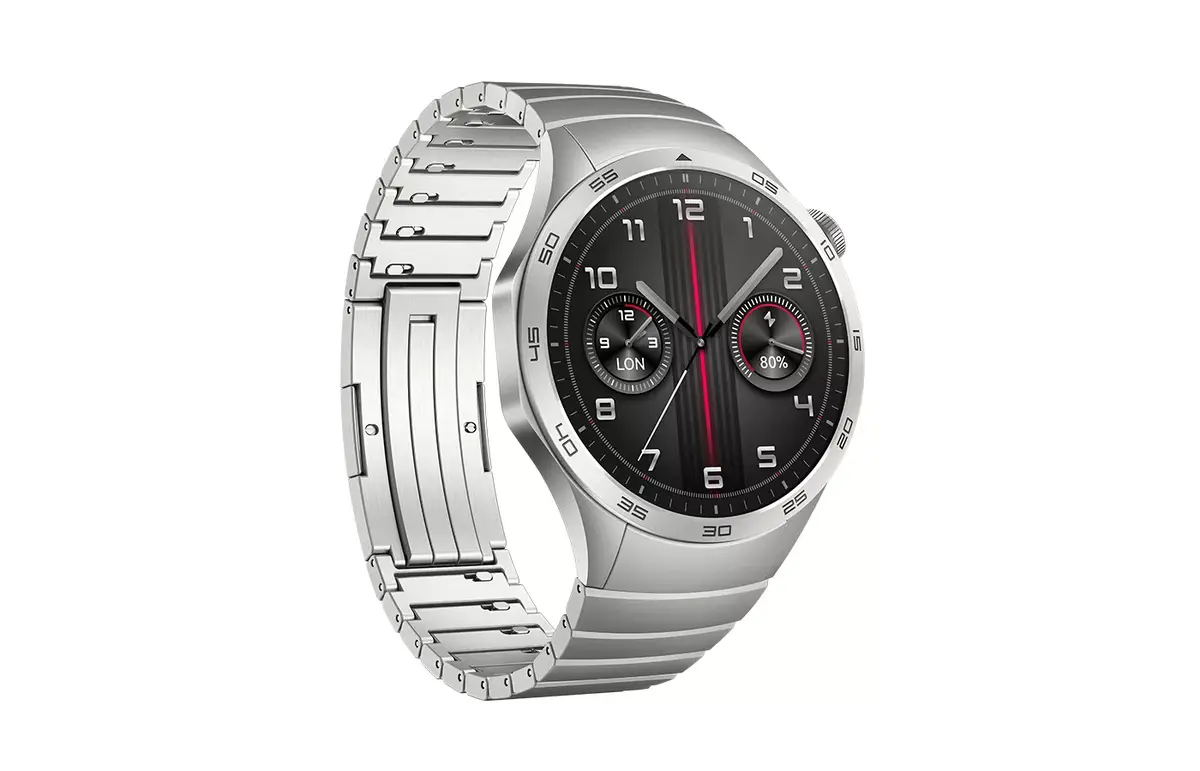
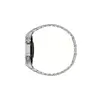
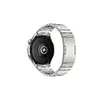
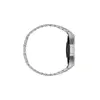
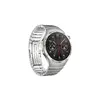
Smartwatch HUAWEI WATCH GT 4 46 mm — 1.43" (3.63 cm) AMOLED, 466×466, 32 GB, Wi‑Fi, GPS, 530 mAh, Grey
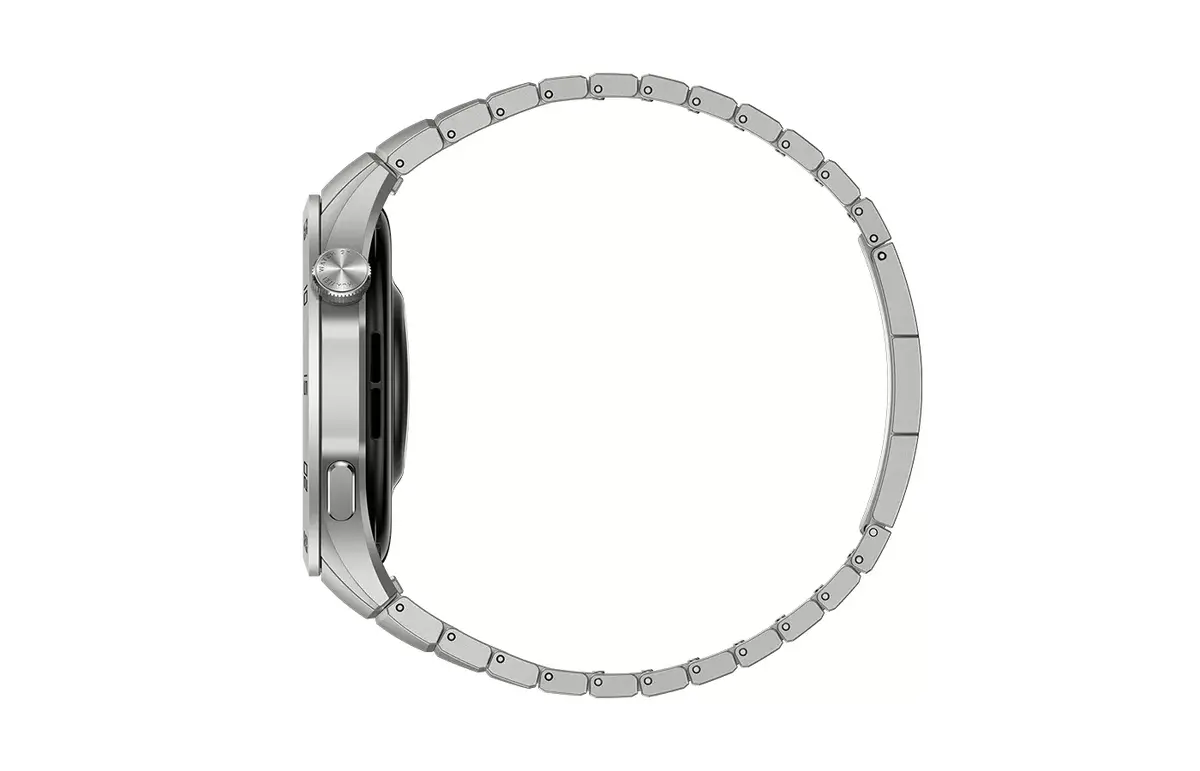
HUAWEI WATCH GT 4 46 mm combines a 1.43" (3.63 cm) AMOLED display at 466×466 pixels with 32 GB of onboard storage, Wi‑Fi and satellite GPS, and a 530 mAh battery in a 46 mm grey smartwatch designed for daily wear. The model offers an elevated screen-to-body ratio with a thin bezel, a lightweight build of approximately 48 g (with the band), and features that include activity tracking, heart rate and SpO2 monitoring, sleep analysis, route navigation and independent music playback.
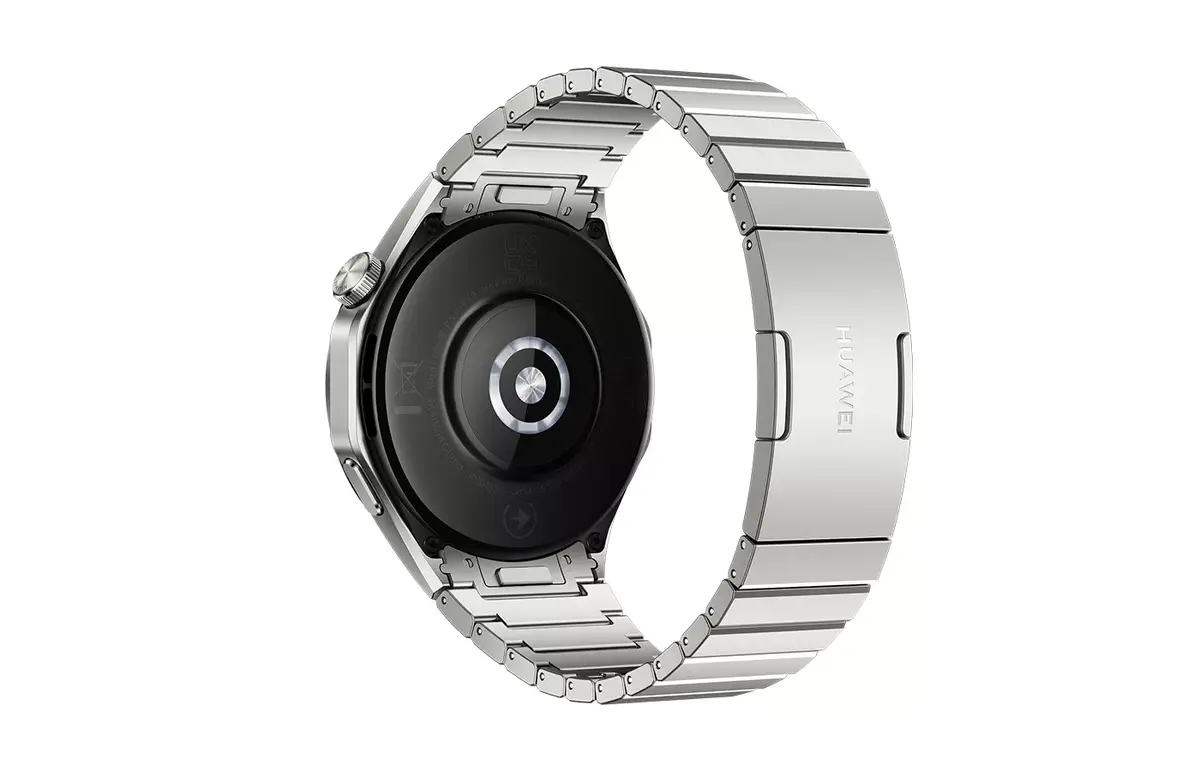
The large, high-resolution AMOLED screen provides clear readouts for notifications, maps and workout data while consuming power efficiently. Integrated GNSS with an enhanced satellite antenna array improves positioning accuracy for outdoor routes. HUAWEI TruSeen™ 5.5+ sensors deliver continuous heart rate, SpO2 and pulse wave analysis including arrhythmia indicators, while HUAWEI TruSleep™ 3.0 supports advanced sleep monitoring. With 32 GB storage and independent music playback the watch can store playlists for phone-free workouts. Long battery life supported by a 530 mAh cell enables extended use between charges.
Charge the watch fully before first use and pair it with your smartphone using the Huawei Health or the specified companion app. Configure permissions for notifications, GPS and media access to enable route tracking, incoming alerts and music transfer. Select a watch face or create a custom face and set daily activity goals. Start workouts from the exercise menu to record GPS routes and heart rate data; use the built-in music player and stored playlists for phone-free listening during sessions. Review health summaries and route history in the companion app for longer-term tracking.
For reliable GNSS accuracy, allow a clear view of the sky when starting outdoor activities and ensure the watch firmware and companion app are kept up to date. To maximize battery life, adjust screen brightness and Always On Display settings, disable unused connectivity options and use power-saving modes when extended runtime is needed.
{{highlightedFeature.featureTitle}}:
{{getProductFeatureValueById(product, highlightedFeature.featureId)}}
{{ productComparisonGenerationError }}