A curated selection of maximum value offers!
In cart {{totalProductsCount}} item(s)
Your cart is empty
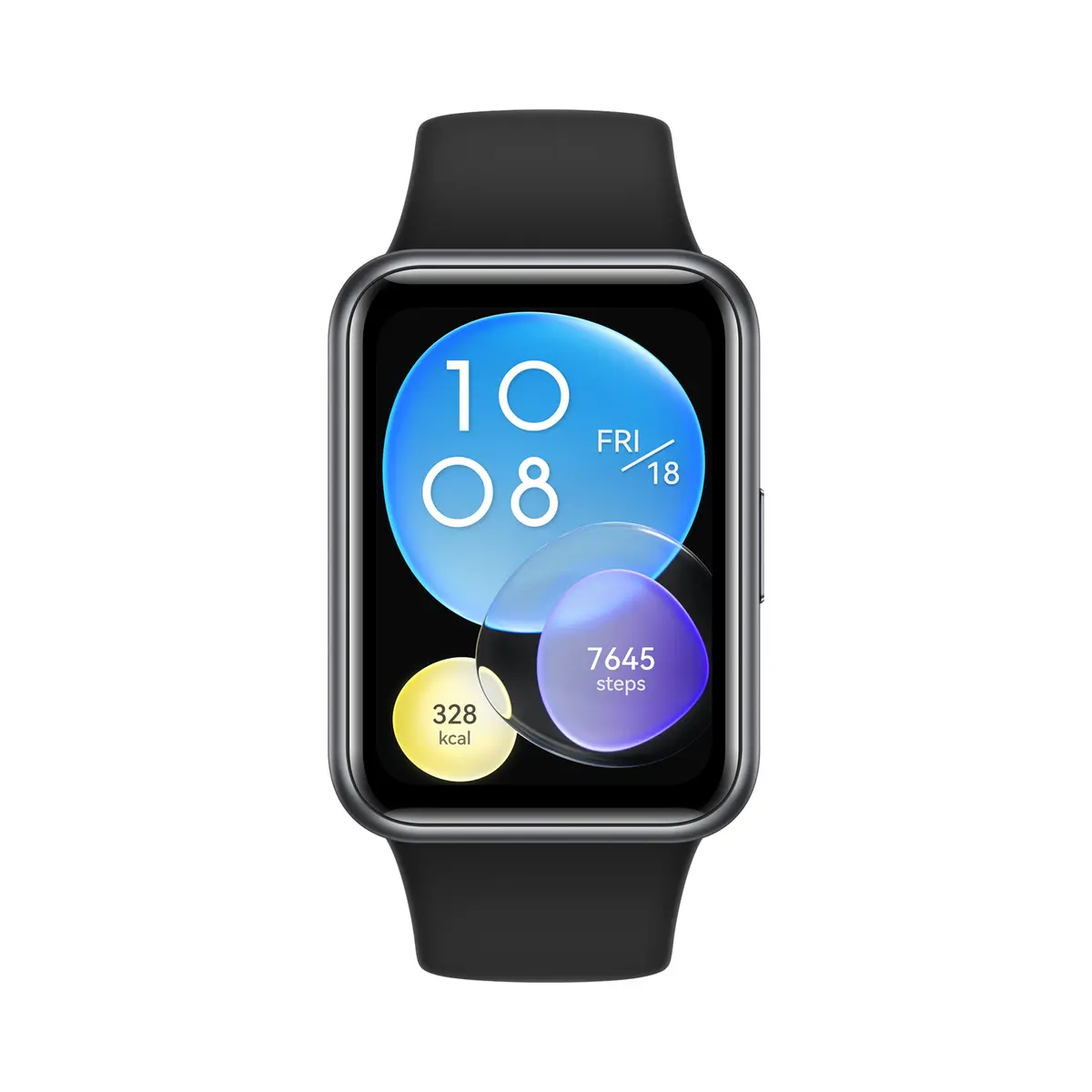
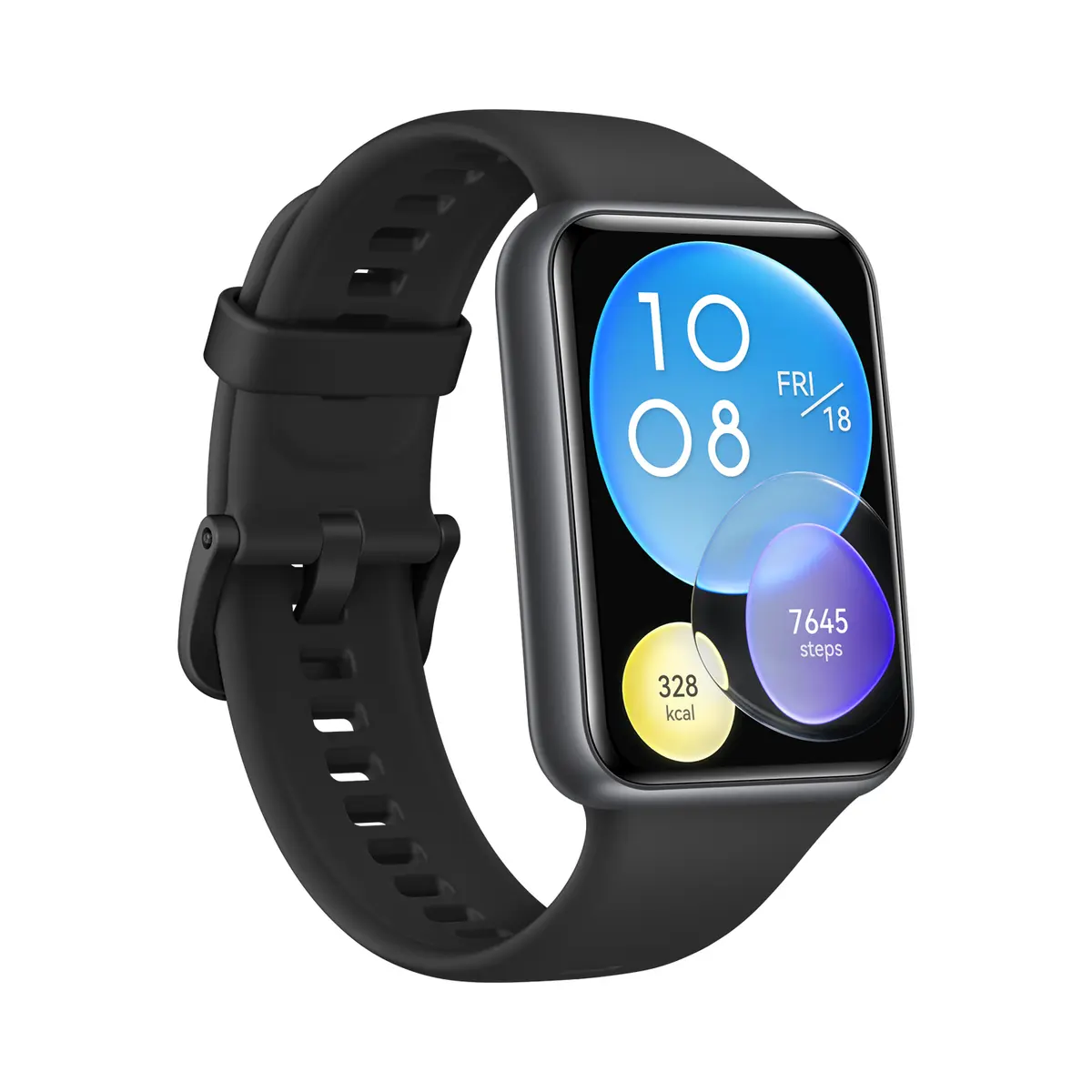
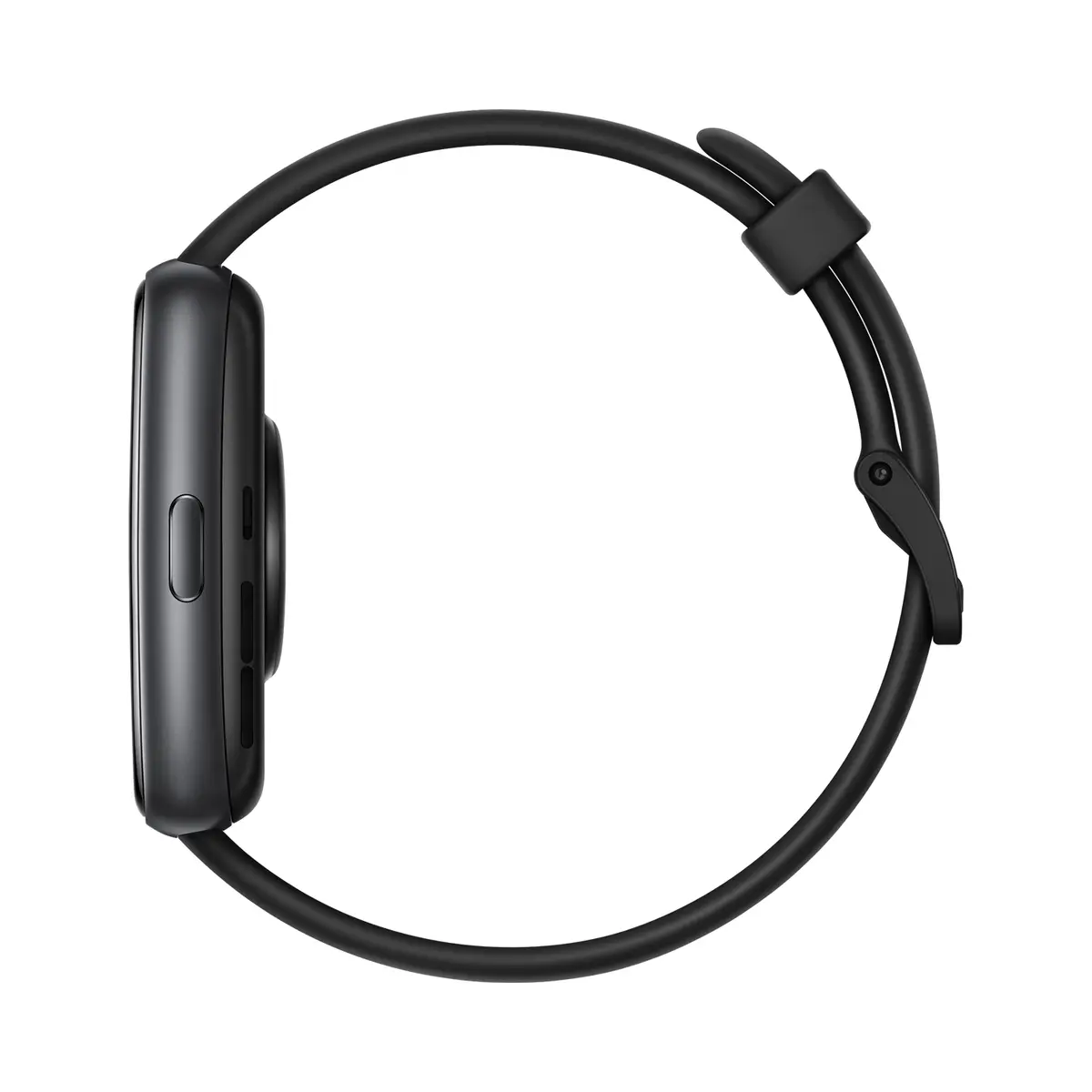
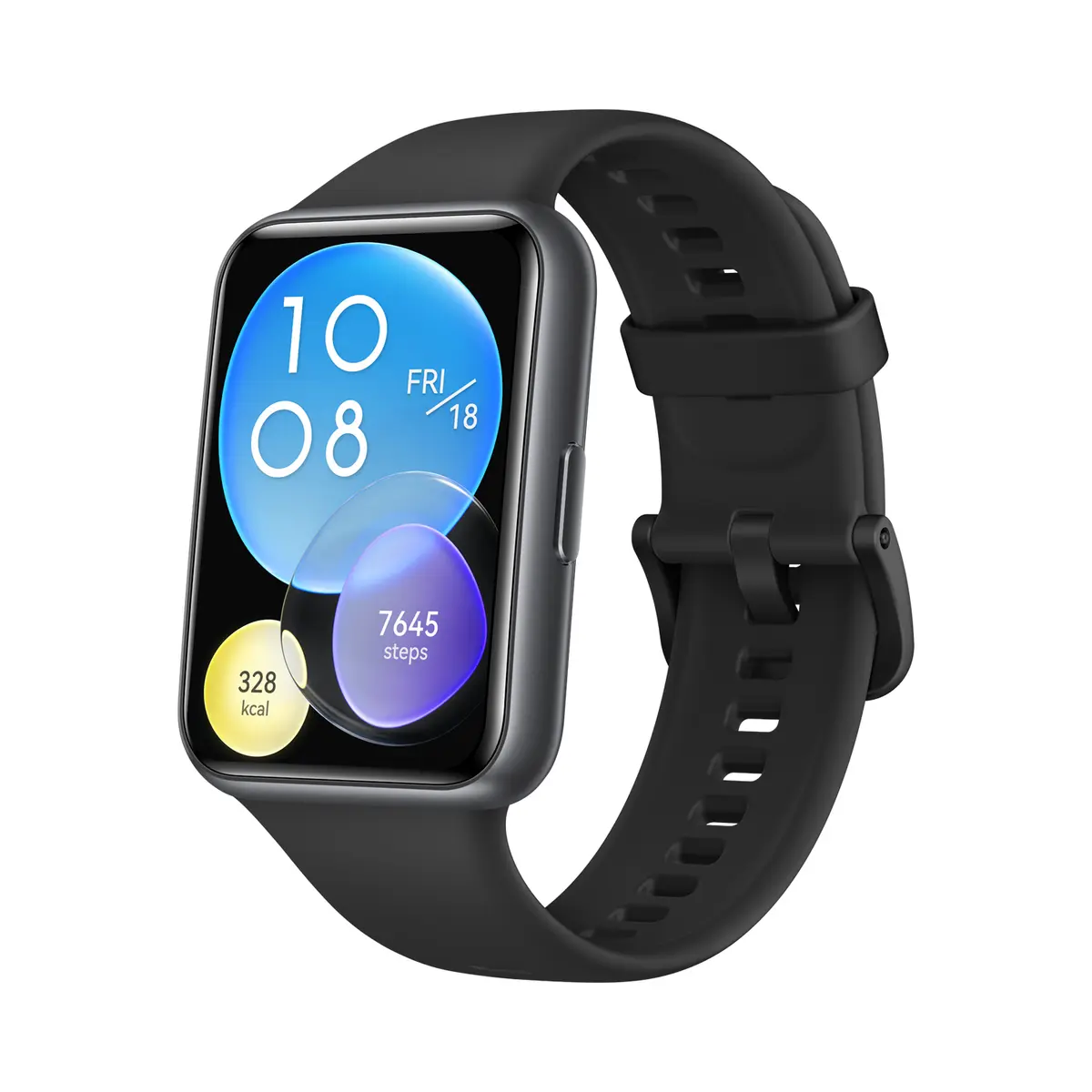
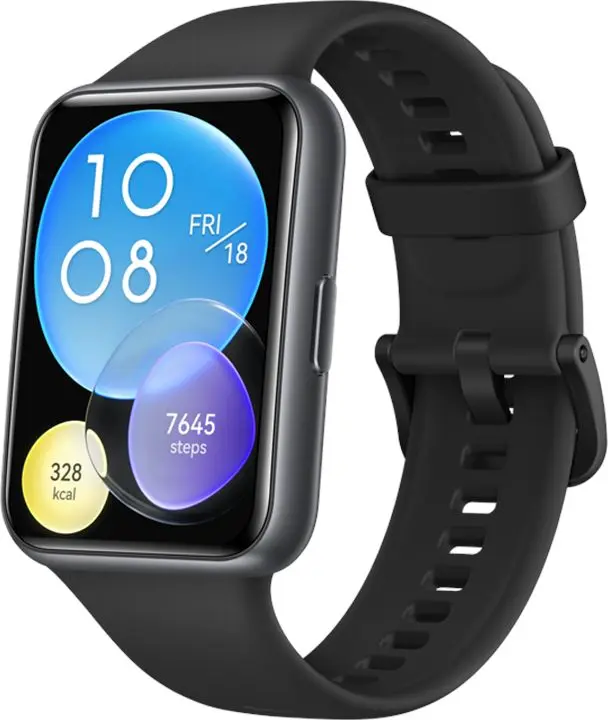
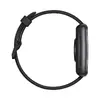
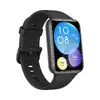
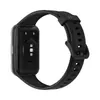
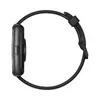
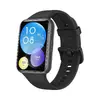
Huawei WATCH FIT 2 Smartwatch with 1.74-inch AMOLED Touchscreen Display, Black Silicone Band, GPS, and HarmonyOS
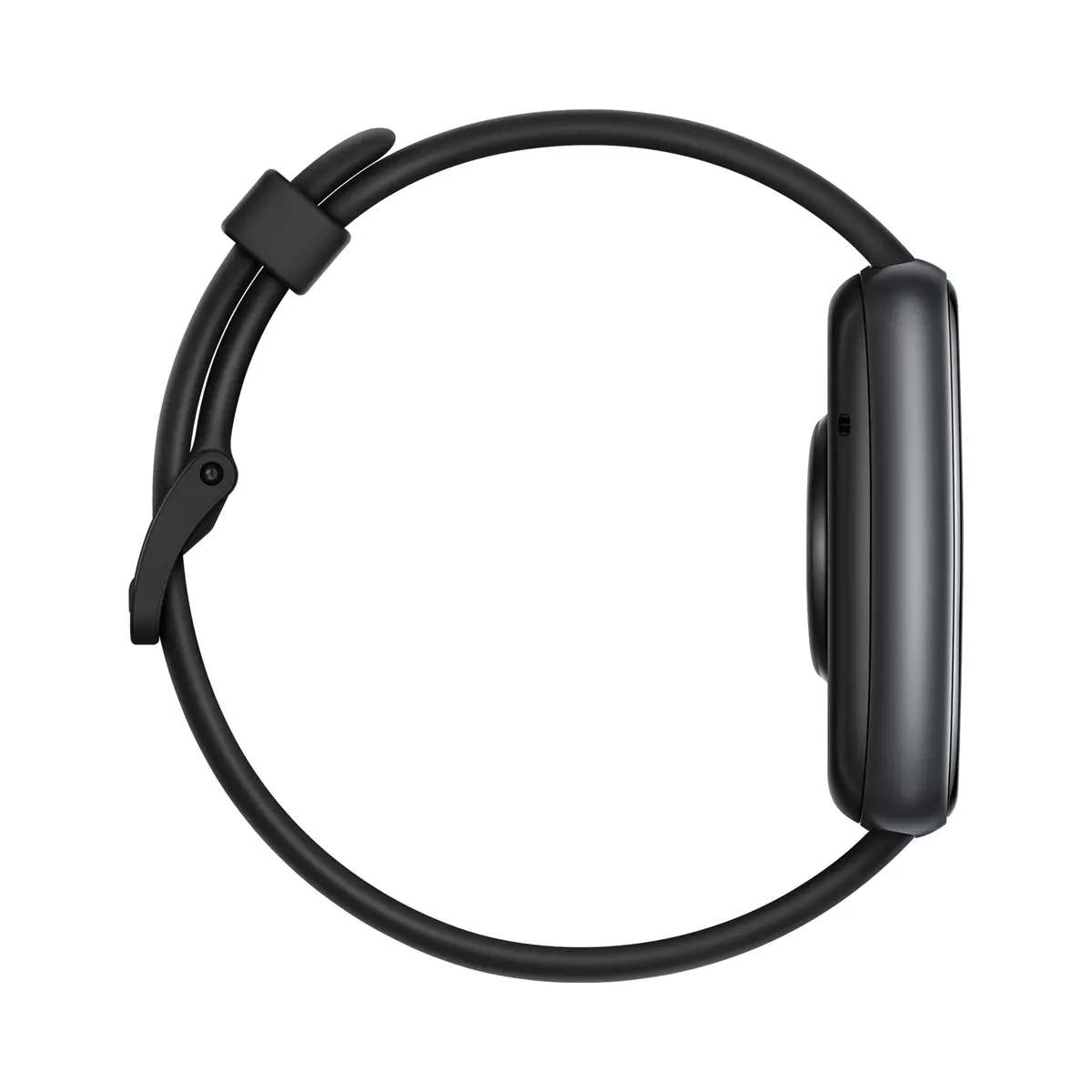
The Huawei WATCH FIT 2 Smartwatch with 1.74-inch AMOLED Touchscreen Display, Black Silicone Band, GPS, and HarmonyOS is designed to support your active daily lifestyle with precise tracking and modern connectivity. Featuring a vibrant rectangular AMOLED display, this smartwatch offers clear visuals for your metrics, notifications, and apps. Built with a lightweight polymer case and a durable black silicone band, it ensures comfortable wear throughout the day and during intensive workouts. Operating on HarmonyOS and equipped with a generous 32 GB of flash memory, it delivers smooth performance and ample storage for your needs.
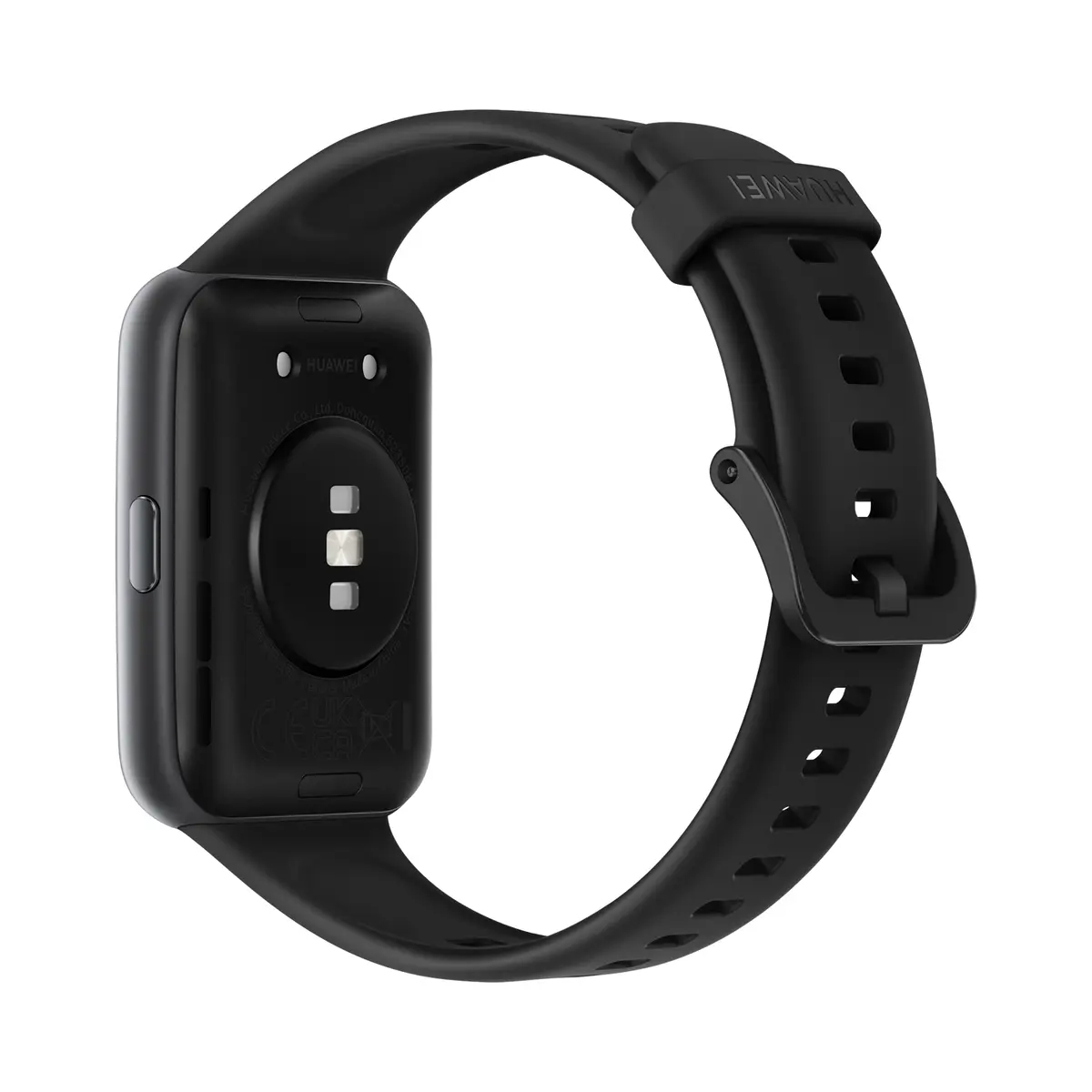
This smartwatch stands out with its bright and responsive 1.74-inch AMOLED touchscreen, making it easy to read data under various lighting conditions. Integrated GPS allows for accurate route tracking during outdoor activities without needing your smartphone nearby. Comprehensive health and fitness monitoring features, including a continuous heart rate monitor, accelerometer, and gyroscope, help you stay on top of your wellness goals. Additionally, built-in speakers and a microphone enable convenient Bluetooth calling directly from your wrist, while the 5 ATM water resistance rating ensures reliable performance during swimming and rain.
This device does not support Wi-Fi or mobile network connections, meaning it relies entirely on a Bluetooth connection to your smartphone for online data transfer. It may not meet the requirements of users looking for a standalone cellular smartwatch with independent internet access.
To begin using your smartwatch, charge the device using the provided charging cable and power it on. Download and install the companion app on your compatible Android or iOS smartphone, then follow the on-screen instructions to pair the watch via Bluetooth. Once connected, you can customize your watch face, configure notification settings, and select your preferred workout modes. Navigate the interface using touch gestures on the screen and physical button interactions to access your health data, messages, and settings.
For optimal battery life and device performance, regularly sync your fitness data with the companion app and keep the operating system updated to the latest version.
{{highlightedFeature.featureTitle}}:
{{getProductFeatureValueById(product, highlightedFeature.featureId)}}
{{ productComparisonGenerationError }}