Powerful EcoFlow stations for energy anywhere!
In cart {{totalProductsCount}} item(s)
Your cart is empty
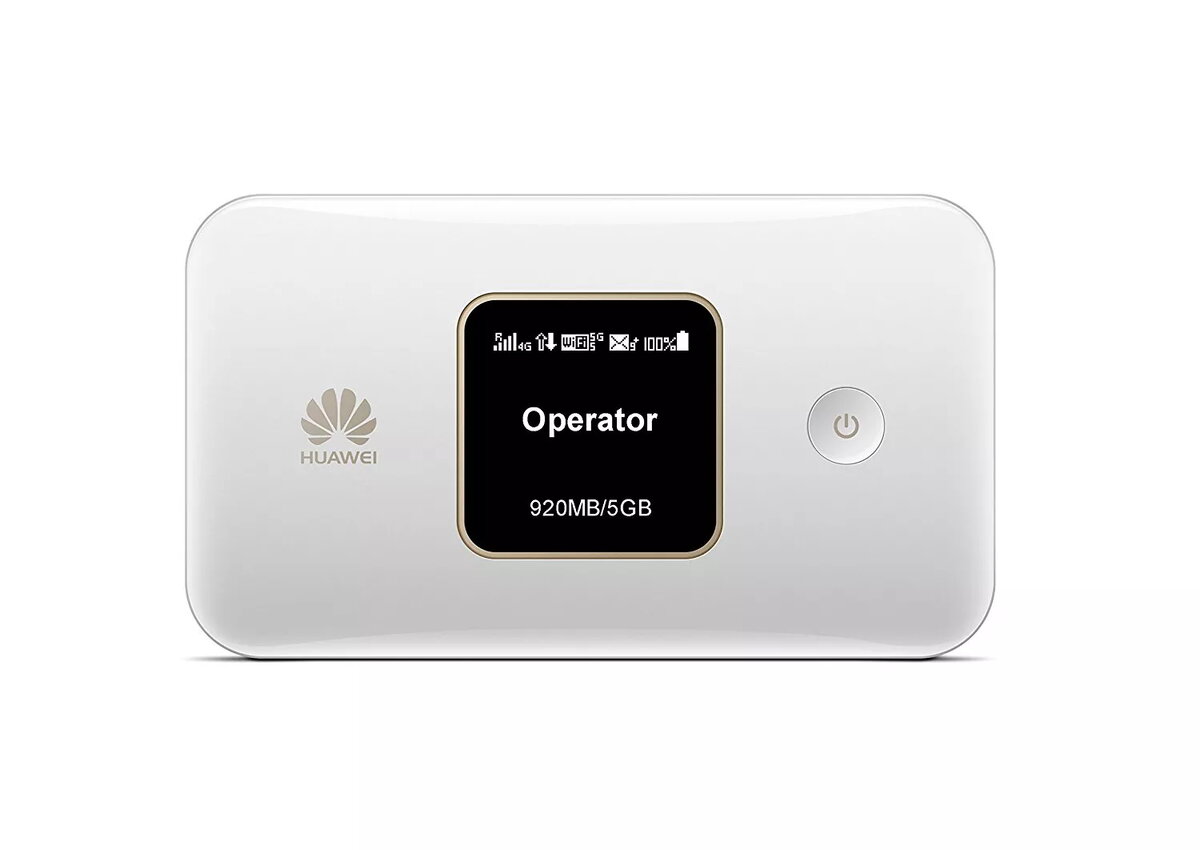
Cellular network router Huawei E5785Lh-22c
The Huawei E5785Lh-22c is a portable cellular network router designed to provide reliable high-speed internet connectivity for professionals and small office environments. This compact device functions as a multi-mode wireless terminal, allowing users to access the internet via various mobile network standards while on the move. Equipped with a clear TFT-LCD display, it offers intuitive monitoring of connection status, data usage, and battery life.
The primary benefit of this mobile router is its versatility and portability. With a lightweight design and a robust 3000 mAh battery, it ensures long-lasting connectivity without the need for constant power access. The device supports a wide range of network protocols, including LTE, HSPA+, and GSM, ensuring compatibility across different regions and service providers. Its dual-band Wi-Fi capability allows for efficient data distribution to multiple devices simultaneously, making it an excellent tool for maintaining productivity in remote locations.
This router may not be suitable for high-bandwidth industrial applications or environments requiring wired Ethernet connectivity for multiple desktop workstations, as it is primarily designed for wireless mobile use. It is also not intended to replace high-capacity fiber-optic broadband in fixed-location settings with a large number of concurrent users.
To use the Huawei E5785Lh-22c, insert a compatible SIM card into the designated slot and power on the device using the power button. Once the device initializes, use the TFT-LCD screen to view network information. Connect your smartphone, tablet, or laptop to the router's Wi-Fi network using the credentials provided on the device. You can manage settings and monitor data usage through the web-based interface by accessing the router's IP address in your browser.
For optimal performance, keep the device in an area with good cellular reception and ensure the firmware is updated regularly through the web management interface to maintain security and stability.
{{highlightedFeature.featureTitle}}:
{{getProductFeatureValueById(product, highlightedFeature.featureId)}}