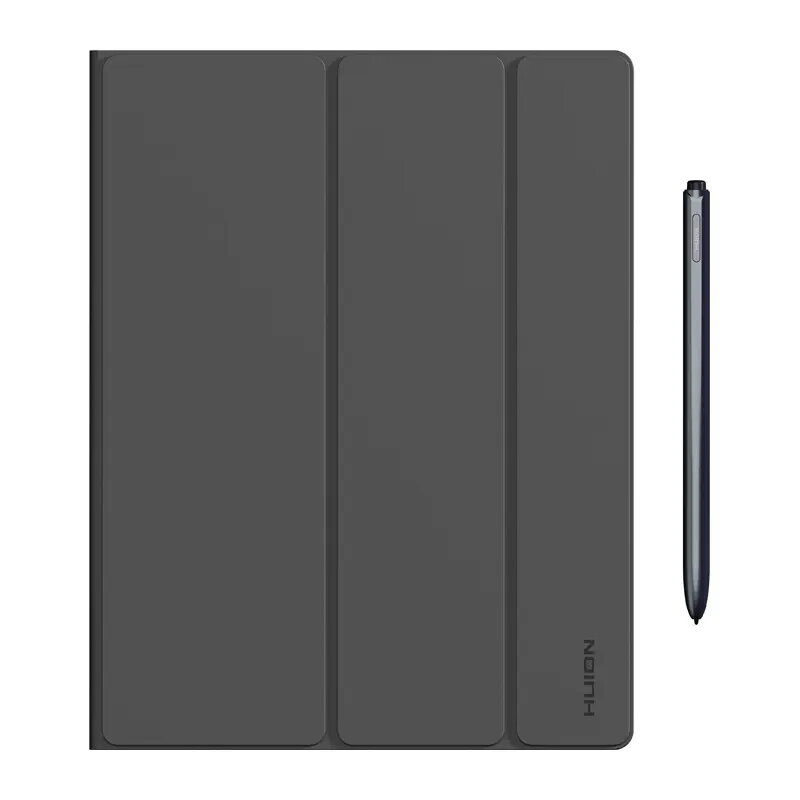
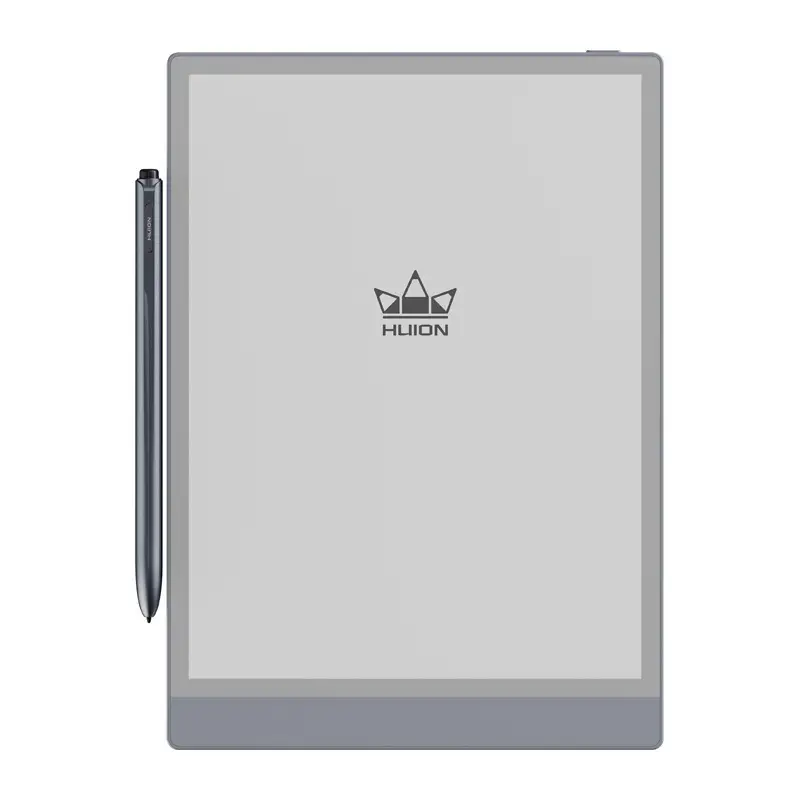
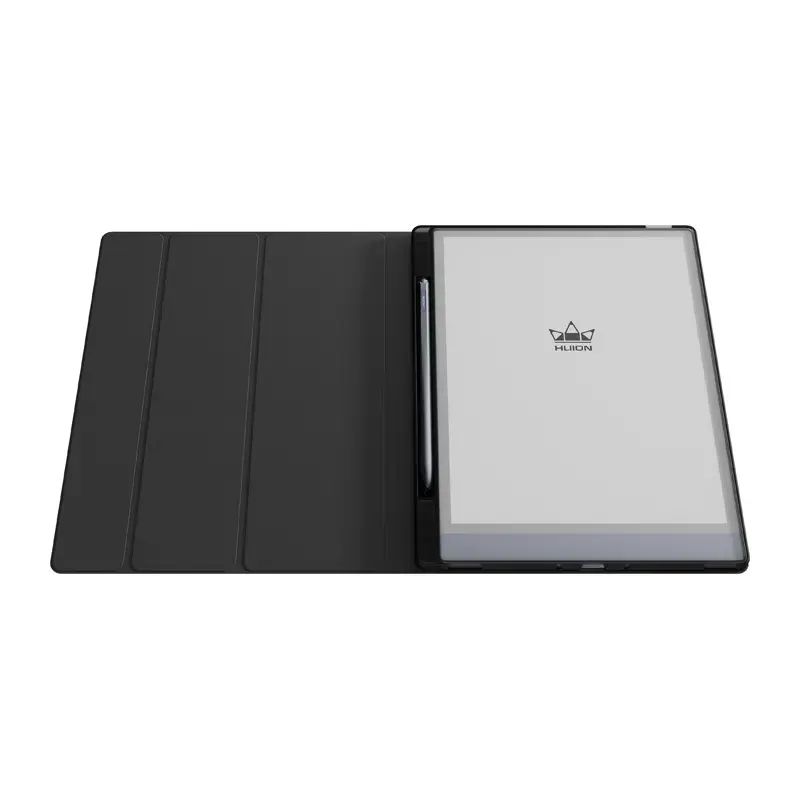
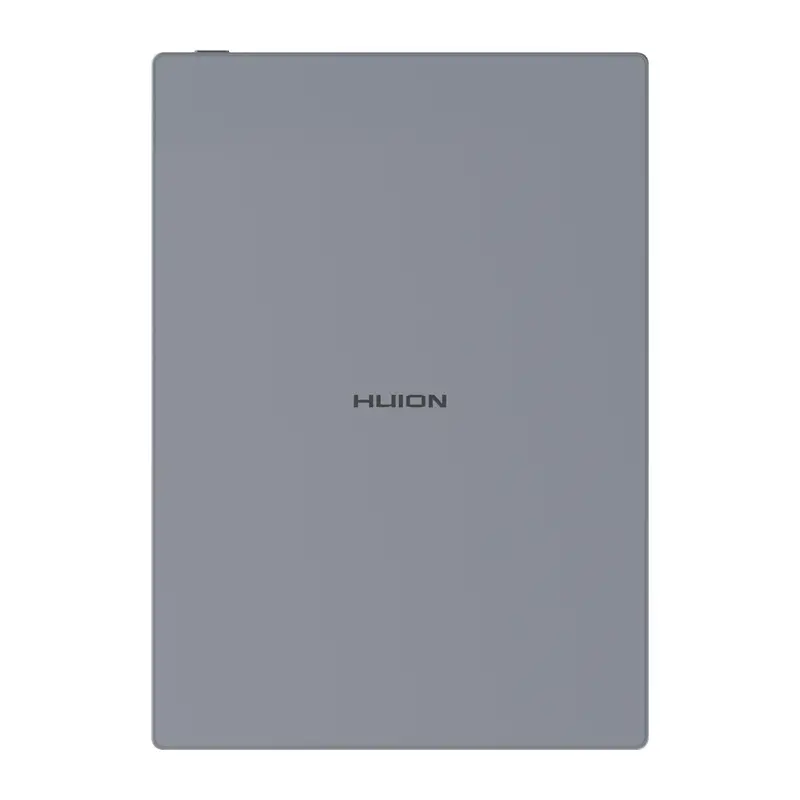
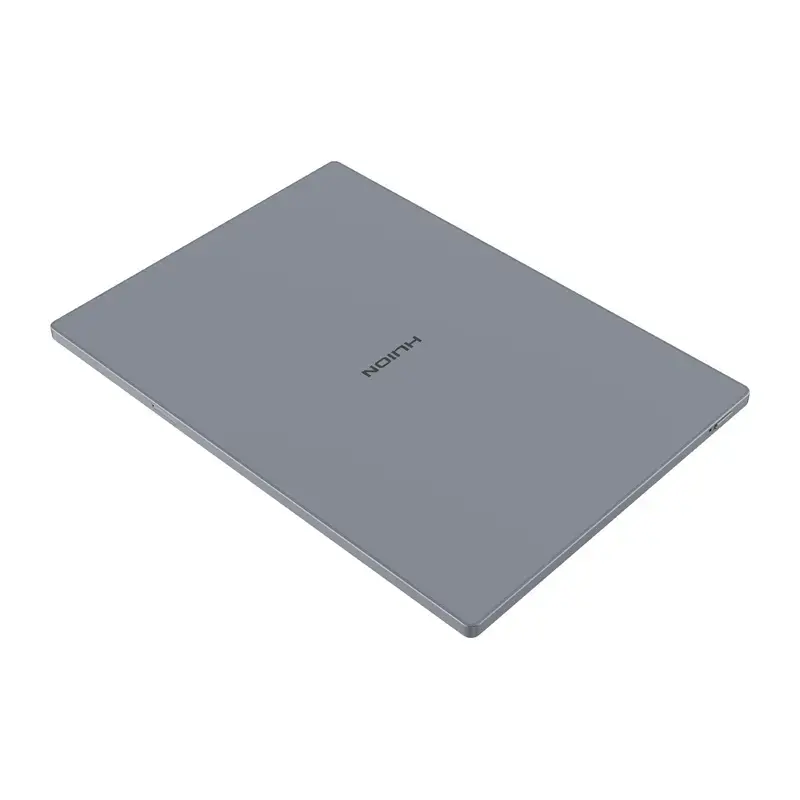
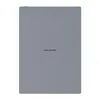
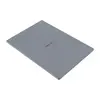
The graphics tablet HUION Kamvas Ink Digital Notebook 10 EB1011 is compared with HUION Kamvas RDS160, HUION Kamvas Pro 24 GEN 3 GT2402, Huion Kamvas 24 GS2401, HUION Kamvas 22 GEN 3 (GS2203), and HUION Kamvas Pro 27 144Hz GT2702. All of these devices are designed by HUION and feature pen input capabilities, but the EB1011 is specifically tailored for handwriting, note-taking, sketching, and digital journaling on a portable 10.1-inch display. Meanwhile, the alternative products are larger desktop display tablets intended for professional digital illustration, concept art, photo retouching, and 3D modeling.
⚙️ The specification comparison and key differences between the HUION Kamvas Ink Digital Notebook 10 EB1011 and the alternative models focus on device type, display size, and intended use.
| Comparison parameter | HUION Kamvas Ink Digital Notebook 10 EB1011 | HUION Kamvas RDS160 | HUION Kamvas Pro 24 GEN 3 GT2402 | Huion Kamvas 24 GS2401 | HUION Kamvas 22 GEN 3 (GS2203) | HUION Kamvas Pro 27 144Hz GT2702 | Practical significance |
|---|
| Device type | Digital notebook and note-taking tablet | Drawing display tablet | Large workspace pen display tablet | Large workspace pen display tablet | Professional graphics tablet display | High-refresh drawing display | Determines device portability and use cases ranging from casual notes to large-scale digital art. |
| Display size | 10.1 inches | Not specified | 24 inches | 23.4 inches | Not specified (22-inch series) | 27 inches | A smaller screen ensures portability and note-taking convenience, while larger screens offer expansive workspaces for detailed artwork. |
| Primary use | Handwriting, notes, sketches, digital journaling | Digital illustration, concept art, photo retouching | Detailed graphics, illustration, and retouching | Digital art and design | Creative workflows, retouching, 3D modeling | Detailed digital art, concept art, smooth stroke tracking | Kamvas series models focus on professional art, whereas the EB1011 is optimized for text notes and quick sketches. |
◎ The evaluation of use cases and buyer needs helps determine which product is most suitable for specific tasks, studies, or professional work.
| Use case | Recommended product | Why |
|---|
| Note-taking, handwriting, studying, and mobile sketches | HUION Kamvas Ink Digital Notebook 10 EB1011 | The compact 10.1-inch screen and digital notebook format are ideal for writing and sketching on the go. |
| Professional illustration and retouching in a studio or home setup | HUION Kamvas RDS160, HUION Kamvas Pro 24 GEN 3 GT2402, Huion Kamvas 24 GS2401, HUION Kamvas 22 GEN 3 (GS2203), HUION Kamvas Pro 27 144Hz GT2702 | Large screens and robust software compatibility provide precise control and ample workspace for complex creative projects. |
The HUION Kamvas Ink Digital Notebook 10 EB1011 differs significantly from the other models in the lineup through its compact form factor and dedicated focus on notes, handwriting, and sketches, whereas the alternative devices are large stationary screens built for digital artists and designers. This model is best suited for students and professionals who value portability and a paper-like input experience. A buyer should choose the EB1011 if their primary goal is a digital notepad rather than large-scale studio illustration.