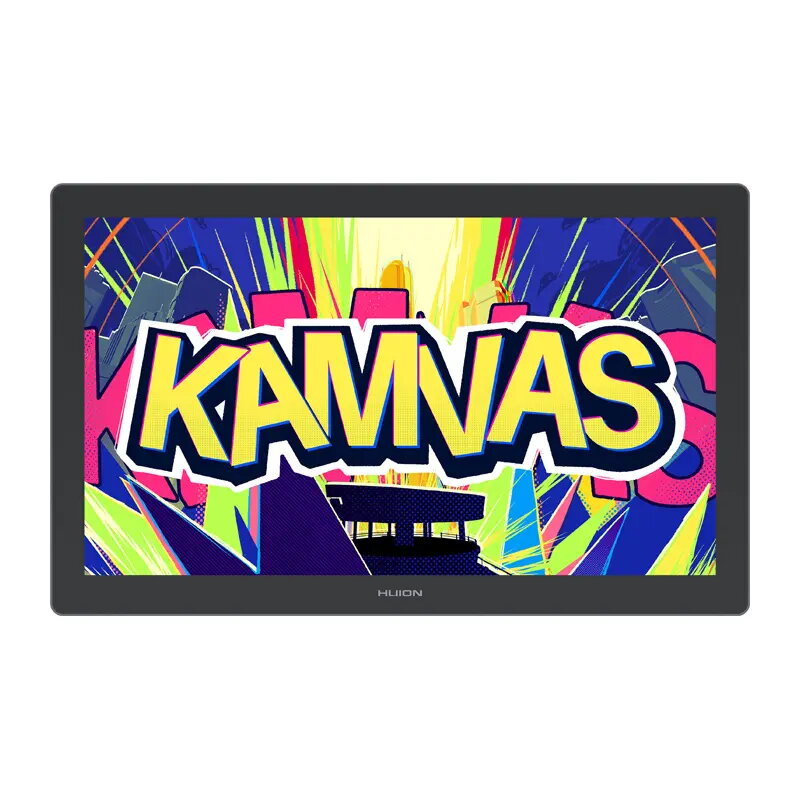
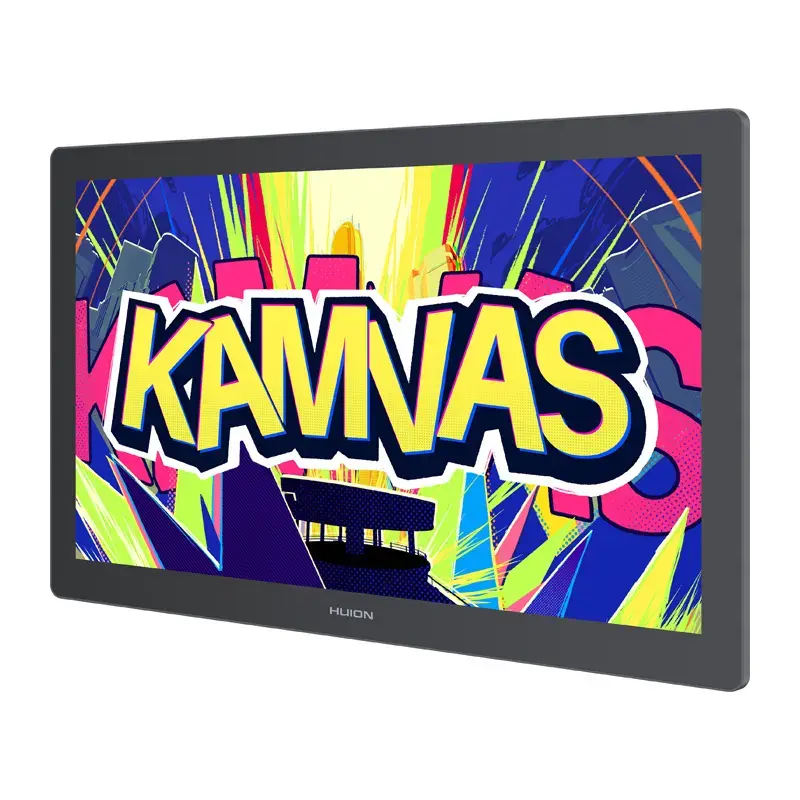
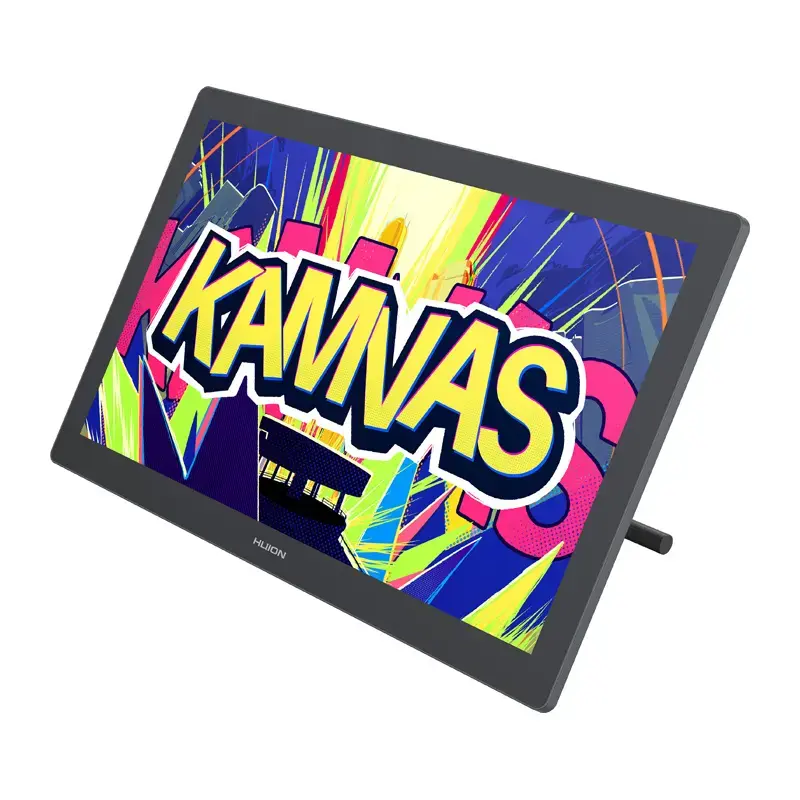
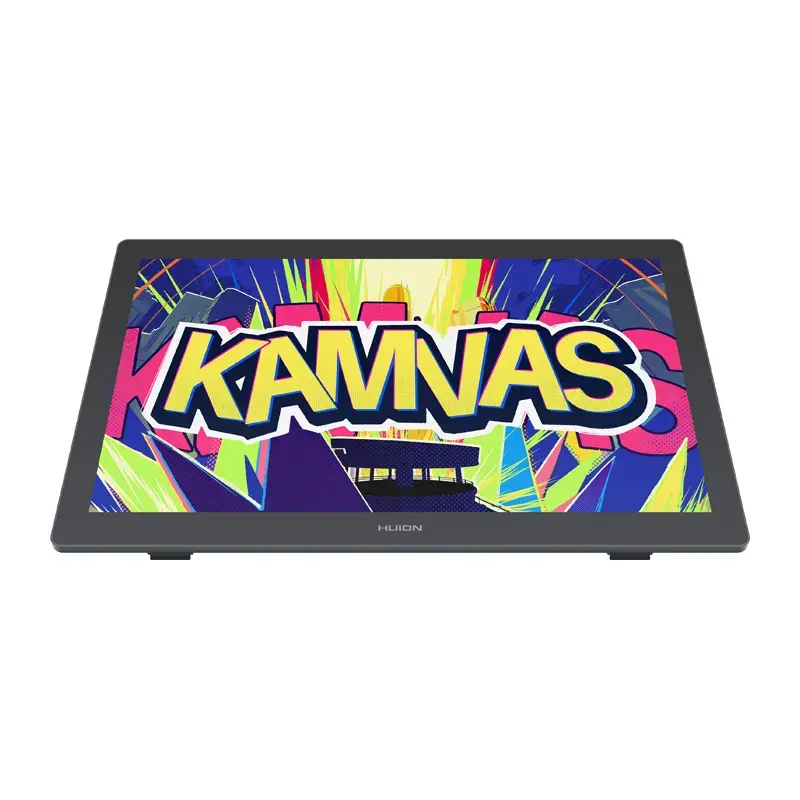
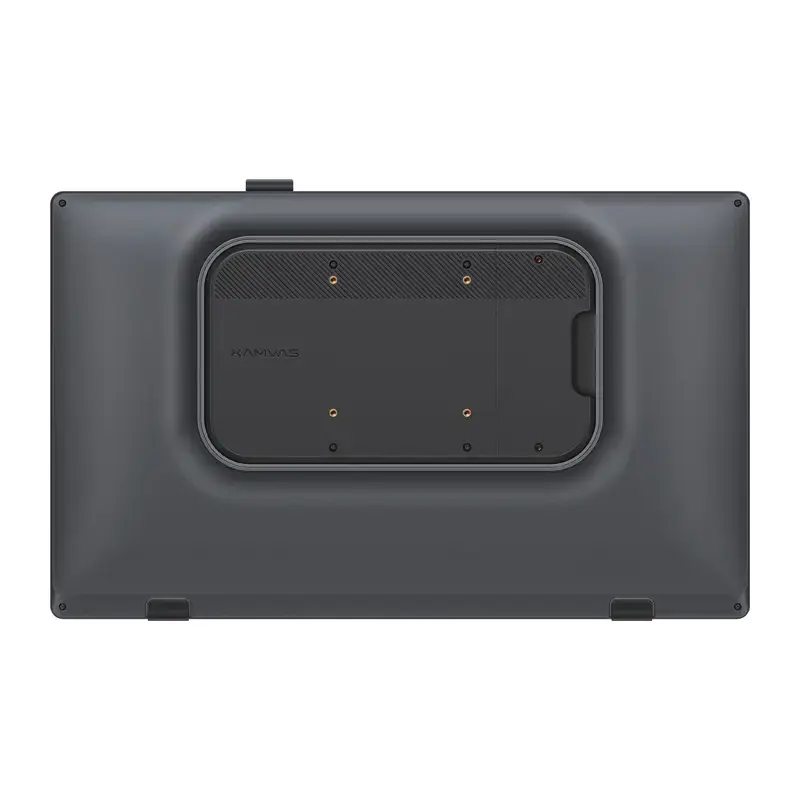
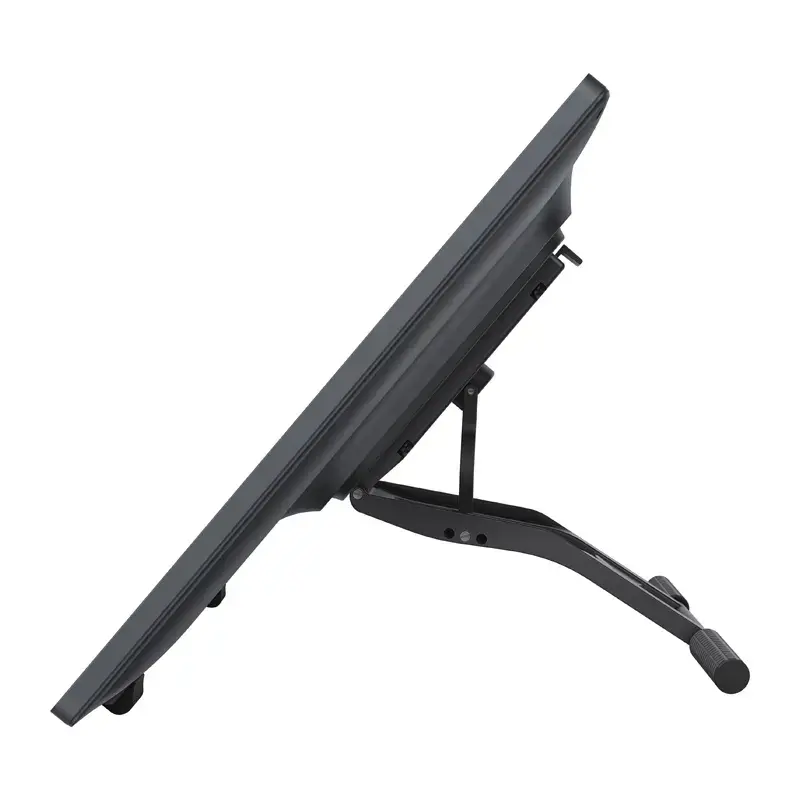
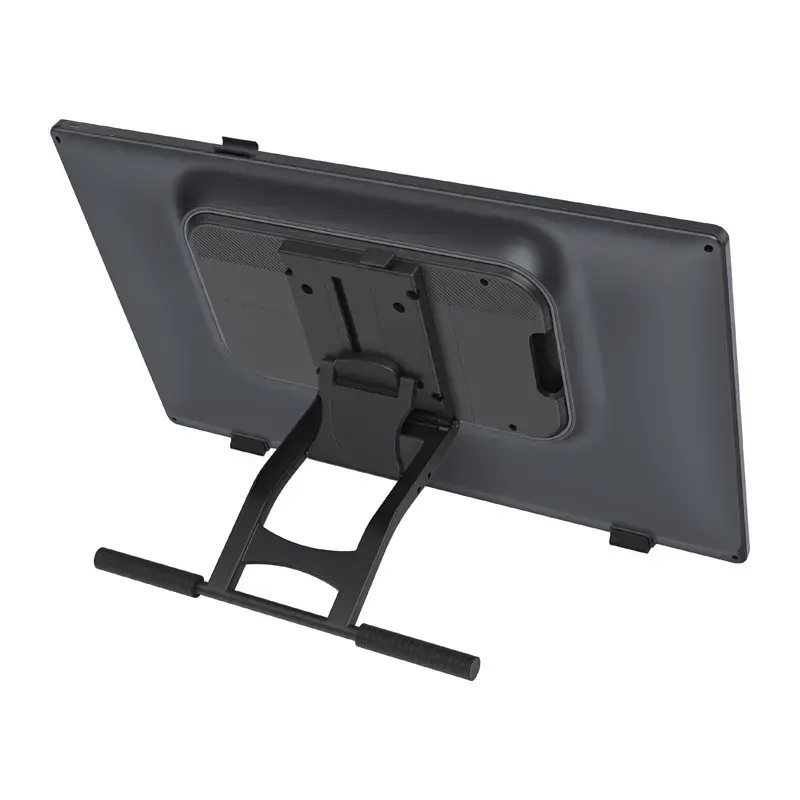
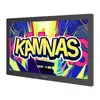
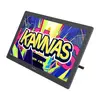
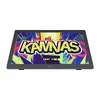
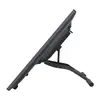
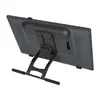
The HUION Kamvas 22 GEN 3 (GS2203) is a professional-grade graphics tablet featuring a high-resolution 21.5-inch 2.5K pen display. Designed for digital artists, illustrators, and designers, it integrates PenTech 4.0 technology with 16,384 pressure levels to provide a natural, precise drawing experience. With its expansive workspace, accurate color reproduction, and fully laminated Canvas Glass 2.0, this tablet is built to enhance creative workflows and productivity.
Advantages
The device offers exceptional visual clarity through its 2.5K resolution and 90 Hz refresh rate, ensuring smooth line flow and reduced latency. The inclusion of PenTech 4.0 technology allows for highly sensitive input with a low activation force, mimicking the feel of traditional media. Users benefit from professional-grade color accuracy with a ΔE < 1.2 and support for multiple color gamuts, making it suitable for color-critical work. The ergonomic design, featuring an adjustable stand and ambient backlighting, ensures comfort during extended creative sessions.
Suitable for
- Digital illustration and concept art
- Professional photo retouching and graphic design
- 3D modeling and sculpting
- Animation and motion graphics
- Educational environments for digital art training
This tablet may not be suitable for users seeking a portable, battery-powered solution, as it requires a stable connection to a computer or compatible device and an external power source. Additionally, its large 21.5-inch form factor requires significant desk space, which may not be ideal for users with limited workspace or those who require a highly mobile setup.
Key specifications
- 21.5-inch IPS display with 2560 × 1440 (2.5K) resolution
- 90 Hz refresh rate for smooth performance
- 16,384 levels of pressure sensitivity with PenTech 4.0
- Color accuracy of ΔE < 1.2 with 99% sRGB coverage
- Fully laminated Canvas Glass 2.0 with anti-glare nano-texture
- Battery-free EMR pen (PW600L) with ±60° tilt support
- Connectivity via HDMI and USB-C
- Compatible with Windows, macOS, and select Android devices
To begin using the tablet, connect it to your computer using the provided HDMI or USB-C cables and ensure the necessary drivers are installed from the official Huion website. Once connected, calibrate the pen in the driver settings to ensure optimal alignment between the pen tip and the cursor. You can customize the side buttons on the pen and adjust the display settings, such as color modes and ambient lighting, to suit your specific creative environment.
What to consider before purchase
- Ensure your computer has a compatible HDMI or full-featured USB-C port.
- Verify that your workspace can accommodate a 21.5-inch display.
- Check system compatibility with your current operating system version.
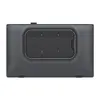
- Consider if you require additional desk accessories like a monitor arm, as the device is VESA mount compatible.
Usage recommendations: For the best experience, keep the screen clean using the provided cloth and store the pen in its holder when not in use to protect the nib. Regularly check for driver updates to ensure compatibility with the latest versions of your design software.