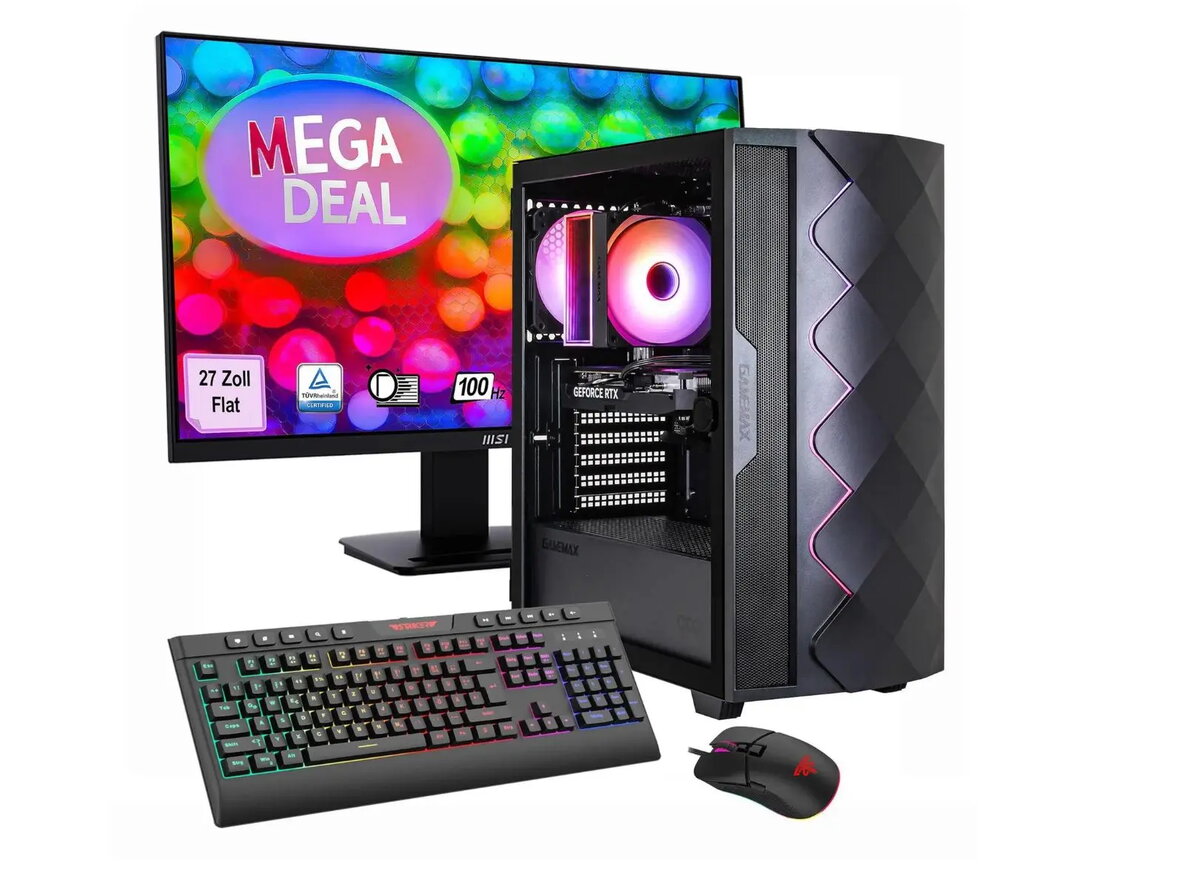
Hyrican gaming desktop set GAMEMAX MegaDeal Diamond BK Ryzen 5 5500 16GB 1TB SSD RTX 5050 with MSI PRO MP273A 27" LED monitor is a complete PC bundle that combines a compact tower workstation with a 27-inch LED display. The desktop houses an AMD Ryzen 5 5500 processor, 16 GB of system memory and a 1 TB solid-state drive for fast boot and load times, together with an NVIDIA RTX 5050 discrete graphics card to handle modern games, video playback and GPU-accelerated tasks. The included MSI PRO MP273A 27" LED monitor offers a large viewing area suitable for gaming sessions, multimedia and productive work.
Advantages
The set delivers balanced computing performance for gaming and general multimedia through a six-core processor, dedicated graphics and a generous SSD capacity for applications and game installations. 16 GB of RAM supports multitasking and smoother gameplay, while the RTX 5050 GPU provides hardware acceleration for graphics-intensive tasks and modern rendering features. The full desktop bundle with monitor reduces compatibility concerns and simplifies setup for users who need a ready-to-use system.
Suitable for
- Casual and competitive gaming at medium to high settings
- Streaming and content playback
- Photo and video editing at hobbyist and semi-professional levels
- Home office, multitasking and productivity applications
Key specifications
- Processor type: AMD Ryzen 5 5500, six cores
- System memory: 16 GB RAM
- Storage: 1 TB solid-state drive (SSD)
- Graphics: NVIDIA RTX 5050 discrete GPU
- Monitor: 27" (69 cm) LED panel, MSI PRO MP273A
- Form factor: Desktop tower
How to use
Unpack the desktop, monitor and accessories, place the tower on a stable surface and connect the monitor to the graphics output using the supplied cable. Connect the keyboard, mouse and power cables, then power on the system. Use the operating system setup prompts to create user accounts, install drivers if necessary and update system software. Install games, applications and user files to the SSD for best performance. Adjust display settings on the MSI PRO MP273A monitor and in the graphics driver control panel to match preferred resolution, refresh rate and color profile.
Usage recommendations
For consistent performance, keep system drivers and the graphics driver up to date, maintain at least 15-20% free space on the SSD, and ensure adequate airflow around the desktop tower. Use the monitor's on-screen menu to calibrate brightness and color for gaming or content work. For demanding games, set in-game graphics to a mix of medium to high presets to balance frame rate and image quality with the RTX 5050.