-
Security algorithms:
Security algorithms are used to provide authentication, cipher key generation, integrity and radio link privacy to users on mobile networks. The security algorithms supported are the ones that can be used with this product.
-
WEP, WPA, WPA-PSK, WPA2, WPA2-PSK
-
Plug and Play:
Indicates whether this product supports is "plug and play". Plug and play is hardware or software that, after being installed ("plugged in"), can immediately be used ("played with"), as opposed to hardware or software which requires configuration.
-
Yes
-
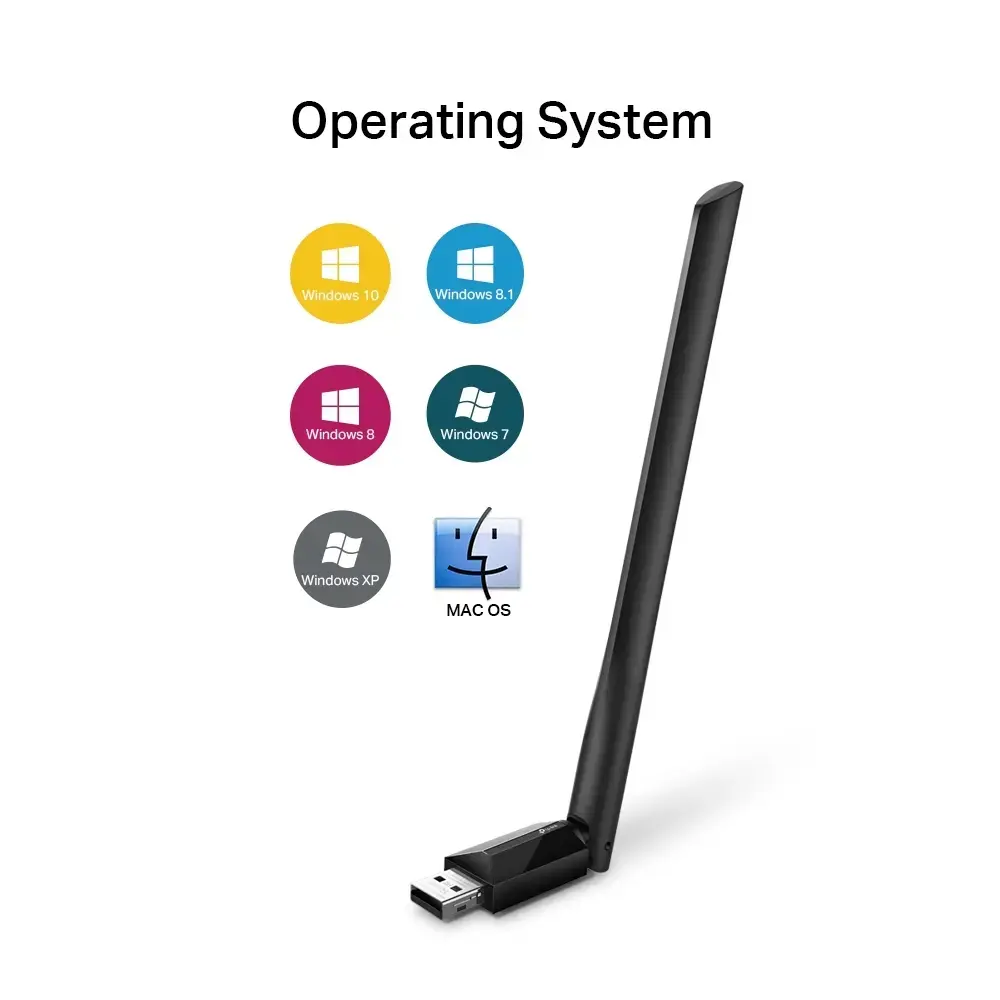
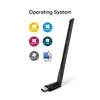
Windows operating systems supported:
Windows vesions wich can be used with the device.
-
Windows 11 Enterprise x64, Windows 7 Professional x64, Windows 10, Windows 11 Home, Windows 7 Starter, Windows 10 Education, Windows 11 Pro, Windows 7 Starter x64, Windows 8.1 x64, Windows 10 Education x64, Windows 11 x64, Windows 7 Ultimate, Windows 10 Enterprise, Windows 7 Ultimate x64, Windows 10 Enterprise x64, Windows 7 x64, Windows 10 Home, Windows 8, Windows 10 Home x64, Windows 7, Windows 8 Enterprise, Windows 10 IOT Core, Windows 7 Enterprise, Windows 8 Enterprise x64, Windows XP, Windows 10 IoT Enterprise, Windows 7 Enterprise x64, Windows 8 Pro, Windows XP Home, Windows 10 Pro, Windows 7 Home Basic, Windows 8 Pro x64, Windows XP Home x64, Windows 10 Pro x64, Windows 7 Home Basic x64, Windows 8 x64, Windows XP Professional, Windows 10 x64, Windows 7 Home Premium, Windows 8.1, Windows XP Professional x64, Windows 11, Windows 7 Home Premium x64, Windows 11 Enterprise, Windows 7 Professional
-
Mac operating systems supported:
Mac operating systems e.g. OS X can be used with the device.
-
Mac OS X 10.10 Yosemite, Mac OS X 10.11 El Capitan, Mac OS X 10.12 Sierra, Mac OS X 10.13 High Sierra, Mac OS X 10.14 Mojave, Mac OS X 10.15 Catalina, Mac OS X 10.15.3 Catalina, Mac OS X 10.9 Mavericks, Mac OS X 11.0 Big Sur, Mac OS X 12.0 Monterey, Mac OS X 13.0 Ventura