Leave your address - as soon as the price of the product goes down, you'll know about it right away
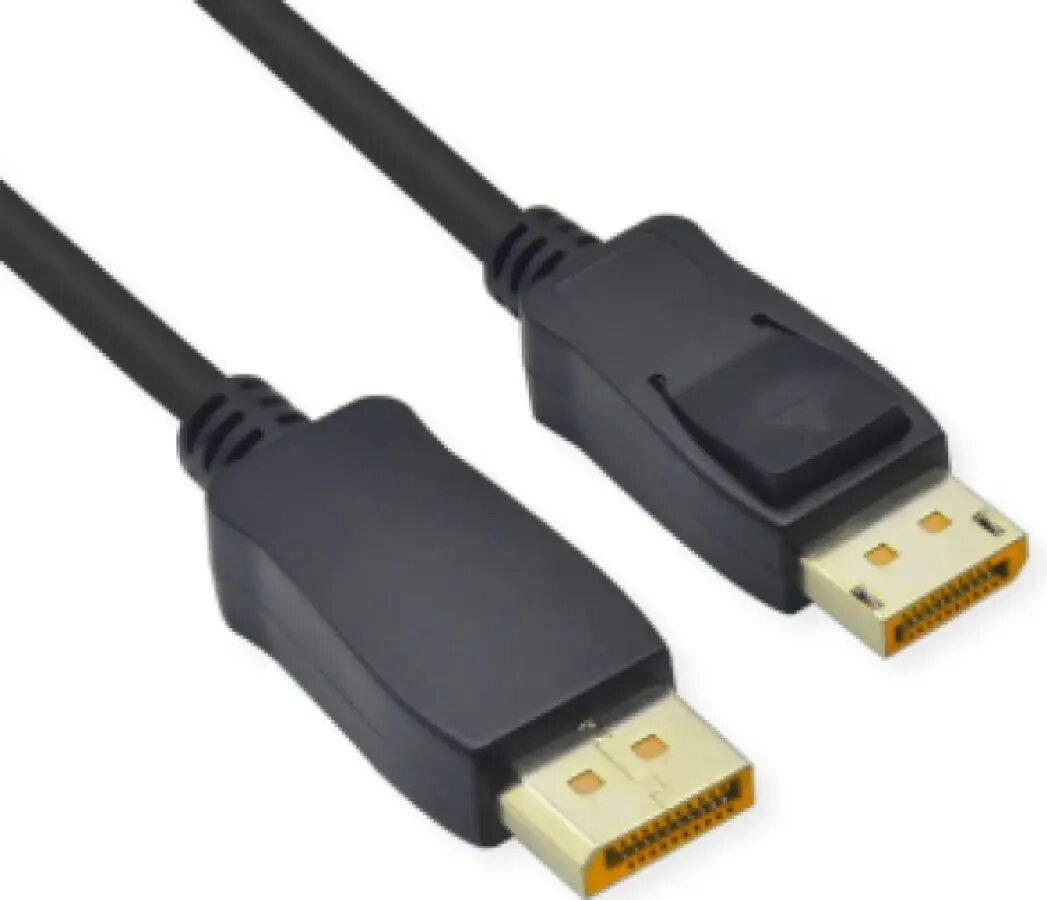
DisplayPort cable ICIDU Brackton D-51-05.0 — DisplayPort 1.4, 8K@60Hz, 5 m
In cart {{totalProductsCount}} item(s)
Your cart is empty
DisplayPort cable ICIDU Brackton D-51-05.0 — DisplayPort 1.4, 8K@60Hz, 5 m
Leave your address - as soon as the price of the product goes down, you'll know about it right away
DisplayPort cable ICIDU Brackton D-51-05.0 — DisplayPort 1.4, 8K@60Hz, 5 m
The ICIDU Brackton D-51-05.0 DisplayPort cable is a 5-metre DisplayPort 1.4 connection cable engineered for high-resolution video and audio transmission. It supports DisplayPort 1.4 bandwidth with capability for up to 8K at 60Hz and provides a single-cable solution for connecting PCs, graphics cards, monitors and docking stations over longer distances without active extenders.
This DisplayPort cable delivers high-bandwidth signal transfer suitable for demanding visual applications while maintaining signal integrity across a 5 m length. It supports high refresh rates and deep colour depths for compatible displays and preserves multi-channel audio. The connector design ensures a secure mechanical fit and compatibility with standard DisplayPort ports on consumer and professional devices.
Connect one DisplayPort connector to the source device (PC, laptop docking station or graphics card) and the other end to the target display or monitor. Ensure both devices are powered on and configured to use the DisplayPort input in the display settings. For highest resolutions and refresh rates, configure output resolution and refresh rate in the operating system or graphics driver control panel. Route the cable to avoid sharp bends and reduce electromagnetic interference by keeping it away from large power supplies or unshielded power cables.
For reliable 8K@60Hz performance, use this cable with devices that explicitly support DisplayPort 1.4 and verify display and GPU firmware/drivers are up to date. Avoid excessive bending near the connector ends and ensure secure insertion into ports. For multi-monitor or long-run installations, test the desired resolution and refresh rate before final cable routing.
{{highlightedFeature.featureTitle}}:
{{getProductFeatureValueById(product, highlightedFeature.featureId)}}