Leave your address - as soon as the price of the product goes down, you'll know about it right away
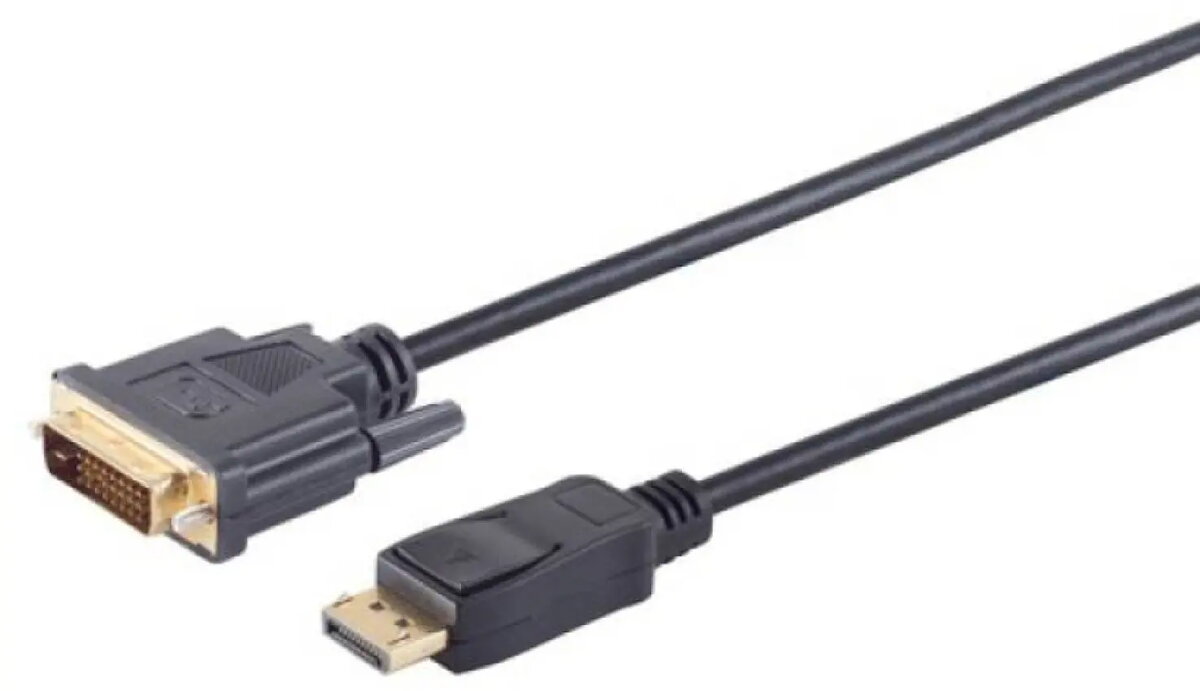
DisplayPort to DVI Cable ICIDU DV-21-10.0, 10 m, 1080p 60Hz
In cart {{totalProductsCount}} item(s)
Your cart is empty
DisplayPort to DVI Cable ICIDU DV-21-10.0, 10 m, 1080p 60Hz
Leave your address - as soon as the price of the product goes down, you'll know about it right away
DisplayPort to DVI Cable ICIDU DV-21-10.0, 10 m, 1080p 60Hz
ICIDU DisplayPort to DVI Cable DV-21-10.0 is a 10-metre passive video adapter cable designed to connect a source with a DisplayPort output to a display with a DVI input. The cable supports Full HD resolution up to 1080p at 60 Hz and is intended for applications where a stable 1080p signal is required over an extended distance. Its design suits desktop PCs, laptops and graphics cards with DisplayPort connectors and monitors, projectors or DVI-equipped displays.
The passive construction provides a simple plug-and-play connection without the need for external power or drivers. With a 10 m length, the cable allows flexible device placement when direct proximity between source and display is not possible. Support for 1080p at 60 Hz ensures smooth video playback and clear image quality for standard multimedia, office work and presentations.
Ensure the source device has an active DisplayPort output and the display has a compatible DVI input. Power off both devices if recommended by the display or computer manufacturer, then connect the DisplayPort end to the source and the DVI end to the display. Power on the devices and select the DVI input on the display if necessary. Configure the output resolution on the source device to 1920 x 1080 at 60 Hz to achieve optimal performance.
For reliable operation, avoid sharp bends or kinks in the cable and maintain a gentle bend radius along the run. If using long cable runs near sources of strong electromagnetic interference, route the cable away from heavy-duty power lines and large transformers. Verify that the display supports single-link DVI at 1080p and adjust display settings on the source device if image scaling or refresh-rate changes are required.
{{highlightedFeature.featureTitle}}:
{{getProductFeatureValueById(product, highlightedFeature.featureId)}}