Leave your address - as soon as the price of the product goes down, you'll know about it right away
HDMI to mini HDMI cable ICIDU MHD-HDE-0200.B — 2 m, 4K 30Hz
In cart {{totalProductsCount}} item(s)
Your cart is empty
HDMI to mini HDMI cable ICIDU MHD-HDE-0200.B — 2 m, 4K 30Hz
Leave your address - as soon as the price of the product goes down, you'll know about it right away
HDMI to mini HDMI cable ICIDU MHD-HDE-0200.B — 2 m, 4K 30Hz
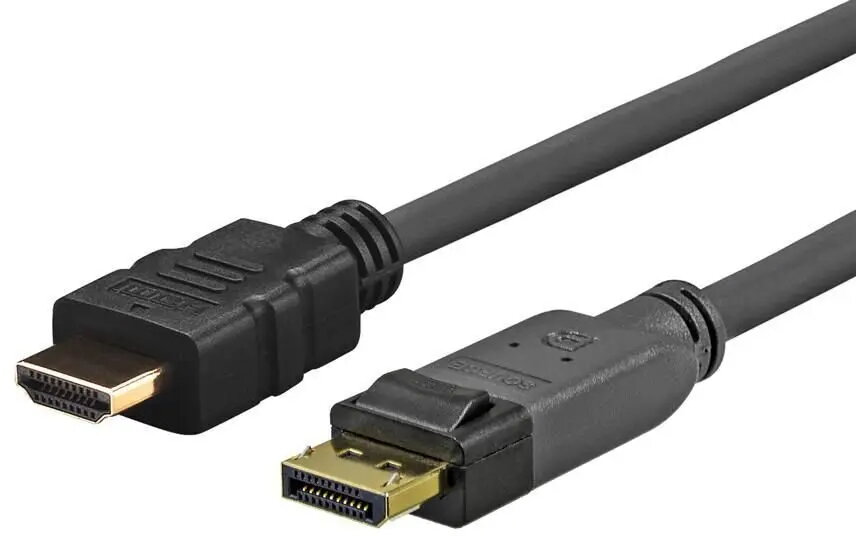
The ICIDU HDMI to mini HDMI cable MHD-HDE-0200.B is a 2 m wired connection solution that transmits high-definition video and audio between devices with standard HDMI and mini HDMI ports. Designed to carry up to 4K resolution at 30 Hz, this cable connects cameras, tablets and compact multimedia devices to TVs, monitors and projectors for playback, presentations and live monitoring without relying on wireless links.
This HDMI to mini HDMI cable offers a stable physical connection that reduces latency and signal drop compared with wireless alternatives. The 2 m length provides flexibility for typical home, studio and meeting-room setups. Support for 4K@30Hz ensures compatibility with high-resolution sources and displays, while the compact mini HDMI connector fits many cameras and portable devices. The cable is compatible with both video and audio transmission over a single cable, simplifying setup and reducing clutter.
Connect the mini HDMI end to the mini HDMI port on your camera, tablet or compact device and insert the standard HDMI end into the HDMI input of your TV, monitor or projector. Power on both devices and select the corresponding HDMI input on the display. The source device will typically detect the display automatically; adjust display resolution or audio settings on the source if needed to match the supported 4K@30Hz capability.
For reliable performance, route the cable to avoid sharp bends and excessive tension. If you experience compatibility or resolution limitations, verify display and source settings and try shortening the signal path or testing with another HDMI input. The cable is intended for direct connections and does not provide signal amplification for long runs beyond the specified length.
{{highlightedFeature.featureTitle}}:
{{getProductFeatureValueById(product, highlightedFeature.featureId)}}