Leave your address - as soon as the price of the product goes down, you'll know about it right away
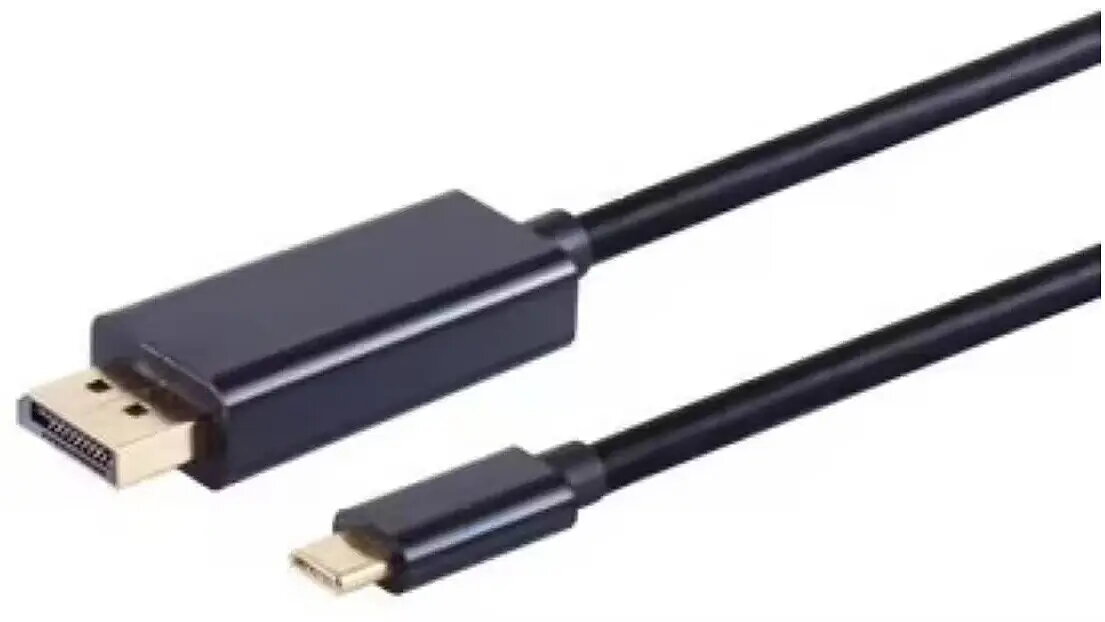
USB Type-C to DisplayPort cable ICIDU UD-41-03.0, 3 m, 4K@60Hz
In cart {{totalProductsCount}} item(s)
Your cart is empty
USB Type-C to DisplayPort cable ICIDU UD-41-03.0, 3 m, 4K@60Hz
Leave your address - as soon as the price of the product goes down, you'll know about it right away
USB Type-C to DisplayPort cable ICIDU UD-41-03.0, 3 m, 4K@60Hz
ICIDU USB Type-C to DisplayPort cable UD-41-03.0 is a 3 m connection cable designed to transmit DisplayPort video from devices with USB-C ports that support DisplayPort Alt Mode to external monitors, projectors and displays. The cable supports video signals up to 4K resolution at 60 Hz, allowing full-resolution output for presentations, extended desktop setups and high-resolution media playback. Its length provides additional flexibility for workspace arrangement and projector connections where a longer reach is required.
The cable provides a direct digital video connection without the need for adapters when used with compatible USB-C hosts that implement DisplayPort Alt Mode. With support for 4K at 60 Hz, it preserves image clarity and motion smoothness for video and desktop use. The 3 m length reduces the need for intermediate extenders while keeping signal integrity for typical meeting rooms and desk-to-monitor setups. The straightforward single-cable solution simplifies connections between laptops, tablets or smartphones and external displays.
Plug the USB-C connector into a compatible device that supports DisplayPort Alt Mode, and connect the DisplayPort plug to the external monitor or projector. Set the display input to the DisplayPort source if required. Configure the host display settings (resolution, refresh rate, and extended/duplicate mode) through the operating system display settings to match the external monitor's capabilities. No additional drivers are normally required for standard DisplayPort Alt Mode functionality.
For reliable 4K@60Hz output, ensure the connected device supports DisplayPort Alt Mode and output at that resolution; use the cable for direct connections without additional passive adapters. Avoid tight bends near the connectors and maintain a clear path to prevent strain. For long-term installations, verify monitor input settings and host graphics settings to ensure stable signal and optimal image quality.
{{highlightedFeature.featureTitle}}:
{{getProductFeatureValueById(product, highlightedFeature.featureId)}}