Leave your address - as soon as the price of the product goes down, you'll know about it right away
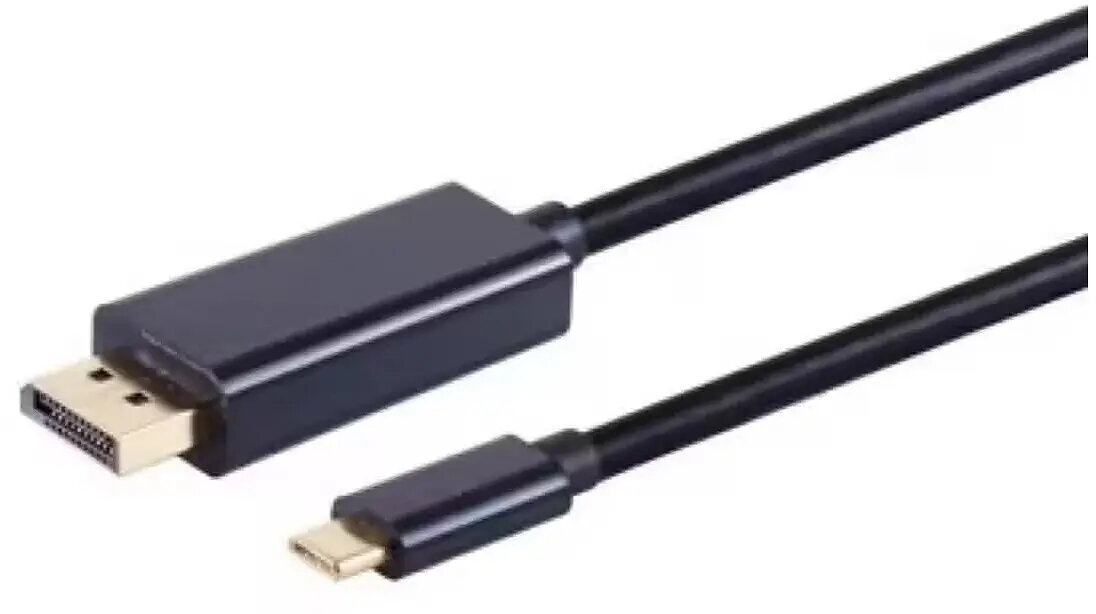
ICIDU USB Type-C to DisplayPort cable 8K@60Hz, 3.0 m, model UD-81-03.0
In cart {{totalProductsCount}} item(s)
Your cart is empty
ICIDU USB Type-C to DisplayPort cable 8K@60Hz, 3.0 m, model UD-81-03.0
Leave your address - as soon as the price of the product goes down, you'll know about it right away
ICIDU USB Type-C to DisplayPort cable 8K@60Hz, 3.0 m, model UD-81-03.0
The ICIDU USB Type-C to DisplayPort cable UD-81-03.0 is a 3.0 m video cable that provides a direct connection between devices with USB-C Alt Mode output and DisplayPort-equipped monitors or projectors. The cable supports up to 8K resolution at 60Hz, enabling high-resolution video transmission for desktops, laptops, media players and professional displays without the need for additional adapters. Its length of 3.0 m allows flexible placement of source devices while maintaining a single-cable solution for video and display connectivity.
This USB Type-C to DisplayPort cable transmits high-bandwidth video signals up to 8K@60Hz, ensuring compatibility with modern high-resolution displays. The direct USB-C to DisplayPort link removes the need for dongles or multi-piece adapters, simplifying setup and reducing potential points of failure. At 3.0 m length the cable balances reach and signal integrity for typical desktop and meeting-room setups. The design targets reliable video performance for both consumer and professional environments.
Connect the USB-C end of the cable to a device that supports USB-C Alternate Mode video output, and plug the DisplayPort end into the monitor or projector. Ensure the display input is set to the active DisplayPort source. If needed, configure the output resolution and refresh rate in the source device’s display settings to match the connected monitor’s capabilities (for example selecting 8K at 60Hz where supported). No external power or drivers are typically required for basic video transmission when using compatible hardware.
For optimal performance, use with devices and displays that explicitly support USB-C Alt Mode and DisplayPort 1.4 (or higher) profile for 8K@60Hz. Avoid excessive cable coiling and keep the cable away from strong electromagnetic sources to maintain signal integrity. When running at maximum resolution and refresh rate, confirm both source and display firmware and drivers are up to date.
{{highlightedFeature.featureTitle}}:
{{getProductFeatureValueById(product, highlightedFeature.featureId)}}