Filters you can trust. Pure water every day.
In cart {{totalProductsCount}} item(s)
Your cart is empty
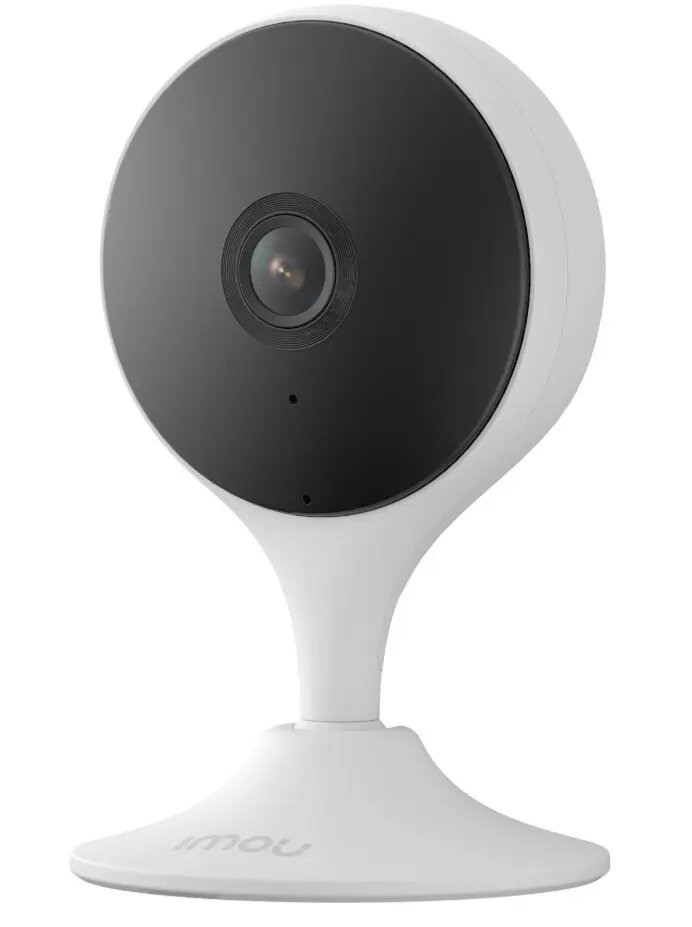
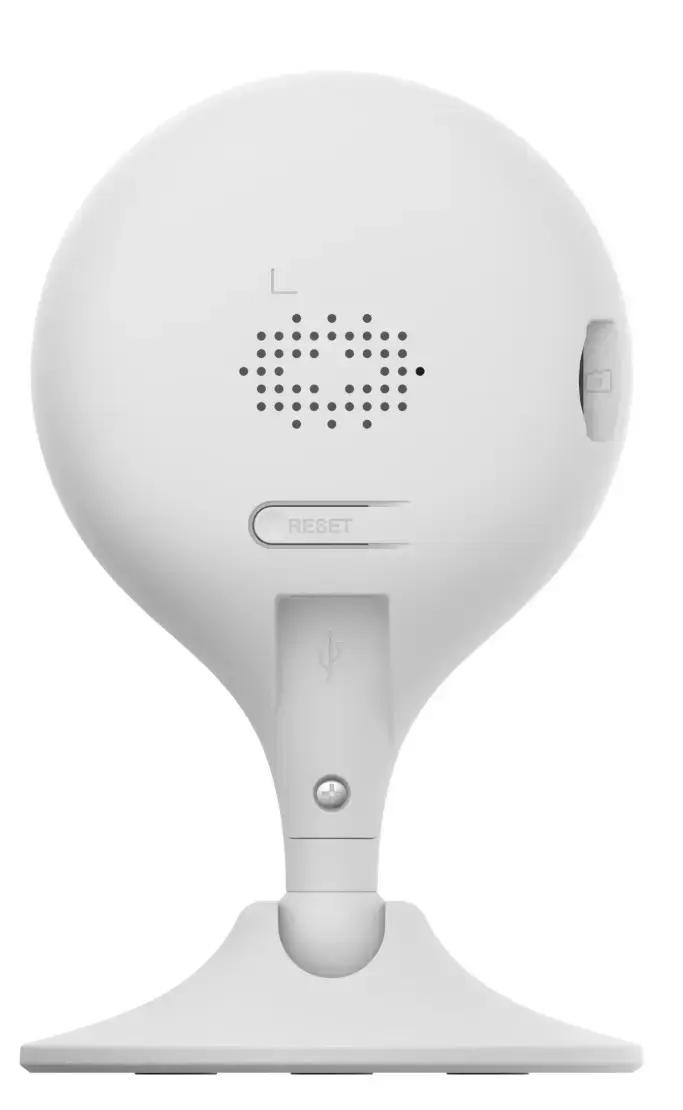
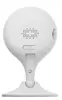
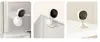
Imou Cue 2E 3MP IP Camera IPC-C32EP
The Imou Cue 2E 3MP IP Camera IPC-C32EP is a compact and efficient surveillance solution designed for indoor security. This high-definition camera delivers clear 3MP video quality, ensuring that every detail is captured with precision. Equipped with advanced motion detection technology, the device provides real-time alerts directly to your smartphone, allowing you to stay informed about activity in your home or small office environment regardless of your location.
The primary benefit of the Imou Cue 2E is its combination of high-resolution imaging and user-friendly operation. The device integrates seamlessly with the dedicated mobile application, facilitating quick setup and reliable remote monitoring. Its compact form factor allows for discreet placement in various indoor settings, while the intelligent motion detection minimizes false alarms by focusing on relevant activity. The camera also supports two-way audio, enabling communication through the device, which adds a layer of versatility to your security setup.
This camera is designed exclusively for indoor use and is not weather-resistant, meaning it should not be installed in outdoor environments or areas with high humidity. Additionally, it requires a stable Wi-Fi connection to function correctly, so it may not be suitable for locations without reliable wireless internet access.
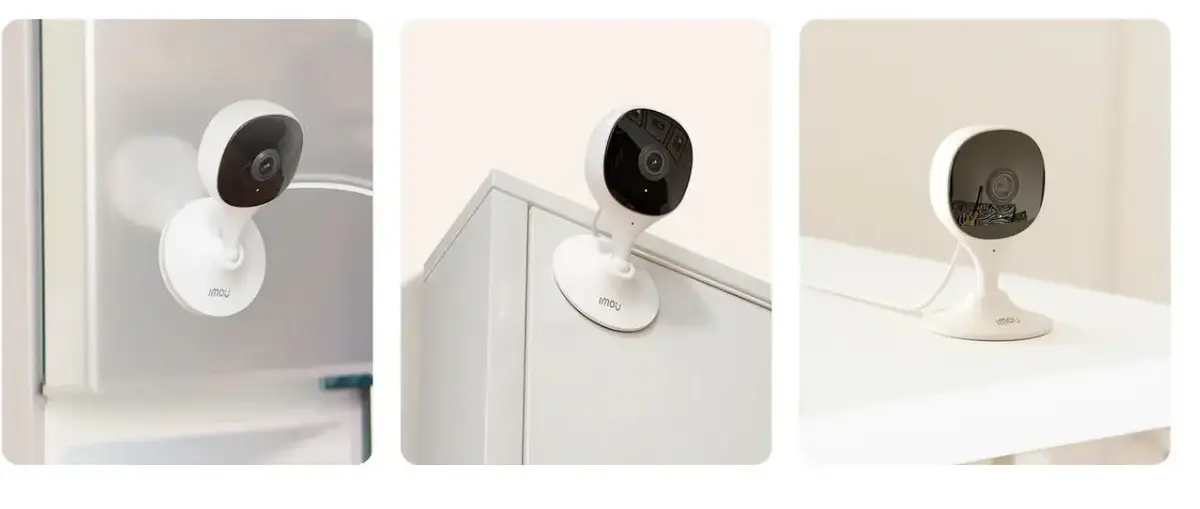
To begin using the Imou Cue 2E, connect the camera to a power source using the provided adapter. Download the Imou mobile application on your smartphone and create an account. Follow the in-app instructions to scan the device QR code and connect the camera to your local Wi-Fi network. Once connected, you can mount the camera in your desired indoor location using the included mounting hardware or place it on a flat surface. You can then access the live feed, adjust motion detection sensitivity, and manage alerts directly through the application interface.
For optimal performance, place the camera in a location with a clear line of sight to the area you wish to monitor and avoid positioning it directly facing bright light sources or windows to prevent glare. Regularly update the camera firmware through the application to ensure you have the latest security features and performance improvements.
{{highlightedFeature.featureTitle}}:
{{getProductFeatureValueById(product, highlightedFeature.featureId)}}