
Hurry and order now – up to 50% off!
In cart {{totalProductsCount}} item(s)
Your cart is empty
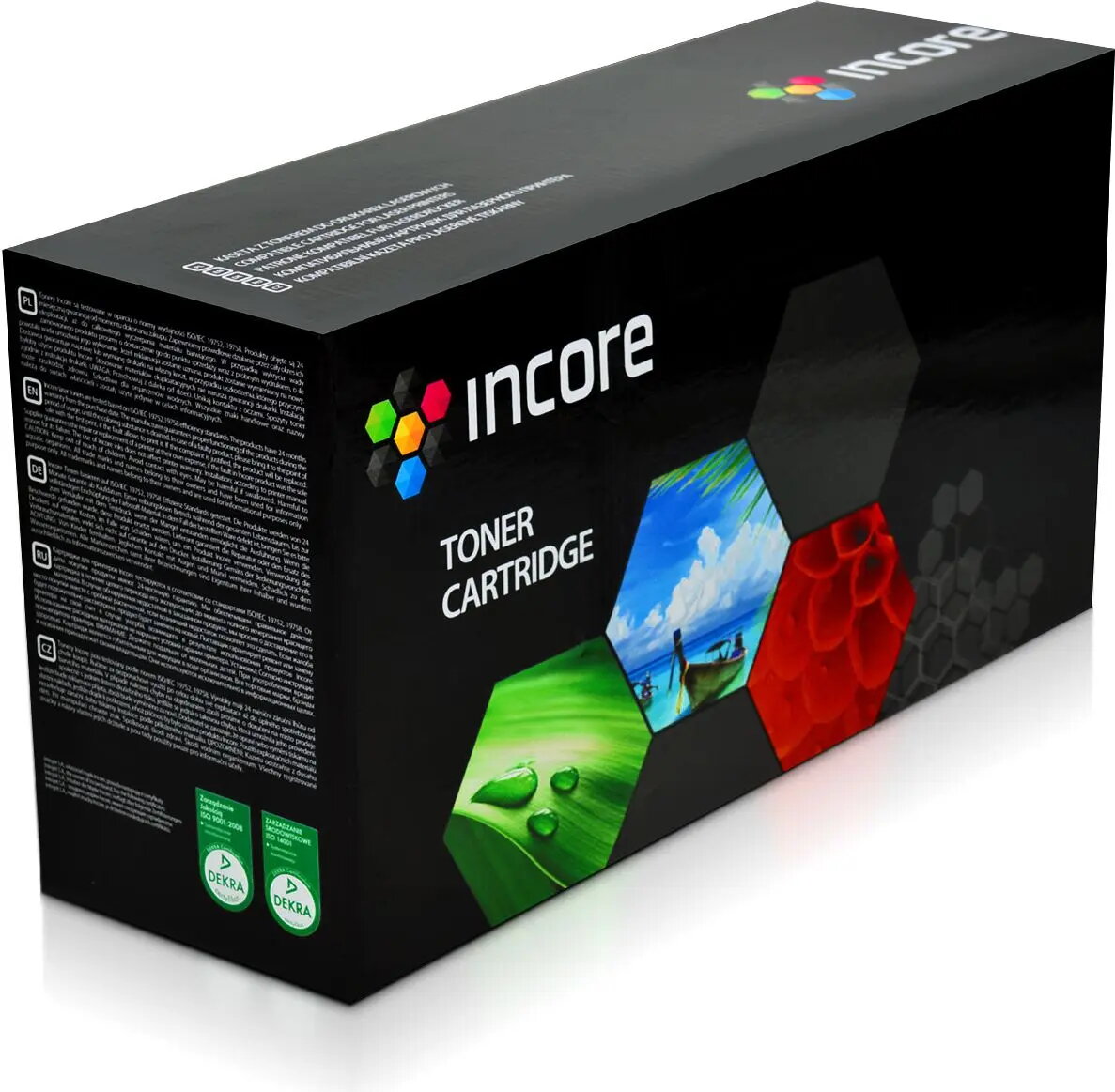
Toner Incore Black replacement for MLT-D1082S (model IS-ML1640) black toner cartridge
Incore Black replacement for MLT-D1082S (model IS-ML1640) is a compatible black toner cartridge intended for monochrome laser printers that accept the MLT-D1082S form factor. The cartridge supplies black toner for everyday printing tasks such as text documents, invoices and reports. As an aftermarket compatible consumable, it offers a direct functional replacement designed to fit printers that use the MLT-D1082S style cartridge and deliver standard black output for office and home use.
This Incore black toner cartridge provides consistent black density across typical page runs and is manufactured to match the physical fit and basic functional behavior of the MLT-D1082S form factor. It simplifies replacement with a single cartridge format and supports routine monochrome printing without changes to printer settings. The cartridge is suitable for users seeking a straightforward compatible alternative for text-heavy printing tasks.
Turn off the printer and open the front cover according to the printer manufacturer’s instructions. Remove the used cartridge by pulling it straight out, taking care to avoid spilling toner. Unpack the Incore replacement cartridge, remove any protective seals or strips, and insert it into the printer until it seats firmly. Close the cover and power the printer on. Run a test page or alignment if the printer requests initialization after cartridge replacement.
Store the cartridge in a dry, cool place away from direct sunlight. Handle the cartridge by its sides and avoid touching the drum area if exposed. Use within the manufacturer-stated shelf life for compatible cartridges, and recycle the used cartridge according to local electronic waste regulations.
{{highlightedFeature.featureTitle}}:
{{getProductFeatureValueById(product, highlightedFeature.featureId)}}
{{ productComparisonGenerationError }}