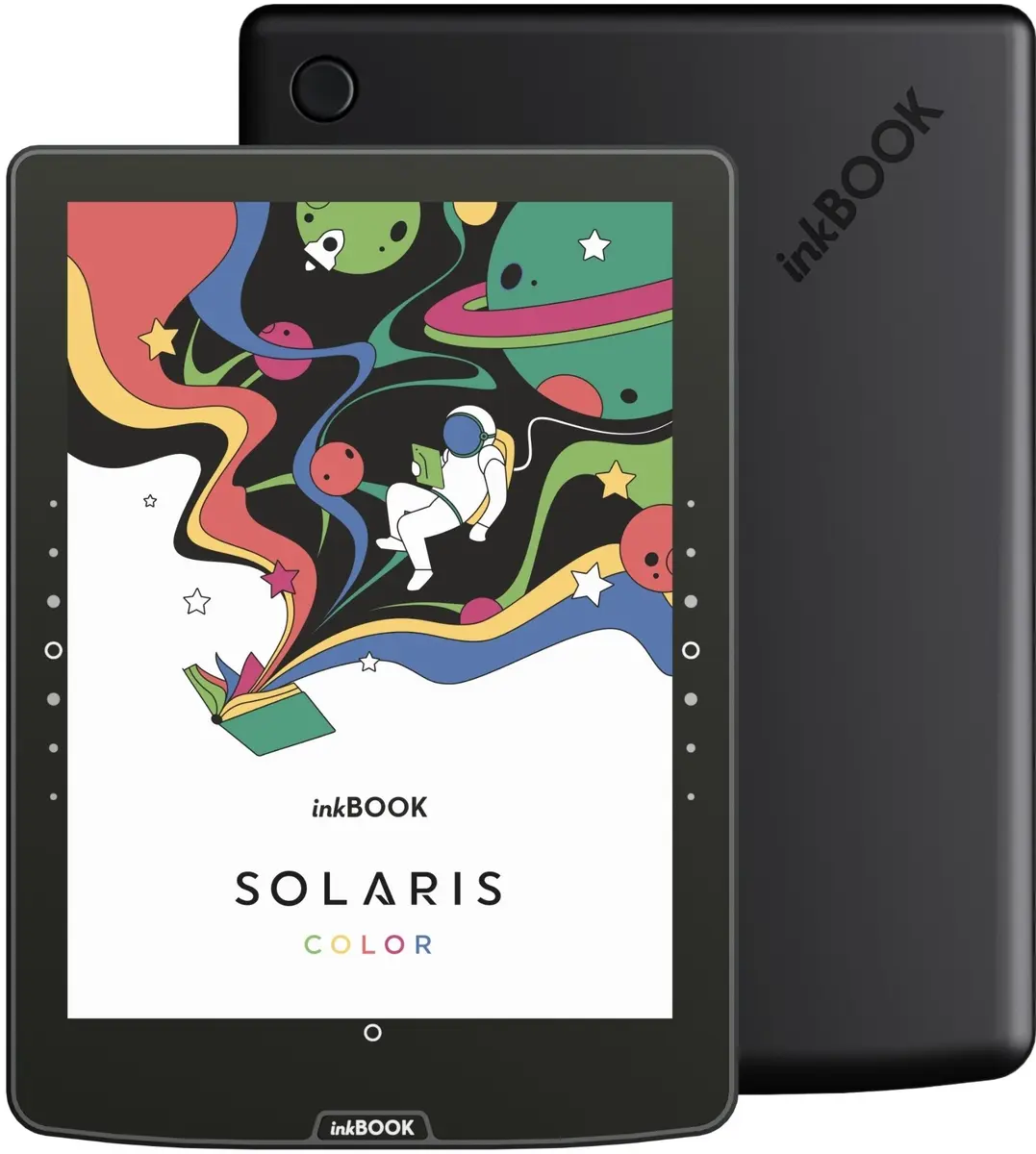
The inkBOOK Solaris Color E-book Reader is a sophisticated device engineered to provide a premium reading experience for digital books, comics, and technical documents. Featuring a high-quality color E-Ink display, this reader mimics the appearance of traditional paper, ensuring that text and images are rendered with clarity while minimizing eye strain during extended reading sessions. Its lightweight and portable construction makes it a reliable companion for users who wish to carry an extensive digital library wherever they go.
Advantages
The primary benefit of the inkBOOK Solaris Color is its versatile color display, which allows for the comfortable viewing of graphic novels, magazines, and educational materials that rely on color coding or illustrations. The integrated adjustable lighting system enables users to customize the screen brightness and color temperature, ensuring optimal visibility in various lighting conditions, from bright daylight to complete darkness. Furthermore, the device is designed for efficiency, offering a long-lasting battery that supports weeks of reading on a single charge, thereby reducing the need for frequent power management.
Suitable for
- Reading digital books and novels
- Viewing color comics, graphic novels, and manga
- Studying educational materials and technical documents
- Users who prefer an eye-friendly alternative to traditional tablet screens
When it may not be suitable
This device is not intended for high-performance tasks such as web browsing, video playback, or running complex applications, as the E-Ink display technology has a slower refresh rate compared to standard LCD or OLED screens. It is also not suitable for users who require a full-featured multimedia tablet experience.
Key specifications
- Color E-Ink display technology
- Adjustable front light with color temperature control
- Long-life rechargeable battery
- Portable and lightweight design
- Support for multiple digital document and book formats
How to use
To begin using the inkBOOK Solaris Color, power on the device using the dedicated button and follow the initial setup instructions on the screen to connect to your local wireless network. Once configured, you can transfer your digital files via a USB connection or download them directly through the integrated library interface. Use the touch-sensitive screen to navigate through your collection, adjust font sizes, or modify the lighting settings to suit your current environment. To maintain the device, keep the screen clean with a soft, dry cloth and ensure the battery is charged periodically.
What to consider before purchase
- Compatibility with your preferred digital file formats
- The specific need for a color display versus a standard monochrome screen
- Storage capacity requirements for your digital library
- The intended environment for reading, such as low-light or outdoor conditions
Usage recommendations
For the best reading experience, adjust the color temperature of the front light to a warmer tone during evening hours to reduce blue light exposure. Always store the device in a protective case when not in use to prevent screen damage.