Powerful EcoFlow stations for energy anywhere!
In cart {{totalProductsCount}} item(s)
Your cart is empty
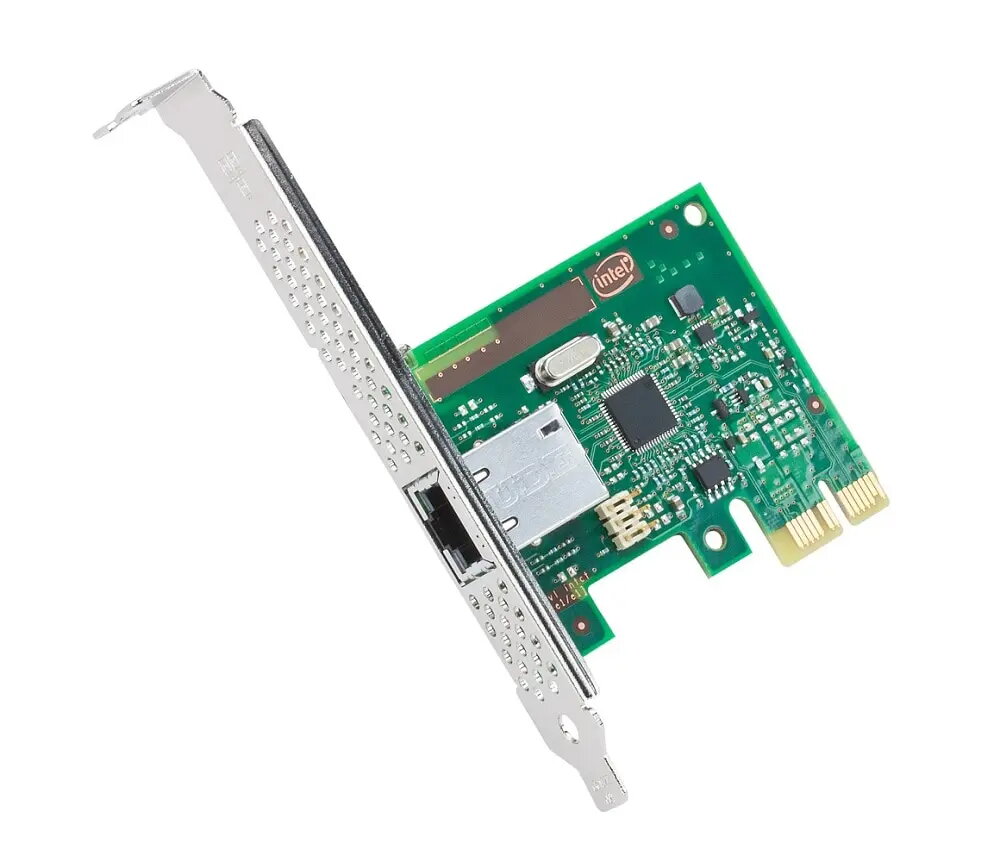
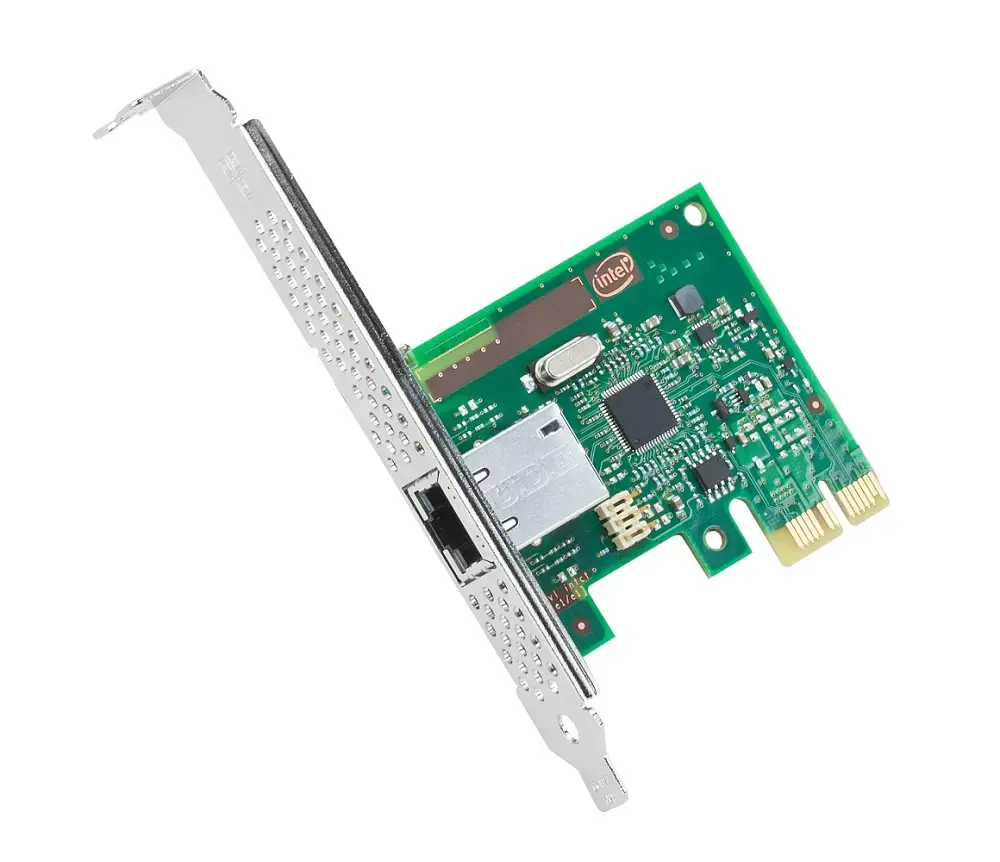
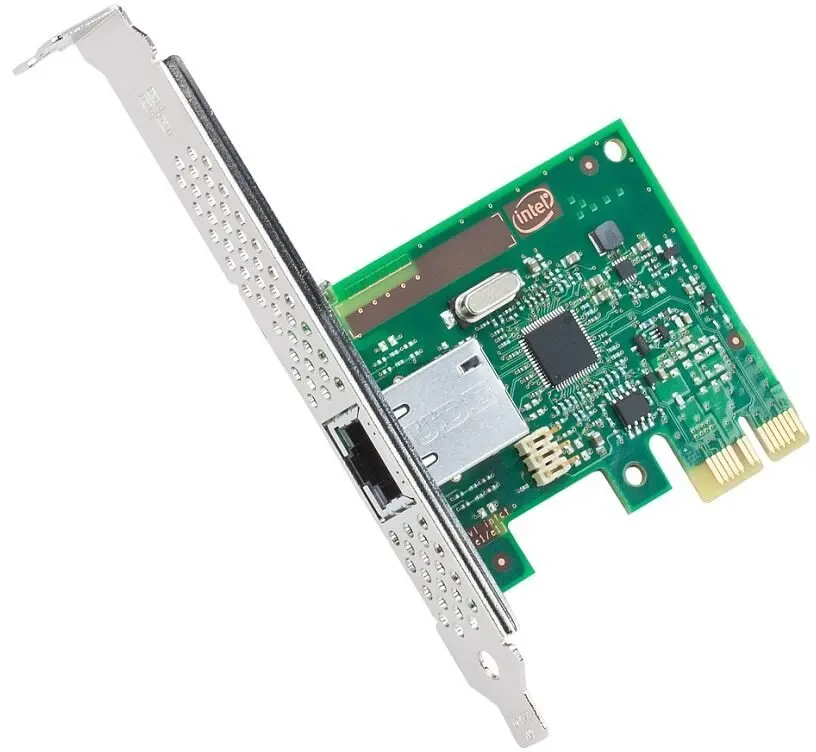
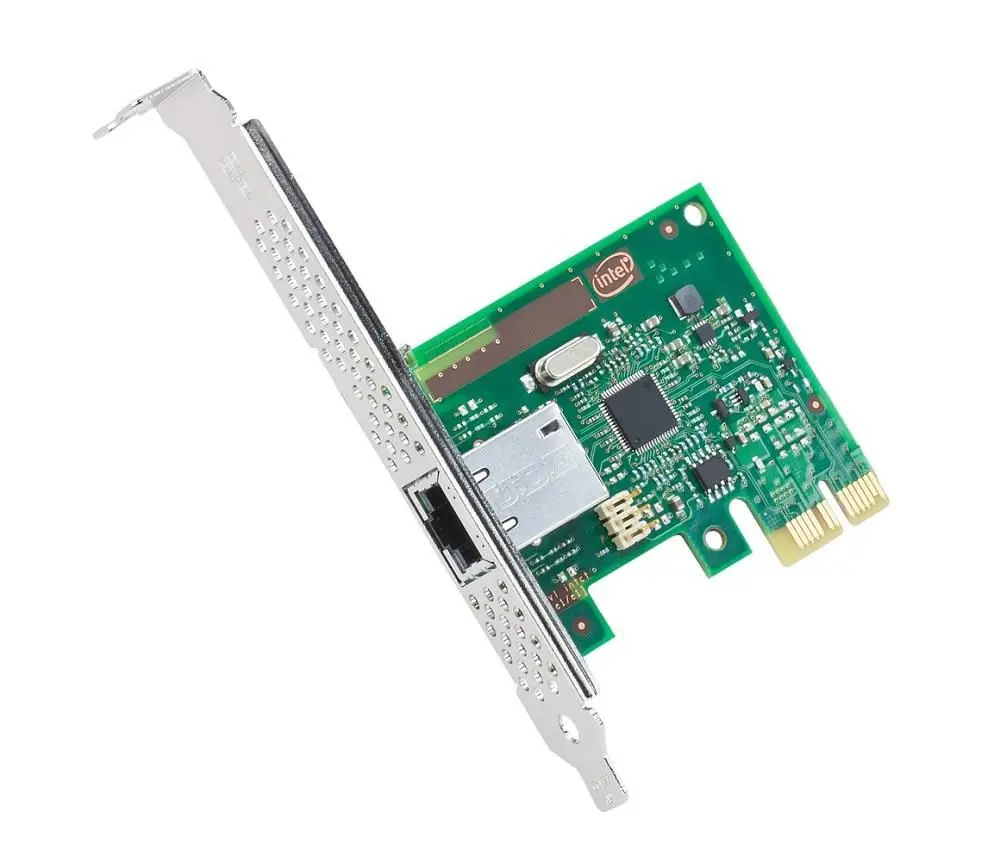
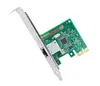
Network card INTEL I210T1G1P20 Internal PCI Express Ethernet 1000 Mbit/s, IEEE 802.1Q/802.1as, green/silver
Internal INTEL I210T1G1P20 network card provides a PCI Express host interface and a wired Gigabit Ethernet port for desktop or server expansion. The adapter supports up to 1000 Mbit/s data transfer and implements networking standards including IEEE 802.1Q for VLAN tagging and IEEE 802.1as for timing and synchronization. The card is supplied in a green and silver colour scheme and is intended for systems requiring a reliable wired Ethernet connection, virtualization support and time-sensitive networking capabilities.
The Intel I210T1G1P20 delivers low-latency, high-throughput wired connectivity with support for advanced offloads and virtualization features. Built-in technologies such as iWARP/RDMA and Intel Data Direct I/O improve data path efficiency and reduce CPU overhead for data-center and virtualization workloads. Power management and flexible partitioning options reduce idle power and allow virtual functions to share the physical port while preserving bandwidth allocation. The combination of standards support and host-interface compatibility makes this card suitable for straightforward PCI Express installation and integration into existing wired LAN environments.
Install the card into an available PCI Express slot on a powered-off system following the motherboard and chassis manufacturer instructions. Secure the bracket, connect the Ethernet cable to the RJ-45 port, then power on the system. Install the appropriate Intel network drivers for your operating system to enable full functionality, including RDMA, SR-IOV and power management features. Configure network settings, VLANs or time synchronization parameters from the operating system or management software as required.
For optimum performance in virtualization and data-center scenarios, use up-to-date Intel drivers and firmware, enable SR-IOV or Flexible Port Partitioning as needed, and configure Intel DDIO-aware settings in server BIOS if available. Use high-quality RJ-45 cables and switches that support Gigabit speeds and IEEE timing standards to ensure reliable throughput and synchronization.
{{highlightedFeature.featureTitle}}:
{{getProductFeatureValueById(product, highlightedFeature.featureId)}}
{{ productComparisonGenerationError }}