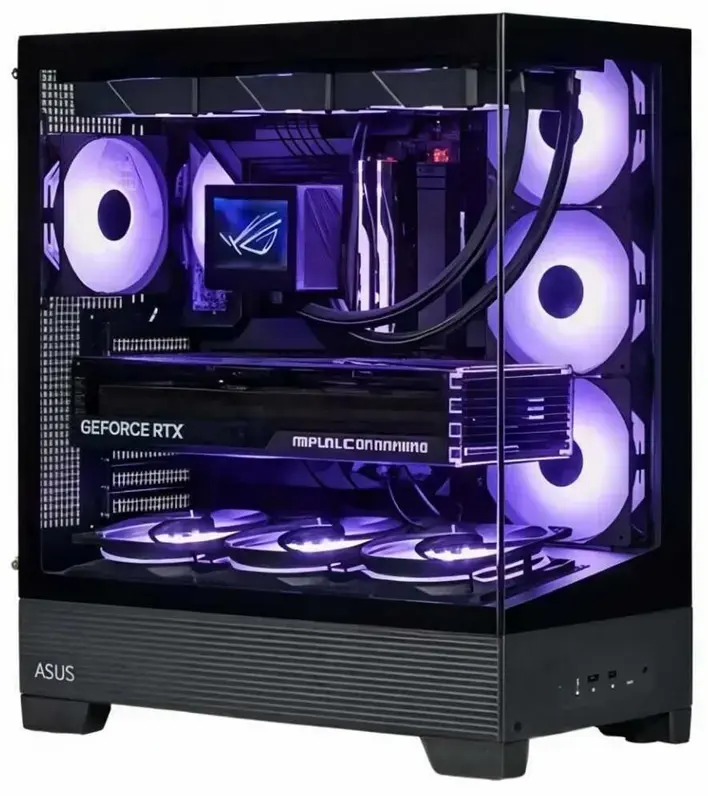
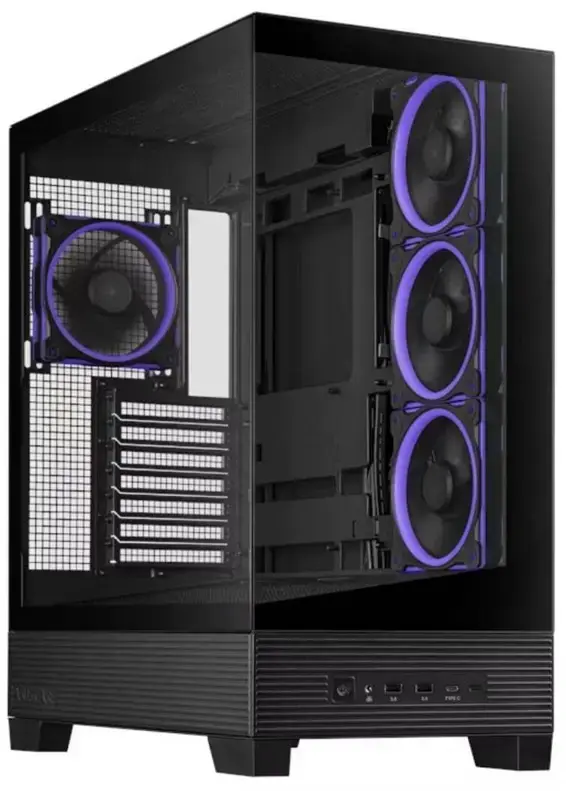
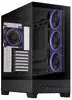
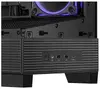
The INTOP desktop PC is a high-performance computing solution engineered for users who require significant processing power and graphical capabilities. Built into a sleek black Midi Tower chassis, this system combines the Intel Core i7-14700F processor with 32GB of high-speed DDR5 RAM to ensure smooth operation during intensive tasks. With its dedicated NVIDIA GeForce RTX 5070 graphics card, the computer delivers excellent visual performance, making it a reliable choice for modern software, professional content creation, and demanding gaming environments.
Advantages
This desktop computer stands out due to its balanced architecture that prioritizes both speed and stability. The inclusion of a 1TB SSD provides rapid boot times and quick access to files, while the 700W power supply ensures consistent energy delivery under load. The system features an efficient cooling setup with four integrated ARGB fans, which helps maintain optimal temperatures during extended use. Furthermore, the motherboard supports future memory upgrades up to 64GB, allowing the system to evolve alongside your computing needs.
Suitable for
- Professional gaming at high settings
- Video editing and graphic design
- Multitasking with resource-heavy applications
- General high-performance computing tasks
This system may not be suitable for users who require a portable computing solution, as its size and weight are designed for stationary desktop use. Additionally, since it does not come with an operating system pre-installed, it is intended for users who are comfortable with performing their own software setup and configuration.
Key specifications
- Processor: Intel Core i7-14700F with 20 cores and up to 5.4 GHz frequency
- Memory: 32GB DDR5 RAM (5600 MHz), expandable to 64GB
- Storage: 1TB SSD
- Graphics: NVIDIA GeForce RTX 5070 with 12GB GDDR7 memory
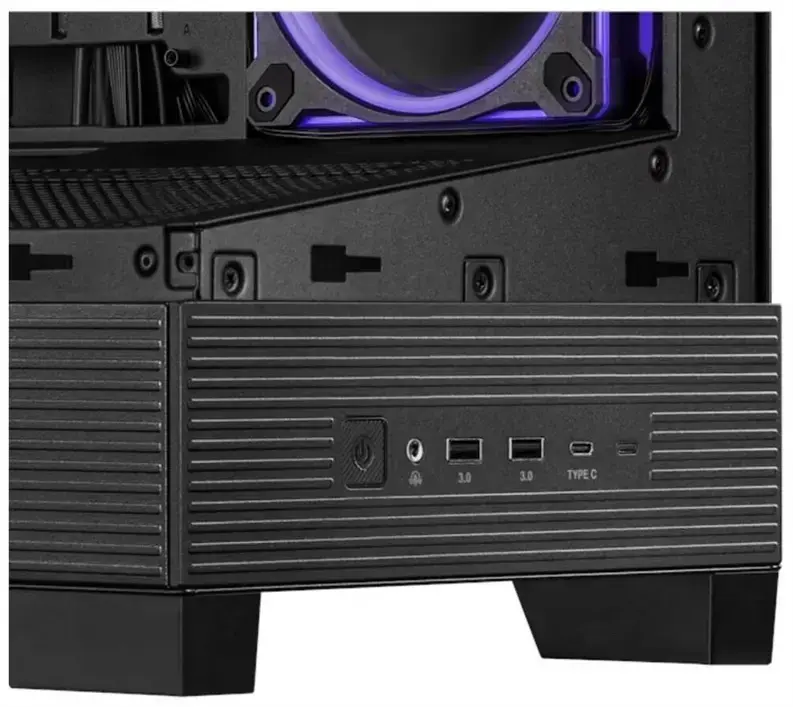
- Connectivity: HDMI, DisplayPort, RJ-45, multiple USB 3.1 and USB 2.0 ports
- Power Supply: 700W
- Dimensions: 43.5 cm x 23.8 cm x 51.1 cm
- Weight: 11 kg
To begin using the INTOP desktop PC, place the unit on a stable, well-ventilated surface to ensure proper airflow through the chassis. Connect your monitor, keyboard, mouse, and network cable to the appropriate ports on the back of the machine. Once all peripherals are connected, plug the power cable into a grounded wall outlet and press the power button. Since no operating system is included, you will need to install your preferred OS via a bootable USB drive before the system can be used for daily tasks.
What to consider before purchase
- Ensure you have a valid operating system license and installation media
- Check that your monitor supports the available HDMI or DisplayPort outputs
- Verify that your workspace has enough room for a Midi Tower chassis
- Confirm that your peripherals are compatible with the available USB ports
For optimal performance and longevity, keep the air intake and exhaust areas of the case free from dust and obstructions. Regularly update your graphics drivers and system firmware to ensure compatibility with the latest software and games.