


Docking Station i-tec Metal USB-C Ergonomic 4K 3x Display


Short description

Cheapest delivery:
Unisend LV

Esto — pay in 6 equal parts
Product information
Description
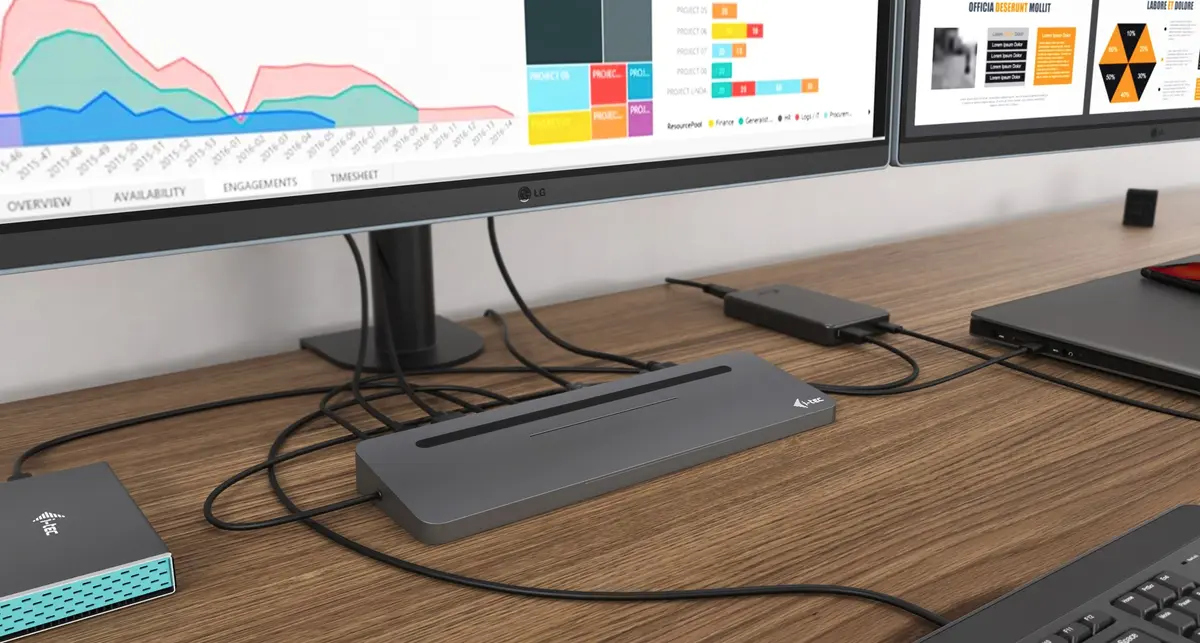
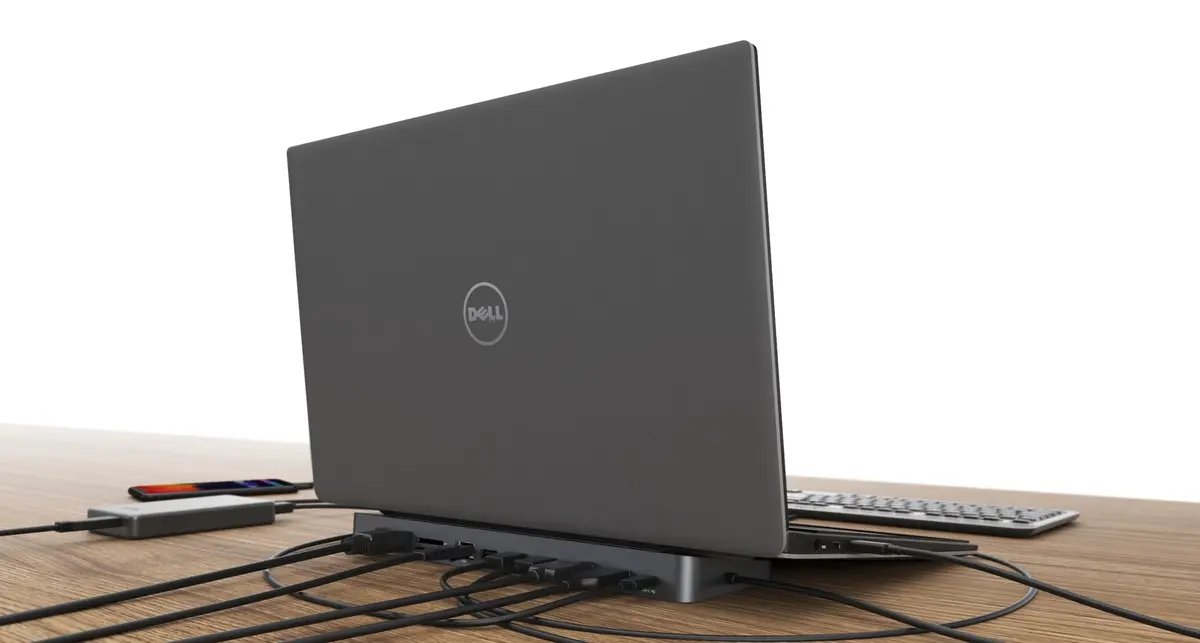
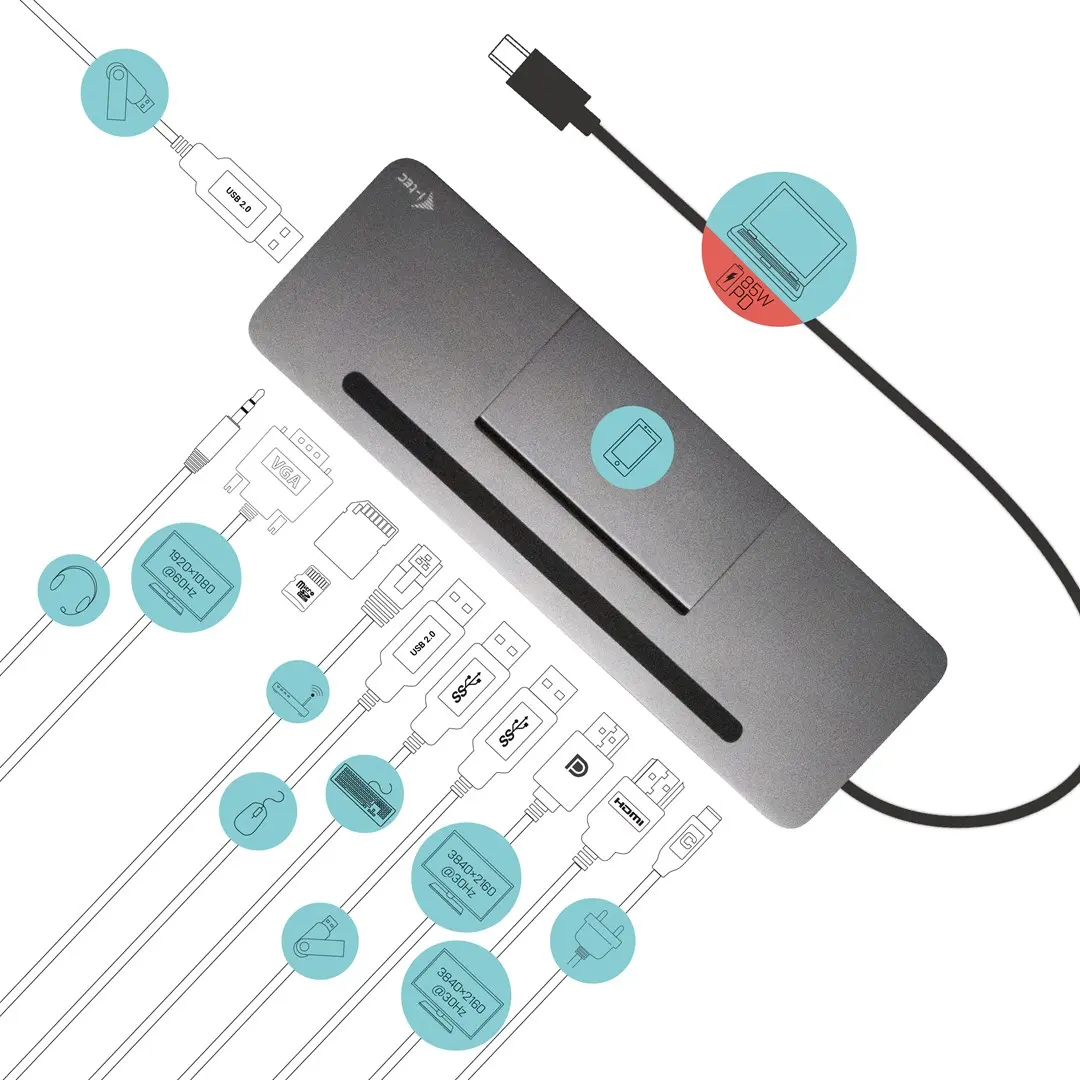
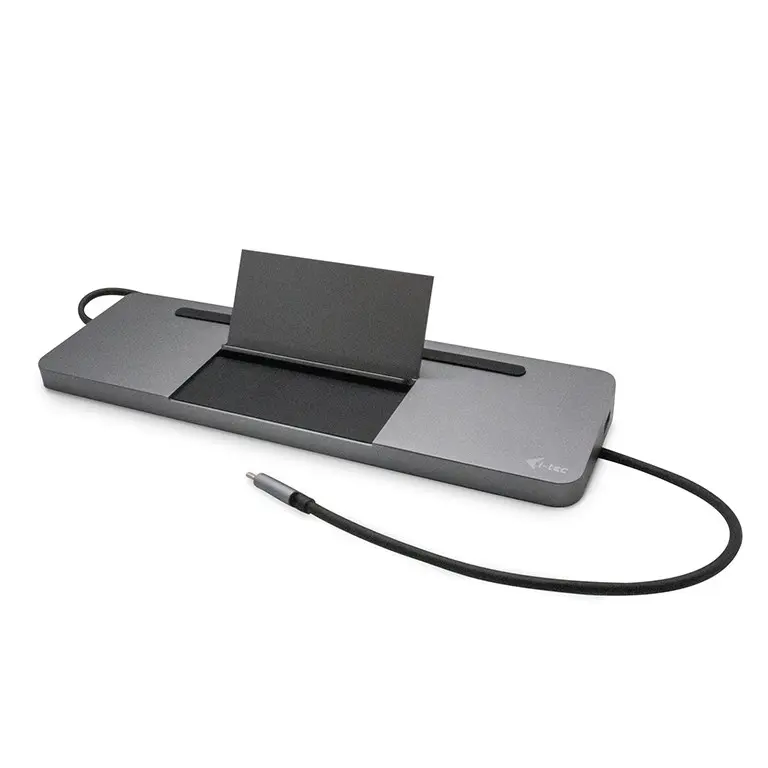
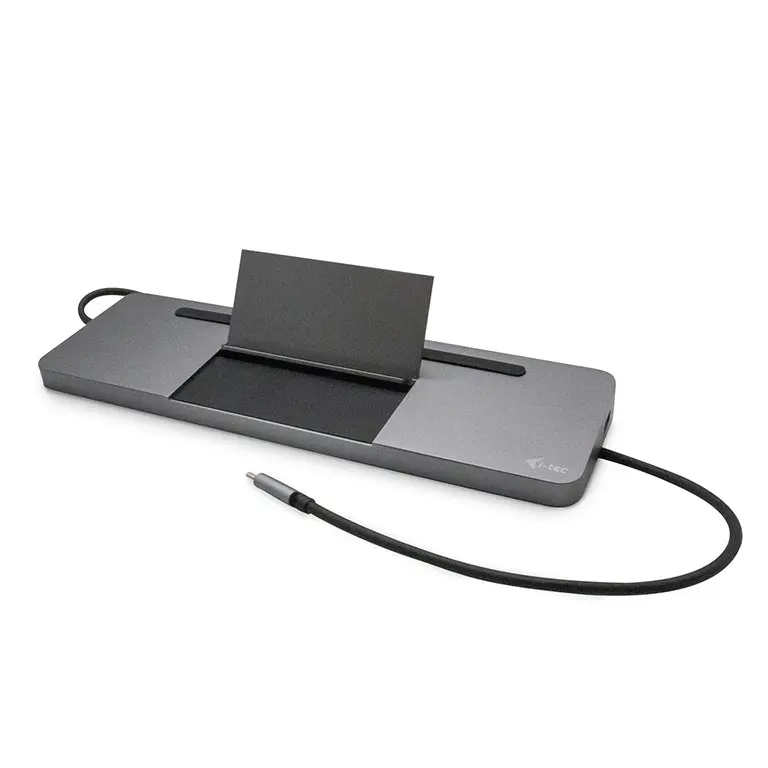
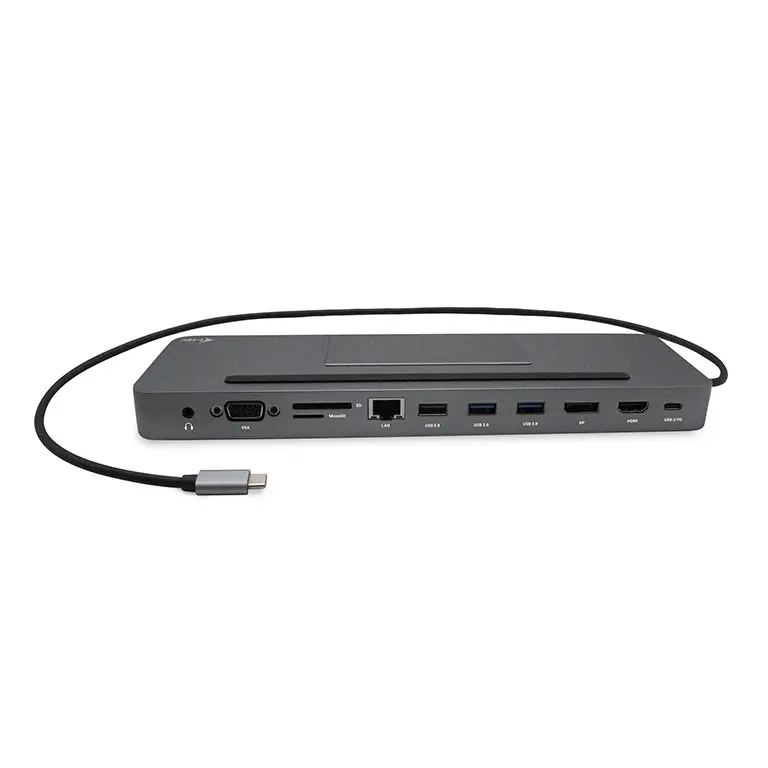
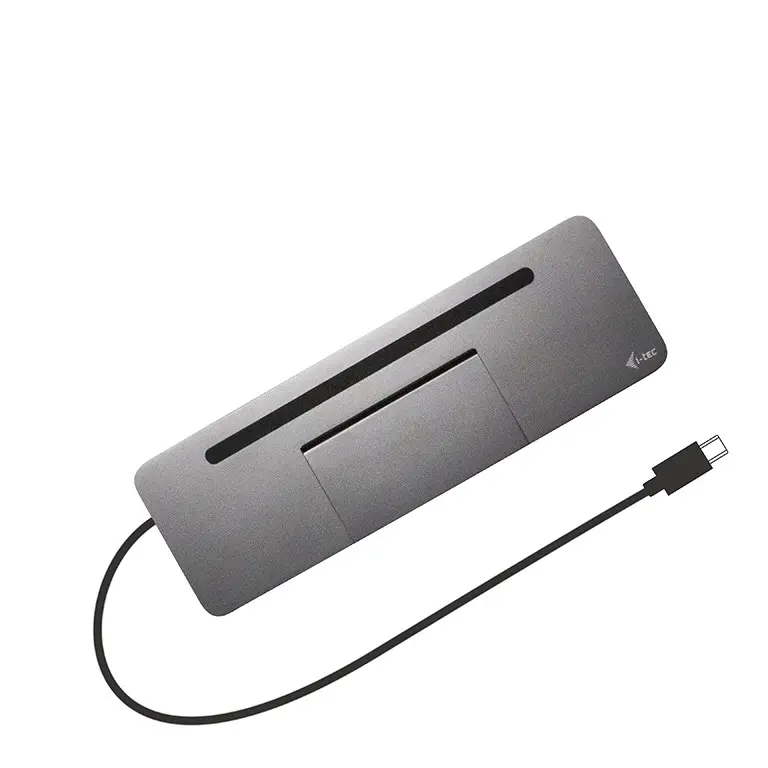
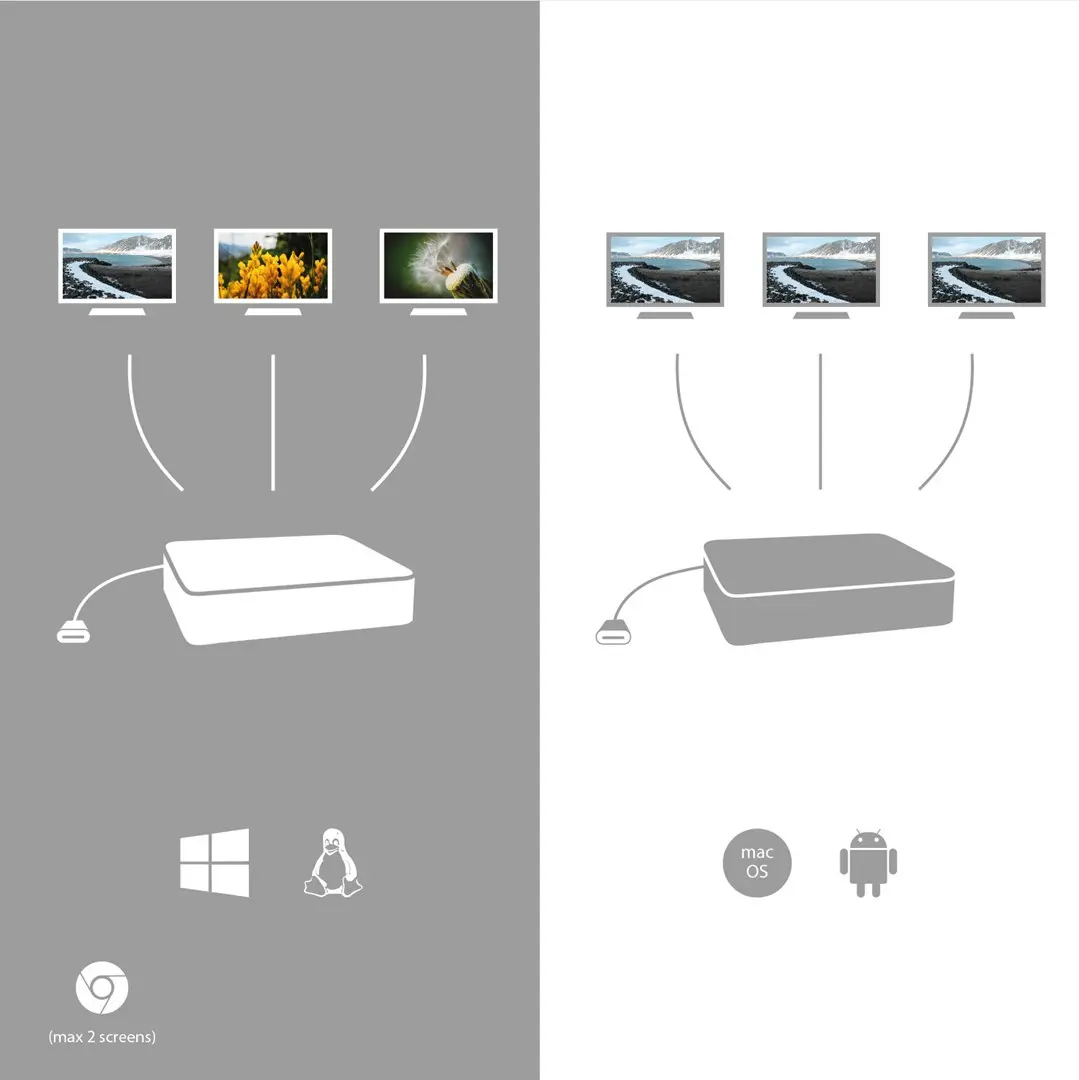
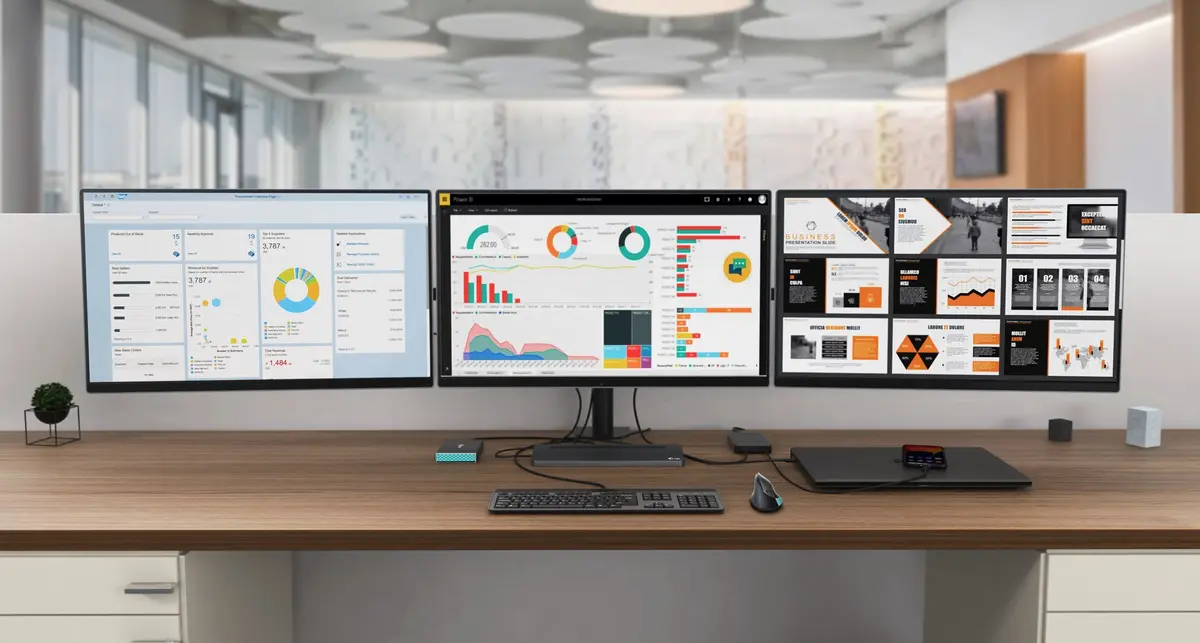
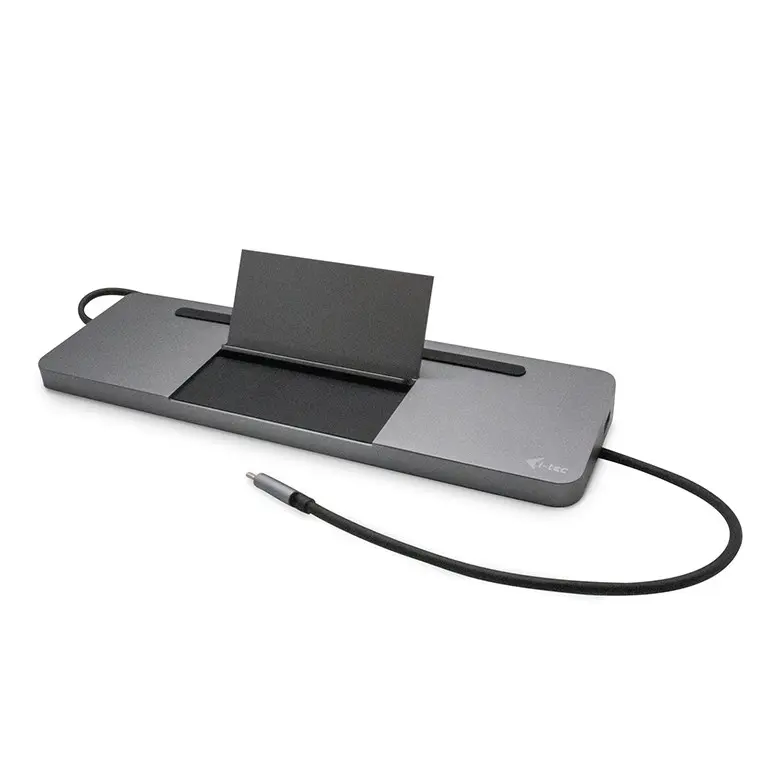
Ergonomic metal USB-C docking station that supports up to three external monitors. Compatible with laptops that have a USB-C or Thunderbolt 3 port; the integrated 60 cm cable reaches most laptops with screens up to 15". The dock offers four USB ports, a built-in Gigabit LAN port for reliable network connection and up to 85 W power delivery. The flat metal design also enables use as a laptop stand.
Advantages
The docking station combines multiple ports in a single compact unit, reducing cable clutter and simplifying desk setup. Support for up to three external displays enables extended or mirrored desktop configurations. Integrated LAN and up to 85 W power delivery ensure stable network access and sufficient charging for many laptops. The 60 cm integrated cable provides convenient reach, and the metal construction offers durability while functioning as a stand.
Key specifications
- Ports: 4x USB ports, integrated LAN port
- Video outputs: supports up to 3 external monitors (subject to host and OS capabilities)
- Power delivery: up to 85 W
- Compatibility: laptops with USB-C or Thunderbolt 3 ports
- Integrated cable length: 60 cm
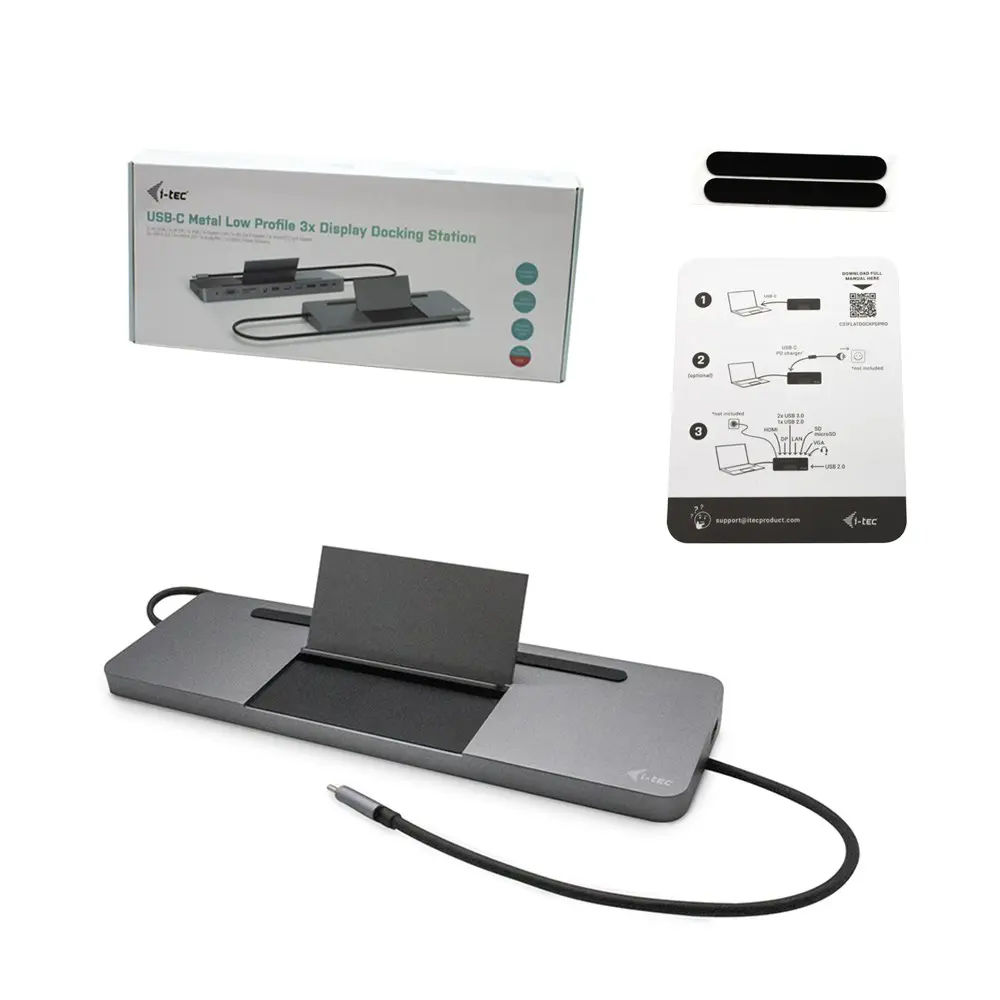
- Available versions: without power adapter (C31FLATDOCKPDPRO) and with 100 W adapter included (C31FLATPRO112W/UK)
- Note: macOS does not support MST; on macOS all connected monitors will mirror the same image
How to use
Connect the dock to a laptop using the built-in 60 cm USB-C cable. Attach external monitors to the dock’s video outputs and connect USB devices to the available USB ports. Plug an Ethernet cable into the LAN port for wired network access. If your laptop requires external power, use the dock’s power delivery capability or the included 100 W adapter if you purchased the version with adapter. Check the host operating system for display configuration options and limitations (for example, macOS does not support MST).
Recommendations
For multi-monitor setups on Windows or Linux, verify that your laptop’s USB-C/Thunderbolt port supports DisplayPort Alt Mode and MST for extended displays. Choose the version with the 100 W adapter if your laptop needs higher charging power; otherwise use the adapter you already own.
Features
- Card reader integrated:
- Yes
- Ethernet LAN:
- Yes
- USB 3.2 Gen 1 (3.1 Gen 1) Type-A ports quantity:
- 2
- Host interface:
- USB 3.2 Gen 1 (3.1 Gen 1) Type-C
- Connectivity technology:
- Wired

Product comparison
The Docking Station i-tec Metal USB-C Ergonomic 4K 3x Display is compared with several alternative models from the same brand: Docking Station i-tec USB-C Metal Ergonomic 3x 4K Display, Docking Station i-tec USB 3.0 USB-C/Thunderbolt 3x Display Metal Nano Dock, Docking Station ITEC i-tec USB-C Metal Nano 3x Display, Docking Station i-tec Metal USB-C Nano 3x Display + Power Delivery 100 W, and Docking Station i-tec USB-C Metal Nano 2x Display. All these devices share a wired connection basis with USB 3.2 Gen 1 interface, gigabit Ethernet, and durable metal housings, but differ in Power Delivery wattage, number of USB Type-A ports, card reader compatibility, and display support.
⚙️ The specifications comparison covers key parameters such as Power Delivery wattage, quantity of USB Type-A peripheral ports, integrated card reader support for SD and MicroSD formats, and host interface types.
| Parameter | i-tec Metal USB-C Ergonomic 4K 3x Display | i-tec USB-C Metal Ergonomic 3x 4K Display | i-tec USB 3.0 USB-C/Thunderbolt Nano Dock | ITEC i-tec USB-C Metal Nano 3x Display | i-tec Metal USB-C Nano 3x Display + PD 100 W | i-tec USB-C Metal Nano 2x Display | Practical Significance |
|---|---|---|---|---|---|---|---|
| Power Delivery wattage | Up to 85 W | Up to 100 W | Up to 100 W | Up to 100 W | Up to 100 W | Up to 100 W | Models supporting 100 W are better suited for charging more demanding laptops. |
| USB Type-A ports quantity | 2 ports | 4 ports | 1 port | 4 ports | 2 ports | 2 ports | A higher number of USB Type-A ports allows connecting multiple peripherals simultaneously. |
| Integrated card reader | Yes (SD) | Yes (SD/MicroSD) | Yes (SD/MicroSD) | Yes (SD/MicroSD) | No | No | An integrated card reader is useful for photographers and users transferring memory card data. |
| Host interface | USB 3.2 Gen 1 Type-C | USB 3.2 Gen 1 Type-C | USB 3.2 Gen 1 Type-A + Type-C | USB 3.2 Gen 1 Type-C | USB 3.2 Gen 1 Type-C | USB 3.2 Gen 1 Type-C | Different interface types determine compatibility with various computer generations. |
◎ The analysis of usage scenarios and user needs helps determine which product is most appropriate for specific workflow tasks and workspace setups.
| Use case | Recommended product | Why |
|---|---|---|
| Multimedia workflows and memory card use with moderate laptop power demands | Docking Station i-tec Metal USB-C Ergonomic 4K 3x Display | Delivers up to 85 W Power Delivery and includes an integrated SD card reader. |
| Connecting multiple peripherals alongside high power delivery requirements | Docking Station i-tec USB-C Metal Ergonomic 3x 4K Display or ITEC i-tec USB-C Metal Nano 3x Display | Provide four USB Type-A ports and up to 100 W Power Delivery for demanding laptops. |
| Dual-display workspace setup without card reader requirements | Docking Station i-tec USB-C Metal Nano 2x Display | An optimal solution for dual-monitor configurations with standard connectivity needs. |
The Docking Station i-tec Metal USB-C Ergonomic 4K 3x Display differs from alternatives by offering up to 85 W Power Delivery and two USB Type-A ports combined with SD memory card support. It is ideal for users looking for an ergonomic design and card reader functionality without requiring a maximum 100 W power output, whereas alternative models are better suited for power-hungry laptops or extensive USB peripheral setups.
Stock data
| Warehouse | Stock | Delivery to the store | Store Price | |
| EU57 | 8 | 04.12.2026 | 71.99 € | Add to cart |
| WH94 | 40 | 07.12.2026 | 75.99 € | Add to cart |
| WH113 | 12 | 07.12.2026 | 76.49 € | Add to cart |
- 71.99 €Stock: 8Delivery Date: 04.12.2026Warehouse: EU57Add to cart
- 75.99 €Stock: 40Delivery Date: 07.12.2026Warehouse: WH94Add to cart
- 76.49 €Stock: 12Delivery Date: 07.12.2026Warehouse: WH113Add to cart
- 79.99 €Stock: 8Delivery Date: 07.12.2026Warehouse: WH353Add to cart
- 80.99 €Stock: 5Delivery Date: 30.11.2026Warehouse: BT84Add to cart
- 97.49 €Stock: 6Delivery Date: 07.12.2026Warehouse: EU85Add to cart
| Warehouse | Stock | Delivery to the store | Store Price | |
| WH109 | 40 | 21.12.2026 | 85.99 € | Add to cart |
| EU9 | 10 | 07.12.2026 | 86.99 € | Add to cart |
- 85.99 €Stock: 40Delivery Date: 21.12.2026Warehouse: WH109Add to cart
- 86.99 €Stock: 10Delivery Date: 07.12.2026Warehouse: EU9Add to cart
Customer reviews
Customer questions
How much does the Docking Station i-tec Metal USB-C Ergonomic 4K 3x Display cost, and is it available for purchase?
If I order this product today, when will I receive my order?
What payment options are available?
Can Docking Station i-tec Metal USB-C Ergonomic 4K 3x Display be purchased with a lease?
- Select the product on the website and add it to your cart;
- When placing your order, choose the payment method “Installments”;
- Fill in the required details for the lending partner;
- Receive a decision within a few minutes.


