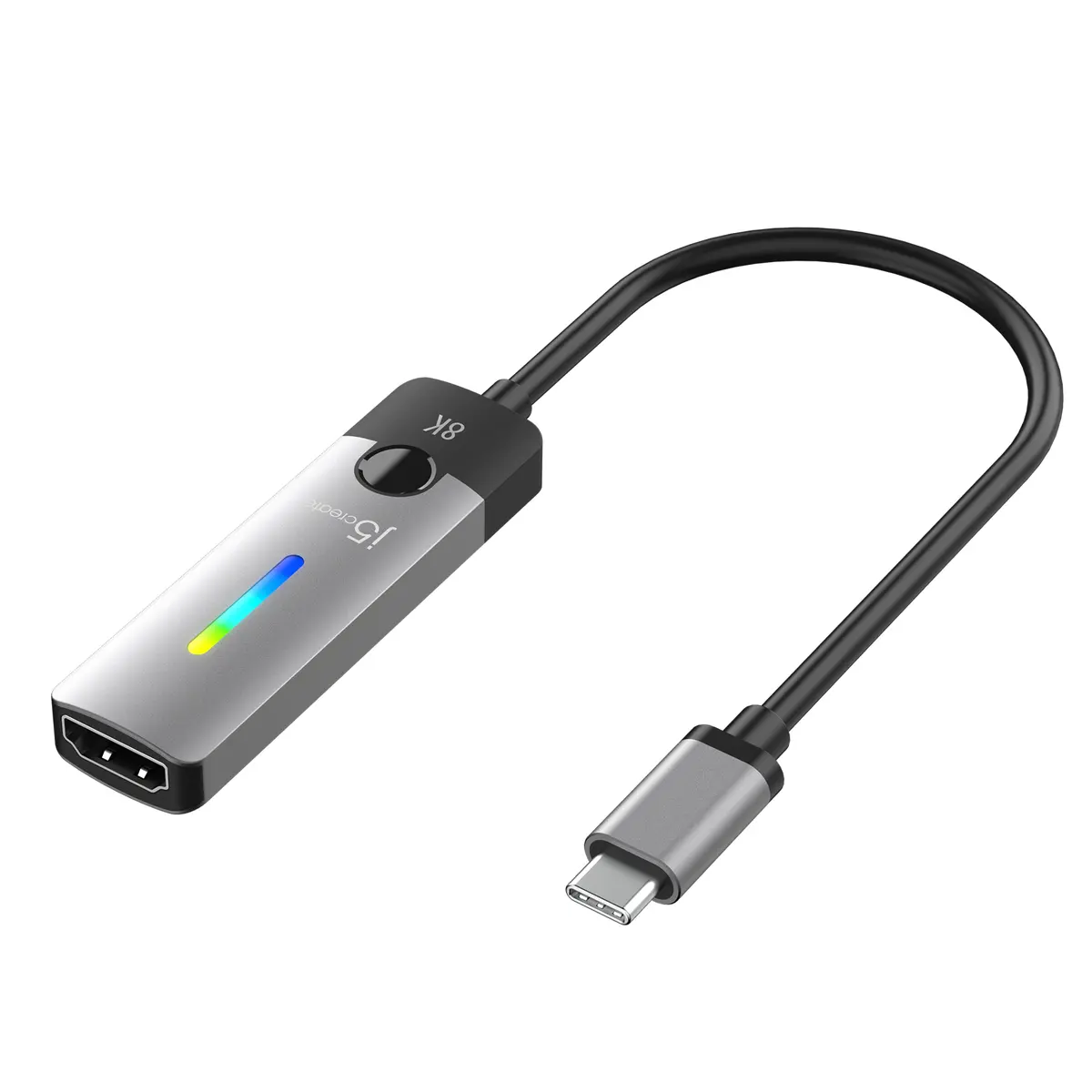
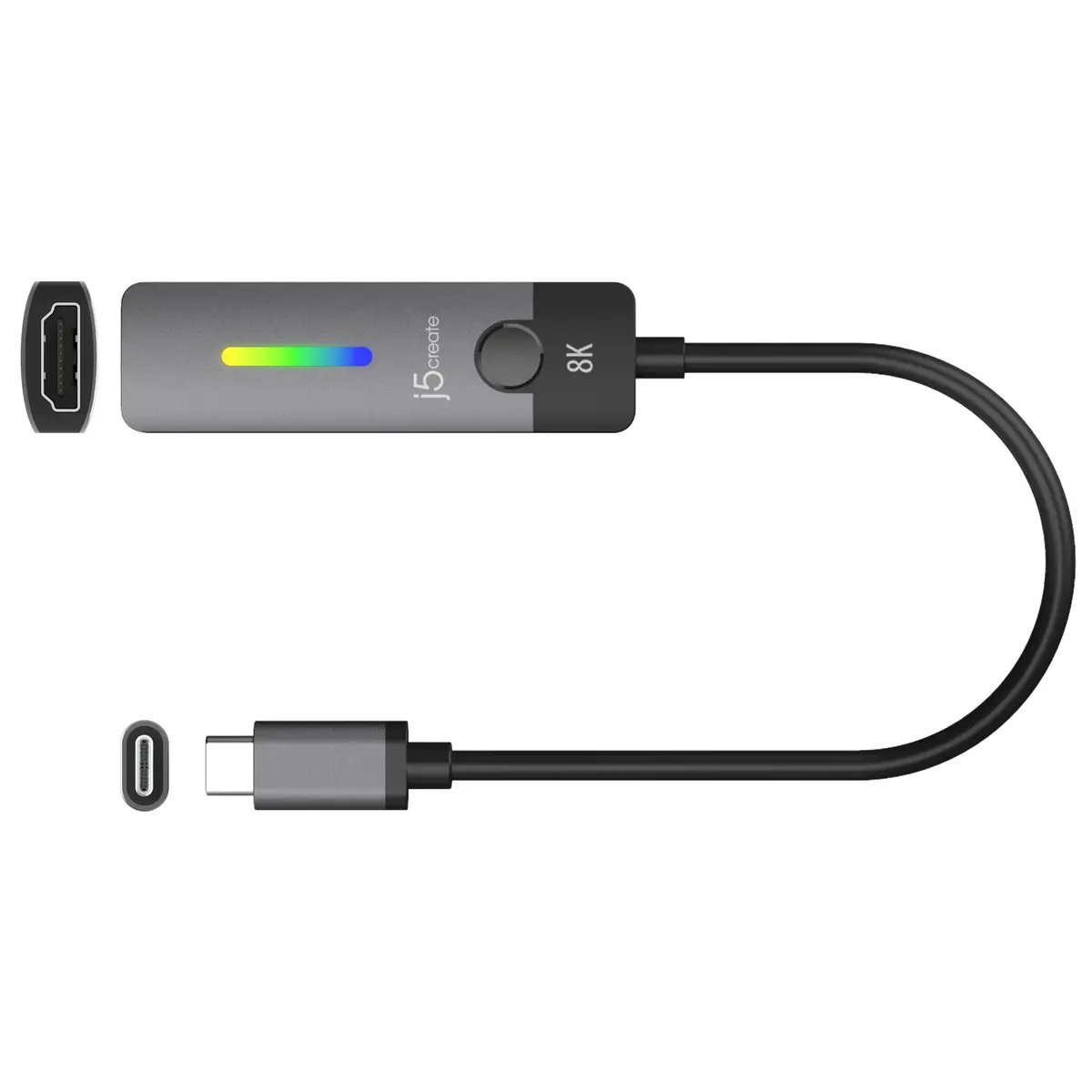
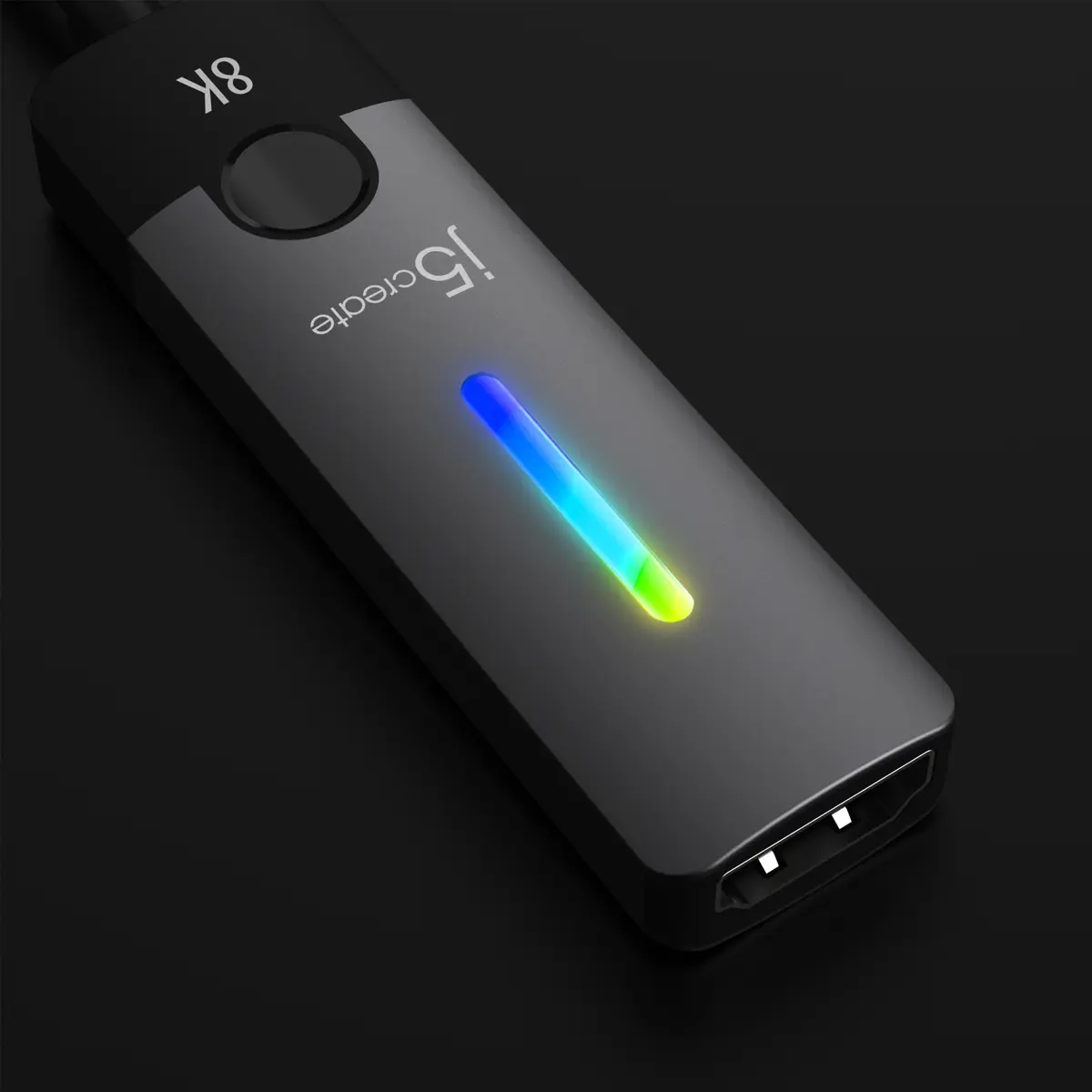
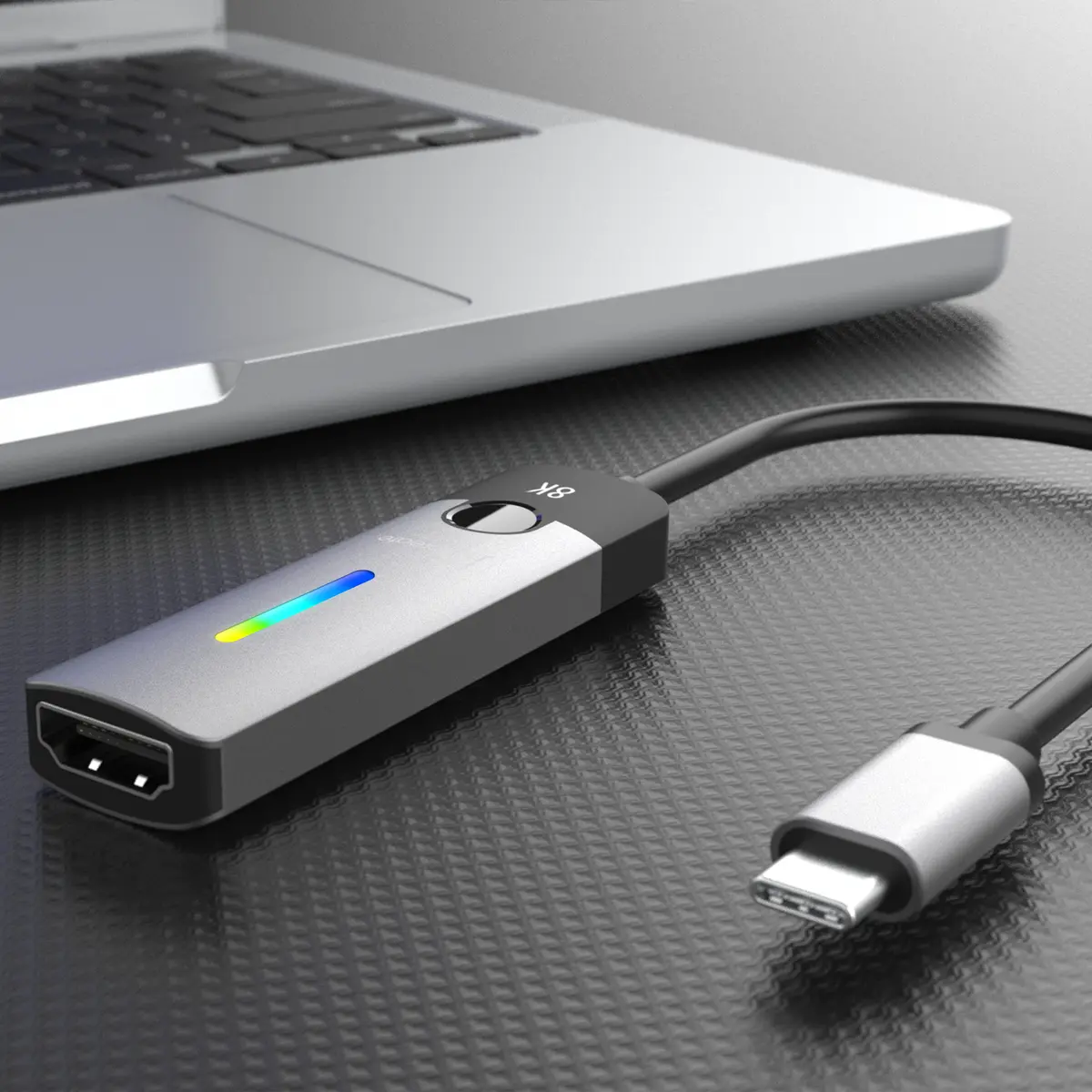
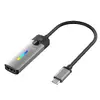
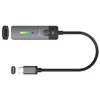
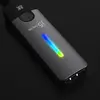
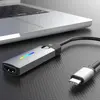
-
Other operating systems supported:
-
Y
-
Linux operating systems supported:
8 RT. Linux (9.4, 9.5), Red Hat Enterprise Linux 5.0 (supported with a pre-built package); SUSE Linux (10.3, 11.0, 11, 11.1, 11.2), Fedora (9, 9.0, 10, 10.0, 11.0, 11, 12, 12.0), Ubuntu (8.04, 8.04.1, 8.04.2, 8.10, 9.04, 9.10, 10.04), Debian (5.0, 5.0.1, 5.0.2, 5.0.3)
-
Y
-
Country of origin:
Country where the device is made. Aka Country of manufacture (COM).
-
Taiwan
-
Windows operating systems supported:
Windows vesions wich can be used with the device.
-
Y
-
Plug and Play:
Indicates whether this product supports is "plug and play". Plug and play is hardware or software that, after being installed ("plugged in"), can immediately be used ("played with"), as opposed to hardware or software which requires configuration.
-
Yes
-
Product colour:
The colour e.g. red, blue, green, black, white.
-
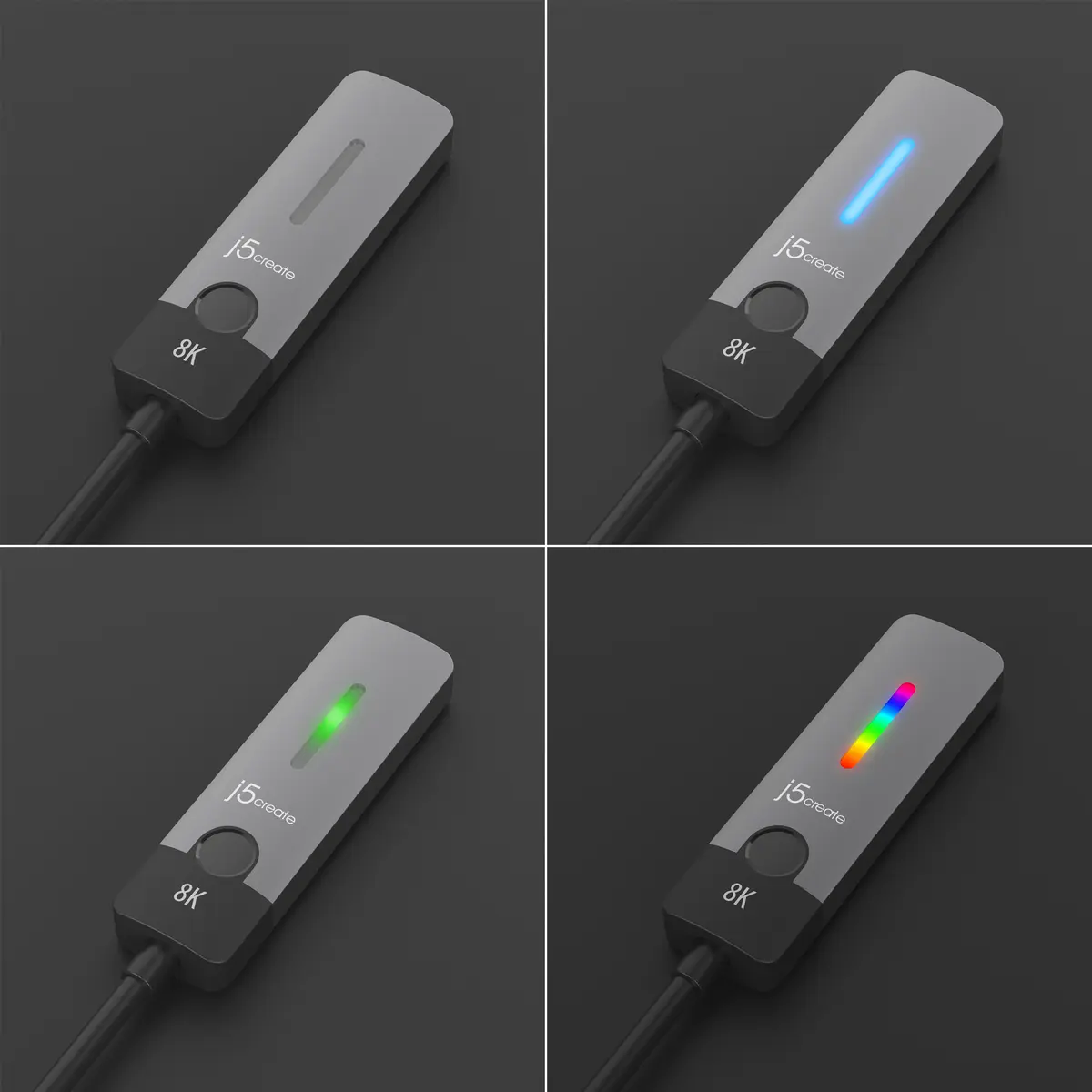
Black, Grey
-
Maximum refresh rate:
-
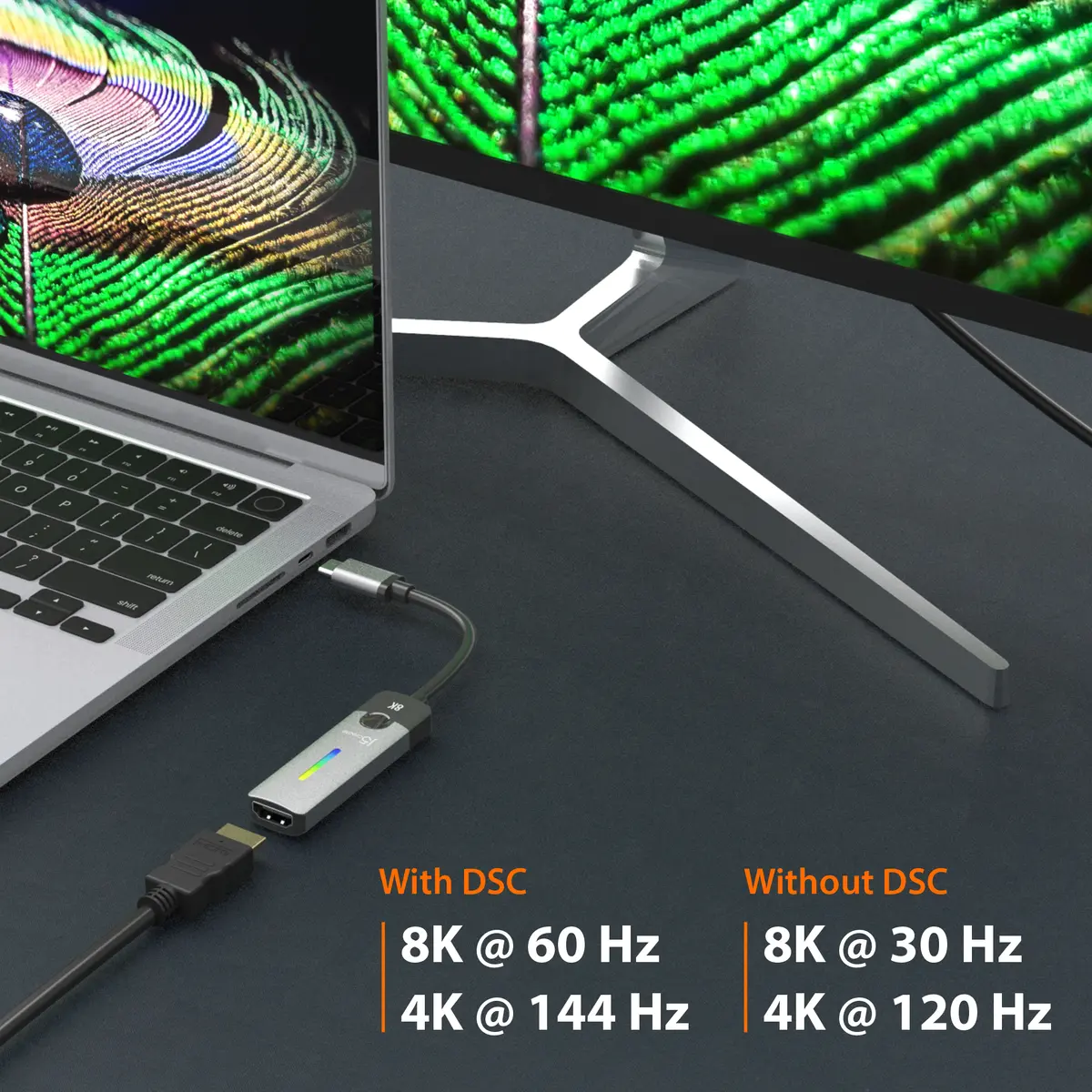
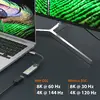
144 Hz
-
Supported graphics resolutions:
The graphic resolutions that can be displayed by the device. The graphic resolution describes the width and height dimensions of a display, such as a computer monitor, measured in pixels.
-
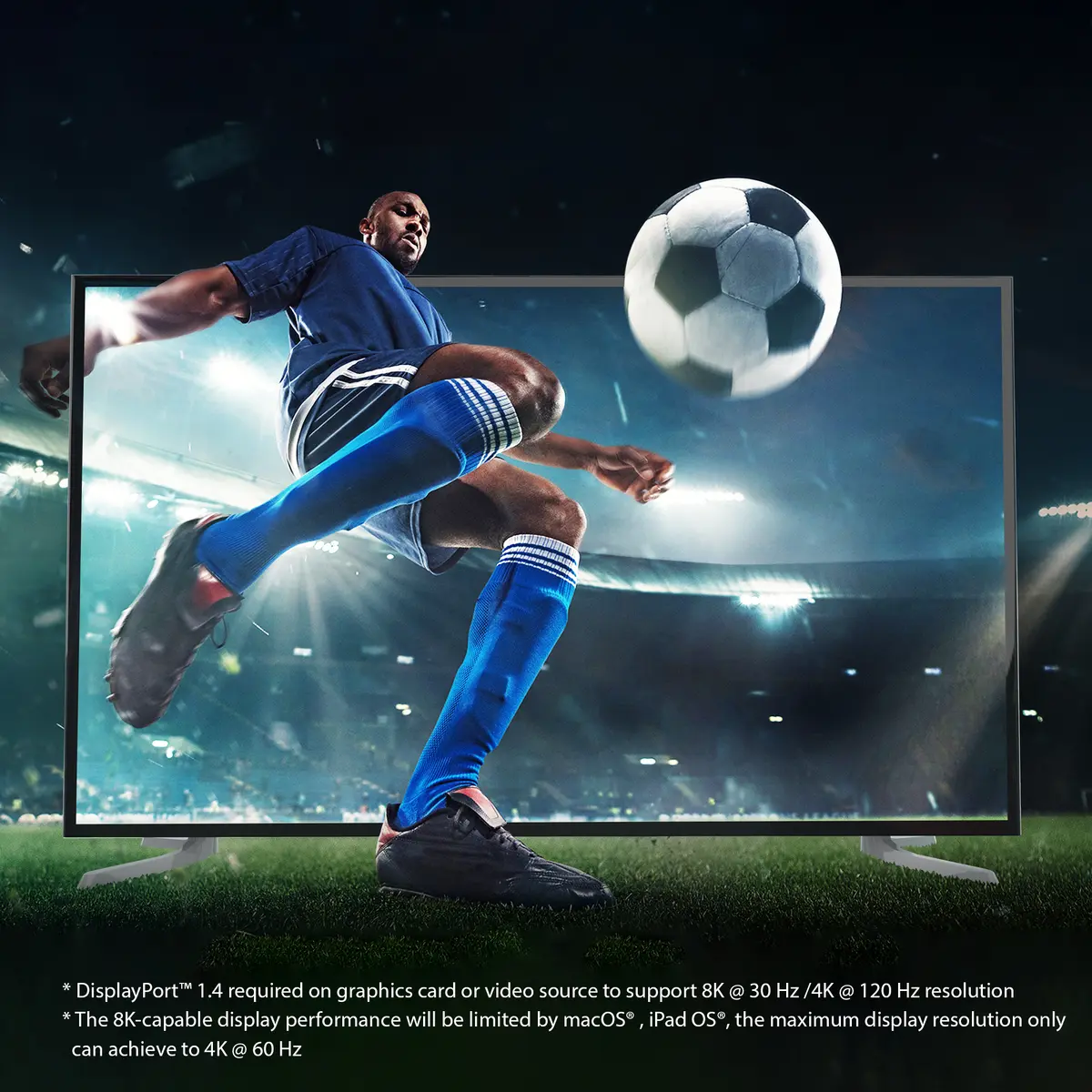
7680 x 4320, 3840 x 2160
-
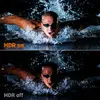
High Dynamic Range (HDR) supported:
-
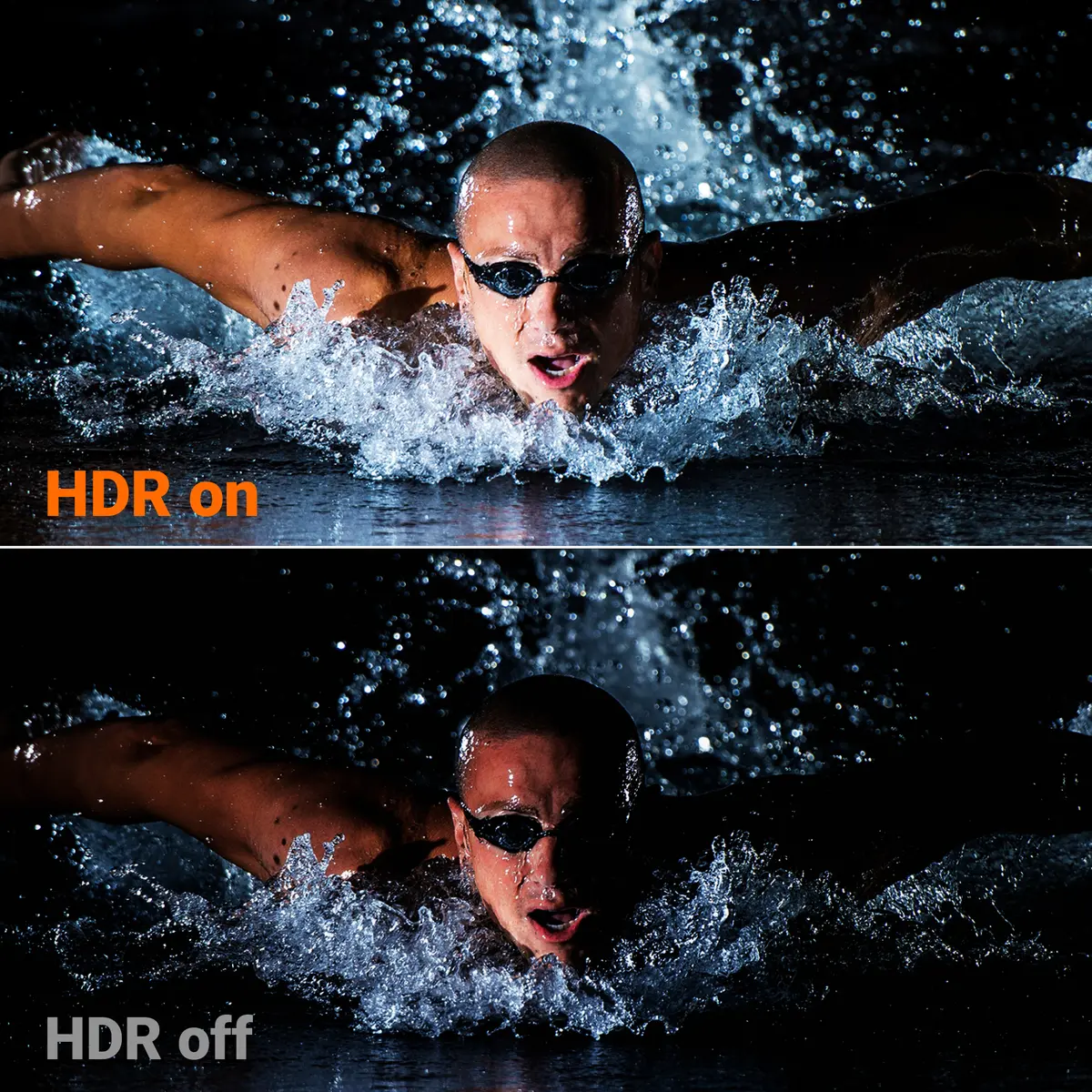
Yes
-
USB Type-C DisplayPort Alternate Mode:
-
Yes
-
HDMI version:
-
2.1
-
Connector 2 form factor:
-
Straight
-
Connector 1 form factor:
-
Straight
-
Connector 2 gender:
The gender of the second connector of the product. Each half of a pair of mating connectors is assigned the designation male or female, the indented one or the one fitting around the other being called female.
-
Female
-
Connector 1 gender:
The gender of the first connector of the product. Each half of a pair of mating connectors is assigned the designation male or female, the part bearing one or which fits into another being called male.
-
Male
-
Connector 2:
This is the second connector in the device.
-
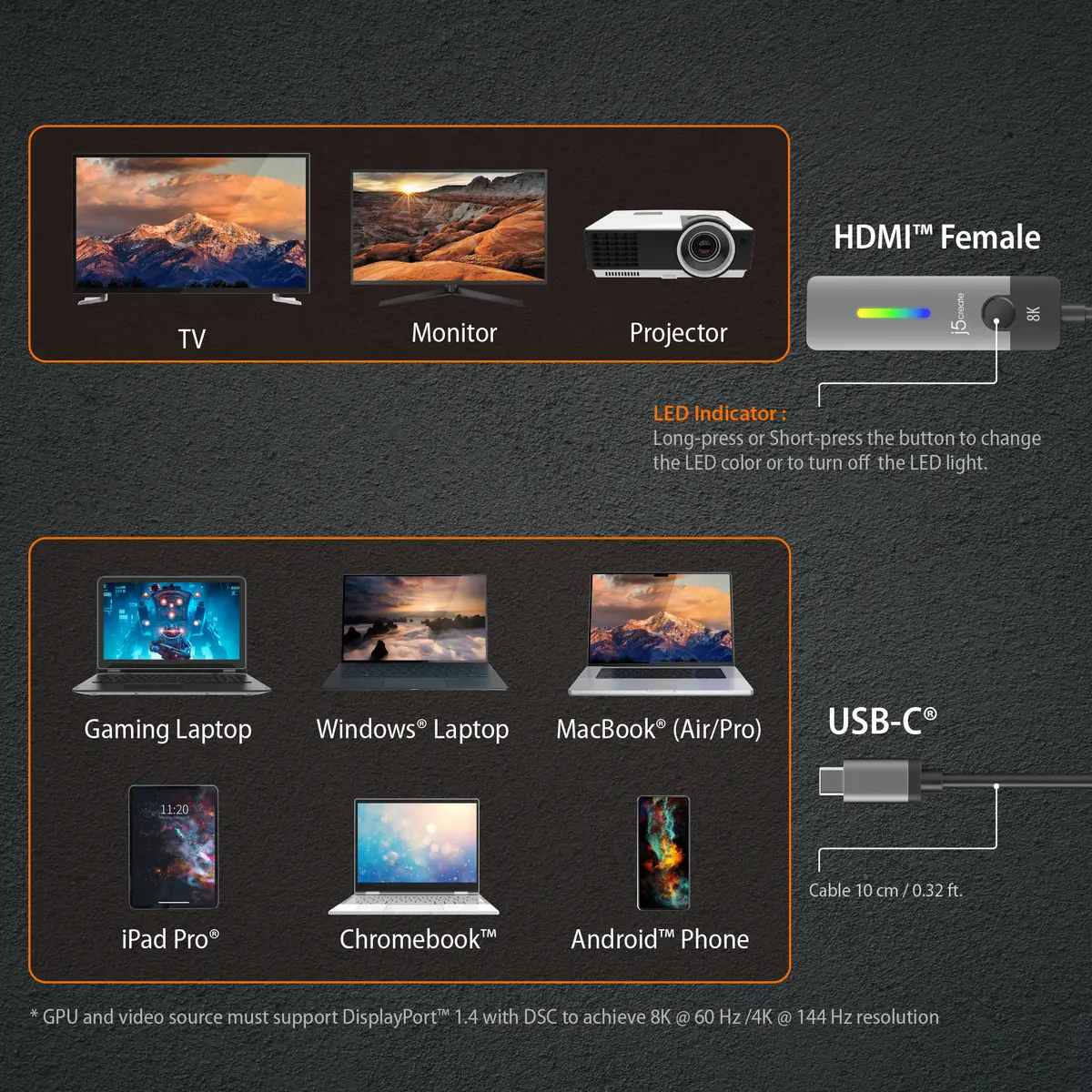
HDMI
-
Connector 1:
This is the first connector in the device.
-
USB Type-C
-
Cable length:
How long the cable is.
-
0.1 m