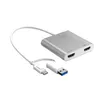
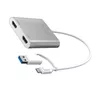
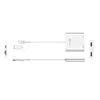
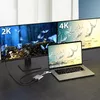
-
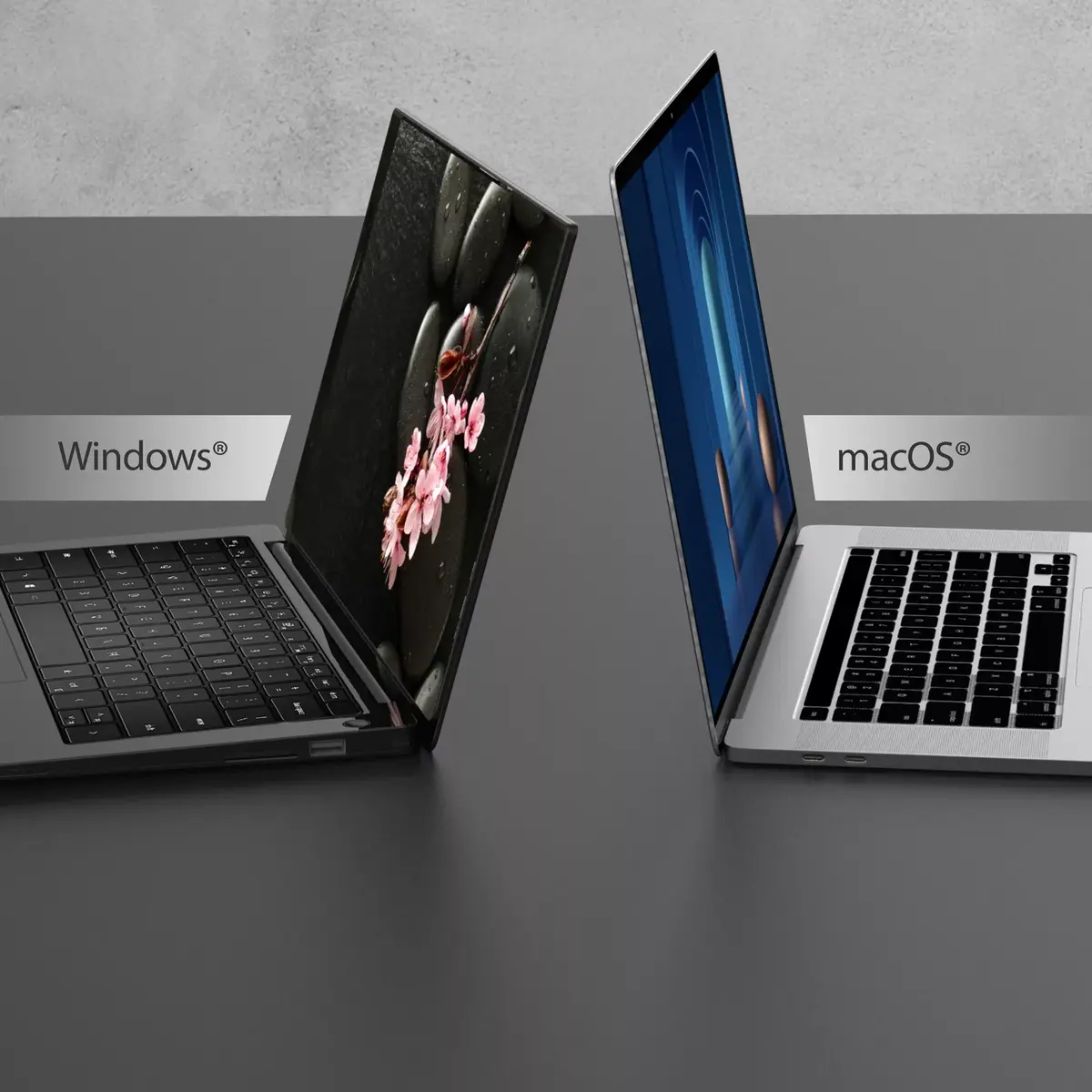
Mac compatibility:
Product can be used with Apple Mac software and/or hardware.
-
Yes
-
Cable type:
Type of cable e.g. electicity cable, optical cable.
-
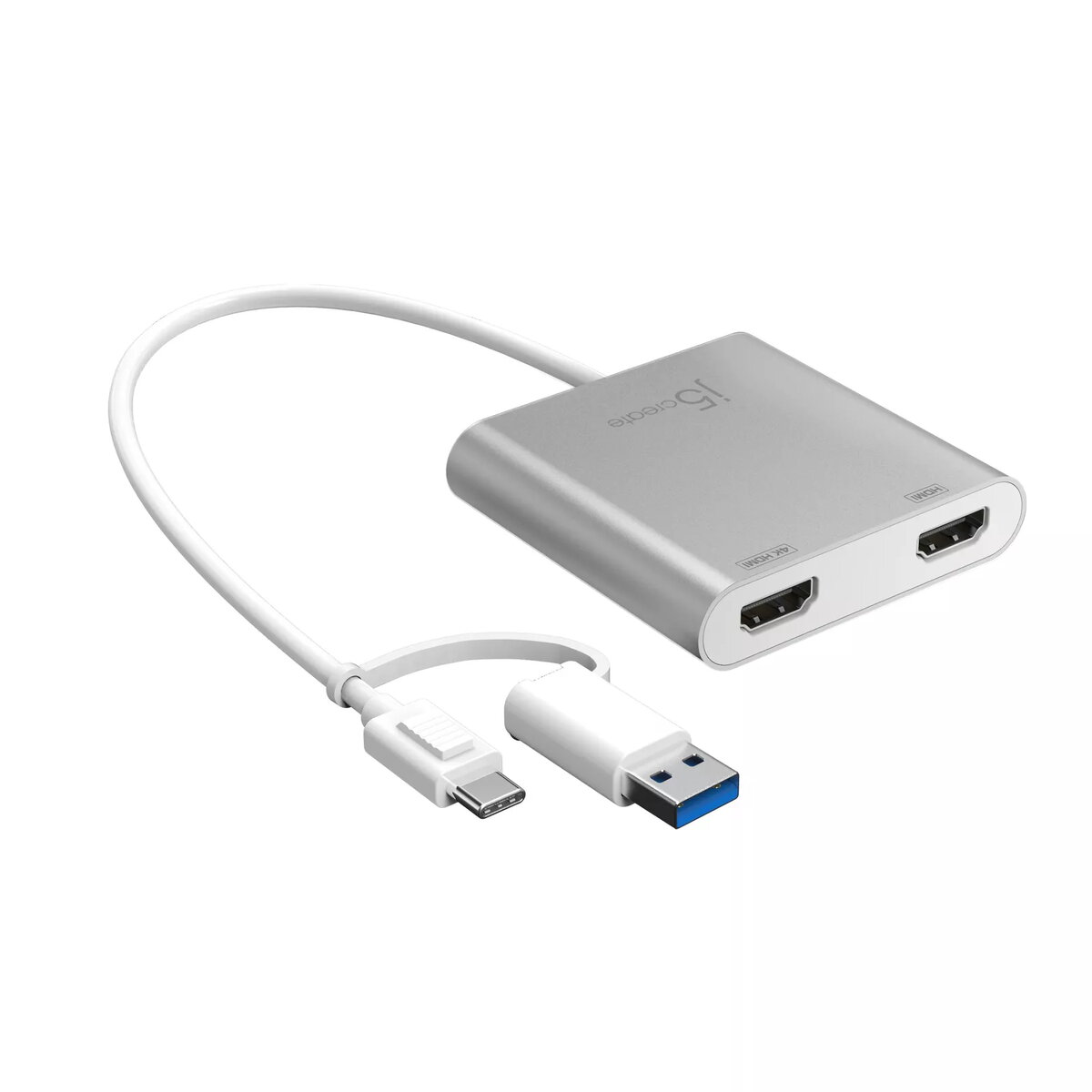
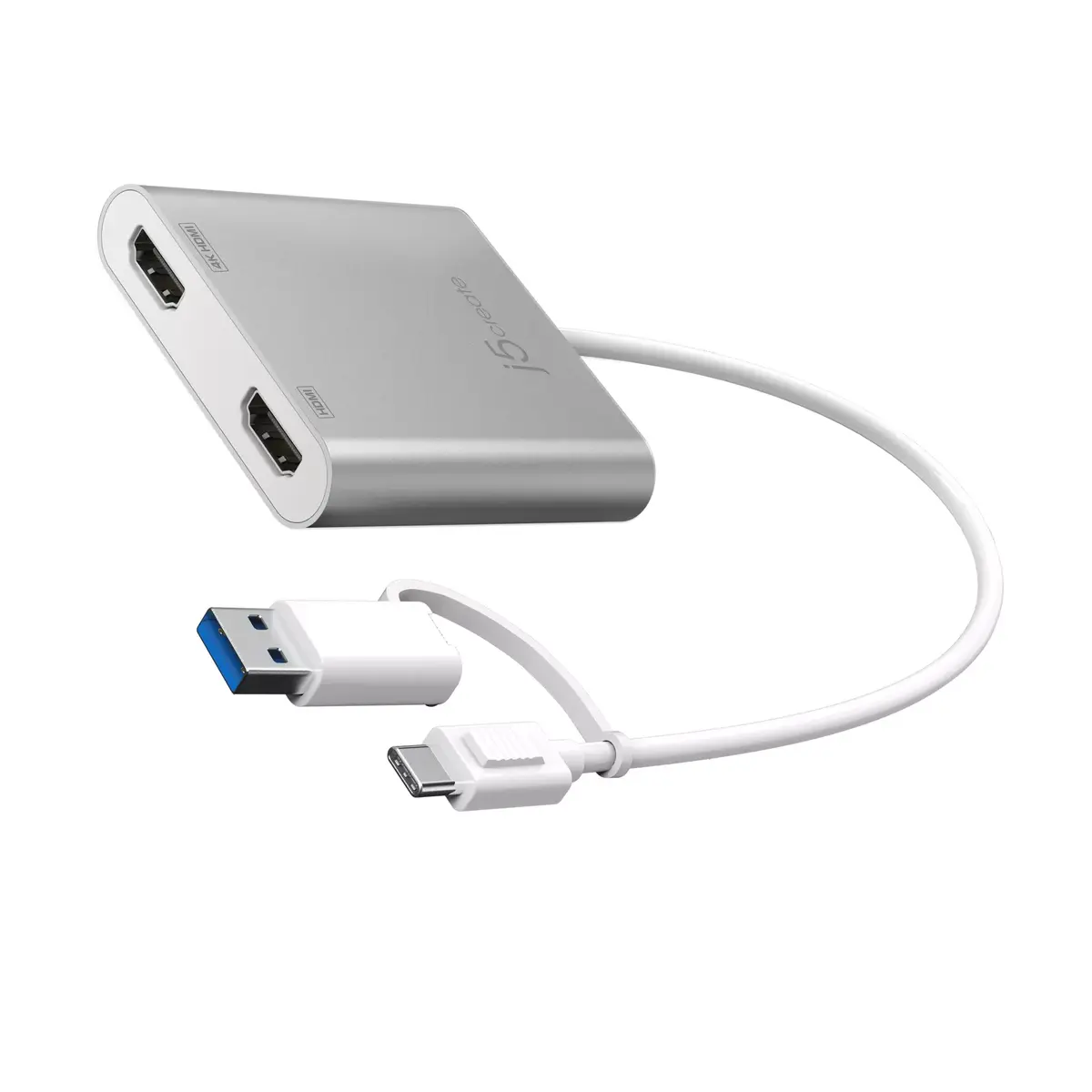
USB-C/USB 3.0
-
Output voltage:
-
5
-
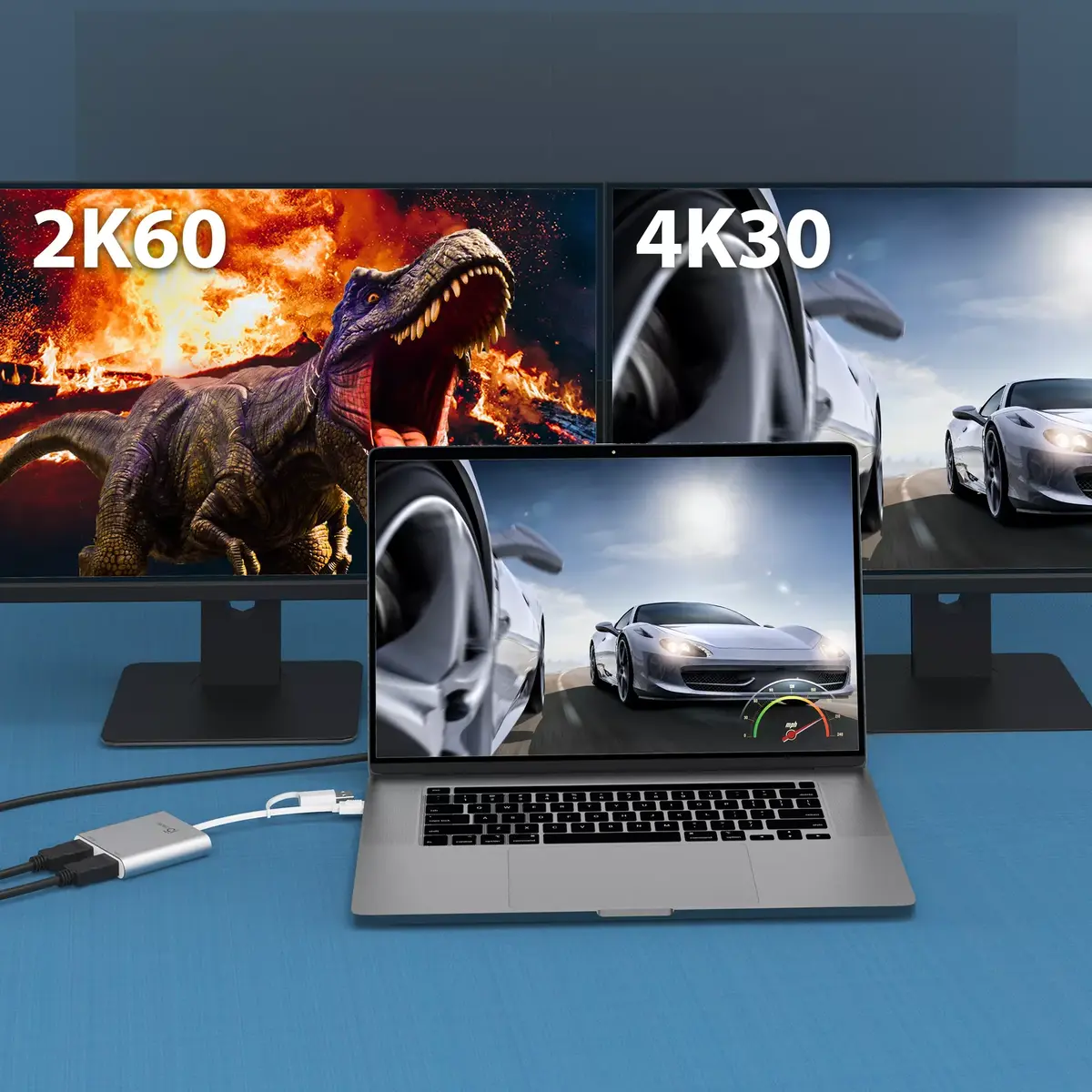
Maximum resolution:
The maximum number of pixels that can be displayed in the image. It is usually quoted as width × height,: for example, "1024 × 768" means the width is 1024 pixels and the height is 768 pixels.
-
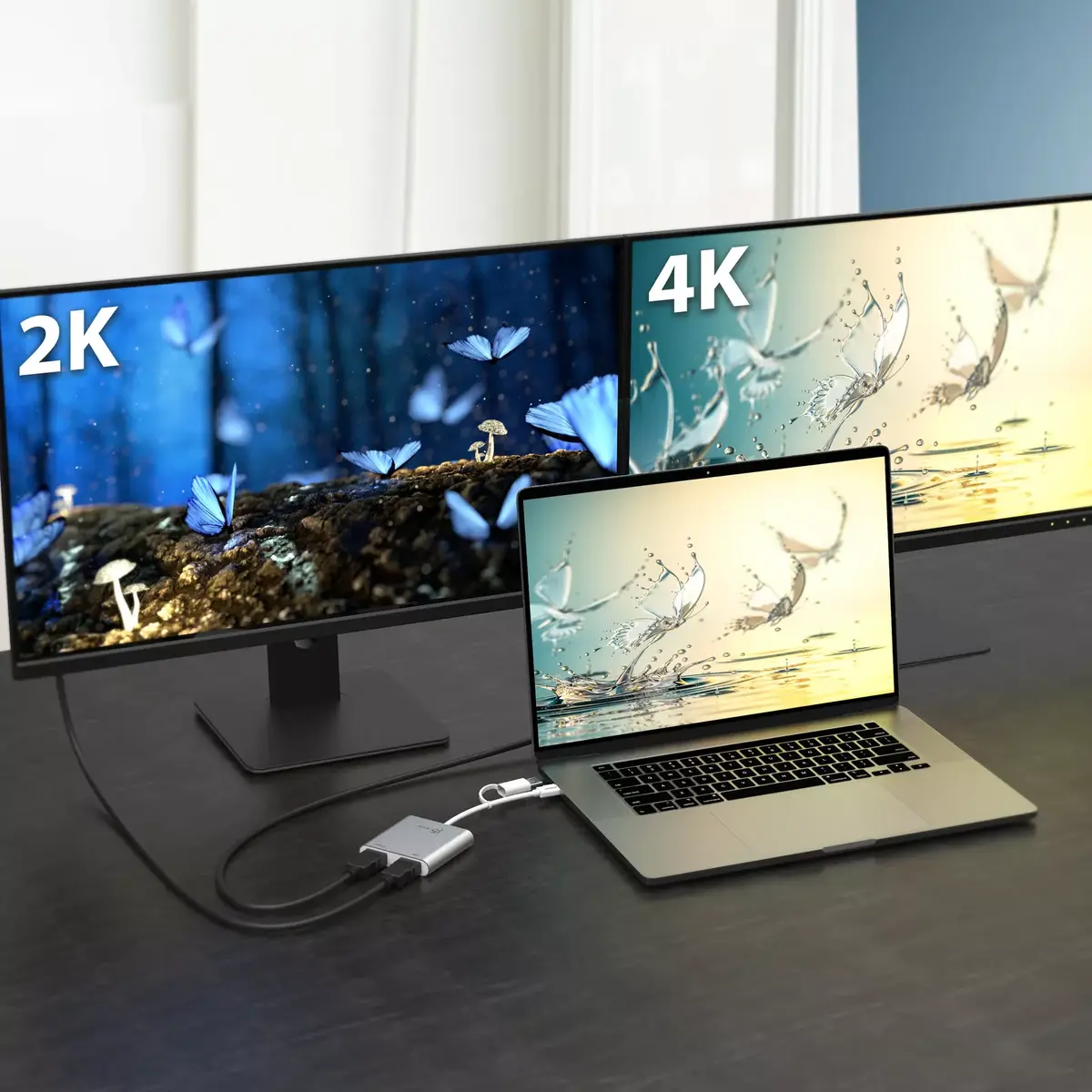
3840 x 2160
-
USB connector type:
The type of USB connector/port that this product has.
-
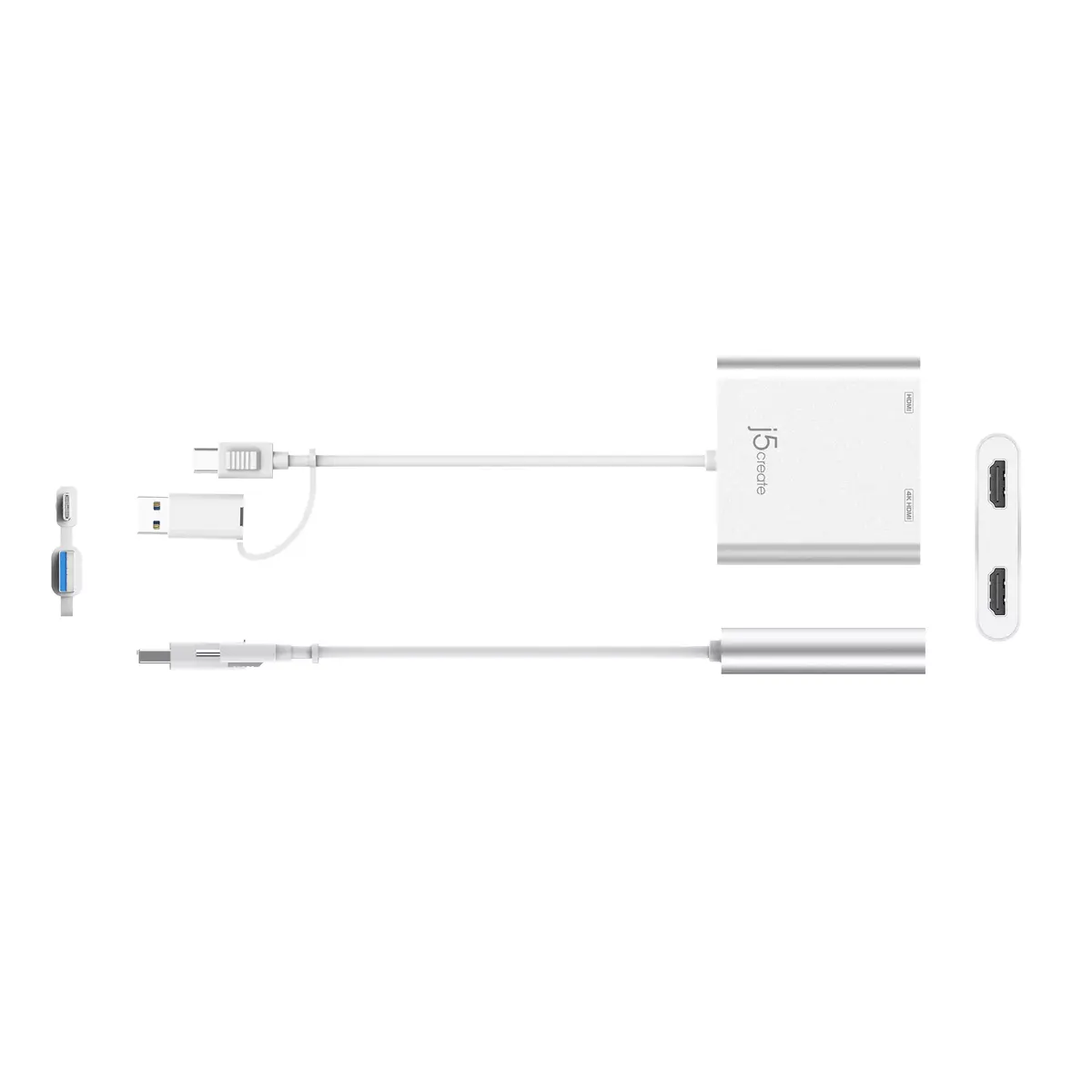
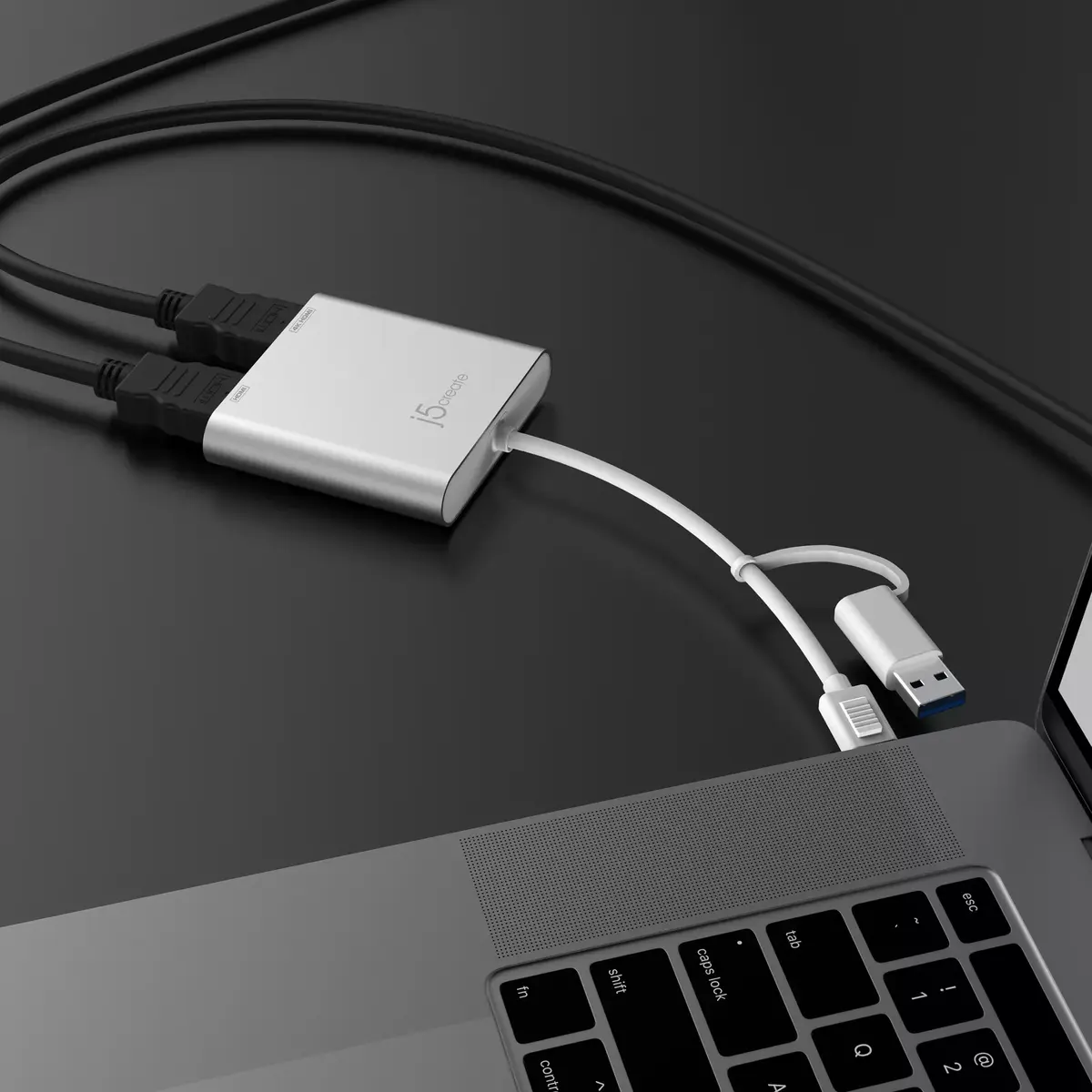
USB Type-A, USB Type-C
-
Cables included:
-
USB Type-C
-
HDMI ports quantity:
The number of sockets (ports) for HDMI connections. HDMI (High-Definition Multimedia Interface) is a compact audio/video interface for transferring uncompressed video data and compressed/uncompressed digital audio data from a HDMI-compliant device ("the source device") to a compatible computer monitor, video projector, digital television, or digital audio device. HDMI is a digital replacement for existing analog video standards.
-
2
-
Integrated USB cable:
-
Yes
-
Supported graphics resolutions:
The graphic resolutions that can be displayed by the device. The graphic resolution describes the width and height dimensions of a display, such as a computer monitor, measured in pixels.
-
2048 x 1152, 3840 x 2160
-
Quick installation guide:
-
Yes
-
Current:
-
0.29 A
-
Windows operating systems supported:
Windows vesions wich can be used with the device.
-
Windows 10, Windows 7, Windows 8.1, Yes
-
Mac operating systems supported:
Mac operating systems e.g. OS X can be used with the device.
-
Mac OS X 10.15 Catalina, Mac OS X 10.10 Yosemite, Mac OS X 10.11 El Capitan, Mac OS X 10.12 Sierra, Mac OS X 10.13 High Sierra, Mac OS X 10.14 Mojave, Mac OS X 10.15.3 Catalina, Mac OS X 10.8 Mountain Lion, Mac OS X 10.9 Mavericks, Mac OS X 11.0 Big Sur, Mac OS X 12.0 Monterey, Yes
-
USB cable length:
-
0.2 m
-
USB version:
Universal Serial Bus (USB) is an industry standard developed in the mid-1990s that defines the interface used for connection, communication and power supply between computers and electronic devices. Every new version - for example 1.1, 2.0, 3.0 - is much faster than the previous one.
-
3.2 Gen 1 (3.1 Gen 1)
-
Power consumption (max):
The maximum amount of power used by the device.
-
1.46 W
-
Minimum processor family:
-
Core i3, Core i5, Core i7
-
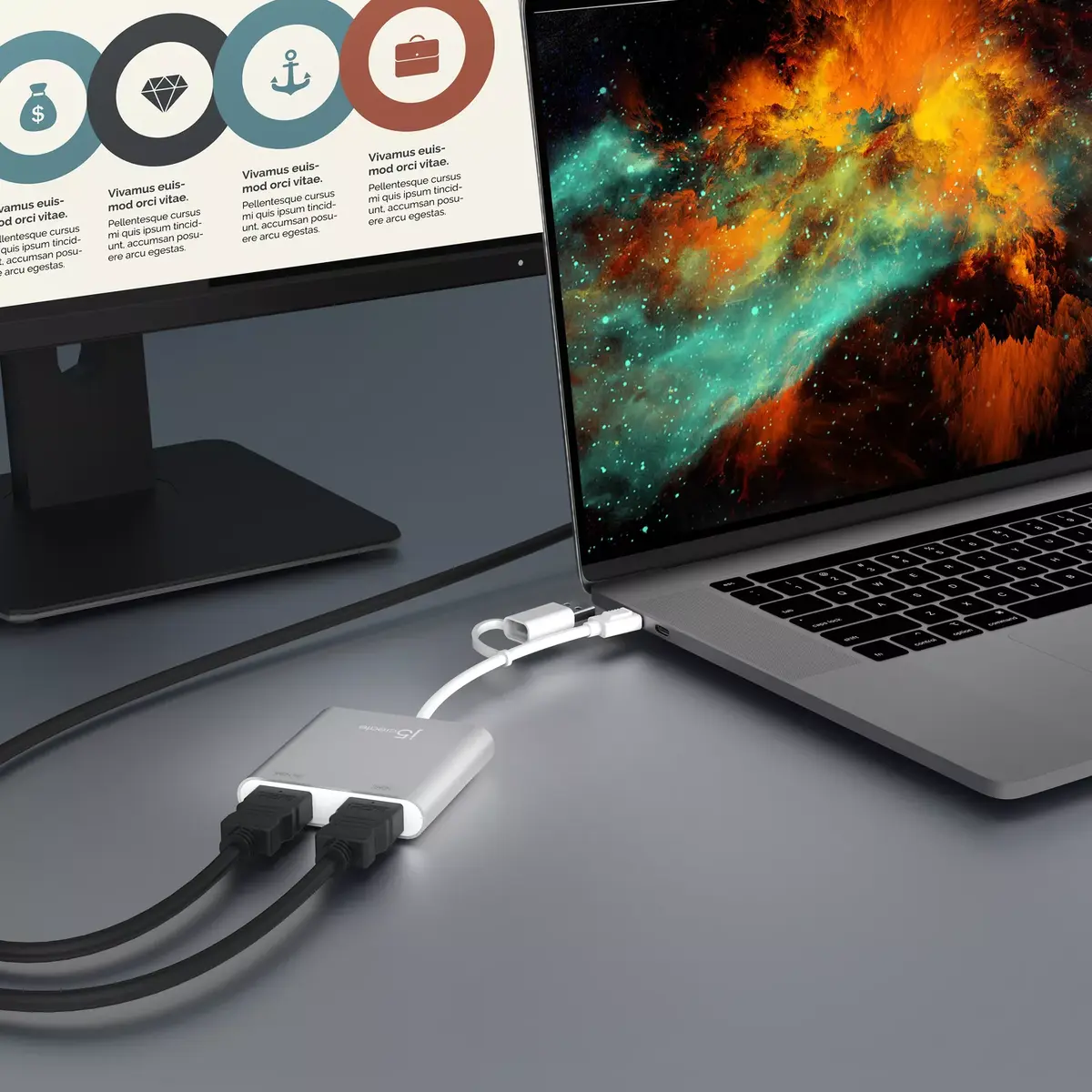
Number of displays supported:
The number of displays that can be used with this product.
-
2
-
Packaging content:
-
1 x USB-C® to Dual HDMI™ Multi-Monitor Adapter (JCA365)
1 x Quick Installation Guide (QIG)
-
Minimum RAM:
The smallest amount of RAM (random access memory) required to perform a particular function.
-
4 GB
-
Minimum processor speed:
-
1.8 GHz
-
DVI output:
-
No
-
Refresh rate at maximum resolution:
-
30 Hz
-
DisplayPort output:
The device features a DisplayPort (DP) output to accomodate a standardized digital display interface used to connect a video source to a display device such as a computer monitor, and it can also carry audio, USB, and other forms of data.
-
No
-
HDMI output:
The device features an HDMI output.
-
Yes
-
Mirror display mode:
-
Yes
-
Extended display mode:
-
Yes
-
USB connector gender:
-
Male
-
USB connector form factor:
-
Straight