-
Internal:
The product is built in.
-
No
-
Minimum processor:
The lowest speed that the computer processor can run at, or the minimum amount of processing capacity that can be used, for the computer and particular program(s) to function.
-
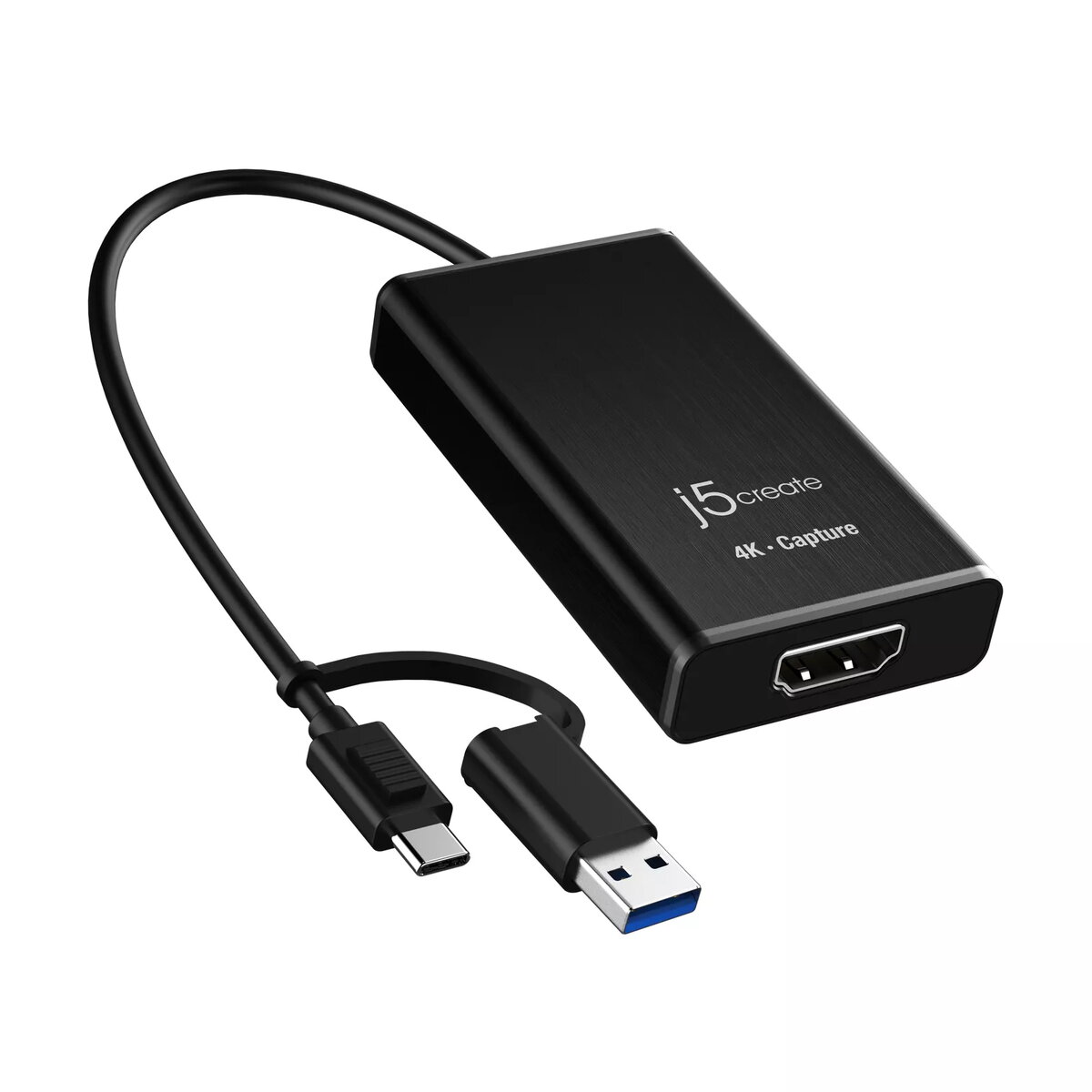
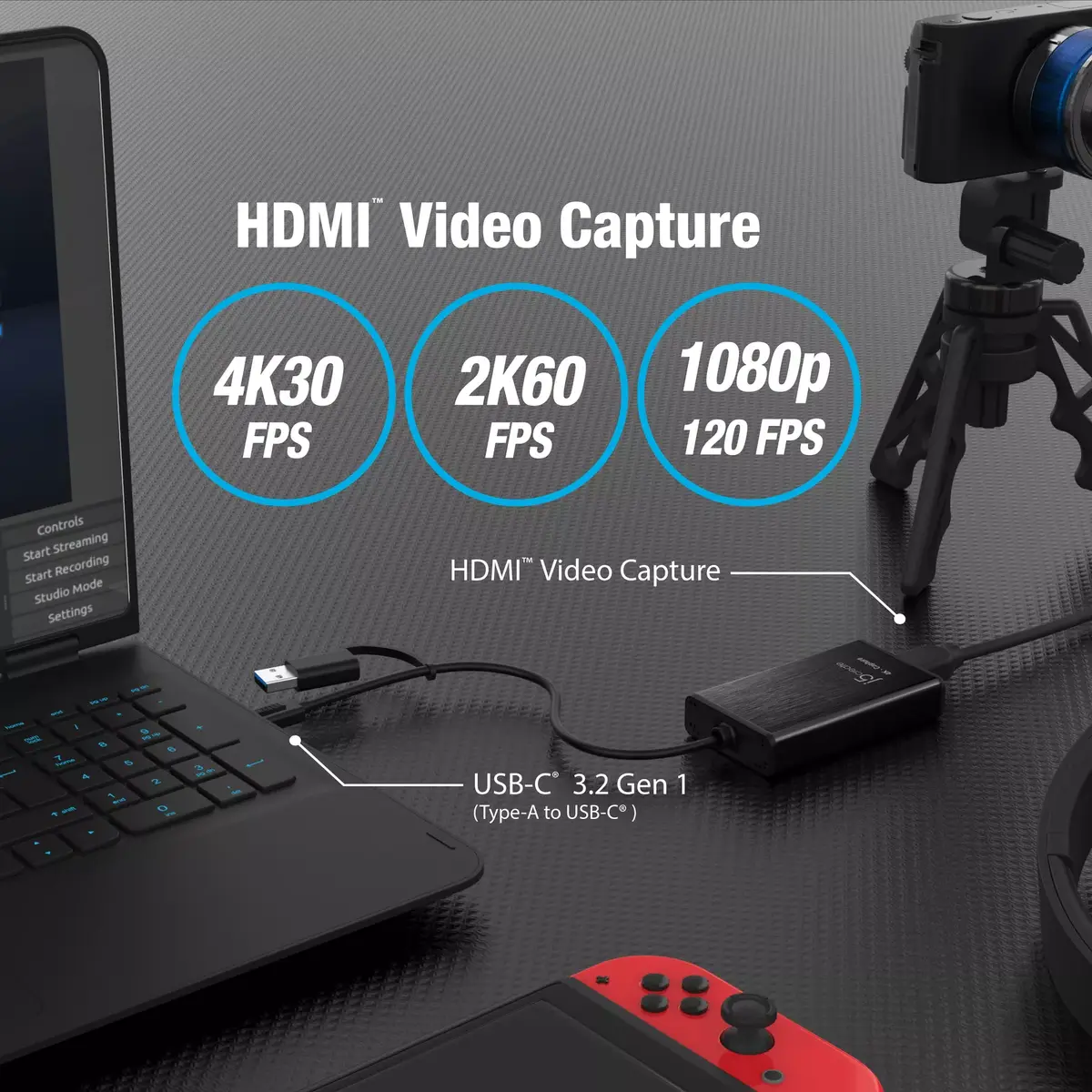
Available USB-C® or USB™ Type-A port (USB™ 3.2 / 3.0 is recommended) Windows® 7 or later macOS® 10.12 or later Android™ 8.1 or later Chrome OS™ with UVC support CPU: Intel® Core™ i7 6700HQ & above GPU: NVIDA® GTX 960M & above RAM: 8 GB or higher
-
Power supply type:
The type of power supply which this product uses.
-
USB
-
Analog signal format system:
The supported protocols for exchanging analog signals.
-
Not supported
-
Video capture resolution (max):
-
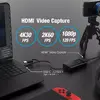
3840 x 2160
-
Remote control included:
Component of an electronics device, most commonly a television set, DVD player and home theater systems originally used for operating the device wirelessly from a short line-of-sight distance.
-
No
-
USB connector type:
The type of USB connector/port that this product has.
-
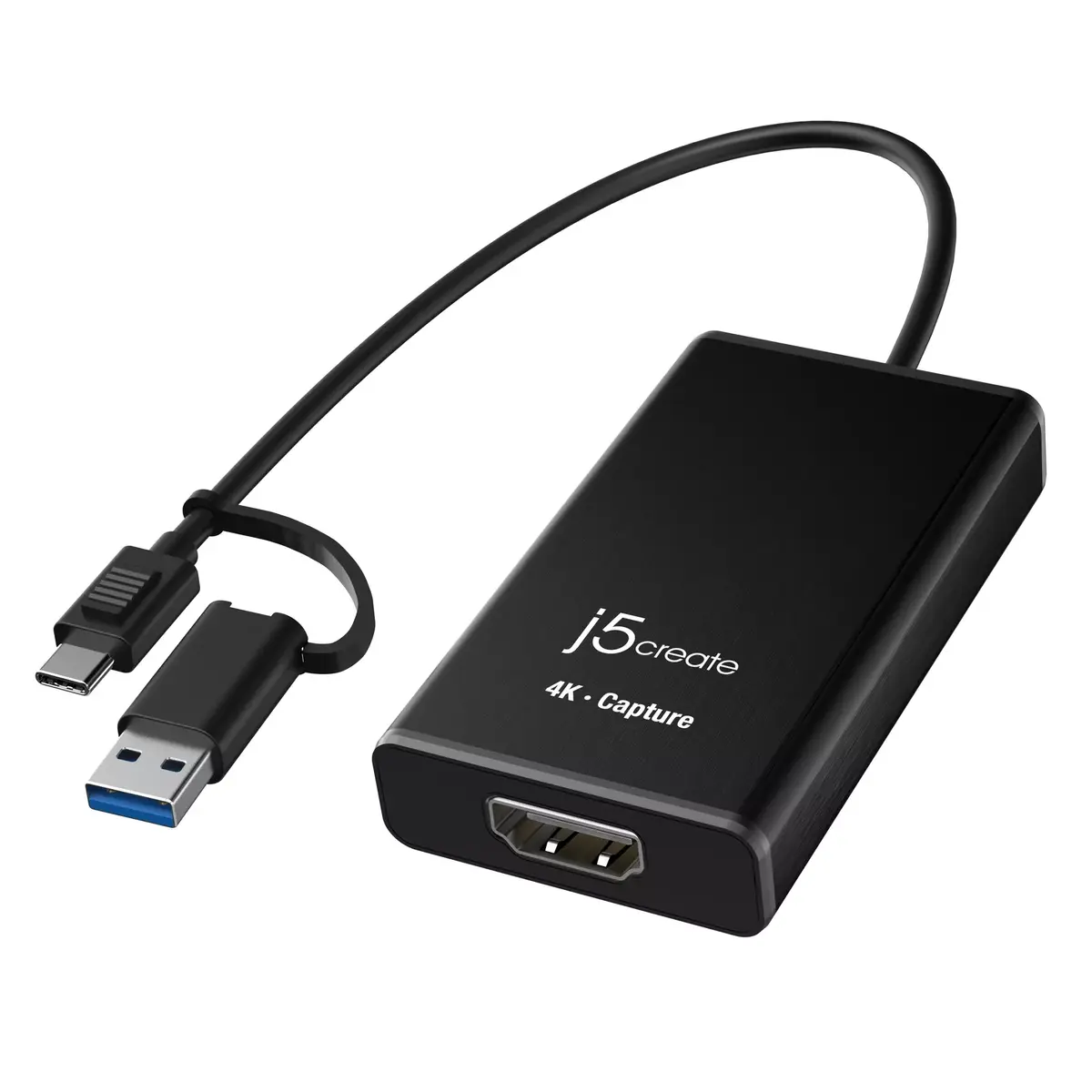
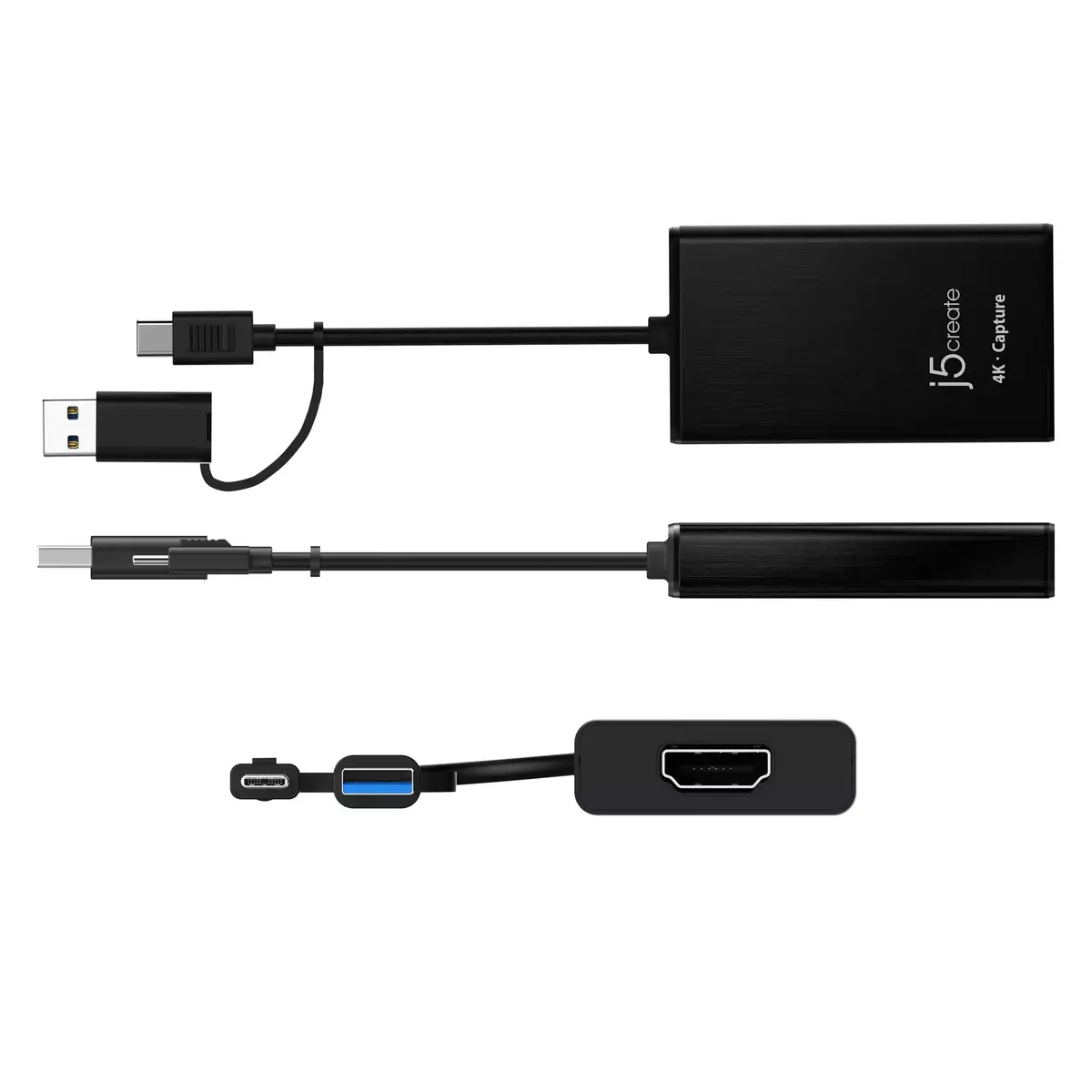
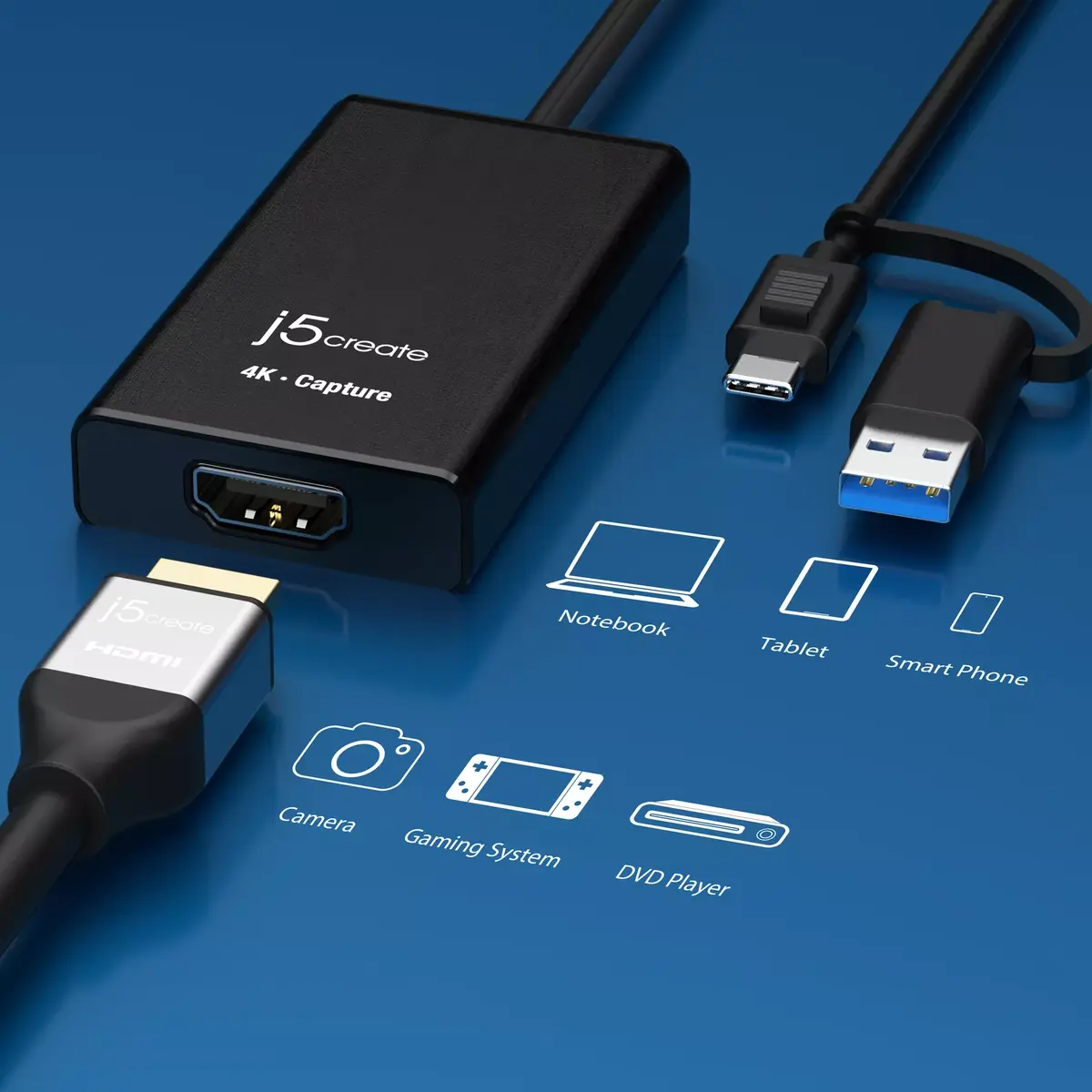
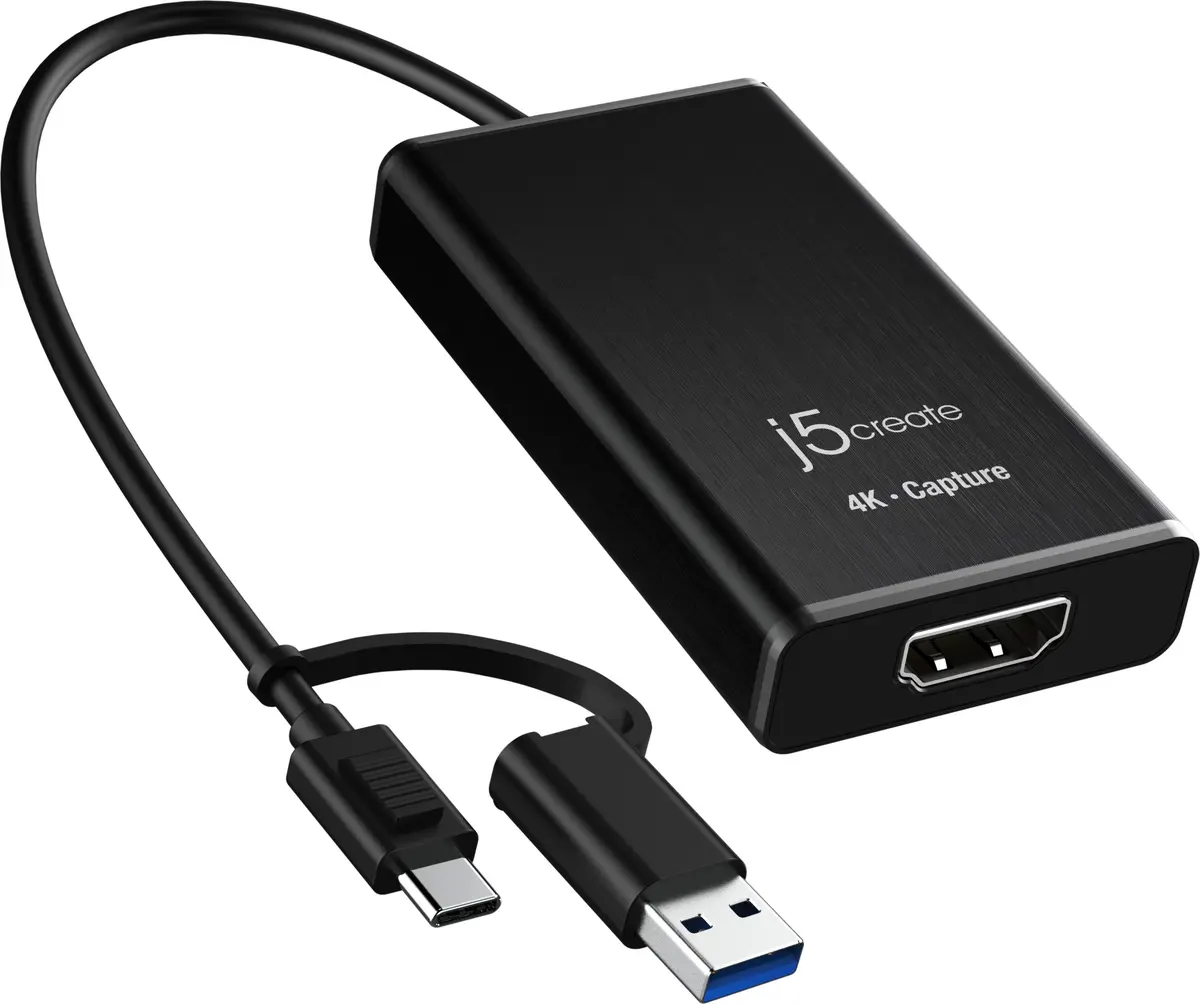
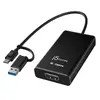
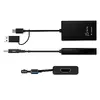
USB Type-A, USB Type-C
-
Headphone outputs:
Number of sockets /ports where headphones are connected.
-
0
-
DC-in jack:
The socket/plug where the DC electricity supply connects to the device.
-
No
-
VGA (D-Sub) ports quantity:
Number of VGA (D-Sub) ports (connecting interfaces) in the device. The VGA (D-Sub) connector is a 15 pin connector between a computer and a monitor. It was first introduced in 1987 by IBM.
-
0
-
DVI-I ports quantity:
This is the amount of DVI-I interfaces. Digital Visual Interface (DVI) is a video display interface developed by the Digital Display Working Group (DDWG). The digital interface is used to connect a video source to a display device, such as a computer monitor. DVI-I is DVI integrated, which means it can support digital and analog.
-
0
-
DVI-D ports quantity:
This is the amount of DVI-I interfaces. Digital Visual Interface (DVI) is a video display interface developed by the Digital Display Working Group (DDWG). The digital interface is used to connect a video source to a display device, such as a computer monitor. DVI-D means DVI digital, which means it can only support digital, but not analog.
-
0
-
Composite video out:
The socket in the device for the composite video, which is an analog video transmission (no audio) that carries standard definition video typically at 480i or 576i resolution. The cables for composite video are normally yellow.
-
0
-
Digital audio optical out:
The socket in the device for the digital audio output. The signal is carried via an optical cable with an TOSLINK connector.
-
0
-
S-Video inputs quantity:
The number of ports (input sockets) for S-Video, which is a signalling standard for standard definition video, typically 480i or 576i.
-
0
-
S-Video outputs quantity:
The number of ports (output sockets) for S-Video, which is a signalling standard for standard definition video, typically 480i or 576i.
-
0
-
Composite video in:
The socket (port) for the composite video input (white cable).
-
0
-
HDMI ports quantity:
The number of sockets (ports) for HDMI connections. HDMI (High-Definition Multimedia Interface) is a compact audio/video interface for transferring uncompressed video data and compressed/uncompressed digital audio data from a HDMI-compliant device ("the source device") to a compatible computer monitor, video projector, digital television, or digital audio device. HDMI is a digital replacement for existing analog video standards.
-
1
-
AV input:
-
No
-
AV output:
-
No
-
Digital audio optical in:
The socket in the device for the digital audio input. The signal is inputted via an optical cable with an TOSLINK connector.
-
0
-
Maximum frame rate:
This is the maximum frame rate, also known as frame frequency and frames per second (FPS). It is the frequency (rate) at which an imaging device produces unique consecutive images called frames. The term applies equally well to film and video cameras, computer graphics, and motion capture systems. Frame rate is most often expressed in frames per second (FPS) and is also expressed in progressive scan monitors as hertz (Hz).
-
120 fps
-
HDMI in:
Port (socket) for HDMI input.
-
1
-
Number of HDMI outputs:
Port (socket) for HDMI output.
-
0
-
User guide:
-
No
-
Screws included:
-
No
-
RJ-45 ports quantity:
-
0
-
Software CD:
-
No
-
USB ports quantity:
-
0
-
Full-height bracket:
-
No
-
Low-profile bracket:
-
No
-
Software included:
-
No
-
Protective case:
-
No
-
BNC ports quantity:
-
0
-
USB port:
The device features a socket into which a USB cable can be plugged.
-
No


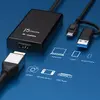

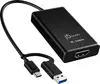
 Charging device not included


