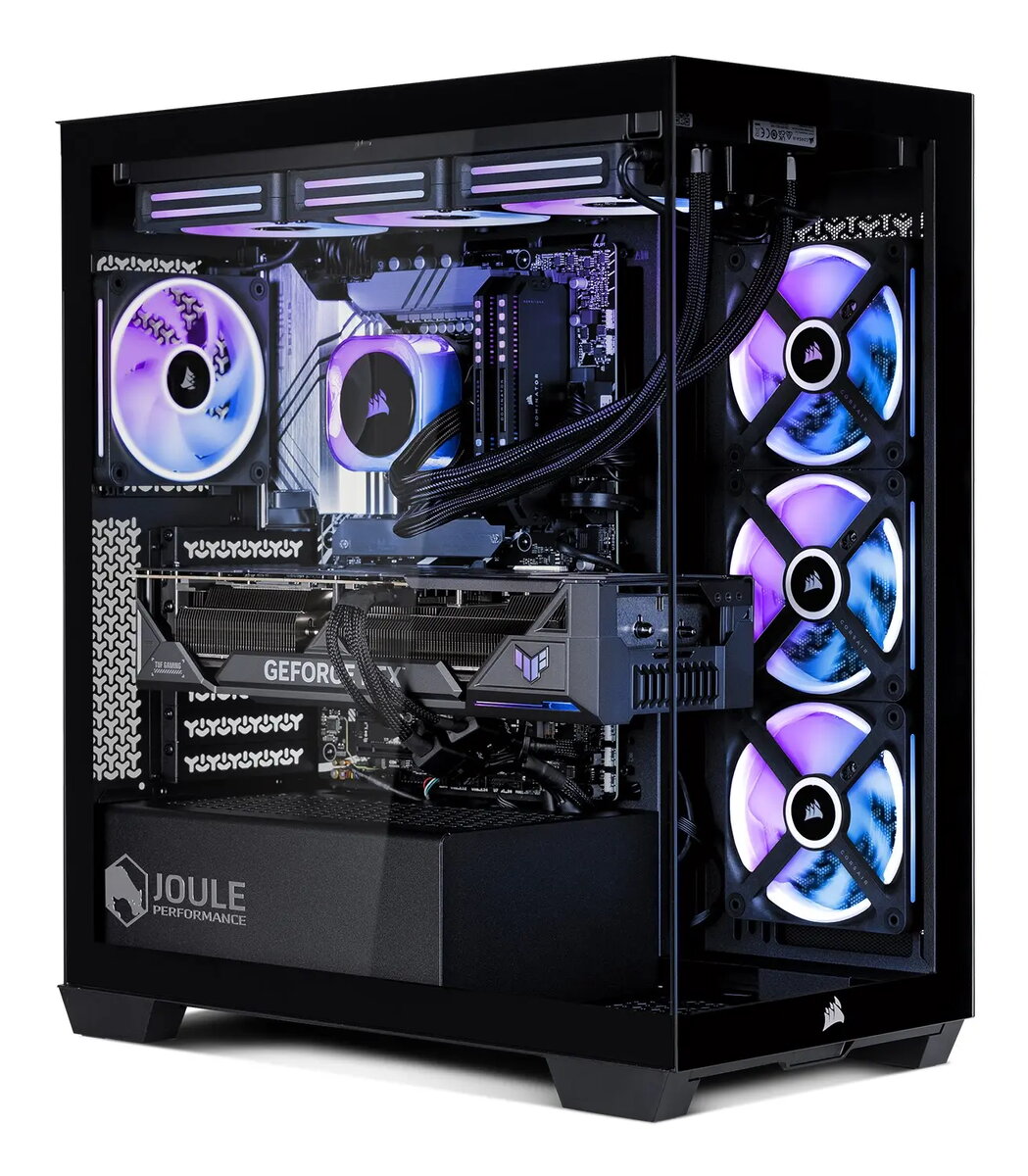
The Joule Performance High End Gaming PC is a premium desktop computer engineered for enthusiasts who demand exceptional speed and visual fidelity. Equipped with the latest RTX 5080 graphics card and a high-performance U7 processor, this system delivers smooth frame rates and rapid processing speeds for the most demanding modern titles. With 32GB of RAM and a spacious 3TB storage drive, it provides ample capacity for large game libraries and intensive multitasking, all managed by a pre-installed Windows operating system for immediate usability.
Advantages
This gaming PC stands out due to its balanced architecture that prioritizes both raw power and system stability. The integration of the RTX 5080 ensures cutting-edge graphical performance, including advanced ray tracing and AI-driven rendering capabilities. The combination of a high-tier U7 processor and 32GB of memory allows for seamless transitions between gaming, streaming, and content creation tasks without performance bottlenecks. Furthermore, the 3TB storage solution eliminates the need for frequent file management, providing enough space for high-resolution assets and extensive software installations.
Suitable for
- High-end gaming at maximum graphical settings
- Professional video editing and 3D rendering
- Live streaming high-definition content
- Complex multitasking and workstation applications
This system may not be suitable for users seeking a compact or portable computing solution, as its high-performance components require a full-sized desktop chassis. Additionally, it may exceed the requirements for basic office tasks, web browsing, or light media consumption, making it a less cost-effective choice for those specific use cases.
Key specifications
- Graphics Card: NVIDIA RTX 5080
- Processor: Intel Core U7
- Memory: 32GB RAM
- Storage: 3TB SSD
- Operating System: Windows
How to use
To begin using your Joule Performance PC, place the tower in a well-ventilated area with sufficient clearance for airflow. Connect your monitor to the graphics card output ports, attach your peripherals, and plug the power cable into a grounded outlet. Upon powering on the system, follow the on-screen Windows setup instructions to configure your user account and network settings. Once the initial configuration is complete, you can begin installing your preferred games and applications directly from your digital libraries.
What to consider before purchase
- Ensure your monitor supports the high resolution and refresh rates capable of being output by the RTX 5080.
- Verify that your desk space can accommodate the dimensions of a high-performance desktop tower.
- Check your local power supply requirements to ensure compatibility with the system's power consumption.
Usage recommendations: To maintain optimal performance and longevity, keep the ventilation intakes free of dust and ensure the system is placed on a hard, flat surface. Regularly update your graphics drivers and Windows software to benefit from the latest security patches and performance optimizations.