
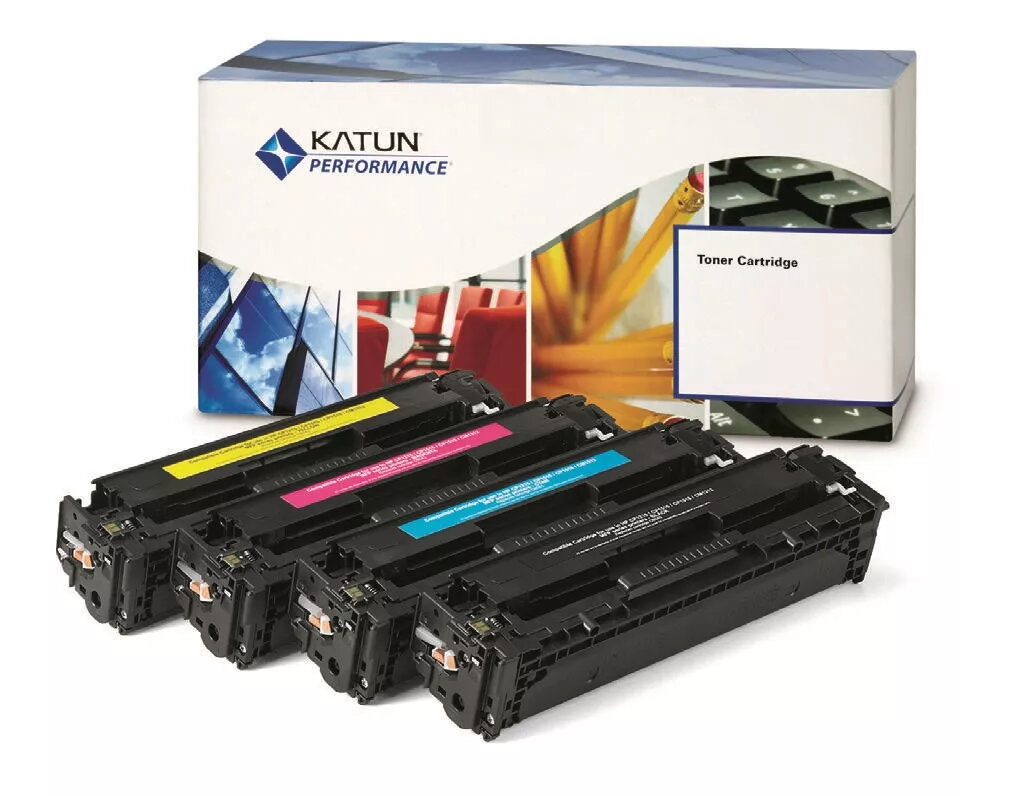
Toner cartridge Katun 43851 1 pc(s) Magenta
54.99 €
{{selectedOffer && selectedOffer.price | formatAmount}}
Short description
The Katun 43851 toner cartridge is designed for high-quality printing in magenta. It offers reliable performance and consistent color output, ensuring vibrant prints for your documents and images. With a quantity of 1 pc(s) per pack, this toner cartridge is easy to install and compatible with various printers. Ideal for both home and office use, it provides excellent value and efficiency for your printing needs.

Cheapest delivery:
Unisend LV
Pick-up points
Unisend LV
Cost
1.79 €
Deliver
{{selectedOffer.parcelStationDeliveryString}}
Customer service center
2b. Kengaraga str., Riga, Latvia, LV-1063
05.08.2026
{{selectedOffer.officeDeliveryString}}
free
Courier Delivery
Please note that in case of a large parcel additional delivery costs may apply!
From 4.99 € (Weight: 0.08 kg)
Parcel couriers
Unisend LV / Venipak Pickup LV / Venipak Locker LV / Latvijas Pasts pakomāts / DPD Paku skapis / Omniva LV / Latvijas Pasts nodaļa
10.08.2026
{{selectedOffer.parcelStationDeliveryString}}
From 1.79 €

Payment Methods:
Bank transfer, Bank cards on-line, Apple Pay, Google Pay


