

Hurry and order now – up to 50% off!
In cart {{totalProductsCount}} item(s)
Your cart is empty
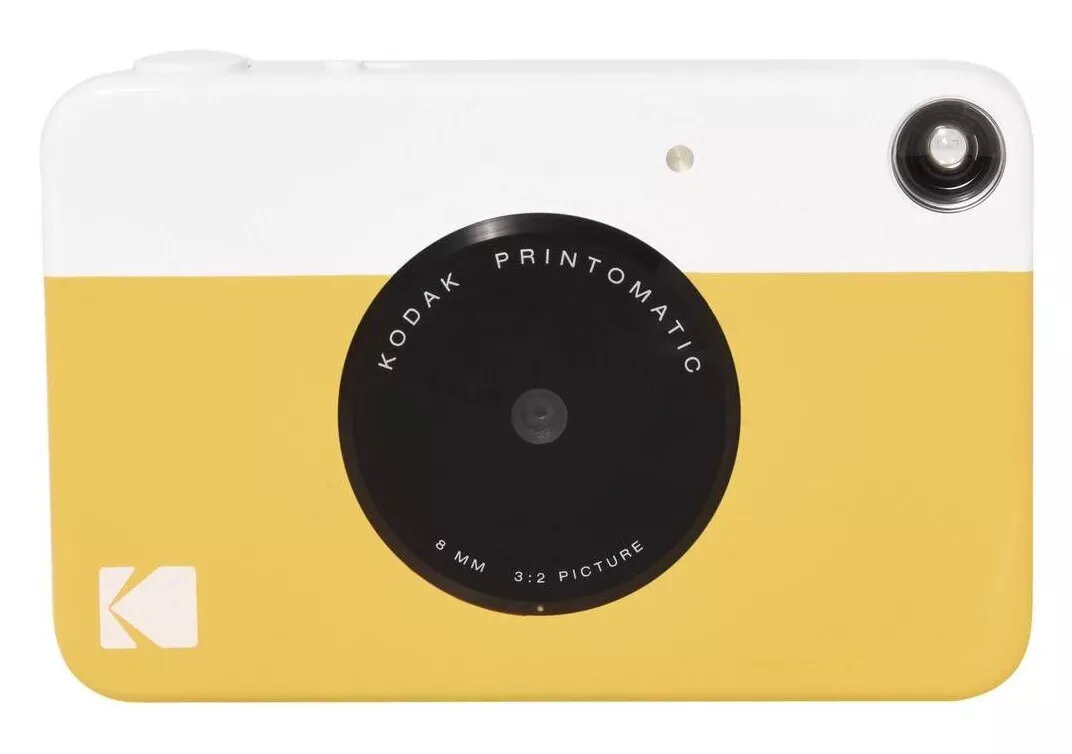
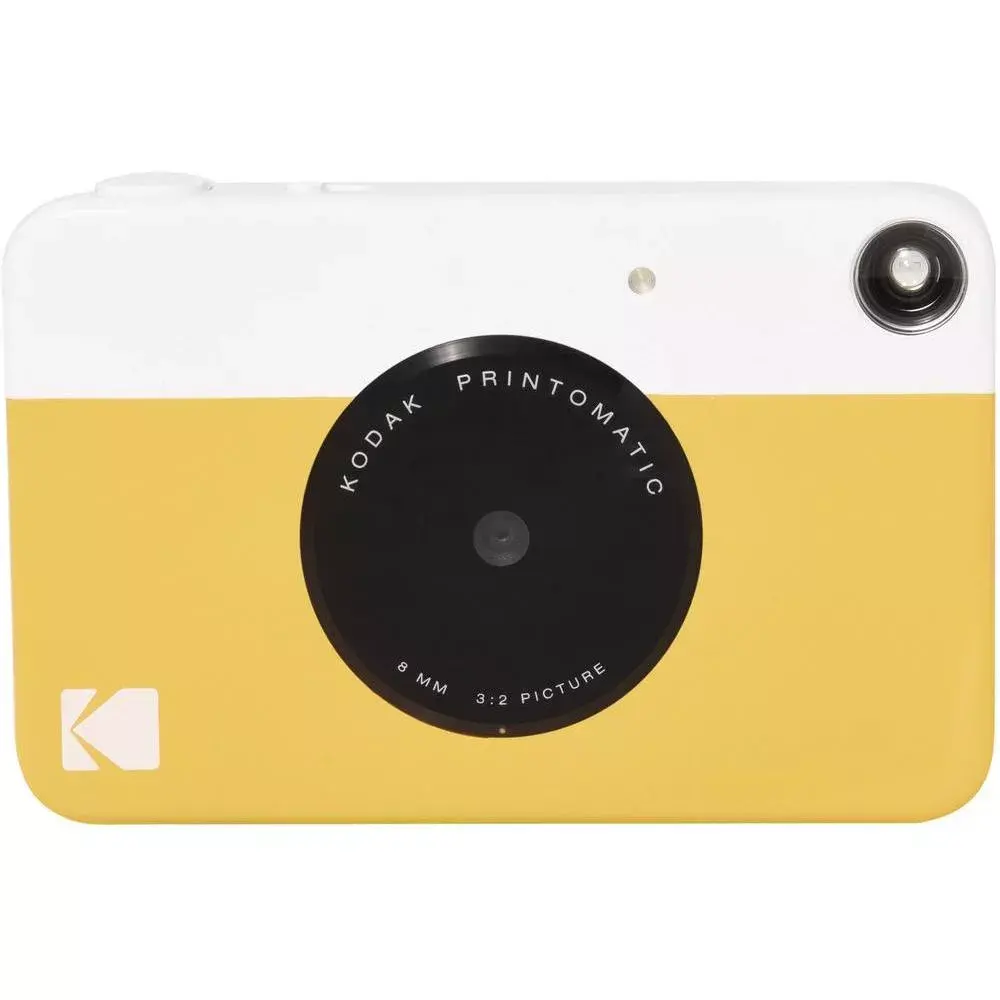
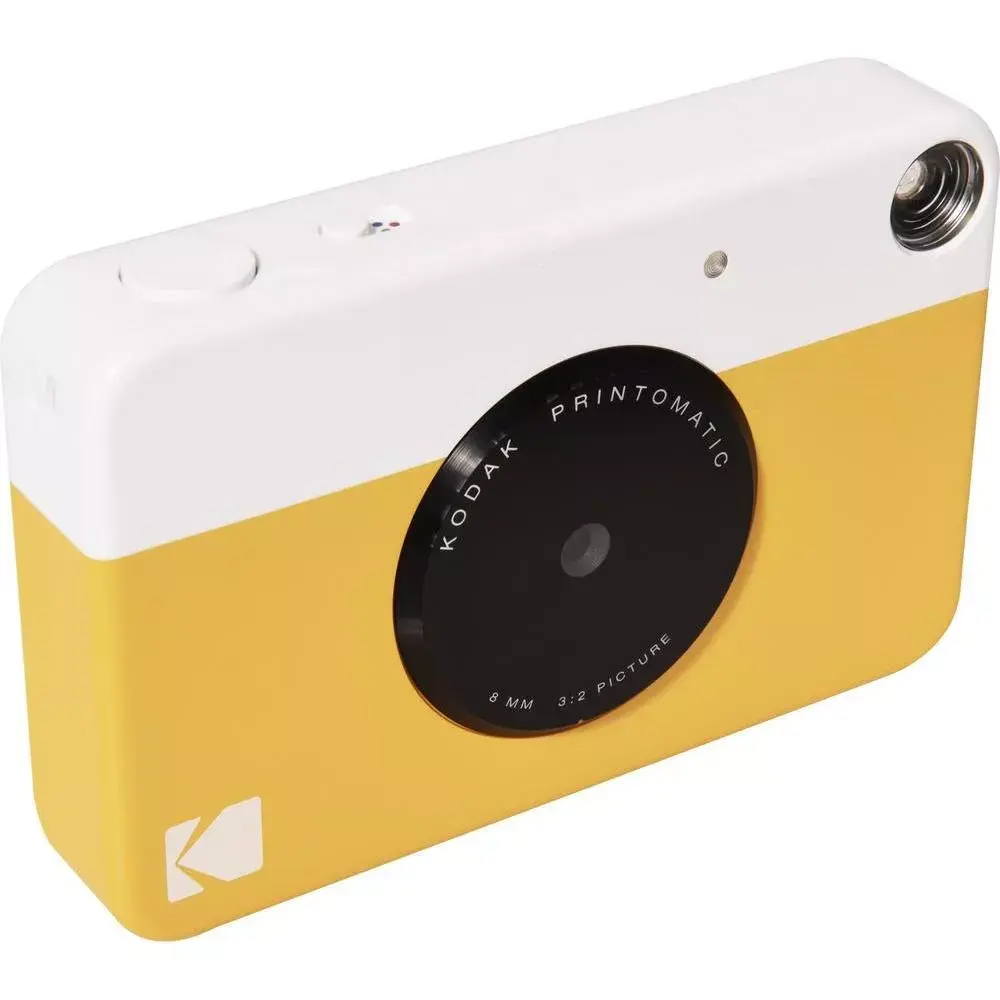
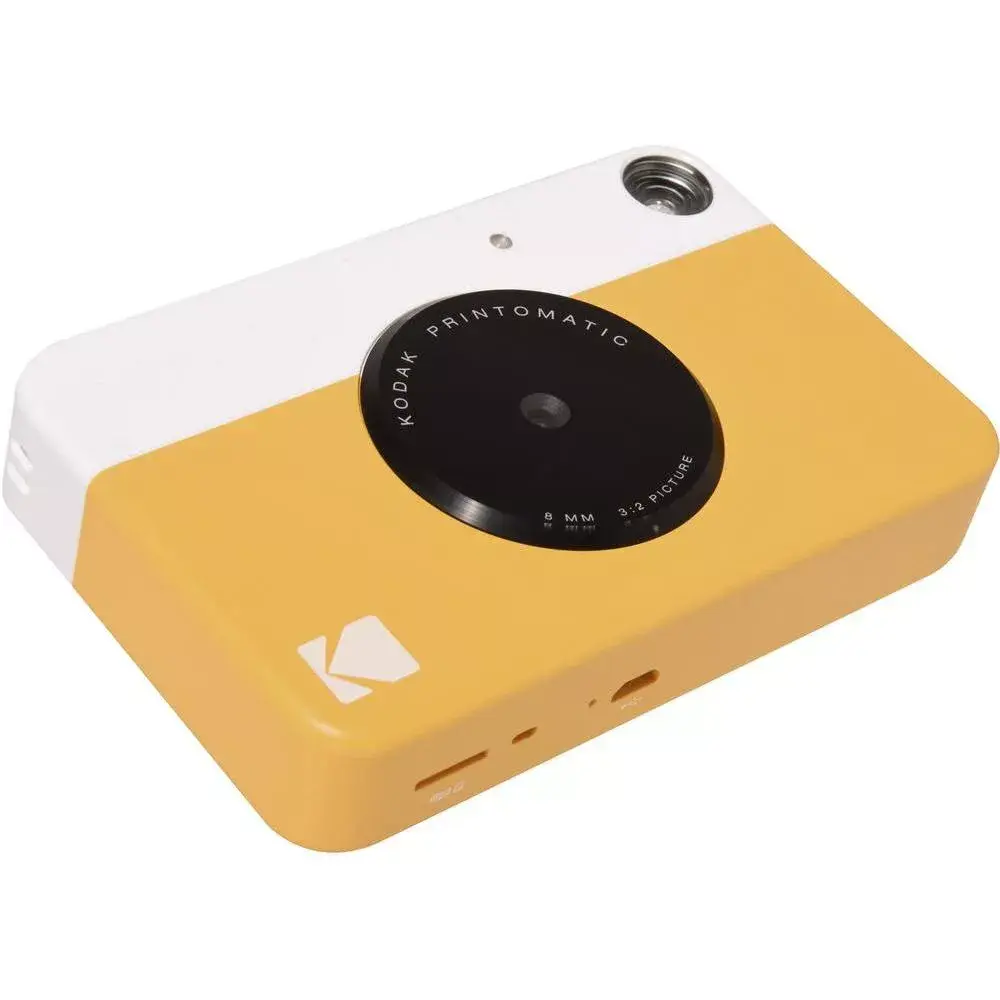
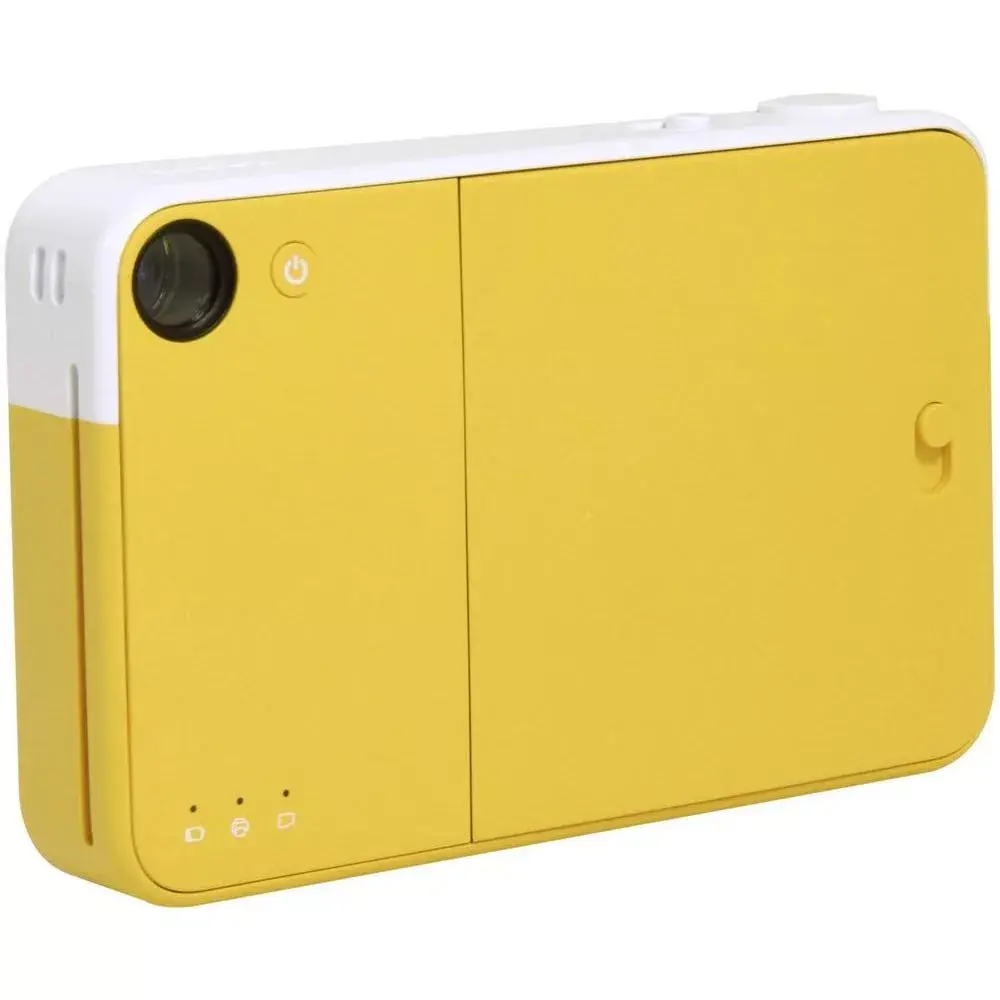
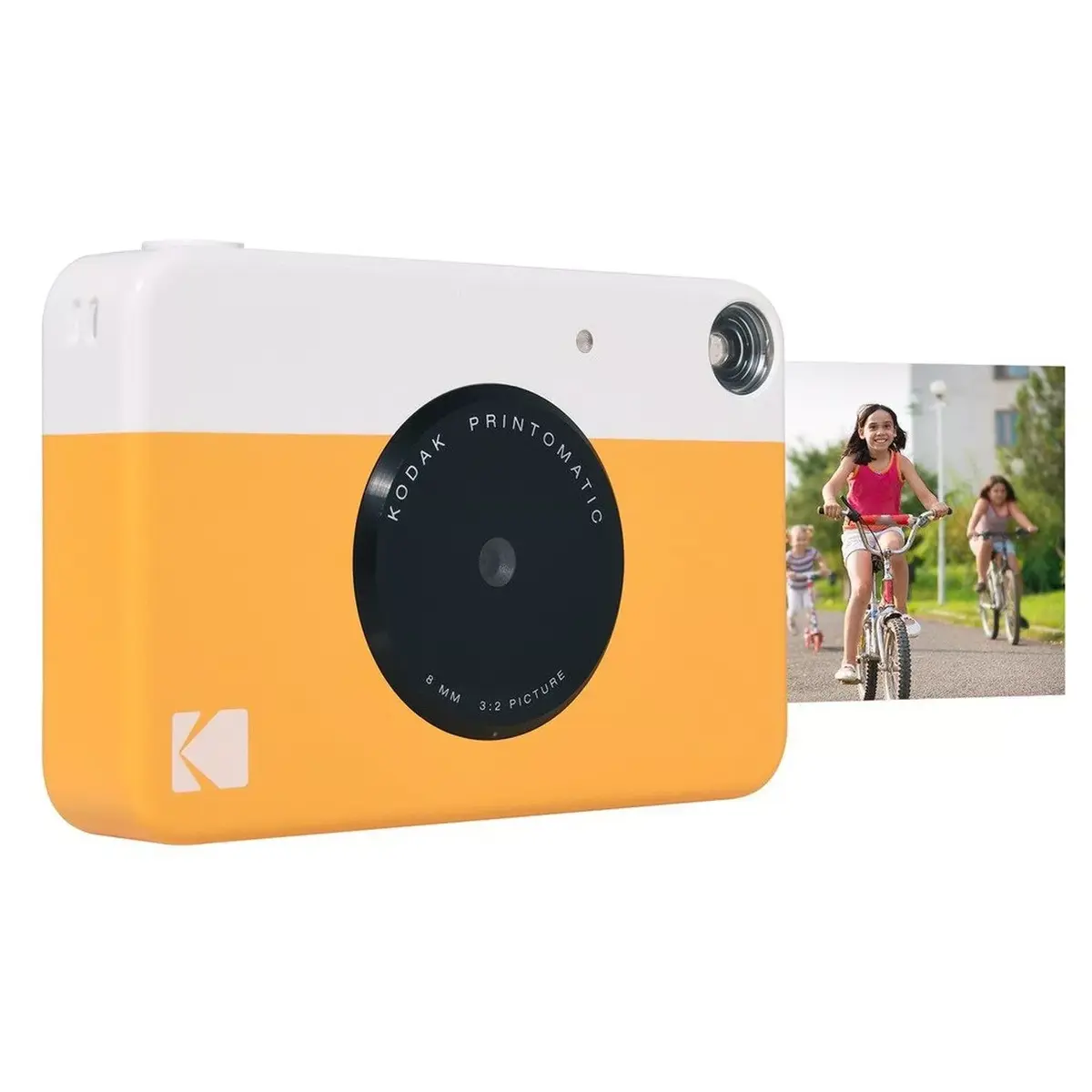
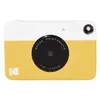
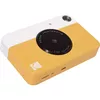
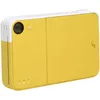
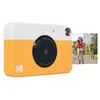
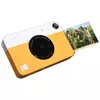
Kodak Printomatic Instant Camera 10 MP White and Yellow
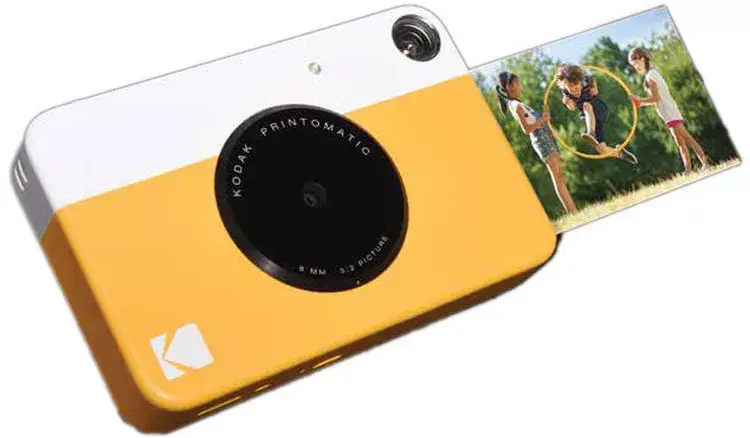
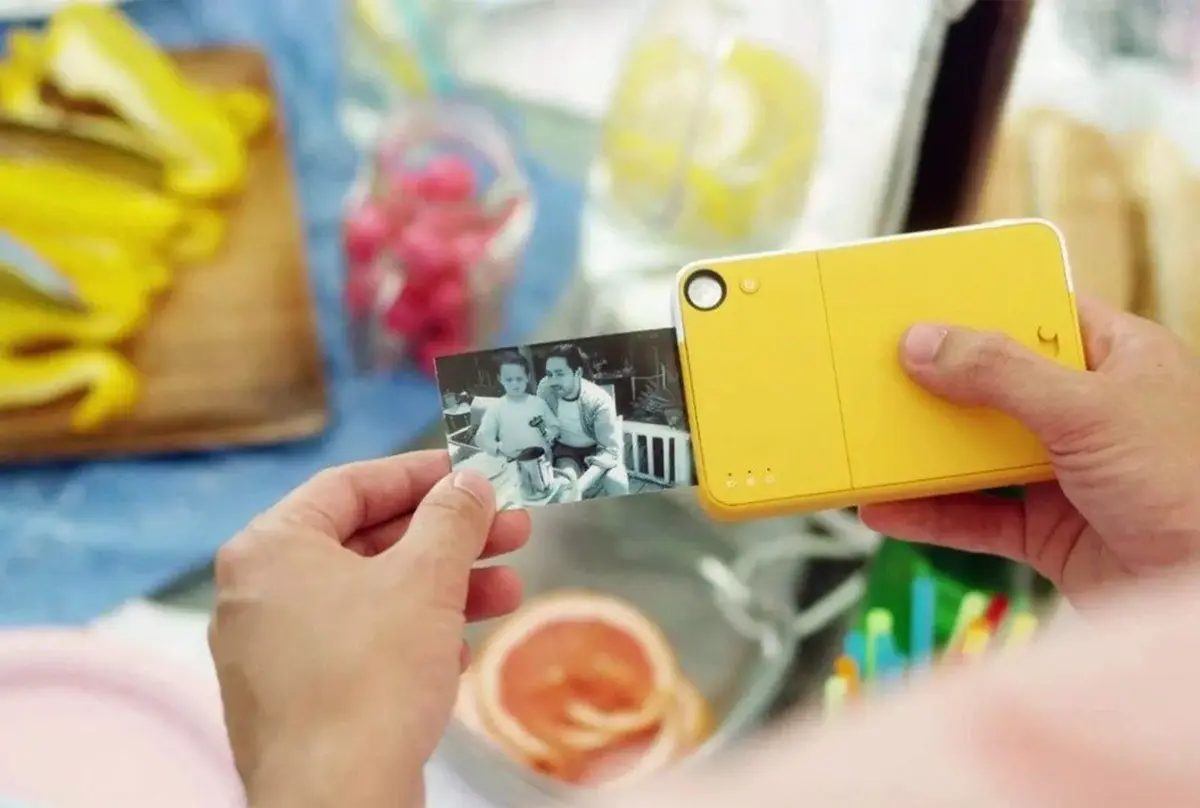
The Kodak Printomatic Instant Camera is a compact and user-friendly device designed to capture and print high-quality photographs on the spot. Featuring a 10-megapixel sensor, this camera combines digital imaging with the nostalgic appeal of physical prints. It utilizes Zink technology to produce 50.8 x 76.2 mm images automatically, eliminating the need for ink cartridges, toners, or complex computer connections. With its stylish white and yellow design, it serves as a portable solution for documenting memories instantly.
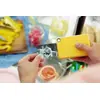
This camera offers a seamless all-in-one experience by allowing users to shoot and print simultaneously, ensuring that you never miss a moment while waiting for a previous photo to finish. The integration of Zink technology results in durable, water-resistant, and tear-resistant prints that feature an adhesive back, making them perfect for scrapbooking or sharing. Furthermore, the built-in light sensor automatically adjusts the flash in low-light environments, providing consistent results in various lighting conditions without requiring manual adjustments.
This camera may not be suitable for professional photography or users requiring high-resolution images for large-format printing. Since it lacks advanced manual controls and a digital screen for previewing shots, it is not ideal for those who prefer to edit or select photos before printing.
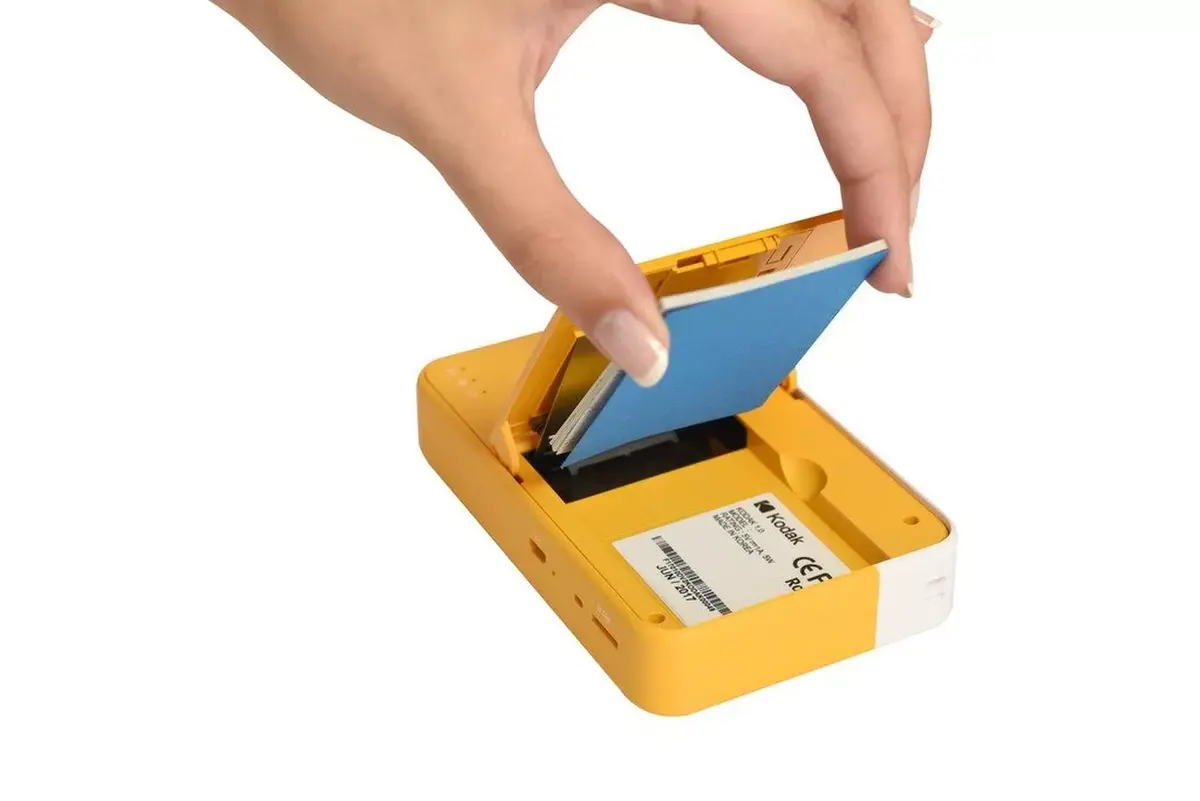
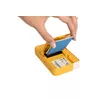
To use the Kodak Printomatic, ensure the device is charged using the built-in lithium-ion battery. Load the Zink photo paper into the designated compartment according to the manufacturer's instructions. Once ready, simply frame your subject and press the shutter button. The camera will automatically capture the image and begin the printing process. You can continue to take new photos while the previous one is printing.
For the best results, ensure the Zink paper is loaded correctly and kept in a cool, dry place. Since the prints are adhesive-backed, avoid touching the sticky side until you are ready to mount them.
{{highlightedFeature.featureTitle}}:
{{getProductFeatureValueById(product, highlightedFeature.featureId)}}
{{ productComparisonGenerationError }}