

{{ totalProductsCount }}

In cart {{totalProductsCount}} item(s)

Total:
{{sum | formatAmount}}

Your cart is empty

header-product Access Point Mikrotik cAP ac 2.4 GHz 5 GHz Wi-Fi 802.11ac

Access Point Mikrotik cAP ac 2.4 GHz 5 GHz Wi-Fi 802.11ac

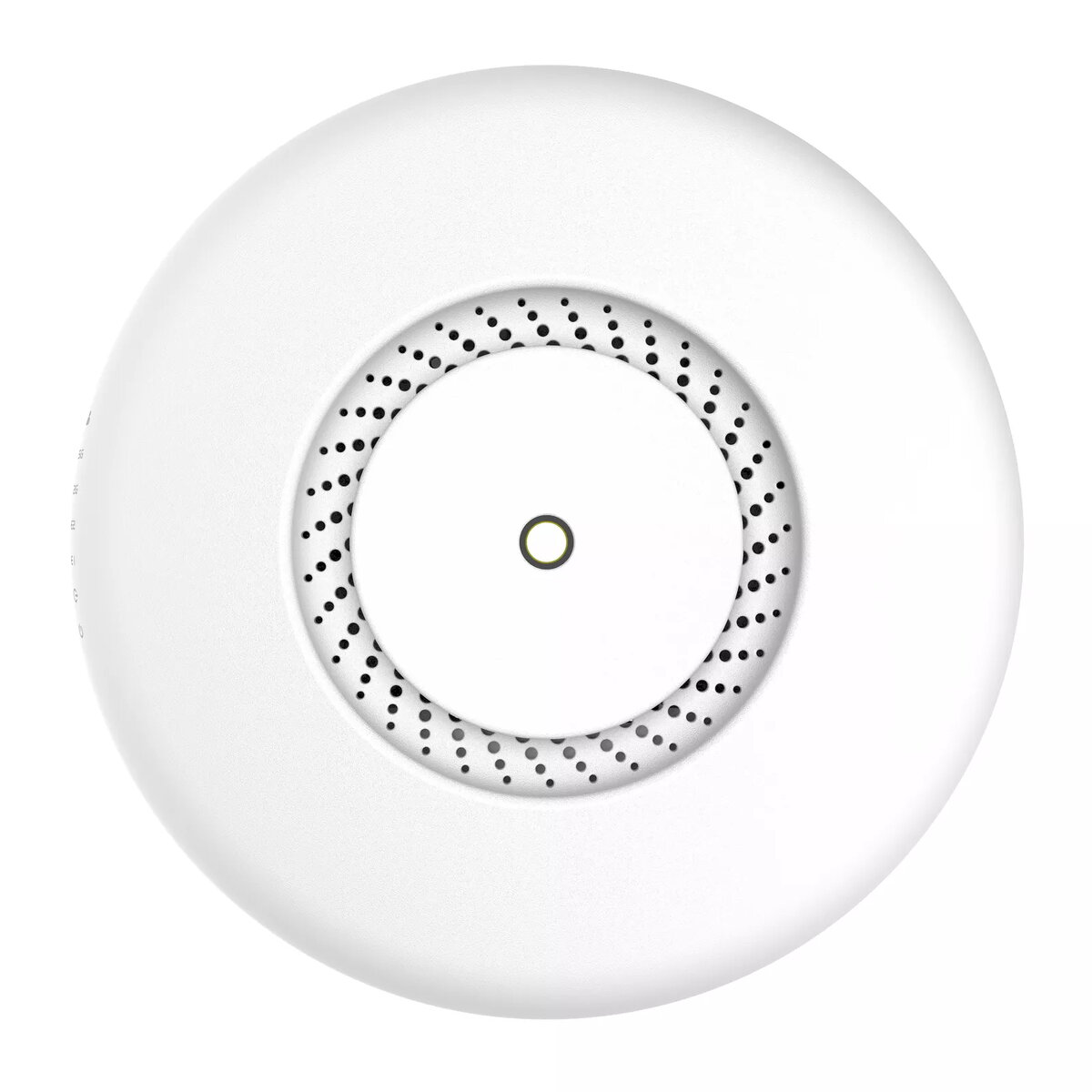
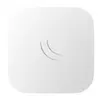
Access Point Mikrotik cAP ac Photo 1
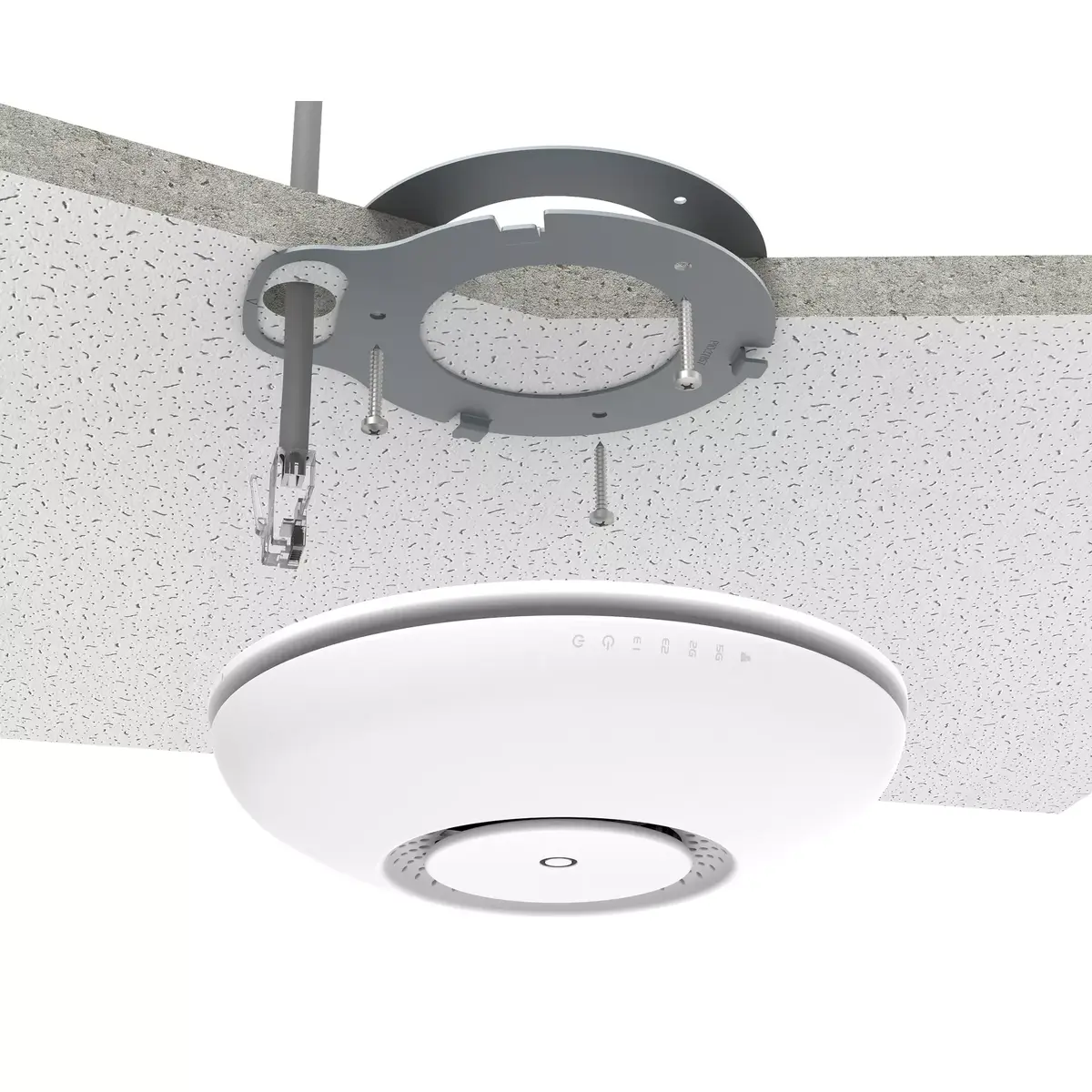
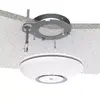
Access Point Mikrotik cAP ac Photo 2
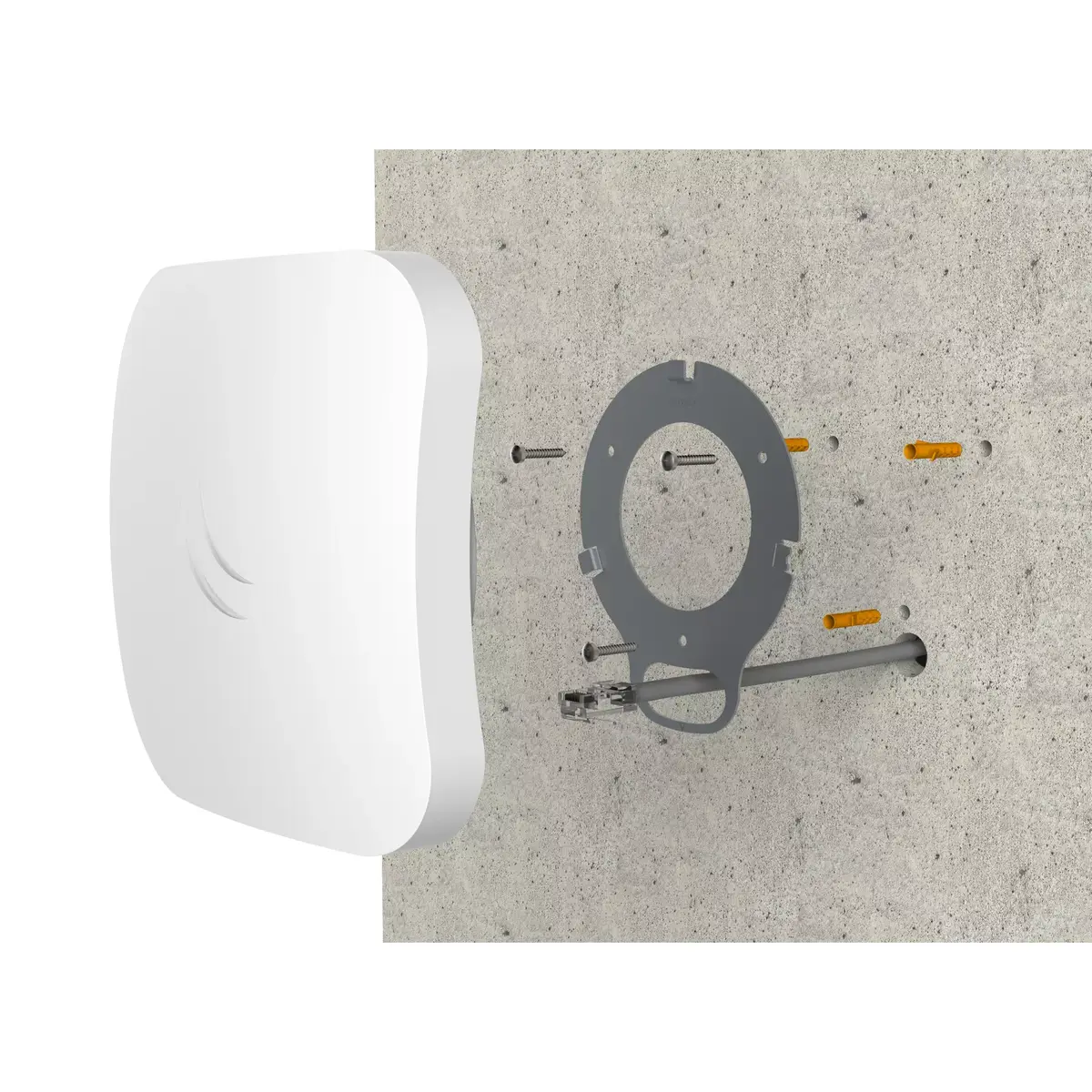
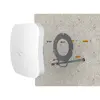
Access Point Mikrotik cAP ac Photo 3
Access Point Mikrotik cAP ac Photo 4
Access Point Mikrotik cAP ac Photo 1
Access Point Mikrotik cAP ac Photo 2
Access Point Mikrotik cAP ac Photo 3
Access Point Mikrotik cAP ac Photo 4
Out of stock.
View similar!

Short description

The Mikrotik cAP ac is a versatile access point supporting dual-band Wi-Fi (2.4 GHz and 5 GHz) with a maximum data transfer rate of 867 Mbit/s. It features Power over Ethernet (PoE) for easy installation and can handle Ethernet LAN data rates of 10/100/1000 Mbit/s. With a maximum power consumption of 13 W, this white access point is ideal for both home and office environments, providing reliable and fast wireless connectivity.
Warranty: 2 Years
SKU: 11122345

delivery
Information regarding the items availability for purchase will be posted on this site
price
Item cost information will be published on this site
Together cheaper
{{product.price | formatAmount}}
{{product.title}}
{{productBundle.reference.specialPrice | formatAmount}}
{{productBundle.title}}
{{productBundlePreviousPrice | formatAmount}}
{{productBundleSpecialPrice | formatAmount}}

You saving {{productBundleYouSave | formatAmount}}

Product information

Description

The Mikrotik cAP ac is a dual-band access point designed for wall or ceiling installation, delivering concurrent 2.4 GHz and 5 GHz Wi‑Fi connectivity with a maximum wireless data rate of 867 Mbit/s. The device includes two Ethernet LAN ports that support 10/100/1000 Mbit/s connectivity, Power over Ethernet (PoE) input (IEEE 802.3af/at) on the first port and passive PoE output on the second, enabling flexible network extension and simplified installation. Housed in a white enclosure with four integrated antennas, the unit provides 360° coverage and supports industry networking standards including IEEE 802.11a/b/g/n/ac and IEEE 802.3af/at. Maximum power consumption is 13 W.

Advantages

The cAP ac combines dual‑band performance and compact design to provide stable wireless coverage for both home and office settings. Integrated PoE input and passive PoE output make it easy to power the device and pass power to downstream equipment while maintaining gigabit Ethernet speeds. The device supports hardware IPsec acceleration and offers a customizable mode button to disable indicators or trigger RouterOS scripts, enabling discreet installation and flexible configuration options.

Suitable for (tasks / use cases)

  • Providing wireless coverage in homes, apartments and small offices
  • Ceiling or wall-mounted deployments for common areas and meeting rooms
  • Network extension where PoE-powered devices need downstream connectivity
  • Environments requiring dual‑band 2.4 GHz and 5 GHz Wi‑Fi
  • Installations that benefit from IPsec hardware acceleration and RouterOS scripting

Key specifications

  • Wireless bands: concurrent 2.4 GHz (802.11b/g/n) and 5 GHz (802.11a/n/ac)
  • Maximum wireless data rate: 867 Mbit/s
  • Ethernet LAN: 2 ports, 10/100/1000 Mbit/s (RJ‑45)
  • PoE: input IEEE 802.3af/at on port 1; passive PoE output on port 2
  • Antennas: 4 integrated antennas, 360° coverage
  • Maximum power consumption: 13 W
  • Product colour: white
  • Supported networking standards: IEEE 802.11a/b/g/n/ac; IEEE 802.3af/at

How to use

Mount the cAP ac on a wall or ceiling using the included mounting hardware and connect the primary Ethernet port to a PoE switch or injector that provides IEEE 802.3af/at power. Optionally connect downstream devices to the second Ethernet port and use its passive PoE output if those devices accept passive PoE. Configure wireless SSIDs, security settings and RouterOS features through the routerOS web interface, Winbox or command line. Use the customizable mode button to disable LEDs and sounds for discreet deployment or to trigger predefined RouterOS scripts for automated tasks.

Usage recommendations

For optimal coverage, place the access point centrally in the area to be served and avoid large metal obstacles. Use the 5 GHz band for high‑throughput client devices and the 2.4 GHz band for devices requiring greater range. Ensure connected PoE switches or injectors meet IEEE 802.3af/at requirements when powering the device and verify downstream devices are compatible with passive PoE if using the second port's power output.

Specifications

Ethernet LAN (RJ-45) ports:
2
Antennas quantity:
4
Maximum data transfer rate:
867 Mbit/s
Networking standards:
IEEE 802.11a, IEEE 802.11ac, IEEE 802.11b, IEEE 802.11g, IEEE 802.11n, IEEE 802.3af, IEEE 802.3at
Product colour:
White
All features

Performance

Processor frequency:
716 MHz
Internal memory:
128 MB
Processor model:
IPQ4018
Flash memory:
16 MB
Operating system installed:
RouterOS
Built-in processor:
Yes

Features

Maximum data transfer rate:
867 Mbit/s
Receiver sensitivity:
2.4GHz: 1MBit/s: -100 @ 26dBm Tx 11MBit/s: -94 @ 26dBm Tx 6MBit/s: -96 @ 26dBm Tx 54MBit/s: -78 @ 23dBm Tx MCS0: -96 @ 26dBm Tx MCS7: -73 @ 22dBm Tx 5GHz: 6MBit/s: -96 @ 26dBm Tx 54MBit/s: -80 @ 21dBm Tx MCS0: -96 @ 26dBm Tx MCS7: -75 @ 20dBm Tx MCS9: -70 @ 18dBm Tx
Frequency band:
2.412 - 2.484, 5.15 - 5.875
Networking standards:
IEEE 802.11a, IEEE 802.11ac, IEEE 802.11b, IEEE 802.11g, IEEE 802.11n, IEEE 802.3af, IEEE 802.3at
Ethernet LAN data rates:
1000, 10, 100
2.4 GHz:
Yes
5 GHz:
Yes
Maximum data transfer rate (2.4 GHz):
300 Mbit/s
Maximum data transfer rate (5 GHz):
867 Mbit/s

Power

Output voltage:
57
Power over Ethernet (PoE):
Yes
DC voltage range:
17 - 57
Power consumption (max):
13 W
Power over Ethernet (PoE) type supported:
Active PoE, Passive PoE

Antenna

Antenna type:
Internal
Antenna gain level (max):
2.5 dBi
Antennas quantity:
4
Antenna features:
Integrated antenna

Certificates

Certification:
CE, FCC, IC, EAC, ROHS

Operational conditions

Operating temperature (T-T):
-40 - 50

Logistics data

Harmonized System (HS) code:
85176990

Weight & dimensions

Height:
136 mm
Width:
136 mm
Depth:
30 mm

Ports & interfaces

USB 2.0 ports quantity:
0
Ethernet LAN (RJ-45) ports:
2

Design

Internal:
No
LED indicators:
Y
Product colour:
White
Placement:
Ceiling, Wall

Packaging content

AC adapter included:
Yes
Mounting kit:
Yes
PoE adapter included:
Yes

Similar products

{{product.title}} Show details Hide details

{{highlightedFeature.featureTitle}}:

{{getProductFeatureValueById(product, highlightedFeature.featureId)}}

{{product.price | formatAmount}}
Might be useful
{{product.manufacturerName}}
{{product.categoryName}}
{{product.title}}
{{product.specialPrice}}
{{product.price}}

Customer reviews

Customer questions

FAQ

What payment options are available?

AiO.lv offers several payment methods: Bank transfer. All transactions are 100% secure and encrypted.

Can this product be purchased for a company (with VAT)?

Yes. AiO.lv works with legal entities in Latvia and across Europe. The product price already includes VAT. For certain product categories, as well as for companies from other EU countries with a valid VAT number, a 0% VAT rate may apply. We issue the invoice immediately after the order is placed, support electronic BIS invoices, and automatically generate all necessary accounting documents. You can complete the purchase for a company online — simply select the company profile and choose bank transfer as the payment method during checkout.

What is the warranty period?

All Konica Minolta products come with an official 2 Years warranty. It covers all manufacturing defects and malfunctions that may occur during use. The warranty is valid at all authorized Konica Minolta service centers and through AiO.lv

Can the product be returned after purchase?

Yes, you can return the product within 14 days of purchase if you bought it as a consumer (not a legal entity). Returns are possible without giving any reason — the main condition is that the product retains its original appearance and full set of accessories. We will make the process as simple and convenient as possible: just contact our customer support team, and we will help you arrange the return.

Where should I contact for warranty service?

For warranty-related questions you can contact the AiO.lv (SIA VSPRO) customer support team. We will assist with consultation, warranty claim processing, and coordination with certified service centers.

How can I tell if this product suits my needs?

When making a choice, we recommend paying attention to the key features: ethernet lan (rj-45) ports, antennas quantity, maximum data transfer rate, networking standards, product colour, compatibility with your devices or usage conditions, material quality, functionality, and warranty terms. These characteristics will help you determine how well the model meets your needs.

Where can I download the instructions for Access Point Mikrotik cAP ac?

You can download the instructions in PDF format from the “Instructions” section on the product description page. The file contains complete information about installation, setup, and usage.
warranty
14-Day Return Policy We are confident in our quality, but if the purchase doesn’t fit — you have 14 days to return the product with peace of mind.
shipping
Fast Delivery Get your orders as quickly as possible — right to your door, parcel lockers, or pickup points across Latvia and the EU.
payment
Secure Payment Pay the way you prefer: cash, VISA, MasterCard, Apple Pay, Google Pay, bank transfer, or 0% installment plan.
warranty
Quality Since 2008 AiO.lv has been on the market for over 18 years and has earned trust — with more than 6000 genuine positive reviews on Google.