Hurry and order now – up to 50% off!
In cart {{totalProductsCount}} item(s)
Your cart is empty
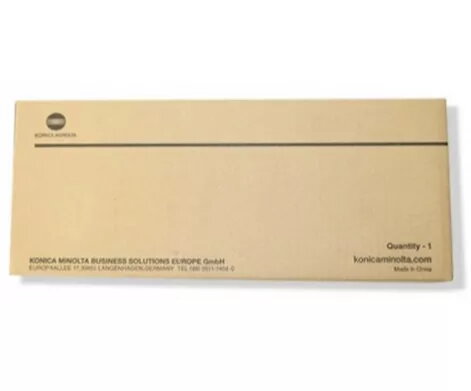
Toner cartridge Konica Minolta TN622Y Yellow original, 1 pc
Original Konica Minolta TN622Y Yellow toner cartridge, single unit, designed for use in Konica Minolta printers that accept the TN622Y series. This OEM yellow toner provides the yellow component for full-colour printing, producing consistent colour reproduction for documents, presentations and marketing materials. The cartridge is intended to deliver reliable fit, predictable yield and compatibility with supported Konica Minolta devices.
The original Konica Minolta TN622Y cartridge is manufactured to the brand's quality standards to ensure stable print density and accurate colour rendering. Using an OEM yellow toner helps maintain printer performance, prevent premature wear of the imaging system and reduce the risk of colour shifts. The cartridge is easy to install and engineered for consistent page yield and minimal downtime in office or commercial environments.
Turn off the printer or set it to a ready state following the manufacturer instructions. Open the printer front cover or toner access panel, remove the protective seals from the cartridge if present, and insert the TN622Y cartridge into the corresponding yellow slot until it clicks into place. Close the access panel and follow the printer prompts to initialise the cartridge. Allow the device to perform any automatic calibration or test prints before starting production printing.
Store cartridges in a cool, dry place away from direct sunlight and strong heat sources. For optimal colour consistency, allow the cartridge to acclimatise to the printer room temperature before installation. Use original Konica Minolta consumables and follow the printer maintenance schedule to maintain print quality and device longevity.
{{highlightedFeature.featureTitle}}:
{{getProductFeatureValueById(product, highlightedFeature.featureId)}}
{{ productComparisonGenerationError }}