
JBL speakers and headphones for pure and deep sound!
In cart {{totalProductsCount}} item(s)
Your cart is empty
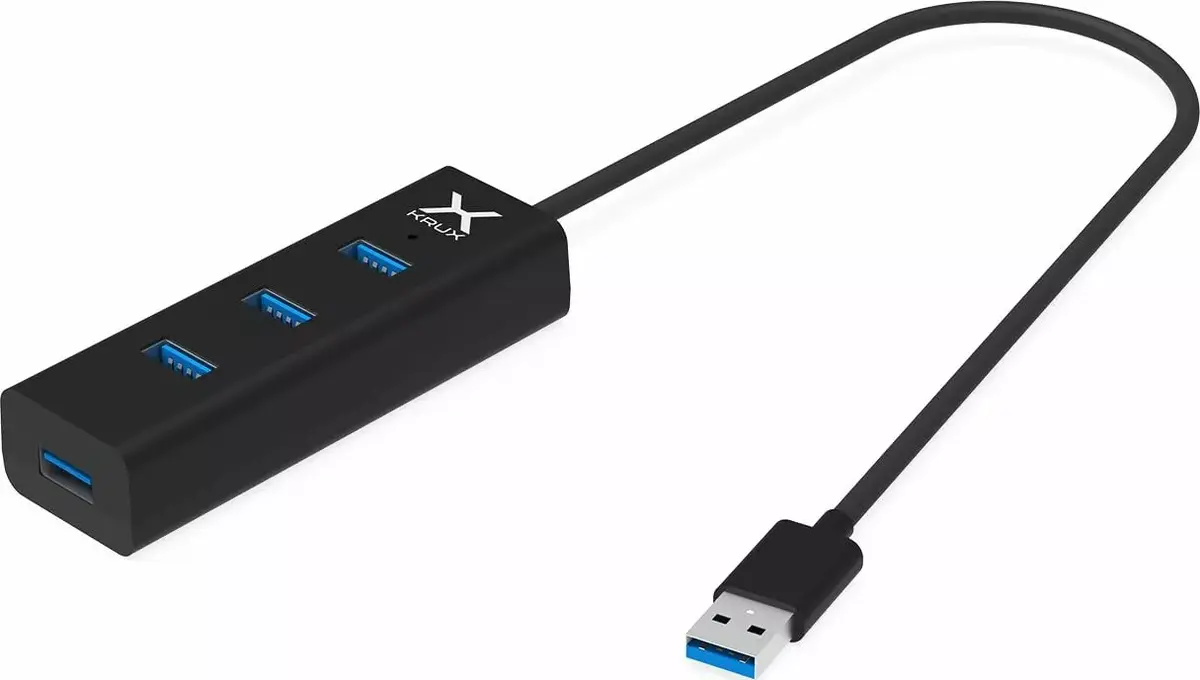
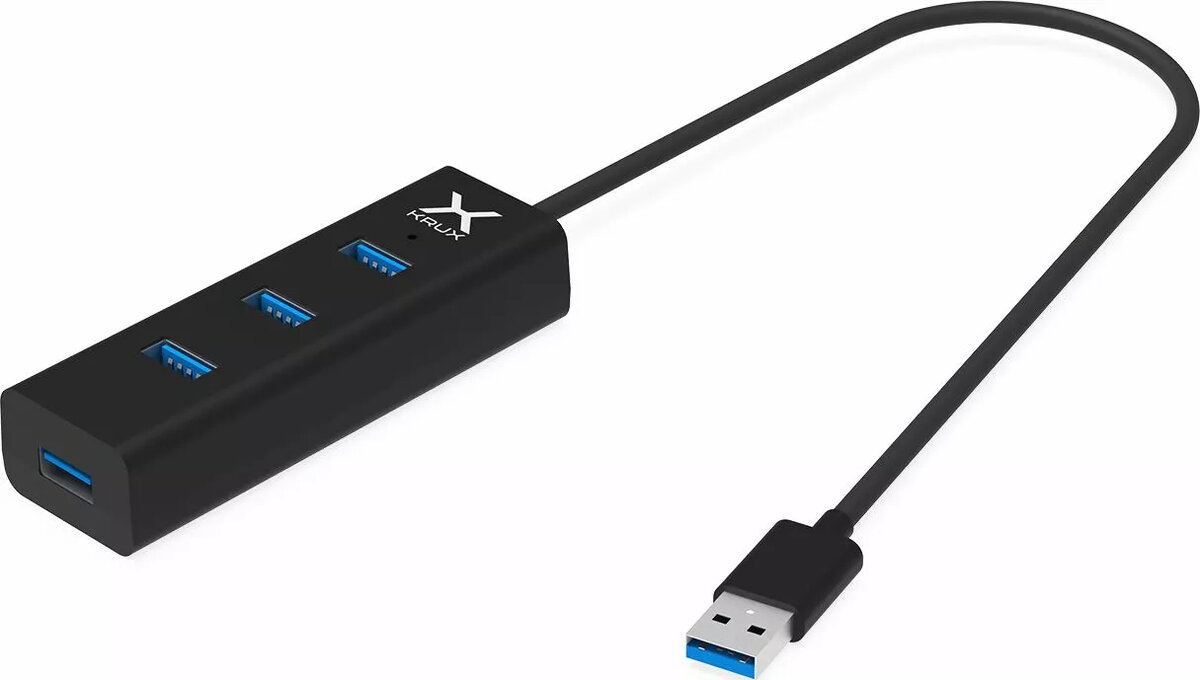
USB 3.0 Hub KRUX with 4 ports KRX0050
KRUX USB 3.0 Hub with 4 ports KRX0050 is a compact device that expands a computer or laptop USB connectivity by providing four USB 3.0 Type-A ports. The hub supports high-speed USB 3.0 data transfer while remaining backward compatible with USB 2.0 and 1.1 devices, allowing connection of external drives, input devices and other peripherals. Its small footprint and plug-and-play operation make it suitable for home and office setups where additional USB ports are needed.
The KRUX USB 3.0 hub offers four Type-A ports that enable simultaneous connection of multiple peripherals without requiring internal expansion. Its USB 3.0 performance provides faster file transfer rates compared with legacy USB standards, while backward compatibility ensures older devices remain usable. The compact design and simple plug-and-play connection eliminate the need for additional drivers on most modern operating systems, and the hub's external power is not required for low-power devices, simplifying setup and portability.
Connect the KRUX USB 3.0 hub to an available USB Type-A port on your computer using the integrated or included cable. After connection, most modern operating systems will recognize the hub automatically and make the downstream ports available for use. Plug peripherals such as external drives, keyboards, mice or printers into any of the four Type-A ports. For high-speed transfers, connect USB 3.0-compatible devices and ensure the host port supports USB 3.0 to achieve maximum performance.
For best performance, connect high-bandwidth devices (external SSDs, large file transfers) to a USB 3.0 host port on your computer and avoid chaining multiple hubs. If you plan to run several power-hungry devices simultaneously (such as multiple mechanical drives), consider using a powered USB hub or an external power source to ensure stable operation.
{{highlightedFeature.featureTitle}}:
{{getProductFeatureValueById(product, highlightedFeature.featureId)}}