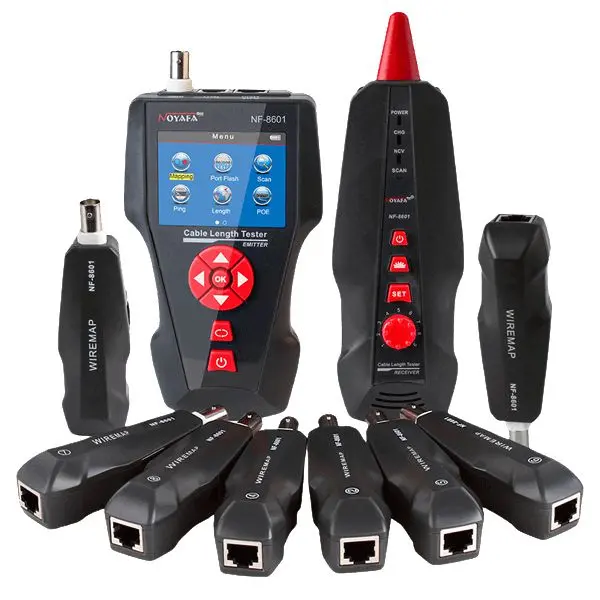
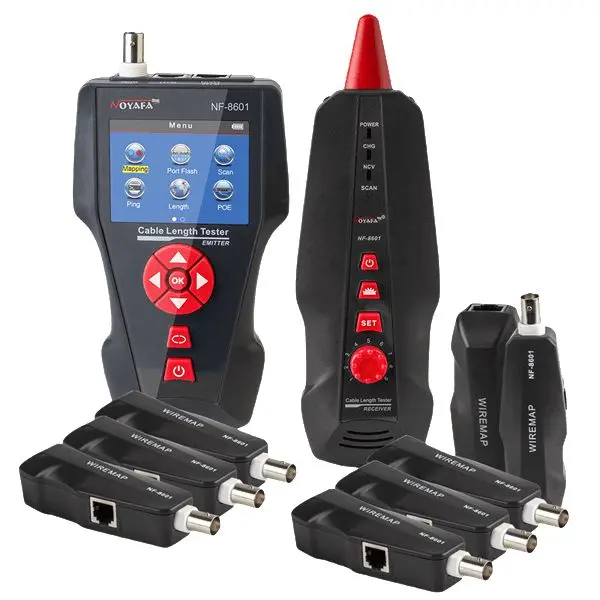
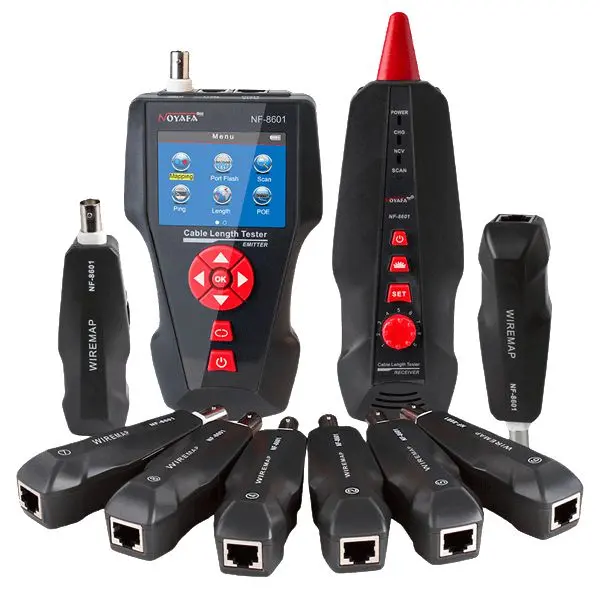
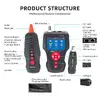
The Lanview TCT1415 network cable tester is a versatile diagnostic device designed for testing copper cables, including STP, UTP, RJ45, RJ11, and coaxial cables with BNC connectors. It provides reliable verification of local area network cabling and communication lines, serving as a practical tool for installation, maintenance, and troubleshooting tasks.
Advantages
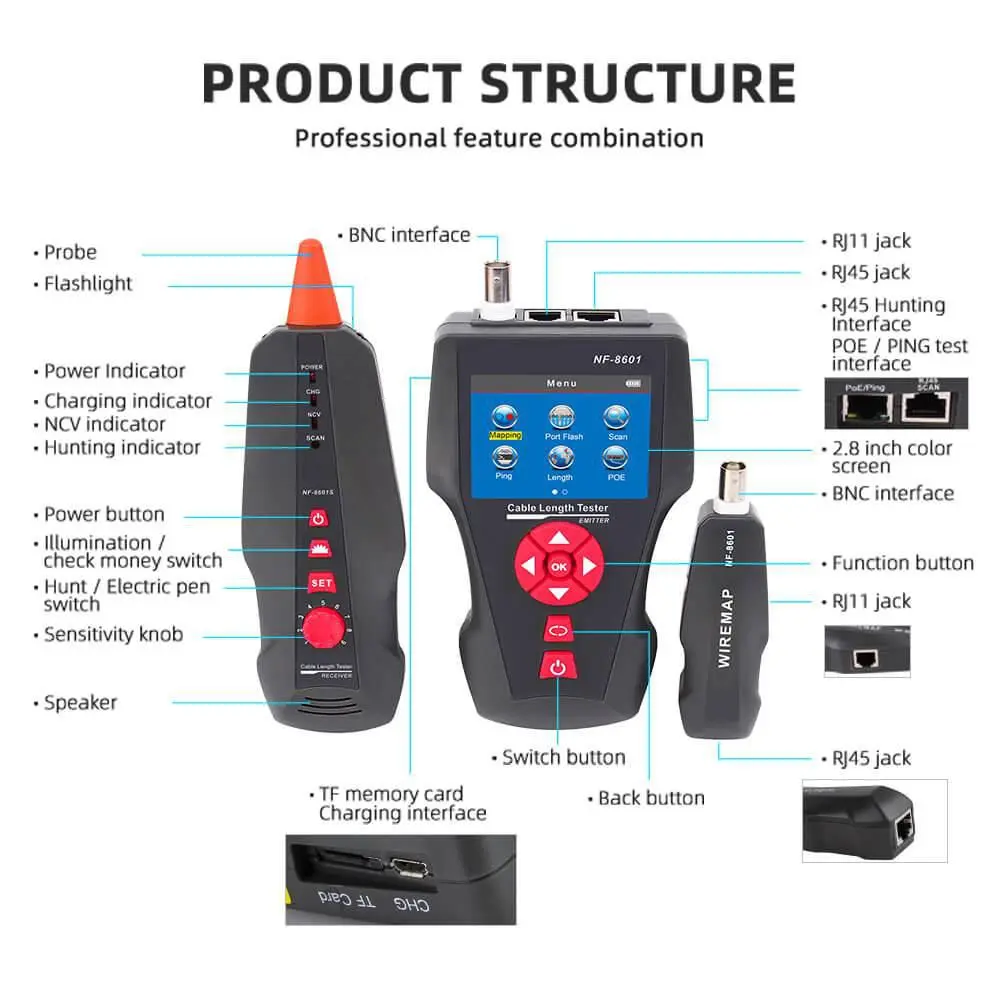
This network cable tester offers comprehensive diagnostic capabilities, allowing technicians to verify cable continuity for open, cross, short, and split pair conditions across multiple connector types. It features built-in support for PoE testing, Ping testing, and cable length measurement without requiring a remote connection, achieving high accuracy. Additional diagnostic functions include port flashing for hub blink location, AC interference rejection for tone tracing, and an adjustable sensing distance for tracking cables behind walls or ceilings. The device also includes a non-contact voltage detector integrated into the receiver, a built-in display, internal data storage for measurement logs, and compliance with recognized industry standards.
Suitable for
- Testing and troubleshooting STP, UTP, RJ45, and RJ11 network cables
- Verifying coaxial copper cables with BNC connectors
- Performing PoE and Ping tests on wired communication networks
- Measuring cable lengths and tracing cables in walls or ceilings
- Locating network ports using hub blink and port flash functions
The device may not be suitable for testing fiber optic cables or non-copper cabling infrastructures, as it is specifically engineered for copper-based systems.
Key specifications
- Supported connectors: BNC, RJ45, RJ11
- Cable type: Copper cables
- Supported cable types: STP, UTP, and coaxial cables
- Power source: Built-in lithium battery
- Built-in display
- Integrated voltage detector range: 90 - 1000V
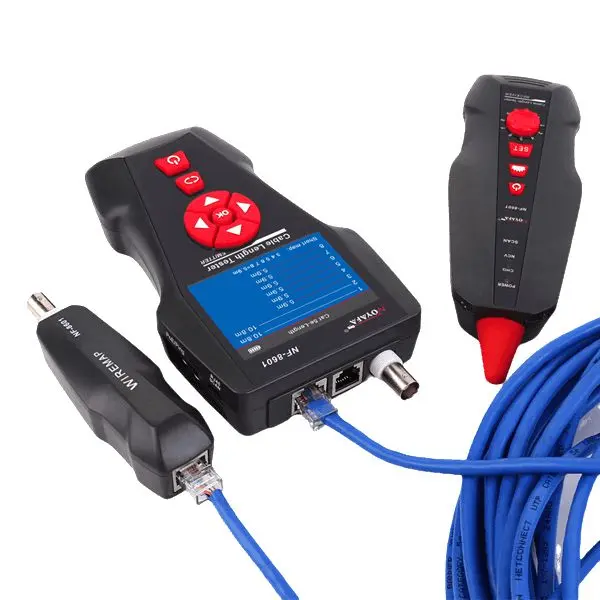
To use the Lanview TCT1415 network cable tester, connect the copper cable to the appropriate port such as RJ45, RJ11, or BNC. Power on the device using the lithium battery and select the desired test mode from the built-in display, such as cable continuity, PoE testing, Ping testing, or length measurement. Read the measurement results directly on the screen or utilize the tone tracing and port flashing functions to locate specific cables within a bundle or infrastructure.
What to consider before purchase
- Verify that your cabling infrastructure primarily utilizes copper cables with RJ45, RJ11, or BNC connectors
- Assess your specific network maintenance needs regarding PoE, Ping, and cable length testing capabilities
- Check battery charging requirements and operational environment conditions such as operating temperatures
For optimal performance and longevity of the Lanview TCT1415 network cable tester, store the device in a dry environment within standard operating temperatures and ensure the lithium battery is regularly charged when not in use for extended periods.