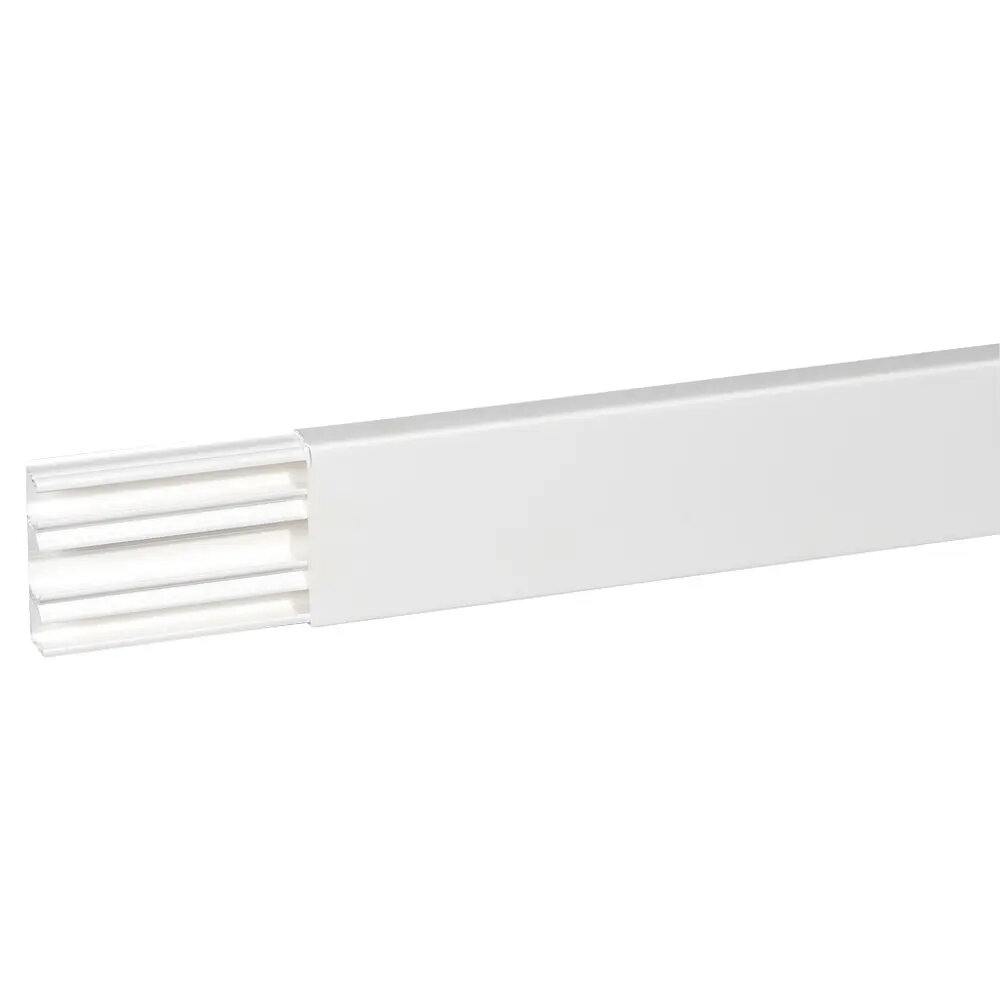
Legrand 030033 is a DLP cable trunking system designed to route and protect low-voltage power, data and signal cables in indoor environments. The trunking profile measures 75×20 mm and is supplied as a 2 m white section, providing a compact channel for organizing cables along walls, skirting boards or under stairs. Its smooth finish and snap-on cover allow for discreet installations in residential and commercial interiors while keeping cables accessible for maintenance or modification.
Advantages
The Legrand DLP trunking offers a rigid PVC construction that resists impact and yellowing, ensuring long-term aesthetic stability. Its 75×20 mm cross-section balances low visual profile with sufficient capacity for multiple low-voltage runs. The snap-fit cover provides tool-free opening for quick cable addition or replacement, and the white finish integrates with typical interior decor. Sections are easy to cut to length and join, simplifying on-site installation.
Suitable for
- Routing power and low-voltage cables (e.g., lighting circuits, phone, data and TV cables) in homes and offices
- Neat surface-mounted installations along walls, skirting boards and door frames
- Retrofit projects where concealment and easy access to cables are required
- Small to medium cable bundles where a compact trunking profile is sufficient
When it may not be suitable
This trunking is intended for low-voltage and signal cabling and is not designed for routing high-voltage mains or large power feeders that require deeper or specially rated conduit. For installations exposed to direct sunlight, high temperatures, or outdoor conditions, choose a product rated for UV resistance and outdoor use. Very large cable bundles or cable trays requiring ventilation and heat dissipation may need a larger-profile solution.
Key specifications
- Profile internal dimensions: 75 mm × 20 mm
- Length: 2.0 m per section
- Material: rigid PVC
- Finish: white
- Cover type: snap-fit removable cover for tool-free access
- Intended use: indoor surface-mounted cable routing for low-voltage and signal cables
How to use
Measure and mark the desired routing path, then cut the 2 m trunking section to length with a fine-tooth saw or PVC cutter. Fix the base to the mounting surface using appropriate screws or adhesive suited to the wall material, maintaining the recommended spacing for secure support. Lay cables into the trunking base, avoiding overfilling; then snap the cover into place until it clicks. For continuous runs, join sections using compatible connectors and trim covers for a neat finish. To add or remove cables, simply pry open the snap-fit cover and replace as needed.
What to consider before purchase
- Confirm the internal dimensions (75×20 mm) are sufficient for the number and type of cables to be routed
- Verify that white finish matches the installation environment or plan for painting if needed
- Check mounting surface and select appropriate fixings or adhesive for secure installation
- Ensure the product is used indoors and not exposed to direct outdoor weather or high UV levels
Usage recommendations
For tidy results, maintain regular support spacing along the run, avoid compressing cable bends inside the trunking, and allow additional capacity for future cable additions. When installing data or signal cables, separate power and data runs where practical to reduce interference.