
Dreame vacuums for fast and efficient cleaning!
In cart {{totalProductsCount}} item(s)
Your cart is empty
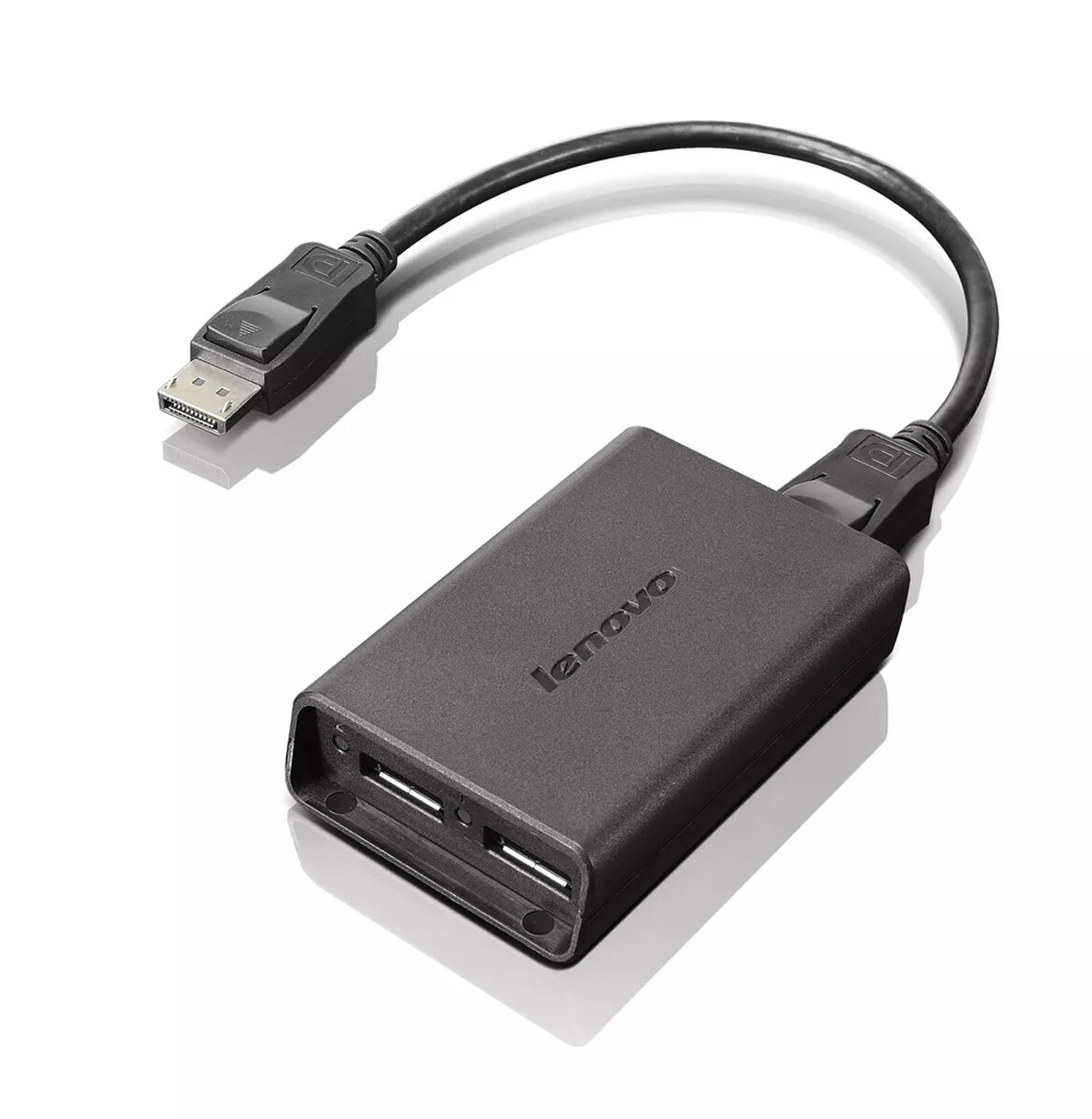
DisplayPort to Dual-DisplayPort Monitor Cable Lenovo 0B47092
Lenovo DisplayPort to Dual-DisplayPort Monitor Cable 0B47092 enables connection of two DisplayPort monitors to a single DisplayPort output, providing a practical solution for multi-monitor setups without requiring an additional graphics card. The cable supports dual-monitor operation in two primary modes — Expanded mode, where a single DisplayPort output drives two identical monitors, and Quad Mosaic mode, where two DisplayPort outputs drive four identical monitors when used with the appropriate number of adapters and DisplayPort cables.
The adapter cable simplifies multi-monitor configuration by allowing two DisplayPort displays to be driven from one DisplayPort source, reducing hardware complexity and cost. It supports both Expanded and Quad Mosaic workflows when combined with the required additional adapters and DisplayPort cables, and is supplied in a compact black design compatible with ThinkCentre systems.
Connect the cable to the DisplayPort output on your PC or ThinkCentre, then connect two identical DisplayPort monitors to the adapter outputs using DisplayPort cables. For Expanded mode, use one DisplayPort output with one adapter and two DisplayPort cables. To achieve Quad Mosaic mode, use two DisplayPort outputs with two adapters and four DisplayPort cables, ensuring all connected monitors are identical for correct mosaic operation.
For stable multi-monitor performance, use identical monitors and high-quality DisplayPort cables. If using Quad Mosaic mode, verify that your system has two independent DisplayPort outputs and that the graphics driver supports mosaic or multi-stream transport (MST) configurations.
{{highlightedFeature.featureTitle}}:
{{getProductFeatureValueById(product, highlightedFeature.featureId)}}
{{ productComparisonGenerationError }}
