
Filters you can trust. Pure water every day.
In cart {{totalProductsCount}} item(s)
Your cart is empty
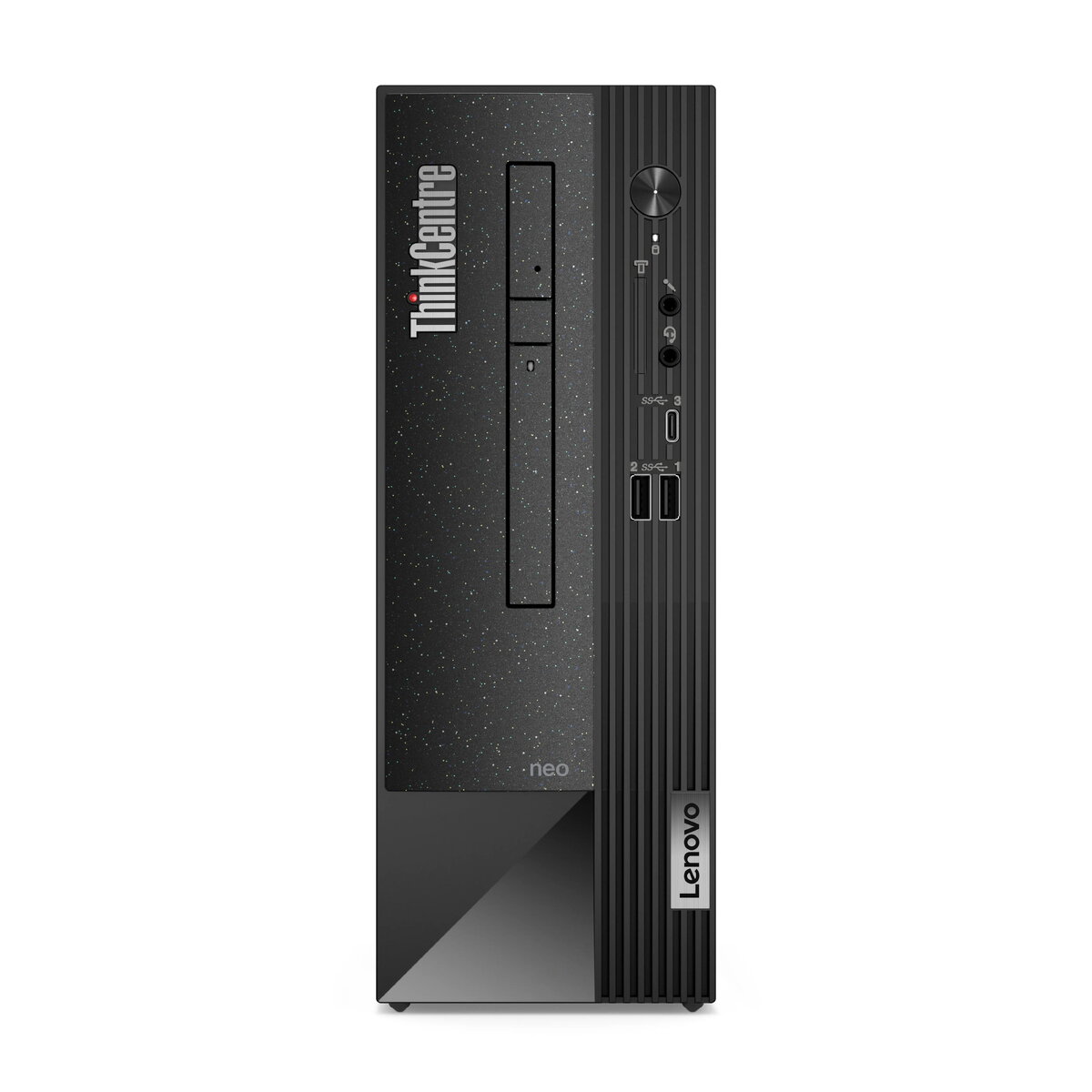
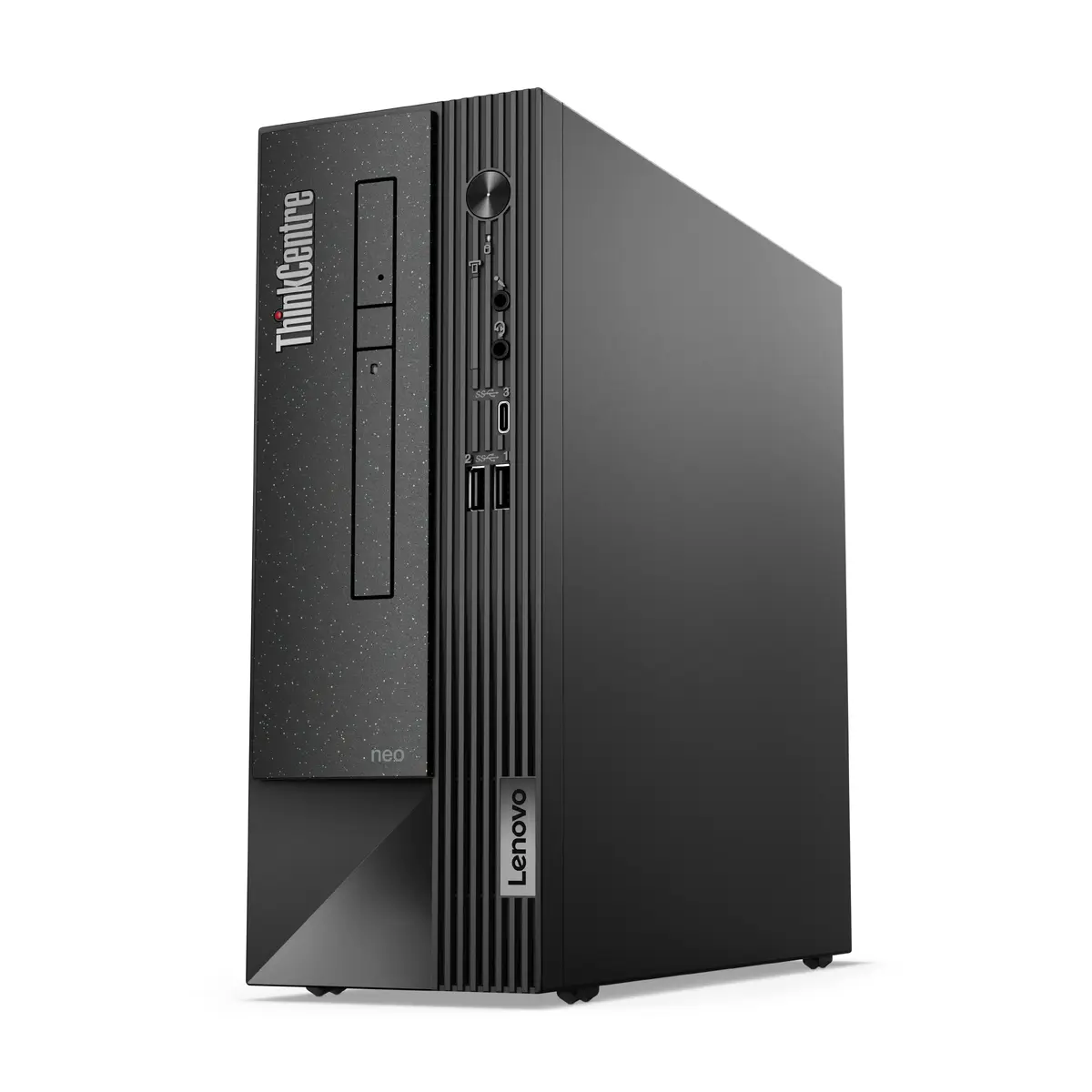
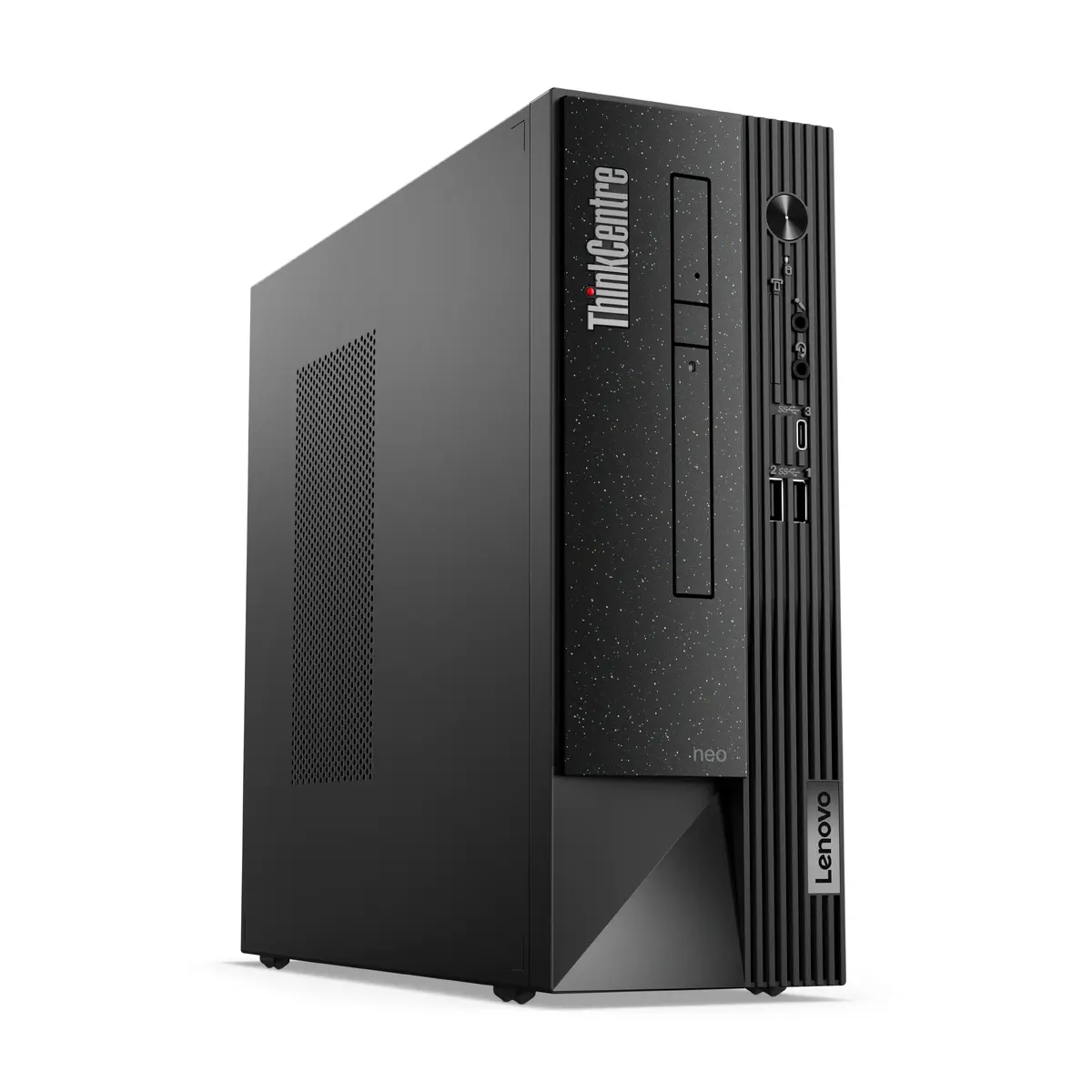
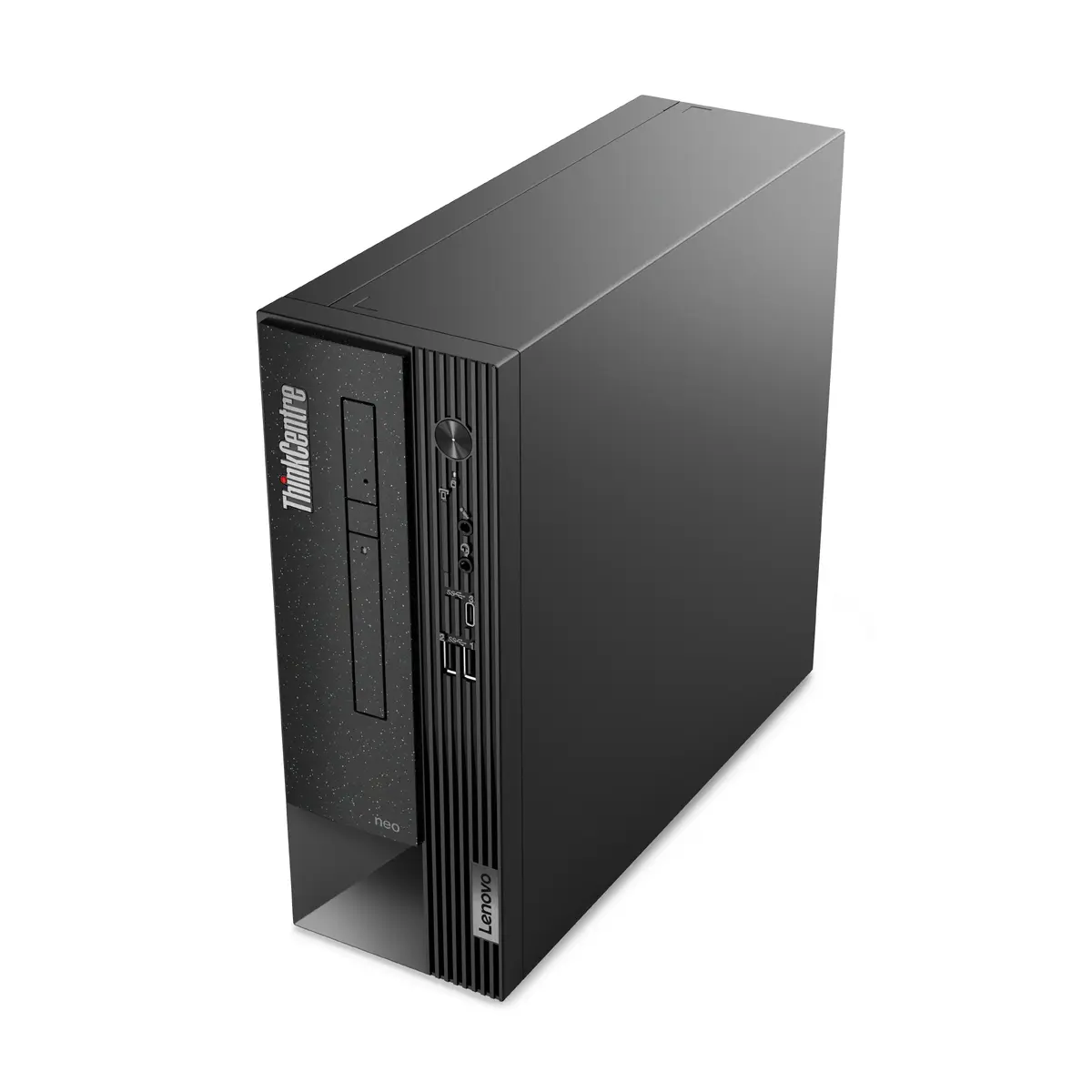
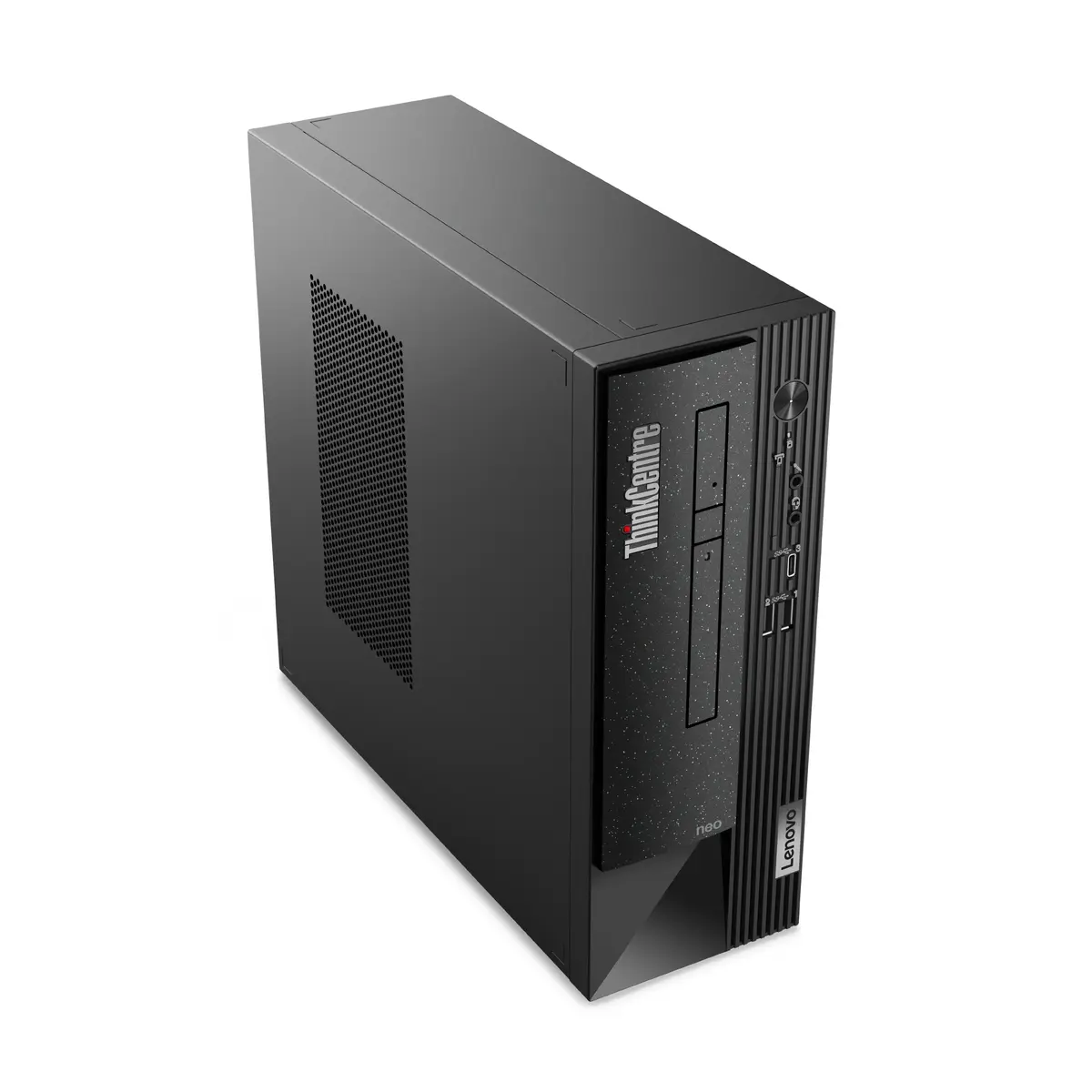
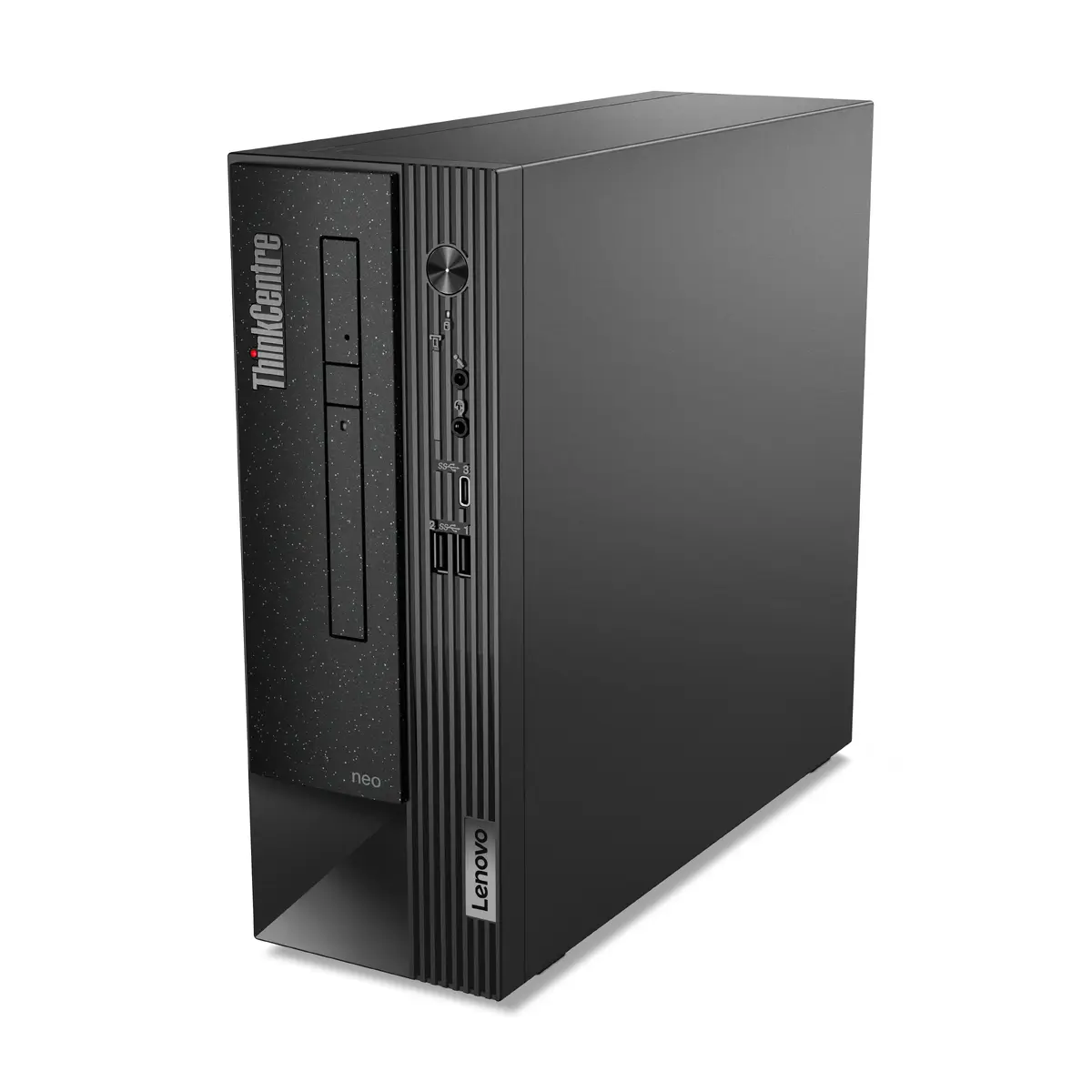
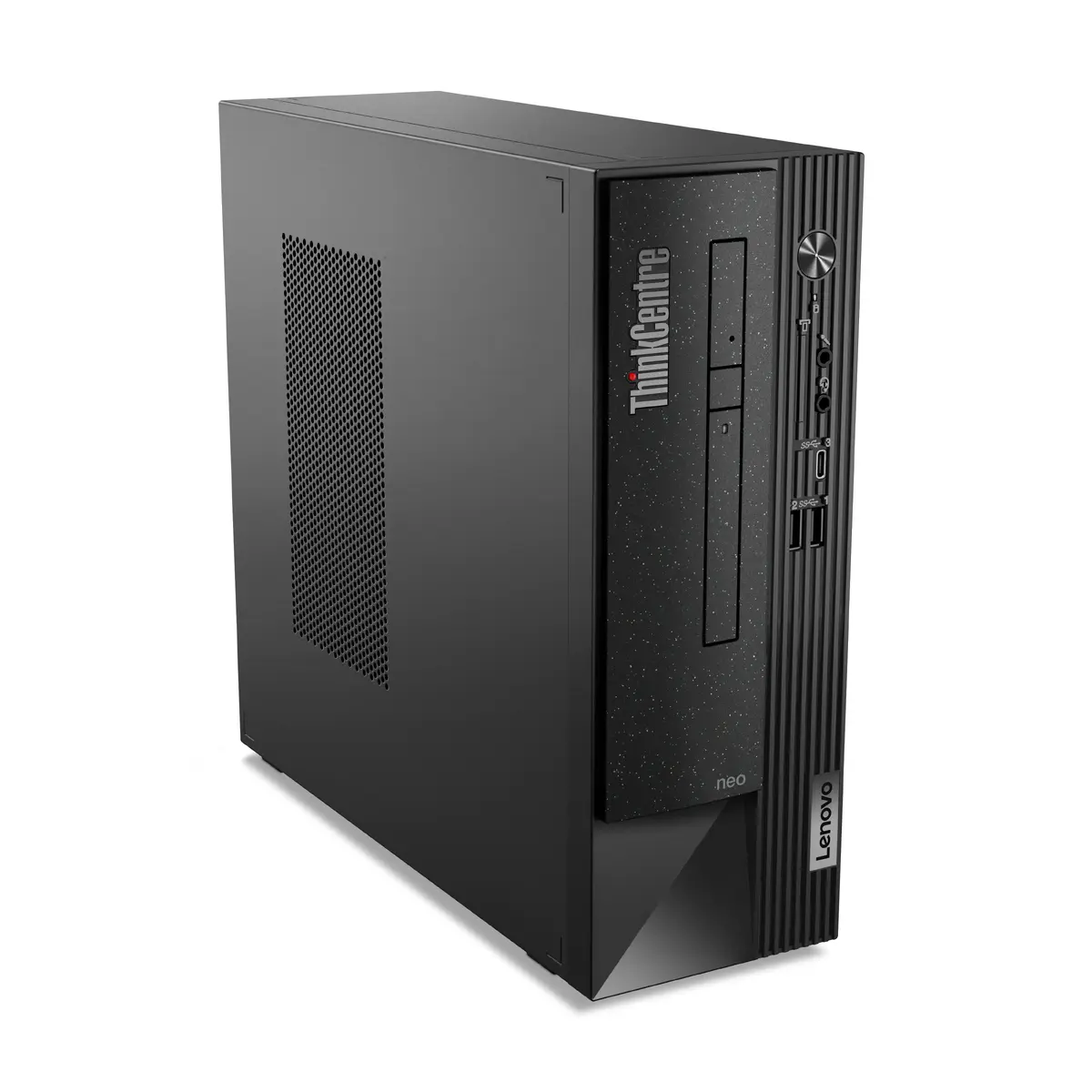
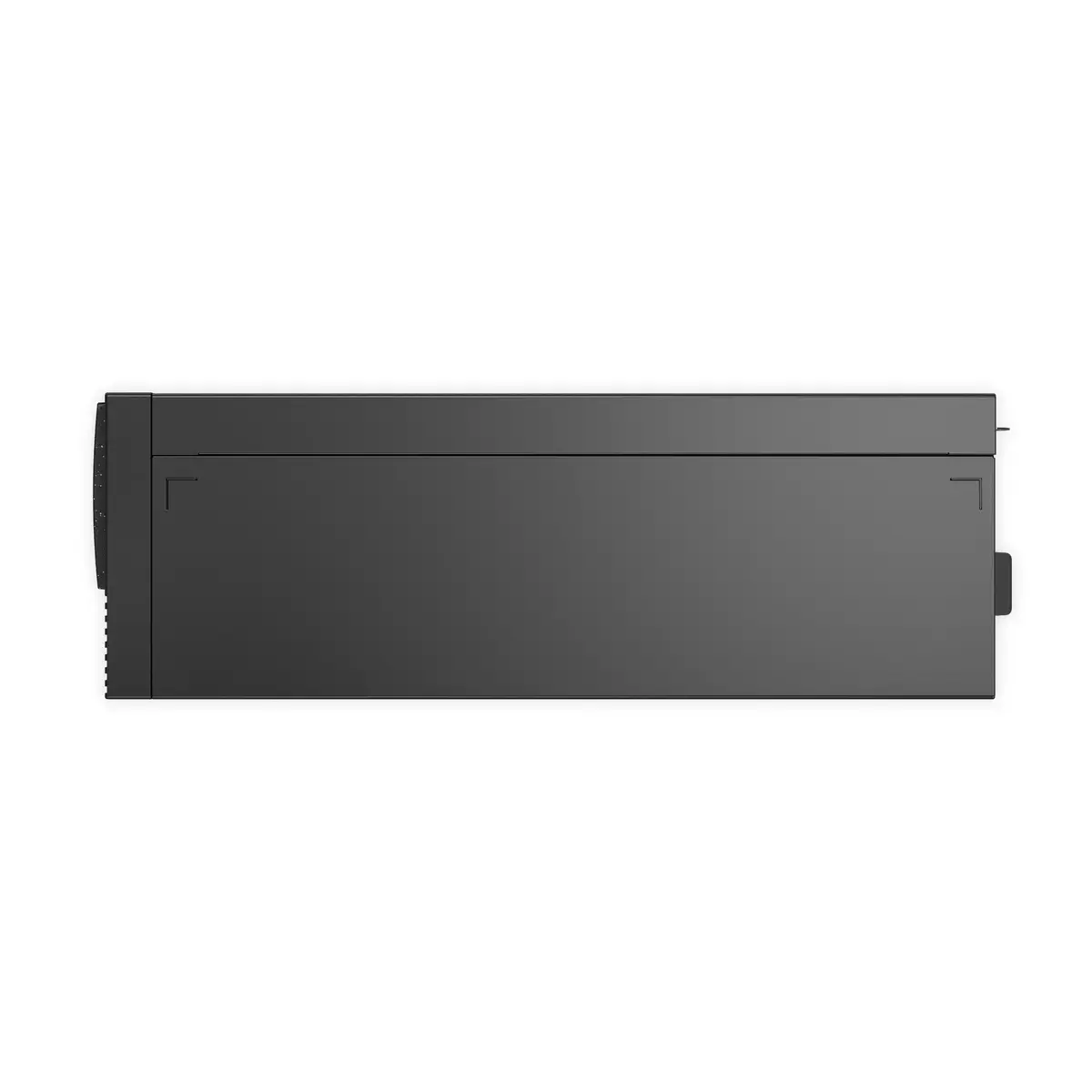
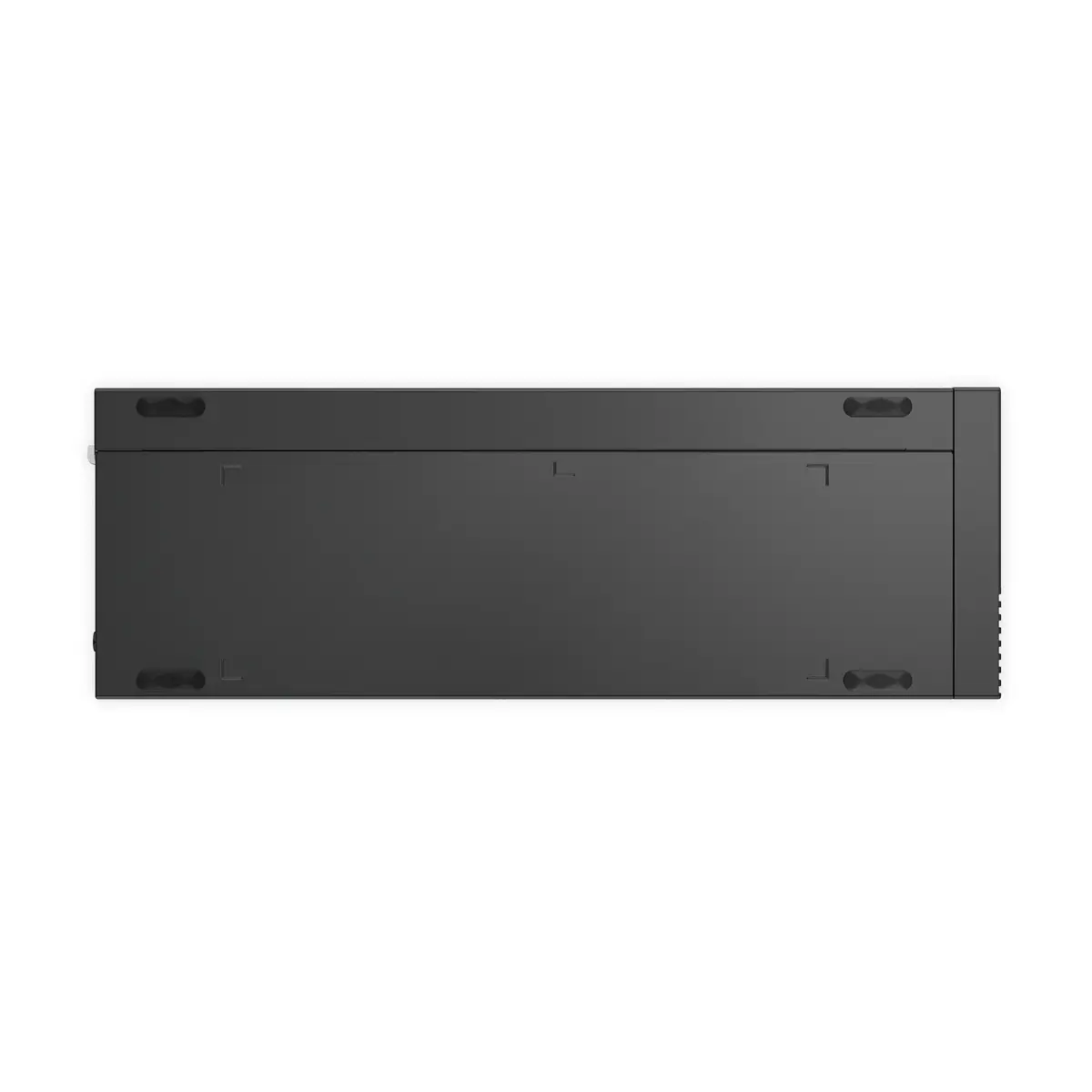
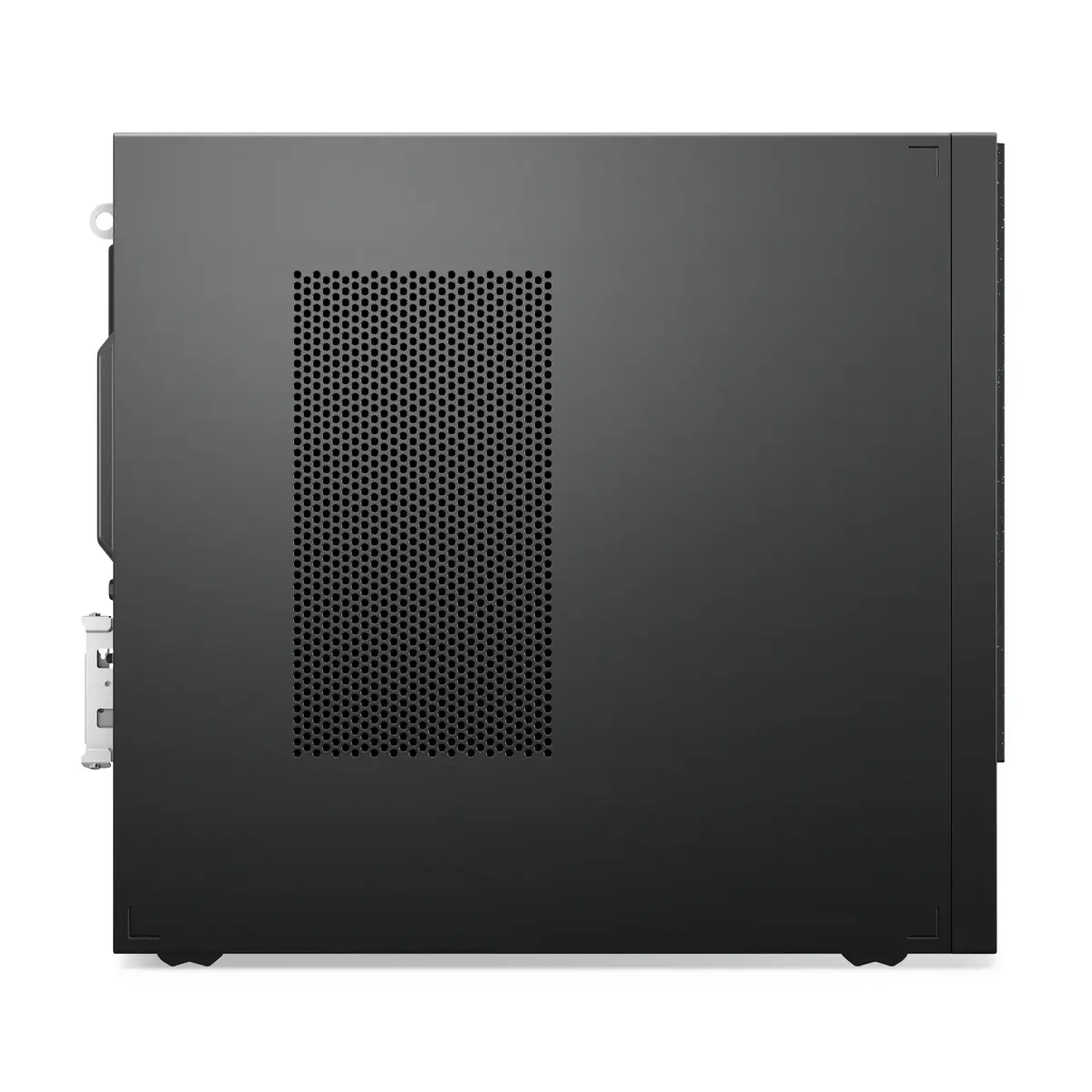
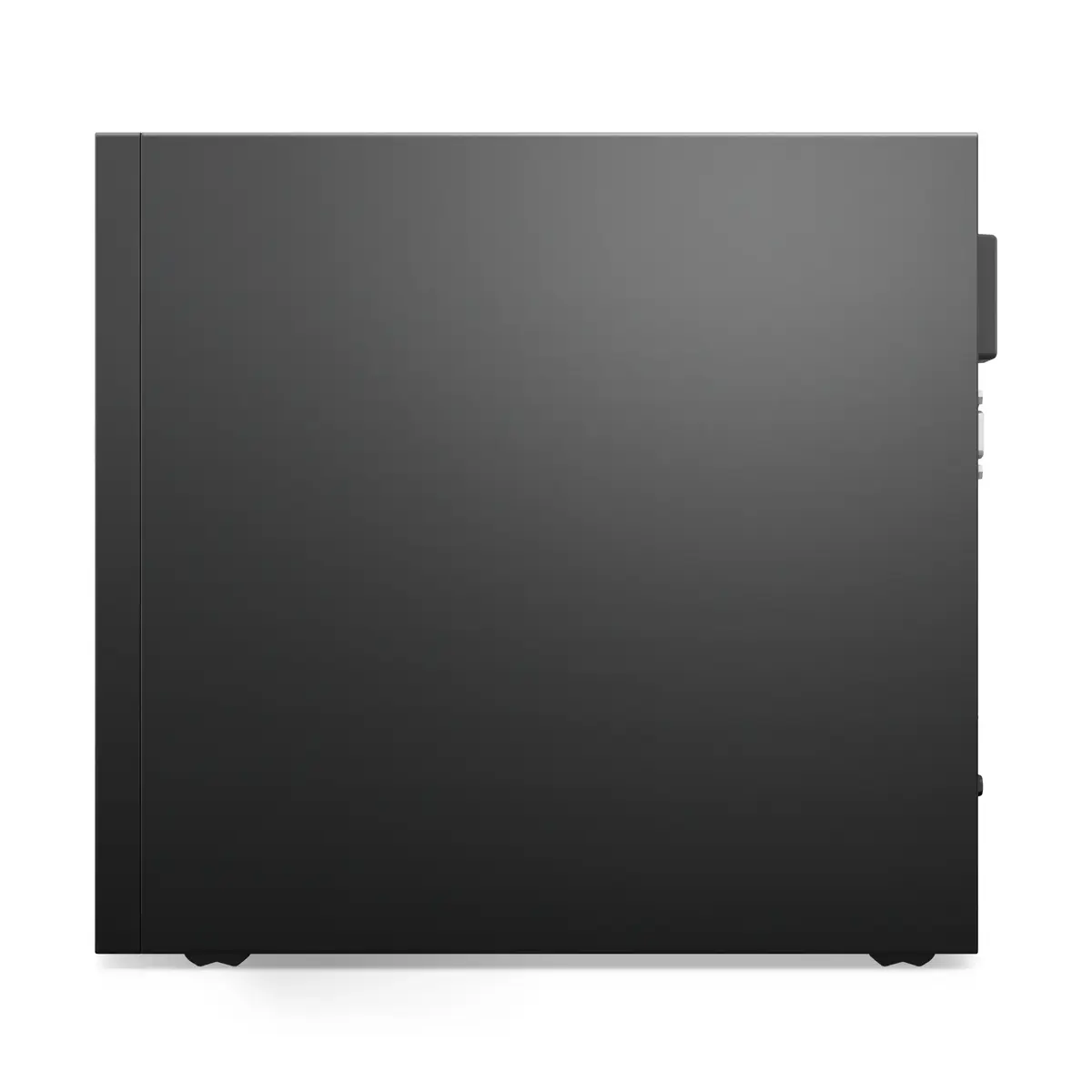
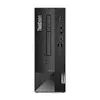
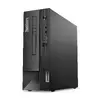
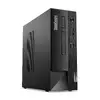
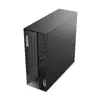
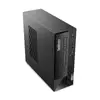
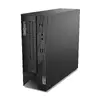
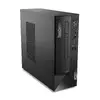
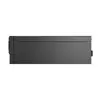
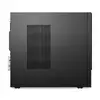
SFF PC Lenovo ThinkCentre neo 50s Gen 4 — Intel Core i5-13400, 16 GB DDR4, 256 GB SSD, Intel UHD 730, DVD±RW, Wi-Fi, BT, Windows 11 Pro, 260 W, Black
The Lenovo ThinkCentre Neo 50s Gen 4 Small Form Factor (SFF) is a compact business desktop built for everyday office productivity. It features an Intel Core i5-13400 processor with boost up to 4.6 GHz, 16 GB DDR4-3200 memory, a 256 GB SSD, integrated Intel UHD Graphics 730, a DVD±RW drive, Wi‑Fi 6E and Bluetooth, and ships with Windows 11 Pro. The black, space-saving chassis includes a 260 W power supply and is designed to be easy to deploy and expand in tight workspaces.
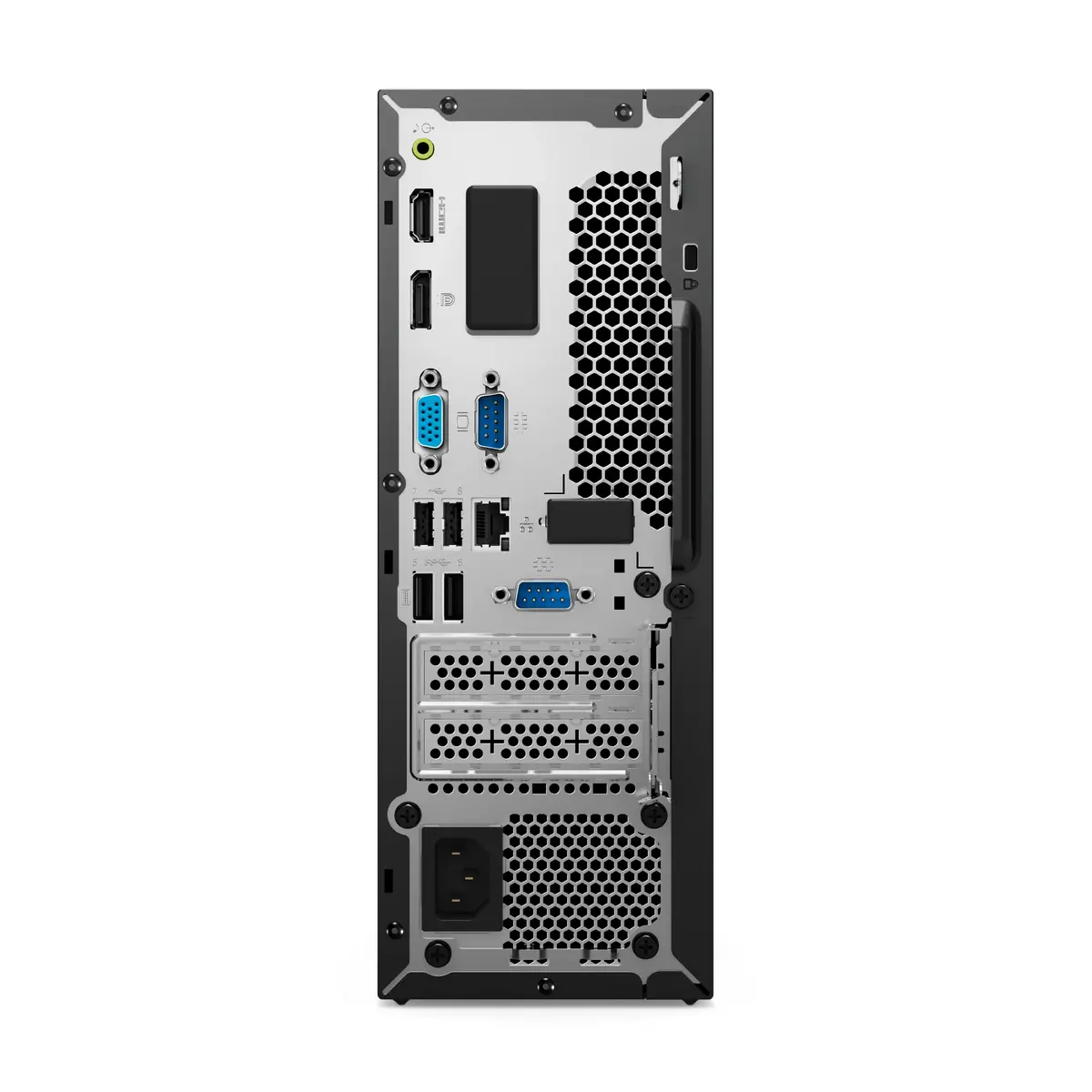
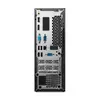
The system combines a modern 13th Gen Intel Core processor and fast DDR4 memory for responsive multitasking and office applications. Its small form factor saves desk space while still offering upgrade options such as PCIe expansion and additional storage. Built-in connectivity—multiple USB ports, DisplayPort/HDMI and legacy VGA—plus Wi‑Fi 6E and gigabit Ethernet support flexible setups and collaboration. The chassis and packaging use recycled materials and the platform includes energy-saving features for improved efficiency.
This SFF PC is not intended for demanding 3D rendering, high-end gaming, or workstation-class simulations that require a dedicated high-performance GPU. The integrated Intel UHD Graphics 730 is suitable for everyday graphics tasks but will be limited for GPU-accelerated professional workflows.
Place the SFF chassis on or under a desk for stable ventilation and connect the display, keyboard, mouse and network. Use the front and rear USB ports for peripherals and external drives; choose the appropriate video output (HDMI, DisplayPort or VGA) for your monitor. Windows 11 Pro comes preinstalled—follow the on-screen setup to create accounts, configure network settings and install company software or updates. For extra storage or expansion, open the chassis following Lenovo instructions and install compatible PCIe or storage modules.
For typical office deployments, keep the unit in a well-ventilated area, apply regular Windows and driver updates, and use wired Ethernet where low-latency connectivity is required. If adding components, power down and disconnect the system before opening the chassis and follow Lenovo’s service documentation.
{{highlightedFeature.featureTitle}}:
{{getProductFeatureValueById(product, highlightedFeature.featureId)}}
{{ productComparisonGenerationError }}
