
Dreame vacuums for fast and efficient cleaning!
In cart {{totalProductsCount}} item(s)
Your cart is empty
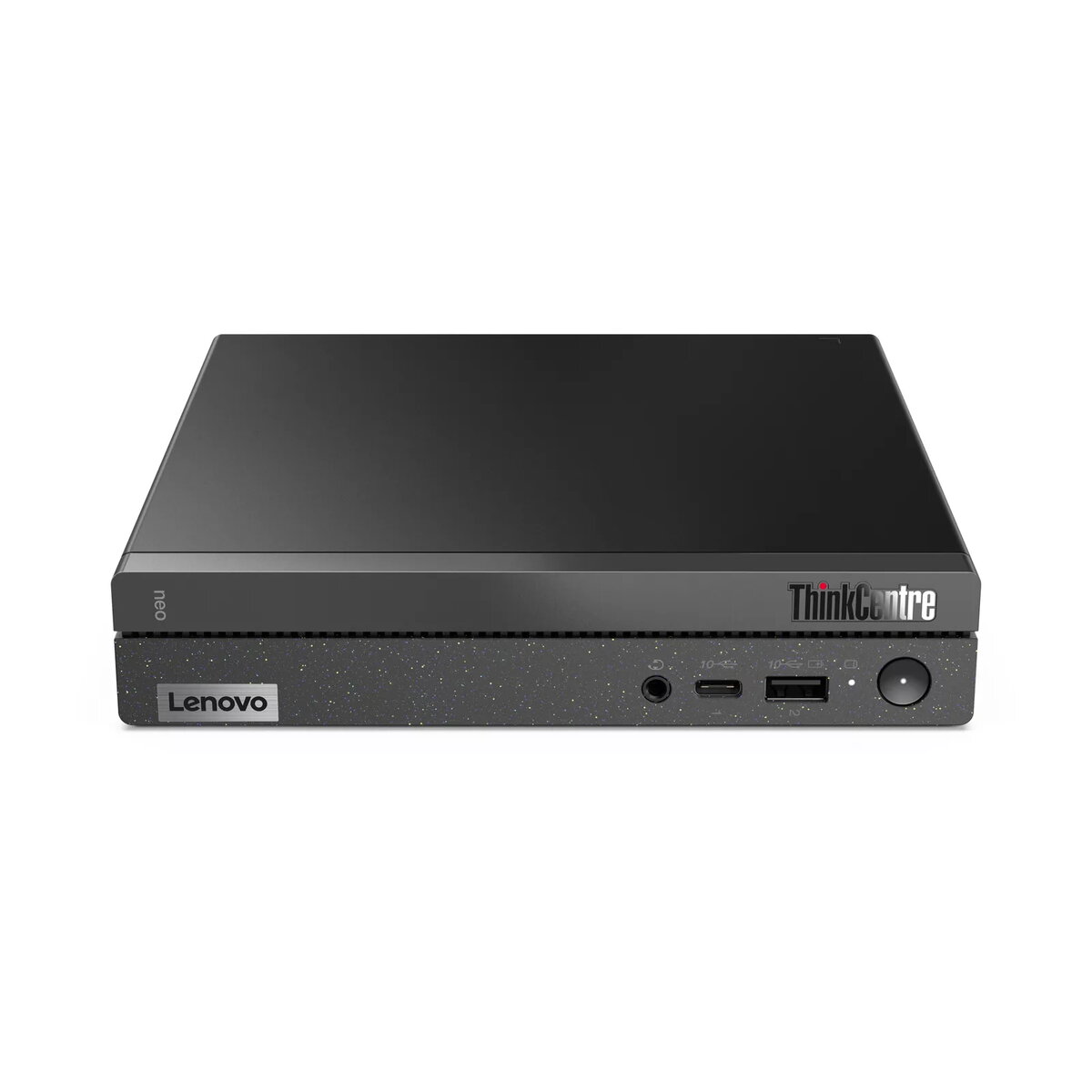
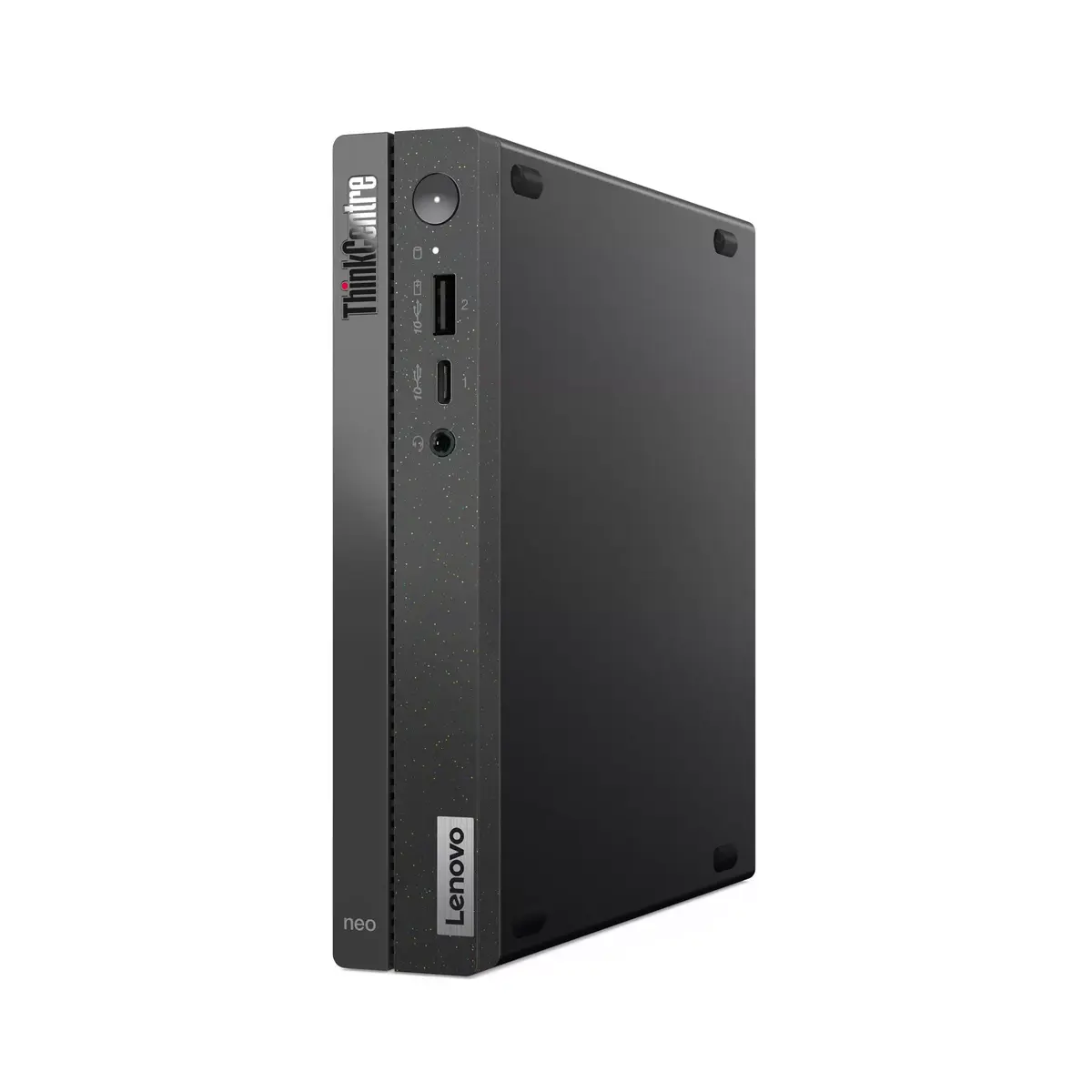
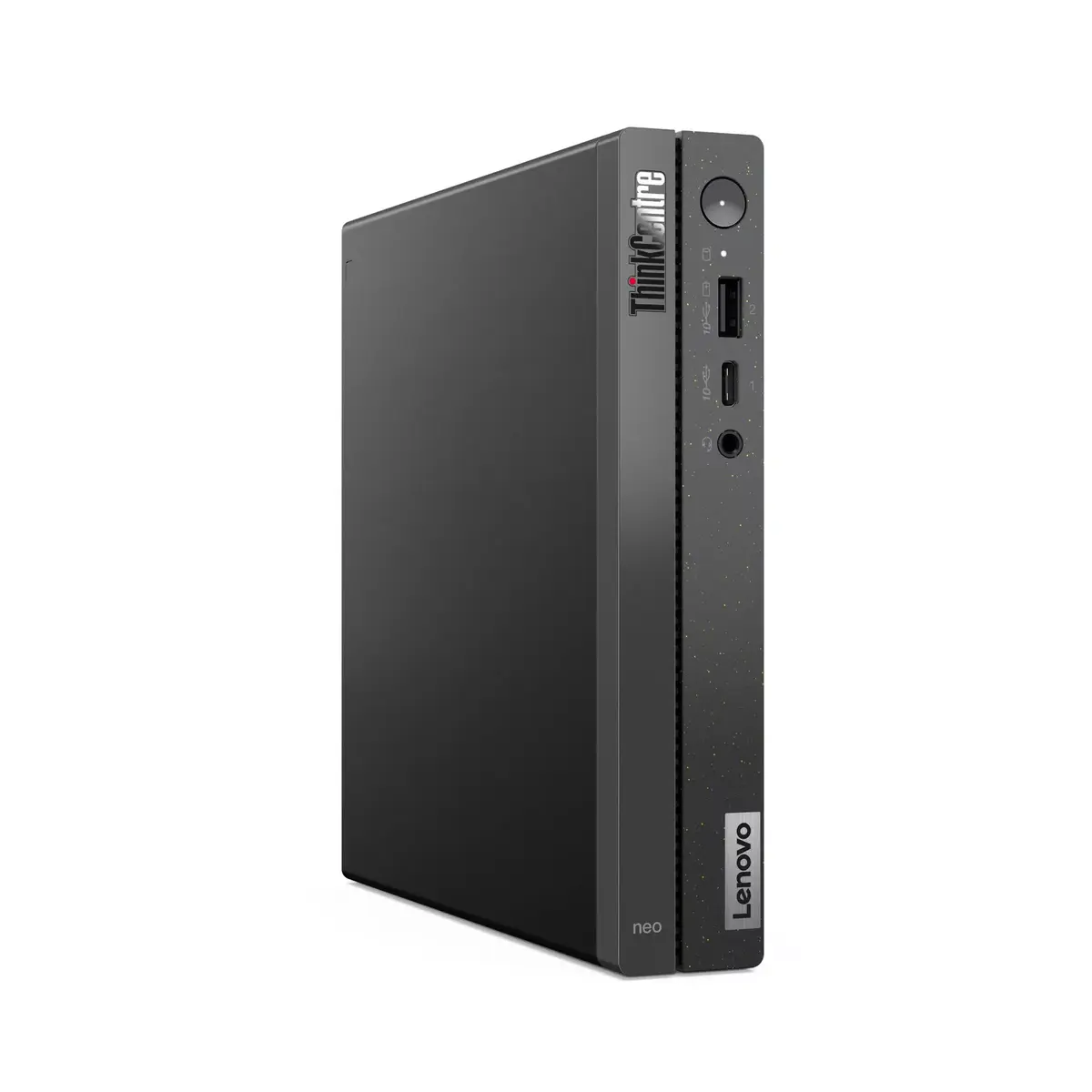
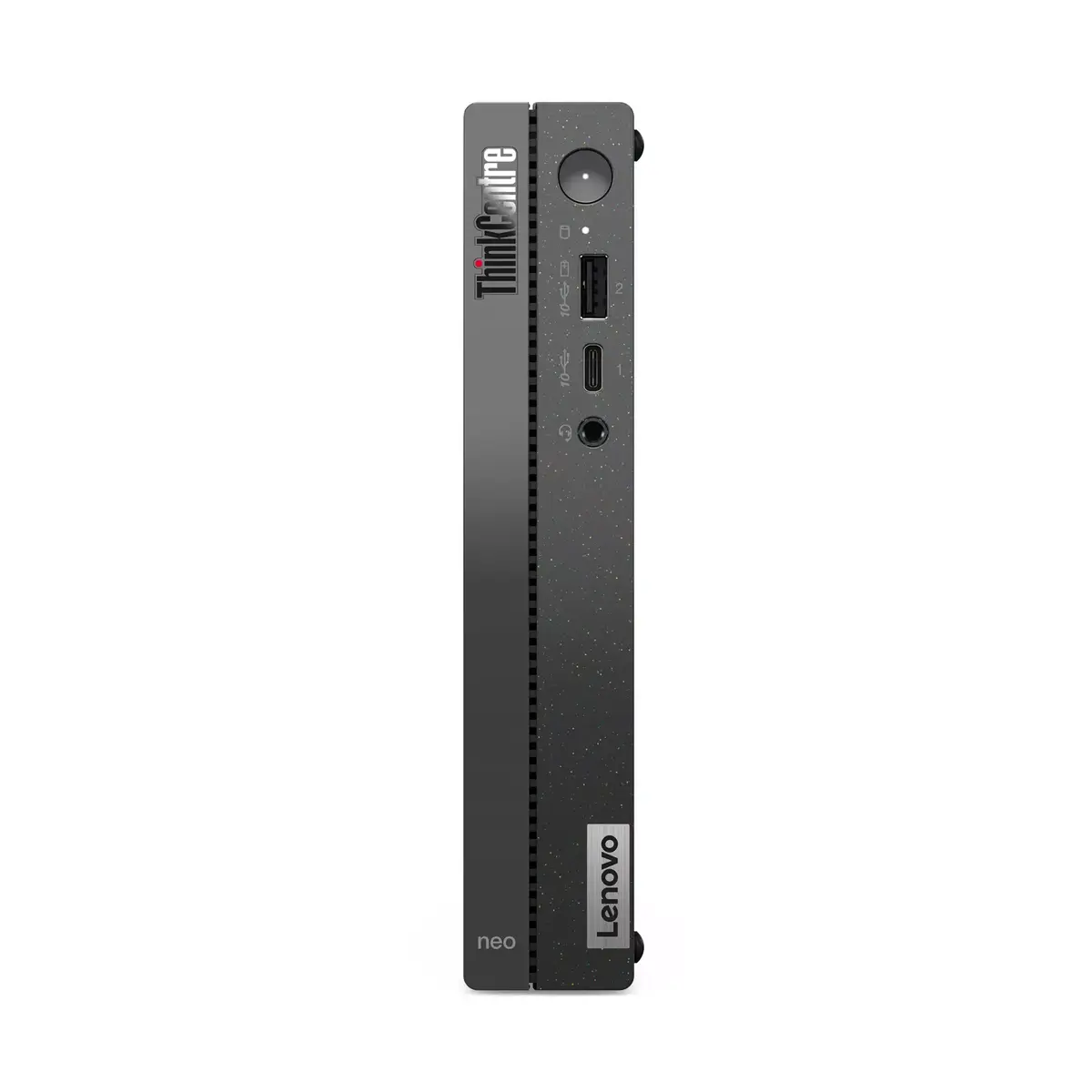
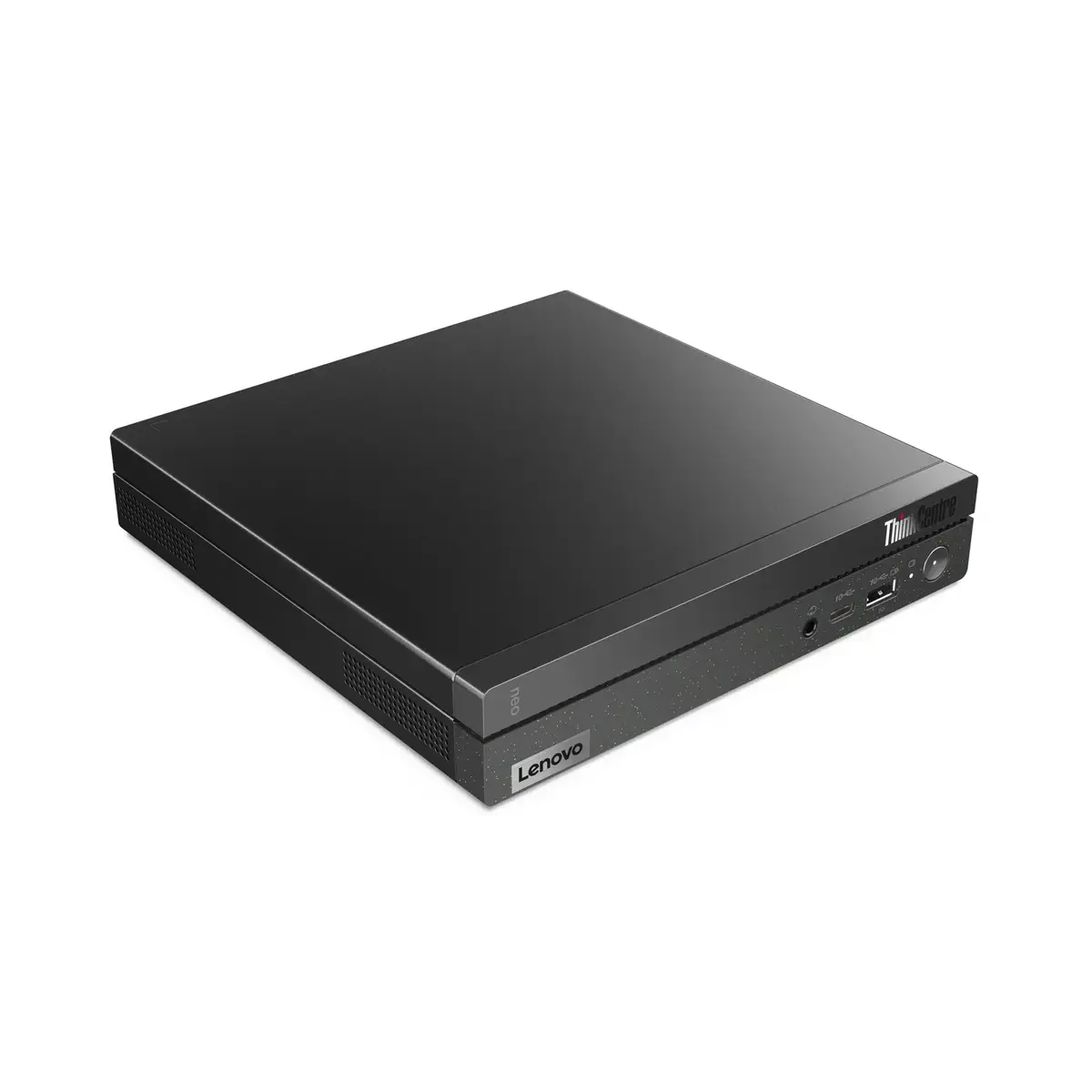
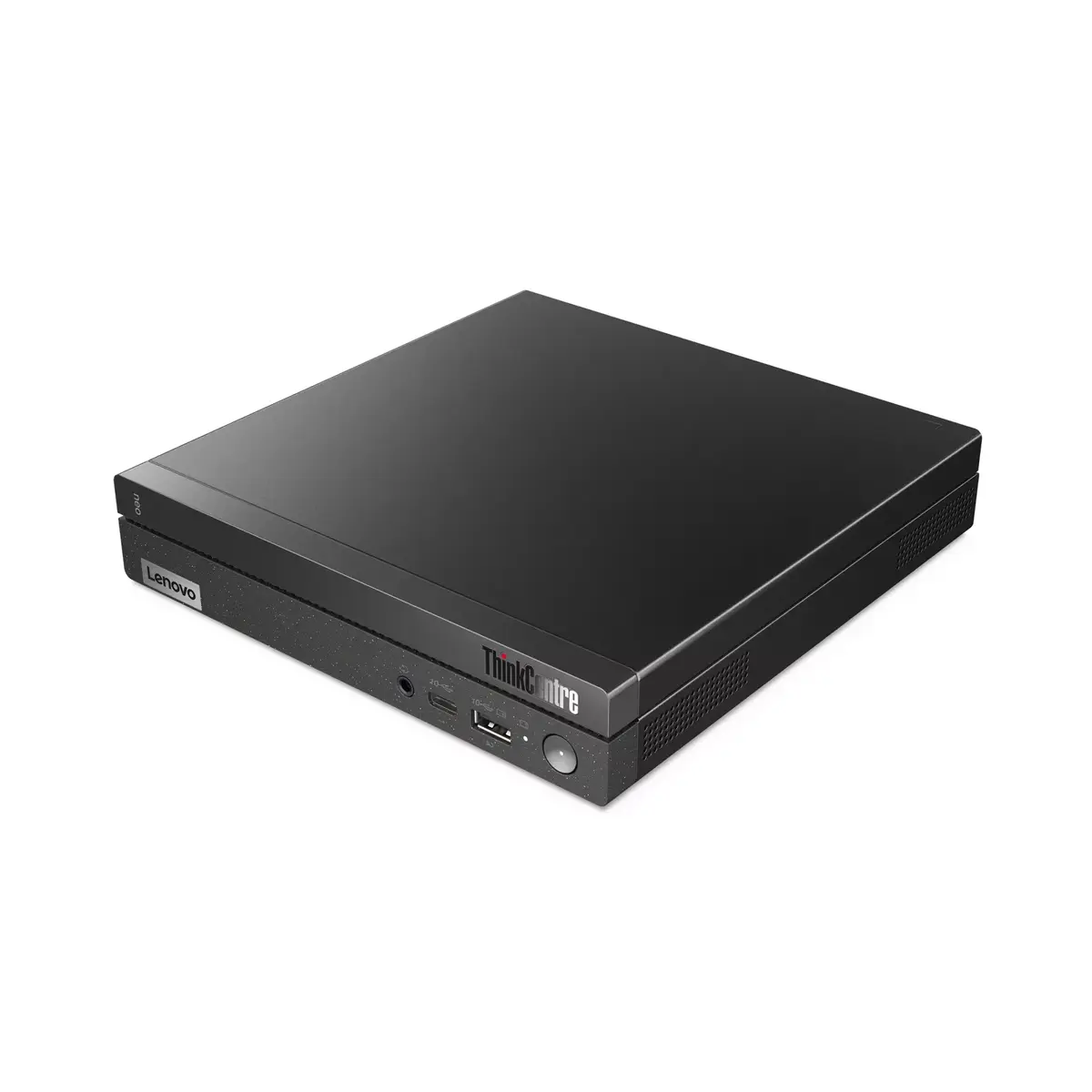
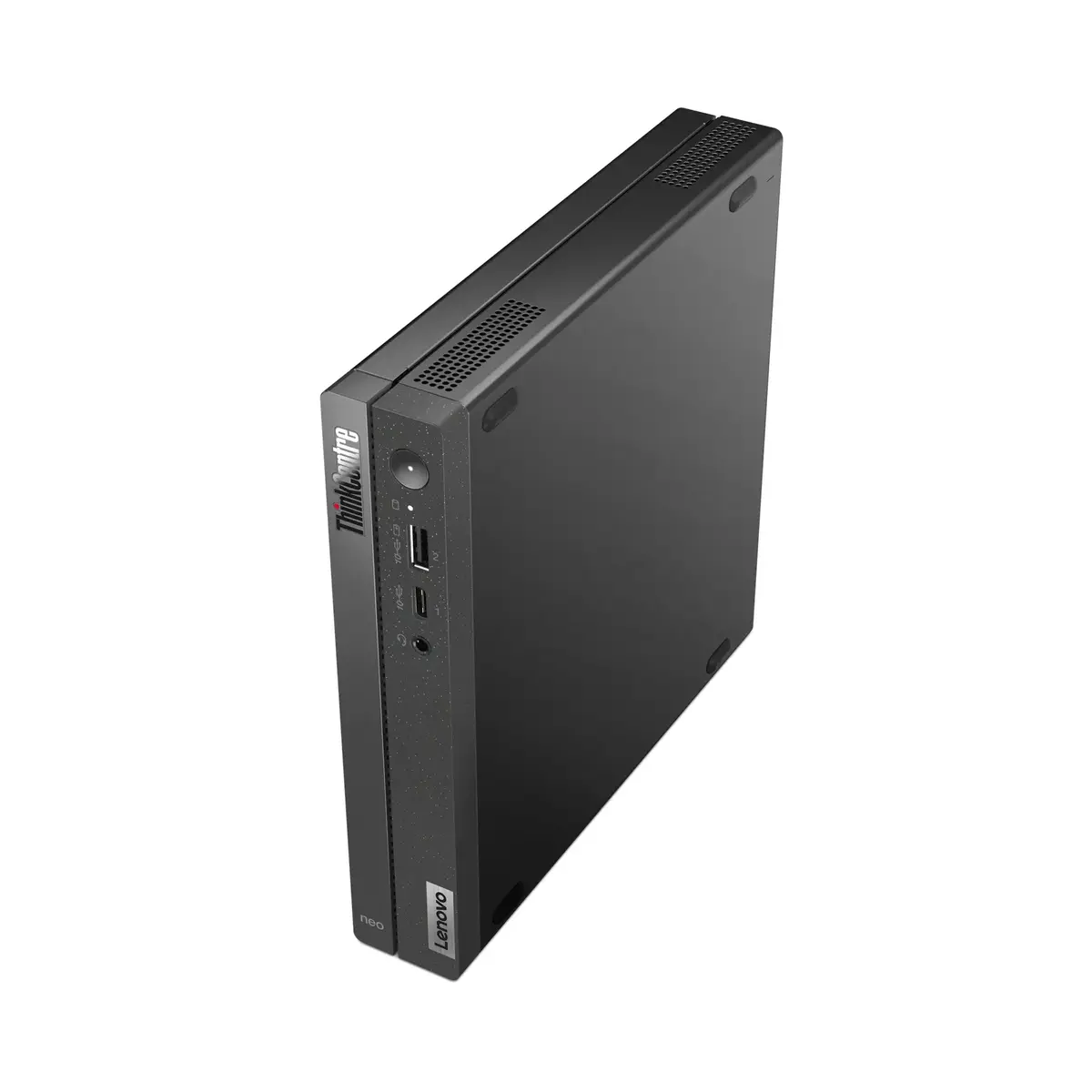
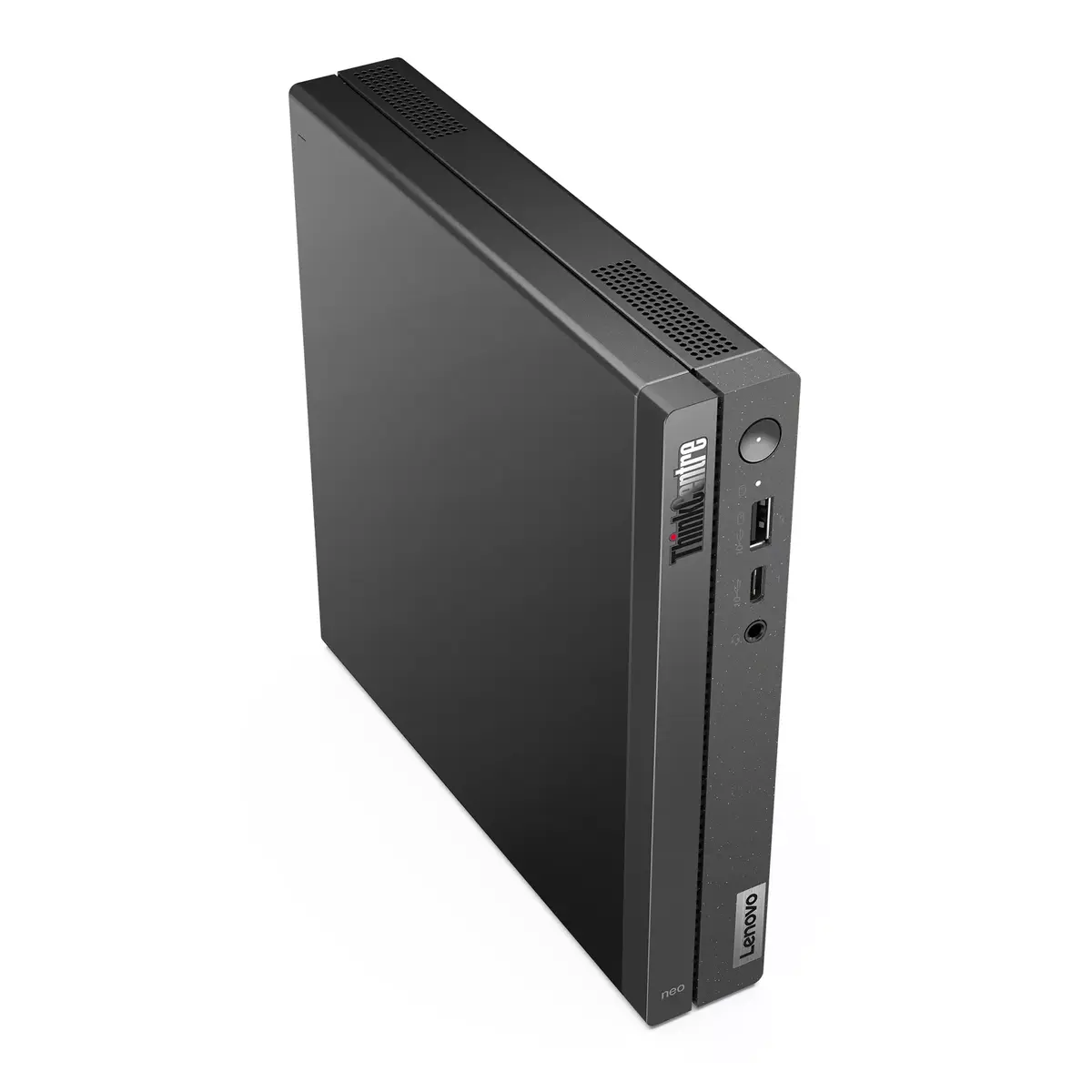
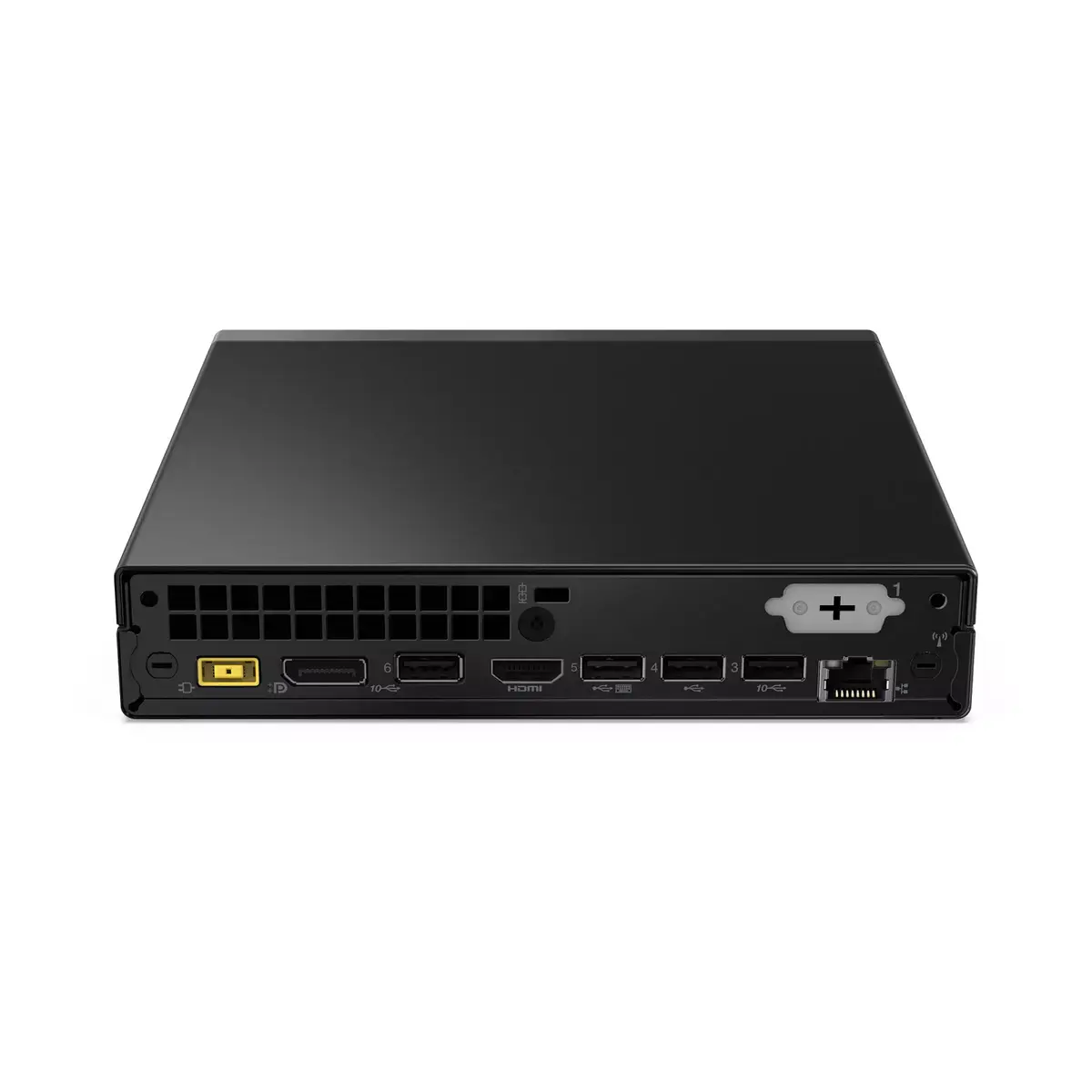
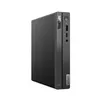
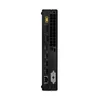
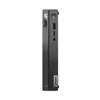
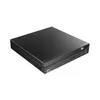
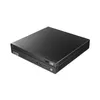
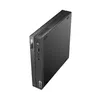
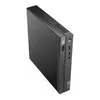
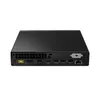
Mini PC Lenovo ThinkCentre neo 50q — Intel Core i5-13420H, 16GB DDR4, 512GB NVMe SSD, Intel UHD, Windows 11 Pro
Lenovo ThinkCentre neo 50q is a compact Mini PC designed for space-efficient workstations and small-form-factor setups. It is powered by an Intel Core i5-13420H processor with a boost frequency up to 4.6 GHz, paired with 16 GB of DDR4 memory and a 512 GB solid-state drive for responsive multitasking and fast storage access. Integrated Intel UHD graphics provide basic visual performance for everyday applications, while Windows 11 Pro is preinstalled to support business features, security updates and modern productivity workflows. The unit is finished in black and weighs approximately 1.11 kg, making it easy to place in limited desk areas or mount behind displays.
The miniaturized chassis delivers full desktop-class processing in a small footprint, reducing space requirements without sacrificing responsiveness for office software and web-based tasks. Fast SSD storage combined with 16 GB of DDR4 RAM provides rapid system boot, application load times and smoother multitasking. Windows 11 Pro offers management and security capabilities suitable for business environments. The low weight and compact dimensions simplify integration into shared workspaces or home offices where desk space is limited.
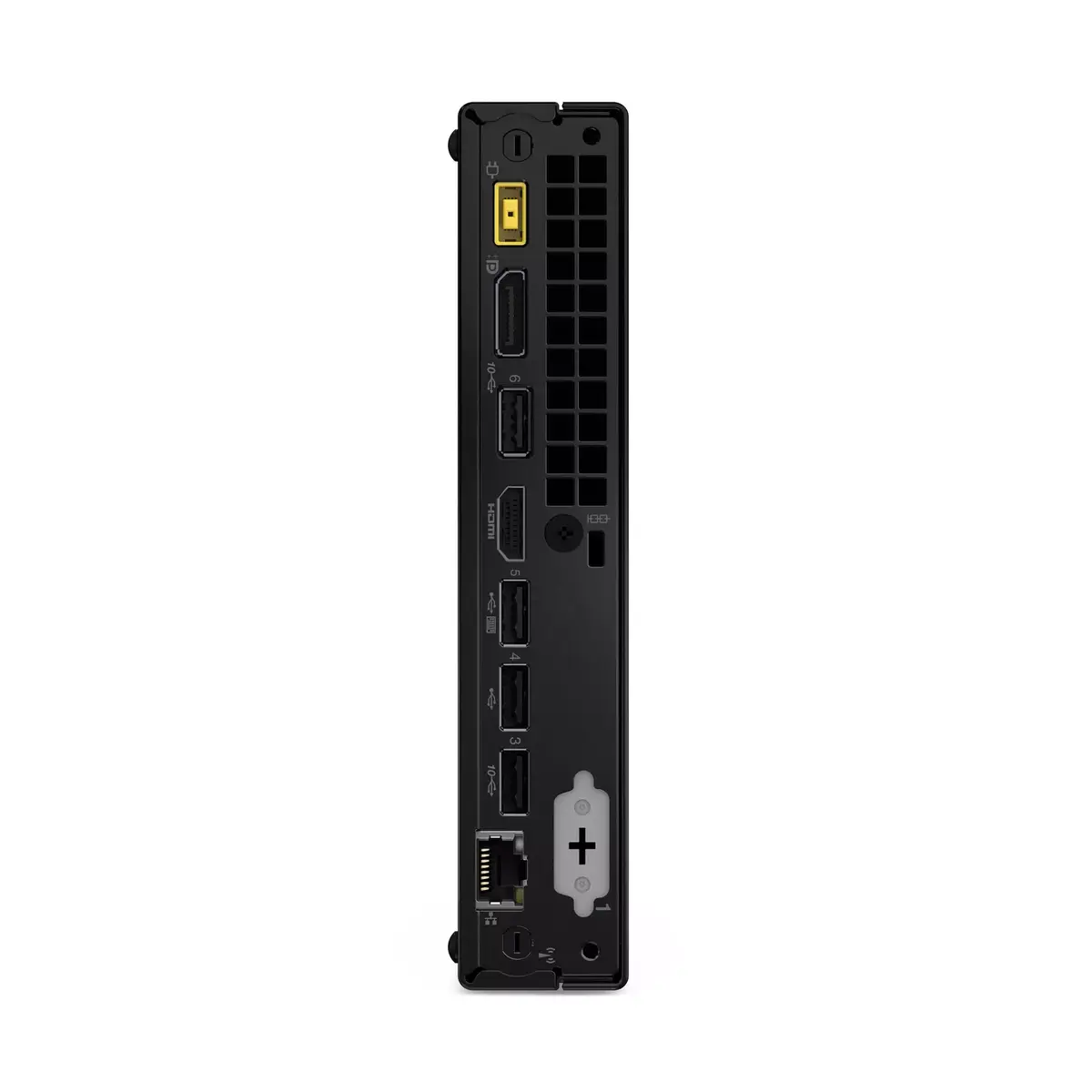
Unpack the Mini PC and place it on a stable surface or attach it to a compatible monitor mount if available. Connect power, a display via the available video output, and input devices such as keyboard and mouse. On first boot, follow the Windows 11 Pro setup wizard to configure user accounts, network settings and updates. Install required productivity or business applications and restore data from backups or cloud services as needed. Regularly check Windows Update and Lenovo support resources for driver and firmware updates to maintain stable performance.
For consistent performance, keep at least 10–20% of SSD capacity free to allow for temporary files and system maintenance. Use a reliable UPS or surge protector in environments with unstable power. For multimedia or multiple-display setups, verify the connected monitor specifications and use appropriate display cables. If deploying in managed environments, enable Windows 11 Pro management policies and apply endpoint protection to meet organisational security requirements.
{{highlightedFeature.featureTitle}}:
{{getProductFeatureValueById(product, highlightedFeature.featureId)}}
{{ productComparisonGenerationError }}
