
Hurry and order now – up to 50% off!
In cart {{totalProductsCount}} item(s)
Your cart is empty
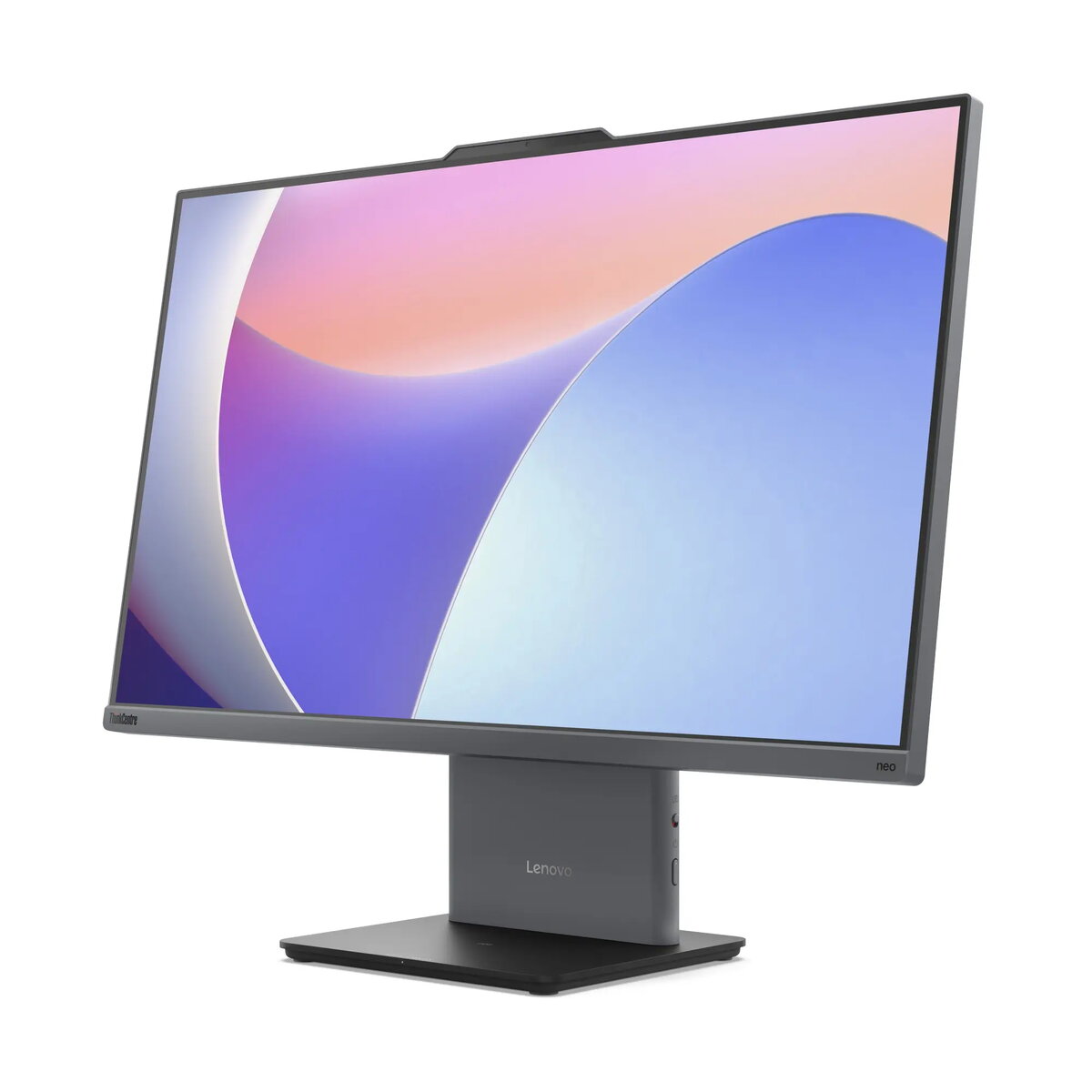
Desktop PC Lenovo ThinkCentre neo 50a 27 Gen 5 — 27" FHD, Intel Core i5-13420H, 16GB RAM, 512GB SSD, Intel graphics, no OS, Grey
The Lenovo ThinkCentre neo 50a 27 Gen 5 is an all-in-one style desktop PC with a 27" Full HD IPS display and integrated compute module designed for office and professional environments. It is powered by an Intel Core i5-13420H processor with a hybrid core design (performance and efficiency cores), 16GB of DDR5-5200 memory and a 512GB PCIe 4.0 NVMe SSD. The 27" FHD panel offers 1920 x 1080 resolution, anti-glare coating, 300 nits brightness and 99% sRGB coverage. The system ships without an operating system, providing flexibility to install the OS of your choice and configure the device for business workflows.
This model combines a modern 12th/13th-generation Intel mobile-class processor with fast DDR5 RAM and a PCIe 4.0 SSD, delivering responsive application performance for multitasking and productivity. The integrated 27" IPS display provides accurate color and wide viewing angles suitable for typical office tasks. Built-in Wi-Fi 6 and Gigabit Ethernet cover network connectivity needs, while a 5.0MP webcam with IR and dual-array microphones supports video conferencing and user authentication. The compact footprint and integrated power unit reduce cable clutter and simplify placement in shared workspaces.
Unpack the unit and connect the included power adapter to a grounded outlet. Attach the keyboard and mouse to available USB ports and connect to your network via Ethernet or configure Wi‑Fi 6. Install the preferred operating system using external media or network deployment tools; the device ships without a preinstalled OS. Configure user accounts, update firmware and drivers from the manufacturer support site, and adjust display and audio settings to match workplace requirements. Use the HDMI-in/out ports for additional displays or to route video where supported.
For optimal performance in multi-application workflows, keep firmware and drivers current, enable XMP/JEDEC-compatible memory settings when supported, and consider expanding RAM to the maximum supported 32GB if heavy multitasking or larger browser workloads are typical. Use wired Ethernet for the most stable network connection during large file transfers or video conferencing. Follow standard IT imaging and security practices when deploying in business environments.
{{highlightedFeature.featureTitle}}:
{{getProductFeatureValueById(product, highlightedFeature.featureId)}}
{{ productComparisonGenerationError }}
