
Powerful EcoFlow stations for energy anywhere!
In cart {{totalProductsCount}} item(s)
Your cart is empty
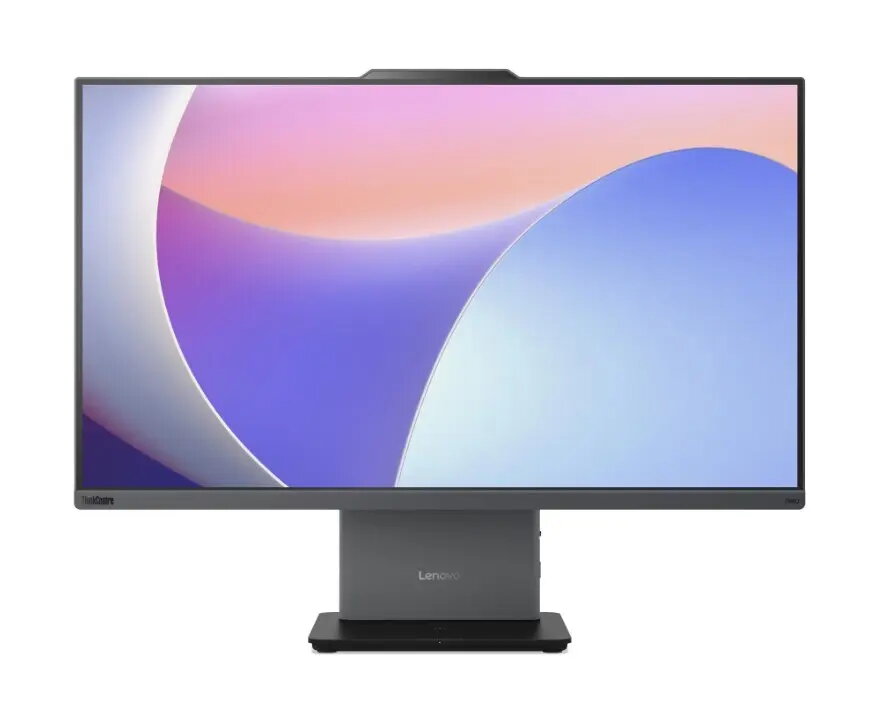
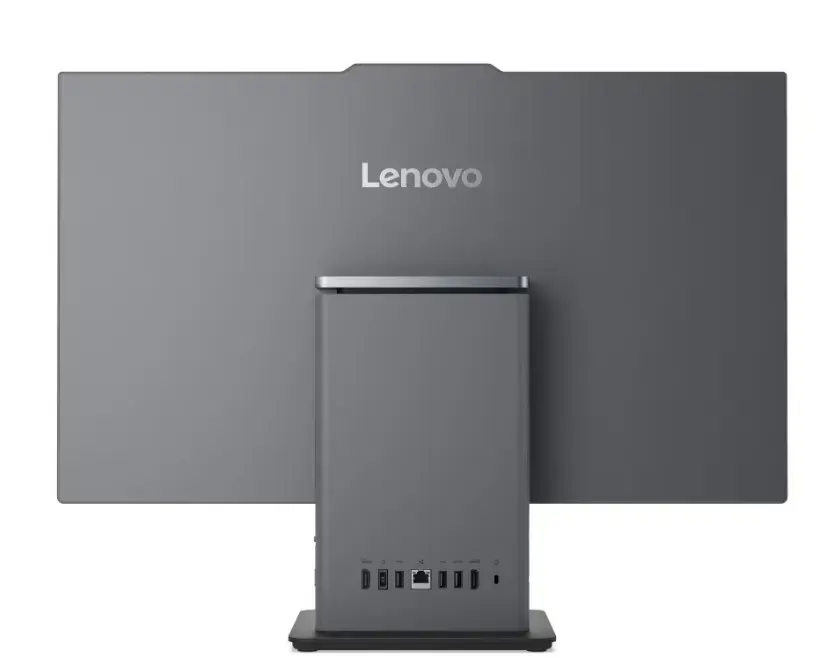
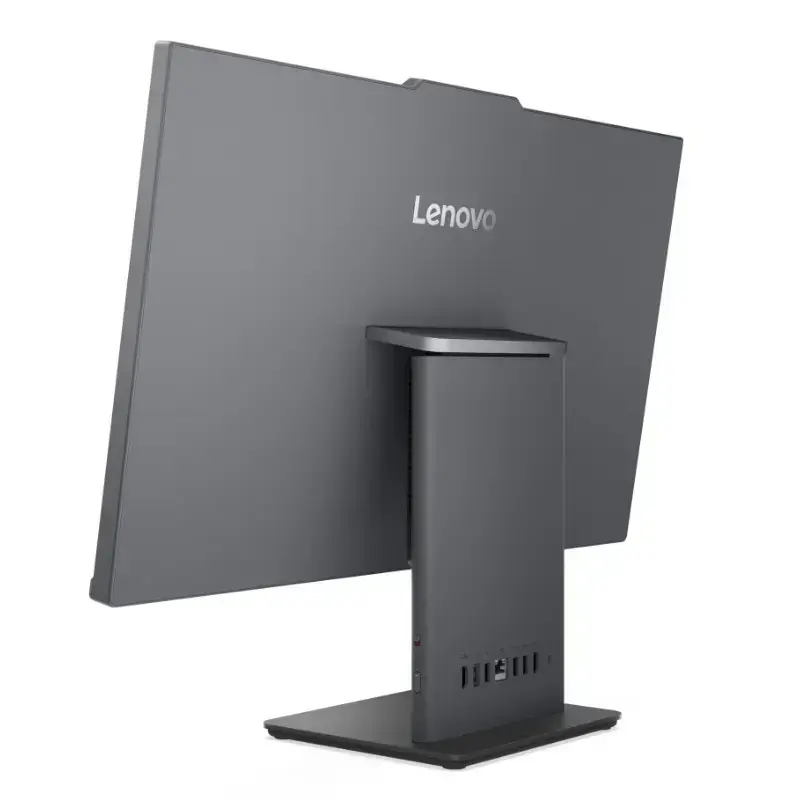
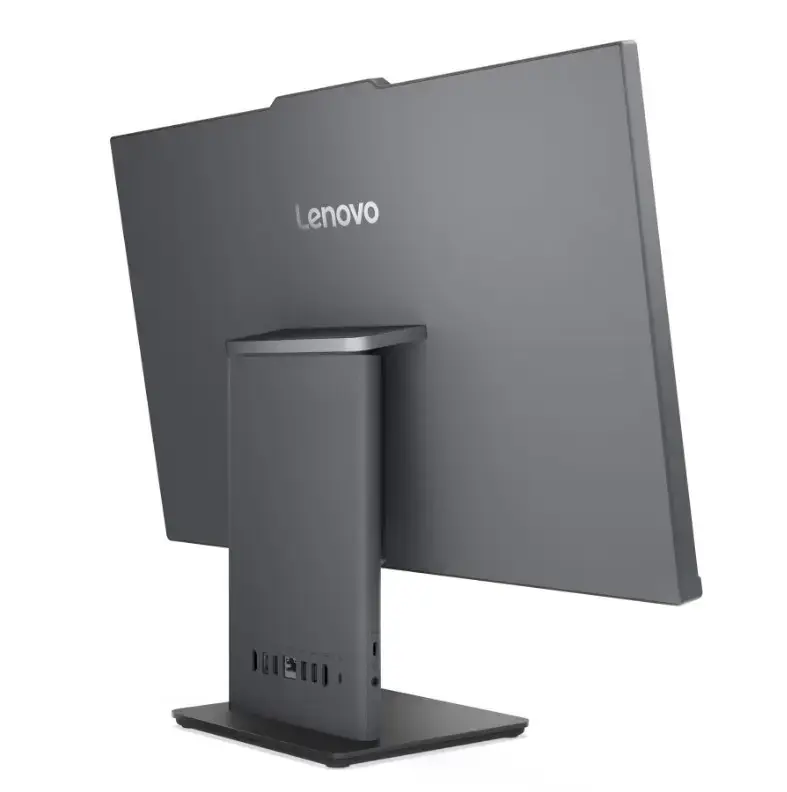
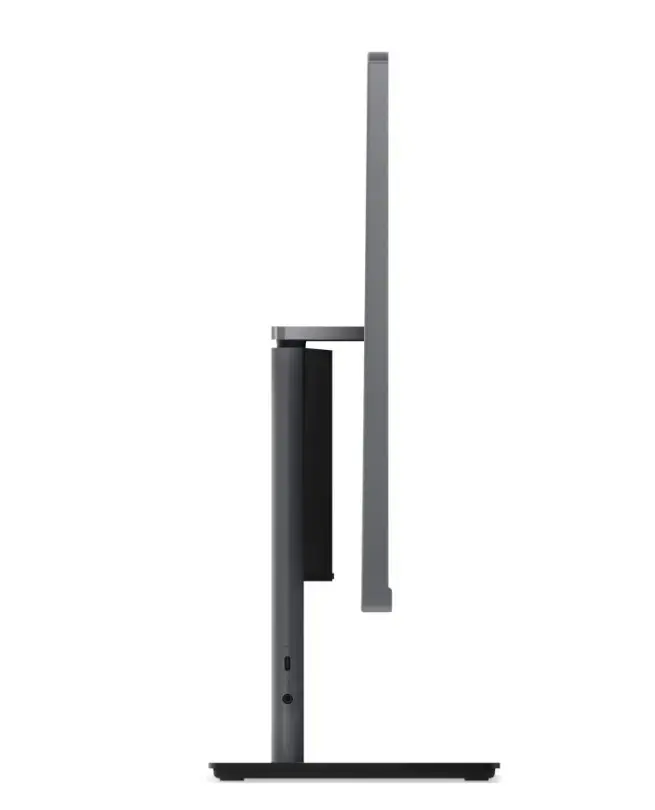
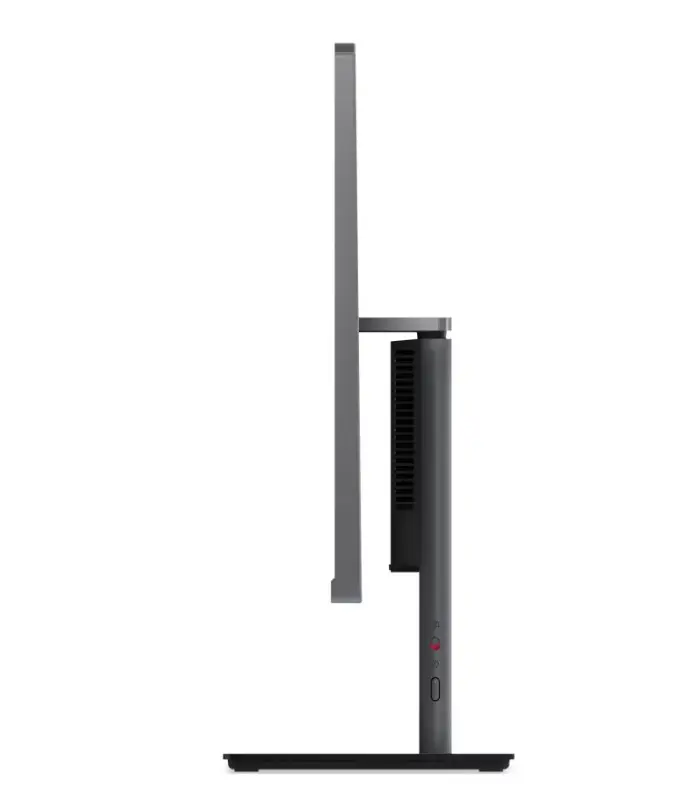
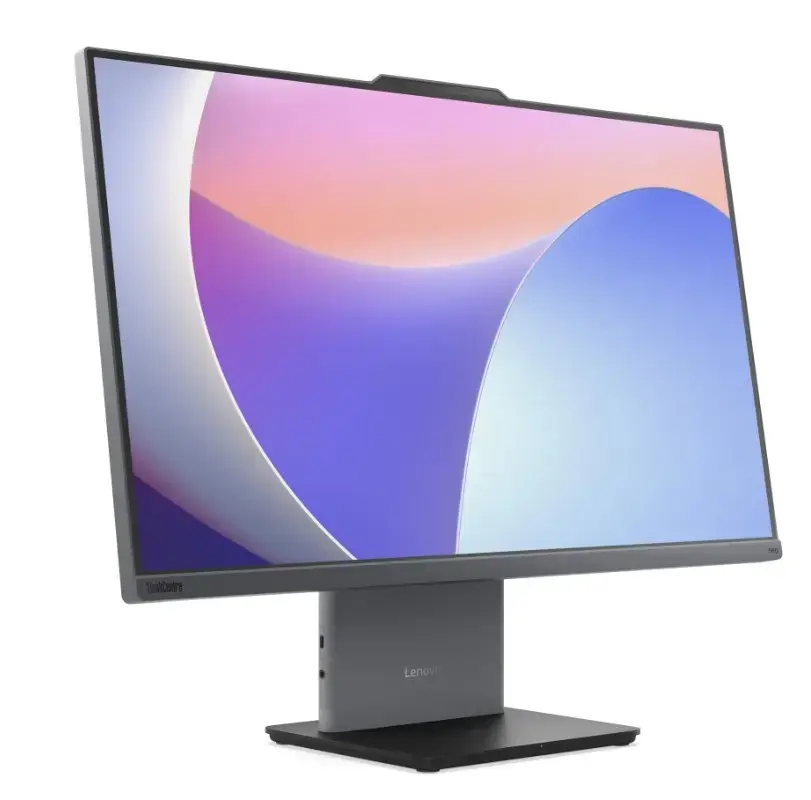
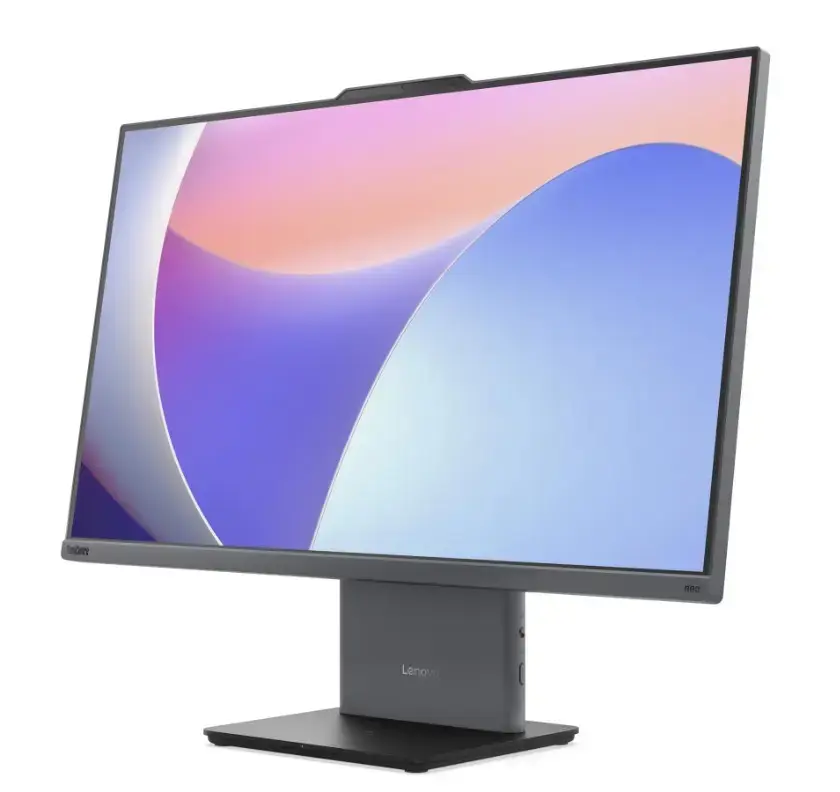
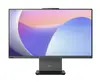
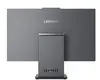
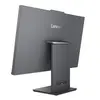
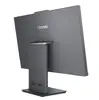
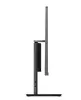
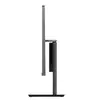
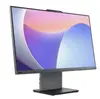
Lenovo neo 50a G5 All-in-One PC, Intel Core 5 210H, 16GB RAM, 512GB SSD, 27.0-inch FHD Touch Display, Windows 11 Pro, Luna Grey
The Lenovo neo 50a G5 is a high-performance all-in-one desktop computer designed to streamline professional workspaces. Featuring a large 27-inch Full HD touchscreen display, this system combines a powerful Intel Core 5 210H processor with 16GB of RAM and a 512GB SSD to ensure smooth multitasking and rapid data access. The space-saving design eliminates cable clutter, making it an ideal solution for modern offices and business environments that require reliability and efficiency in a compact form factor.
This all-in-one PC offers significant benefits for productivity, starting with its integrated design that houses all components within the monitor chassis. The high-definition touch display provides an intuitive interface for interactive tasks, while the robust internal hardware ensures consistent performance for demanding office applications. With Windows 11 Pro pre-installed, users benefit from advanced security features and management tools, all wrapped in a professional Luna Grey aesthetic that complements any workspace.
This device is not intended for high-end gaming or intensive 3D rendering tasks that require dedicated graphics hardware. Additionally, the all-in-one design limits internal hardware upgrades, so it may not be the best choice for users who require frequent component replacements or extensive customization.
Setting up the Lenovo neo 50a G5 is straightforward. Simply connect the power cable to the device and a wall outlet, then attach your preferred keyboard and mouse. Upon powering on the system, follow the on-screen prompts provided by Windows 11 Pro to configure your user account, network settings, and security preferences. The touchscreen functionality is enabled by default, allowing you to navigate the interface using gestures or the included peripherals.
To maintain optimal performance, keep the system updated with the latest Windows security patches and Lenovo driver updates. Ensure the ventilation areas on the back of the unit remain unobstructed to prevent overheating during extended use.
{{highlightedFeature.featureTitle}}:
{{getProductFeatureValueById(product, highlightedFeature.featureId)}}
{{ productComparisonGenerationError }}
