
Save time and money with our discounts!
In cart {{totalProductsCount}} item(s)
Your cart is empty
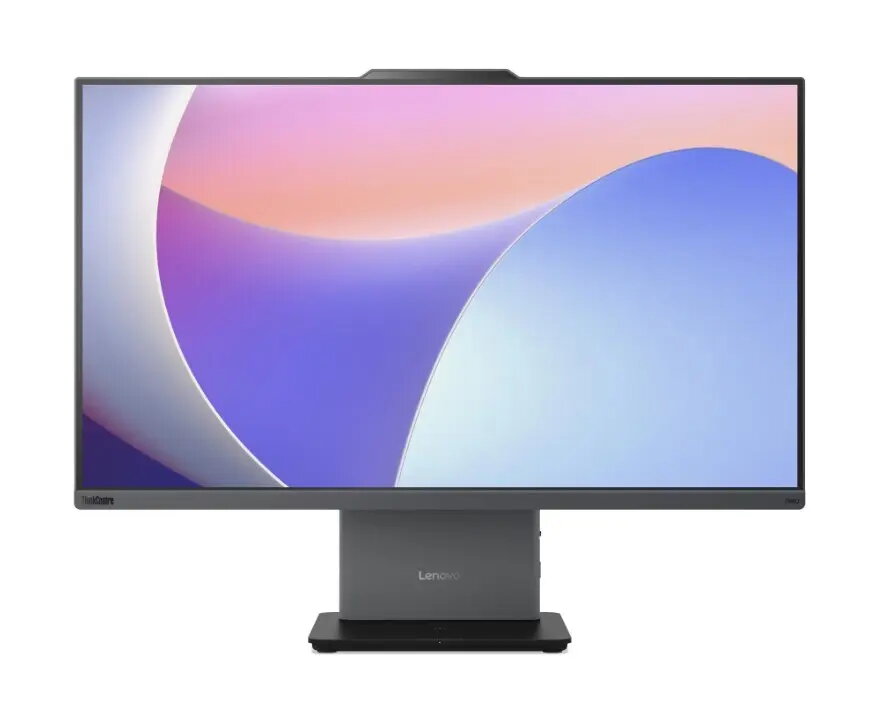
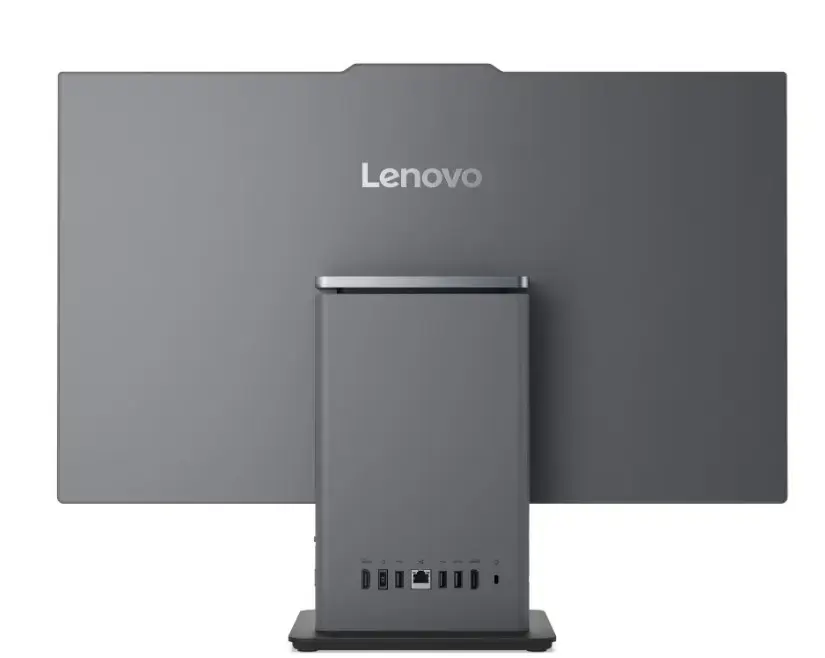
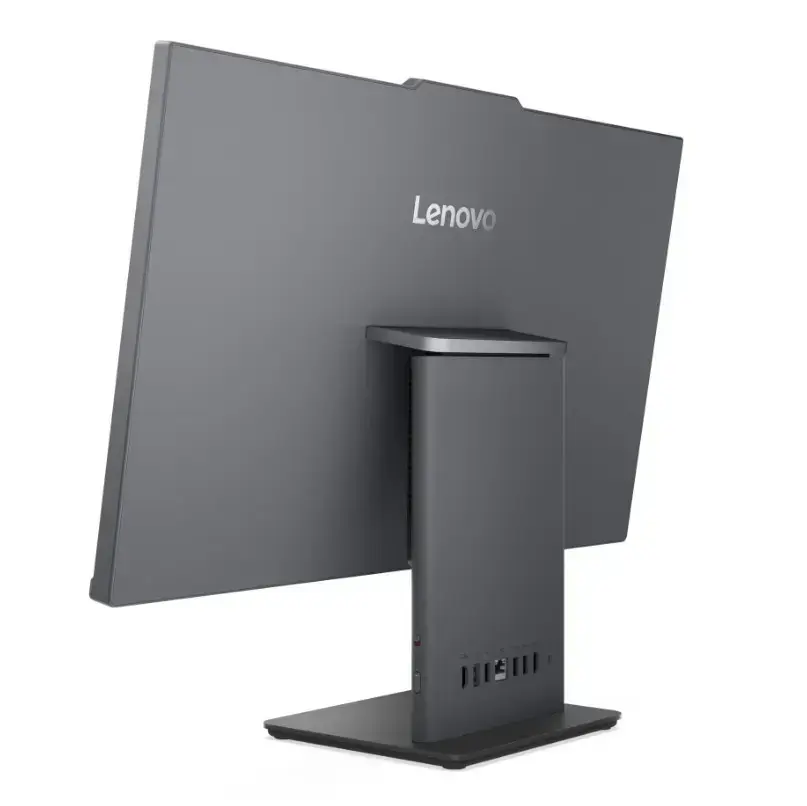
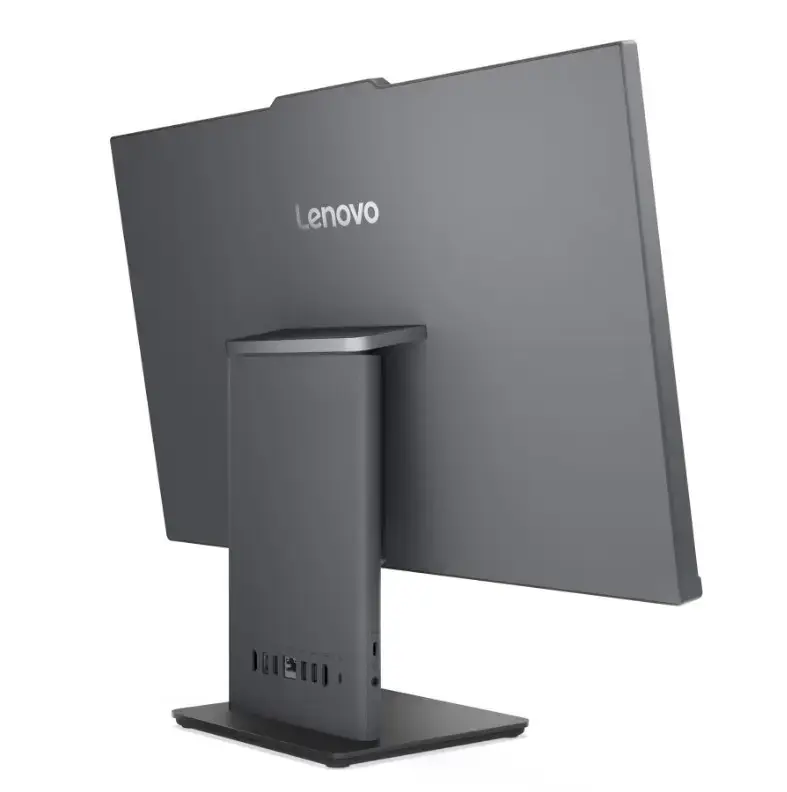
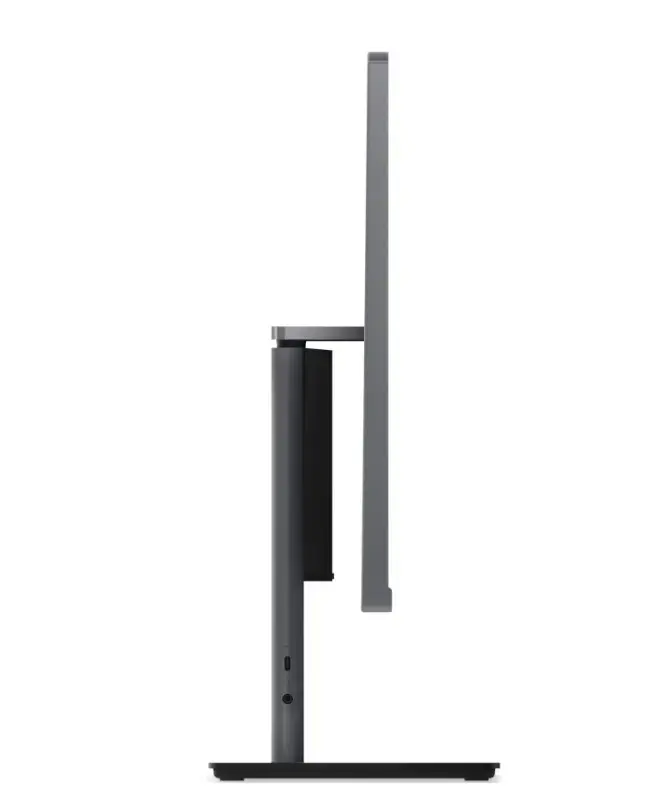
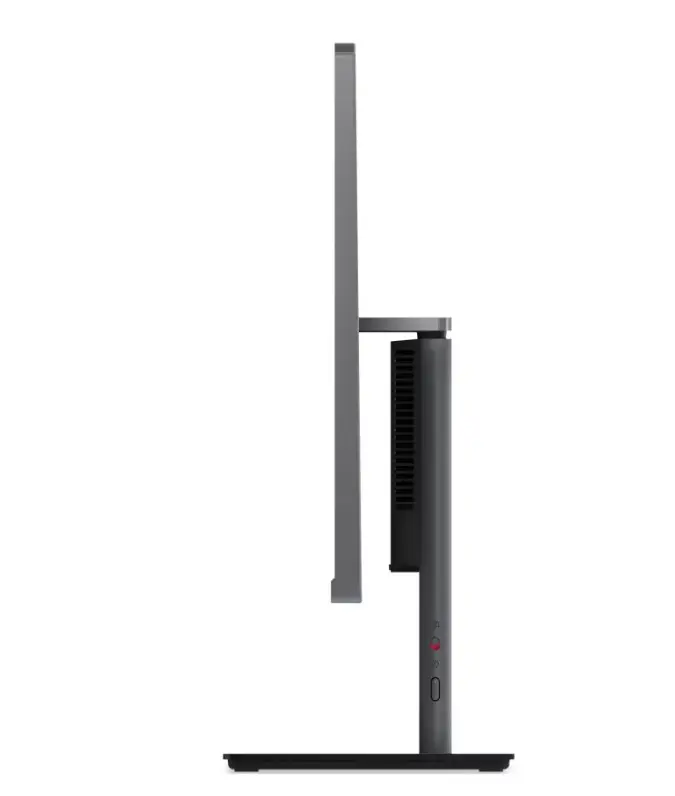
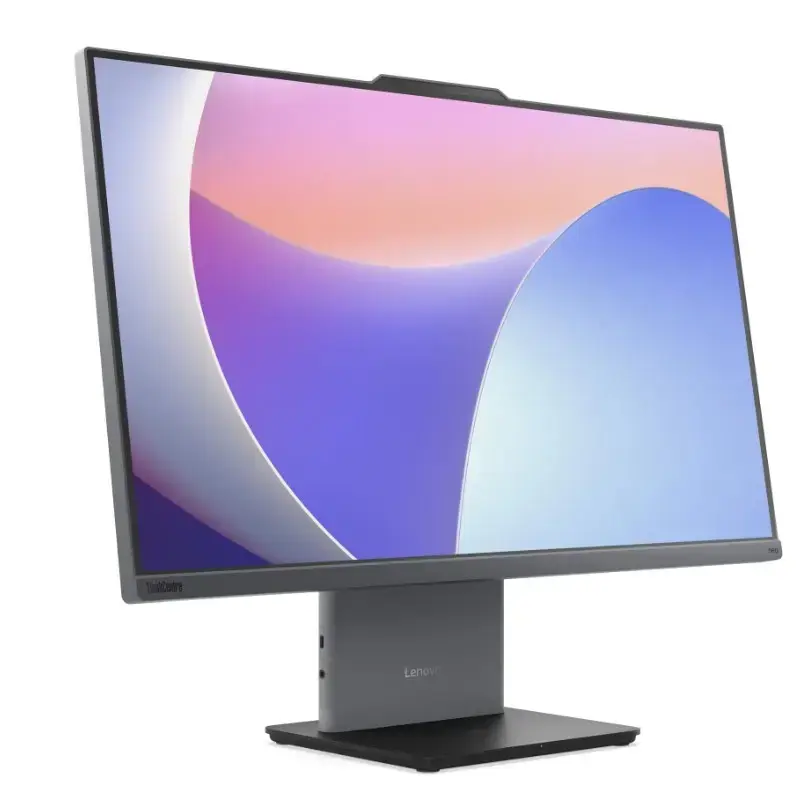
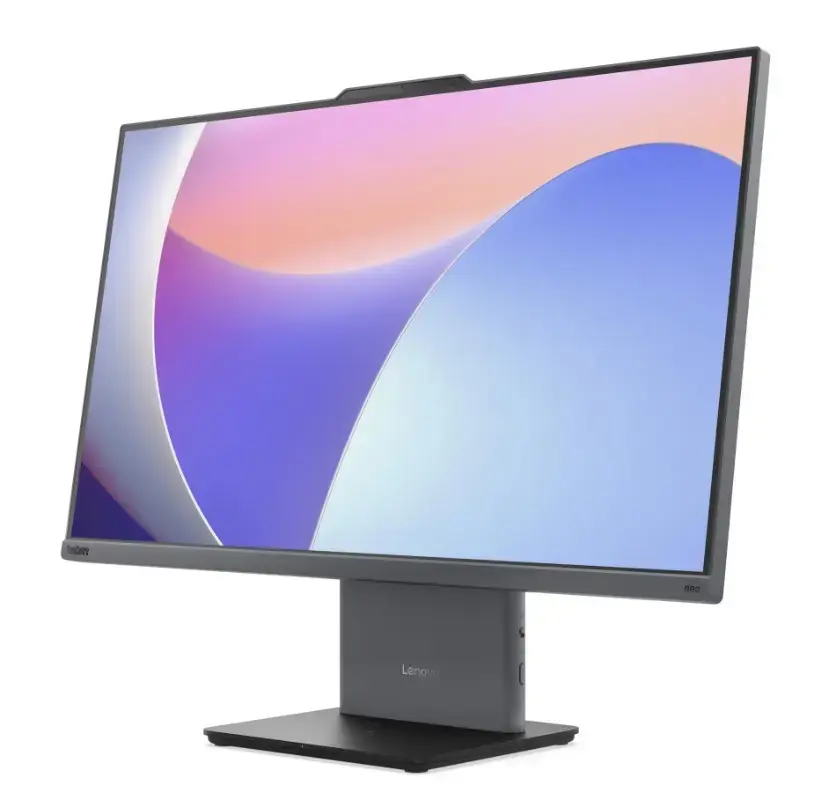
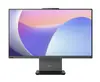
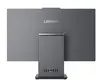
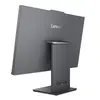
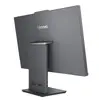
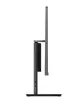
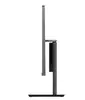
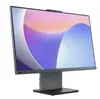
Lenovo ThinkCentre neo 50a G5 All-in-One PC, Core 5 210H, 16GB RAM, 512GB SSD, 27.0-inch FHD Display, Windows 11 Pro, Luna Grey
The Lenovo ThinkCentre neo 50a G5 is a high-performance all-in-one desktop computer engineered to meet the demands of modern professional office environments. By integrating the monitor and computer components into a single, sleek unit with a Luna Grey finish, this system effectively minimizes desk clutter while providing robust computing power. Equipped with an Intel Core 5 210H processor, 16GB of RAM, and a fast 512GB SSD, it ensures smooth multitasking and rapid data access for business applications.
This all-in-one PC offers a significant advantage in space-constrained workspaces by eliminating the need for a separate tower unit. The 27-inch Full HD display provides a spacious and clear workspace for document editing, video conferencing, and data analysis. With Windows 11 Pro pre-installed, users benefit from advanced security features and management tools suitable for corporate environments. The integrated design simplifies cable management and setup, allowing for a cleaner and more organized workstation.
This system may not be suitable for users requiring high-end dedicated graphics for professional 3D rendering, complex video editing, or intensive gaming. Furthermore, because it is an all-in-one design, it offers limited hardware upgradeability compared to traditional desktop towers.
To set up the Lenovo ThinkCentre neo 50a G5, place the unit on a stable, flat surface with adequate ventilation. Connect the provided power cable to the device and a grounded electrical outlet. Attach your preferred keyboard and mouse to the available ports. Once powered on, follow the on-screen prompts provided by the Windows 11 Pro setup assistant to configure your network settings, user account, and security preferences.
For optimal performance and longevity, keep the ventilation areas clear of obstructions and perform regular software updates through the Windows Update service.
{{highlightedFeature.featureTitle}}:
{{getProductFeatureValueById(product, highlightedFeature.featureId)}}
{{ productComparisonGenerationError }}
