

Hurry and order now – up to 50% off!
In cart {{totalProductsCount}} item(s)
Your cart is empty
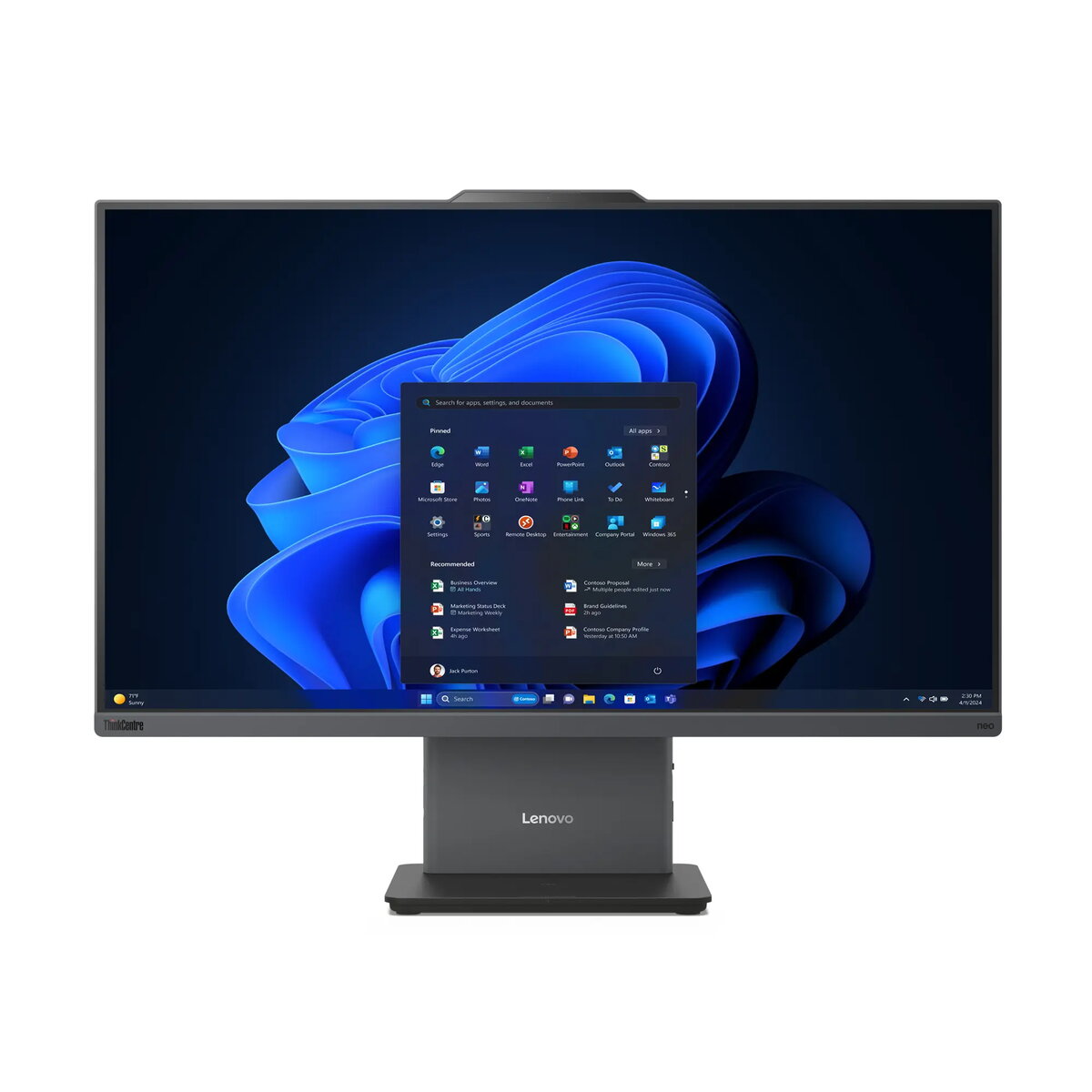
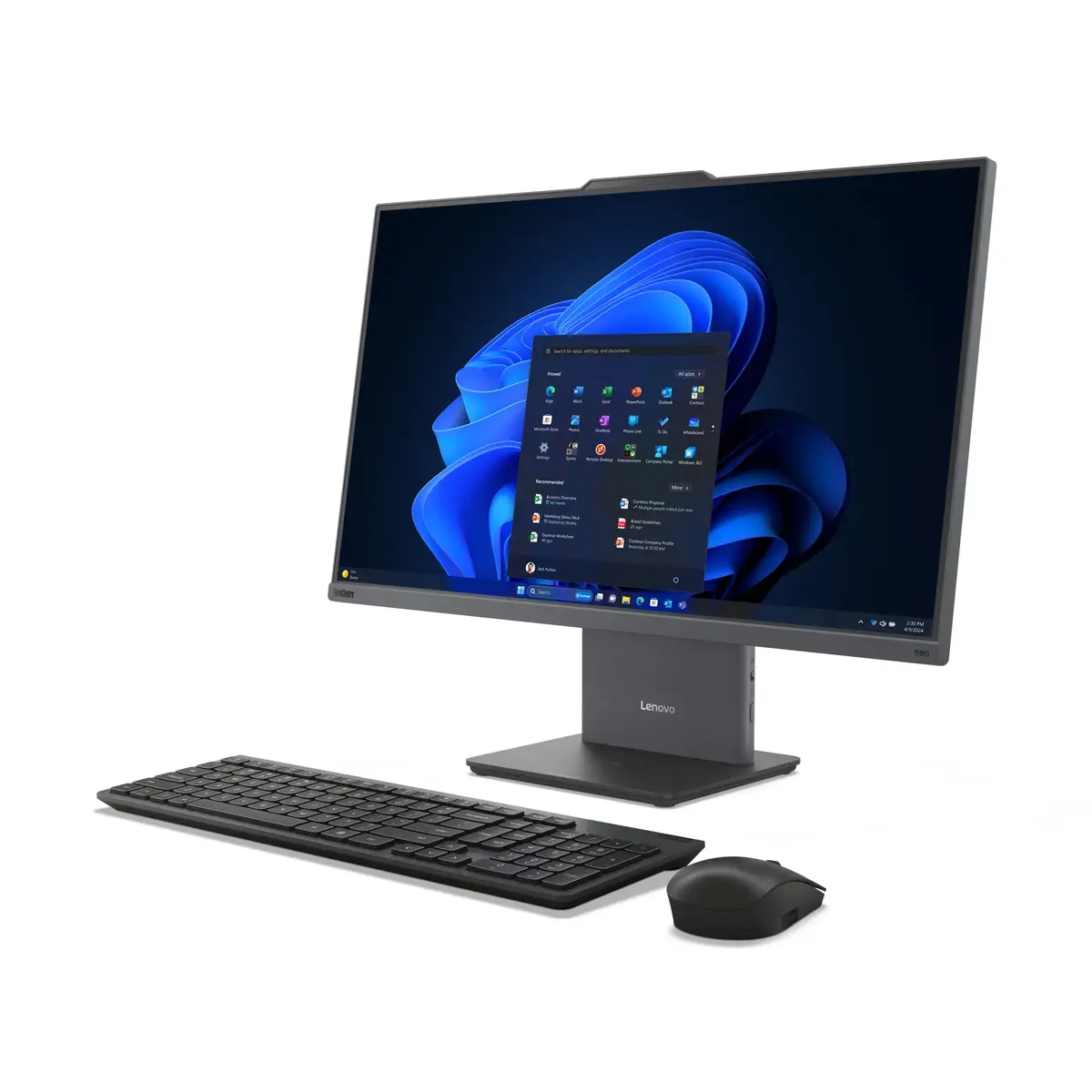
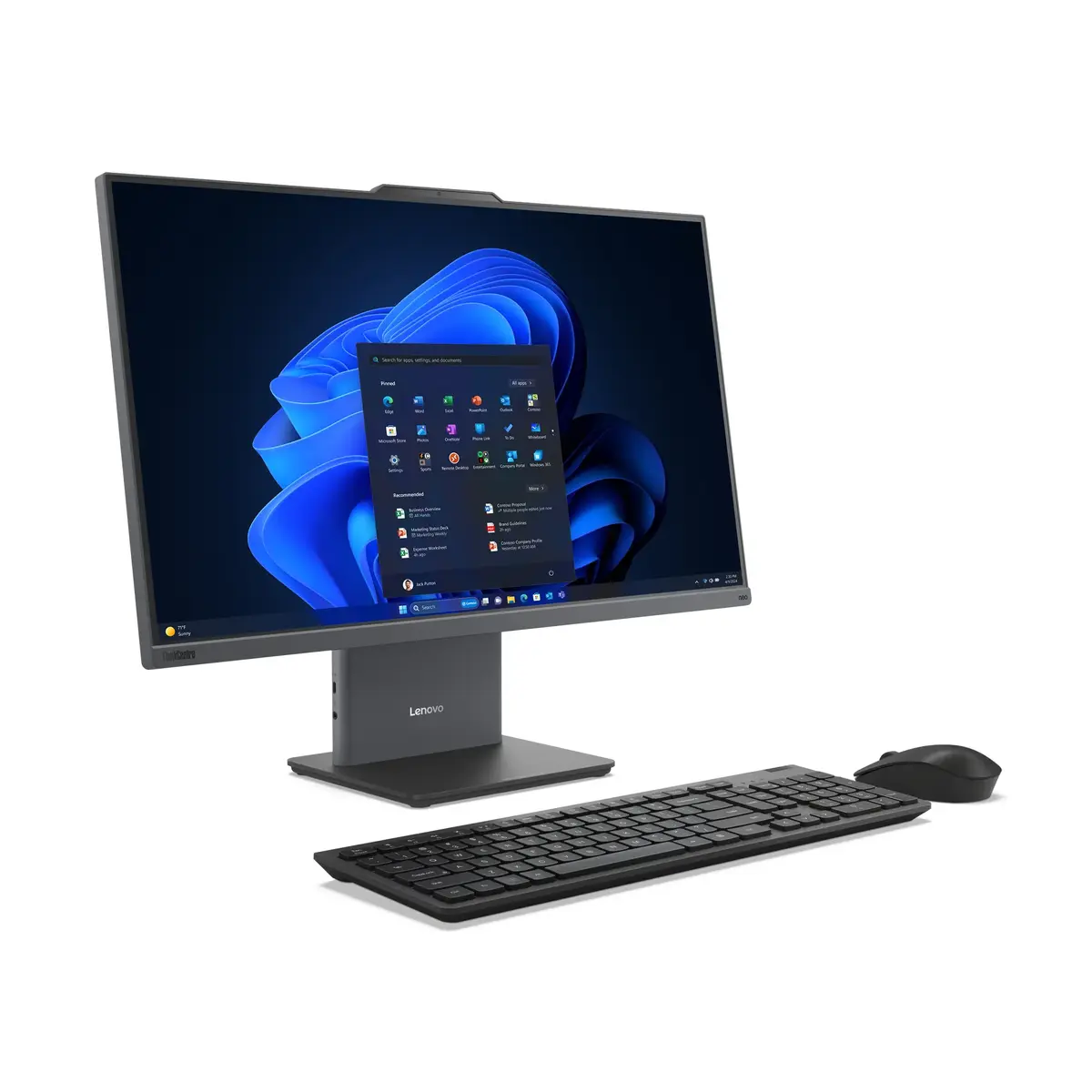
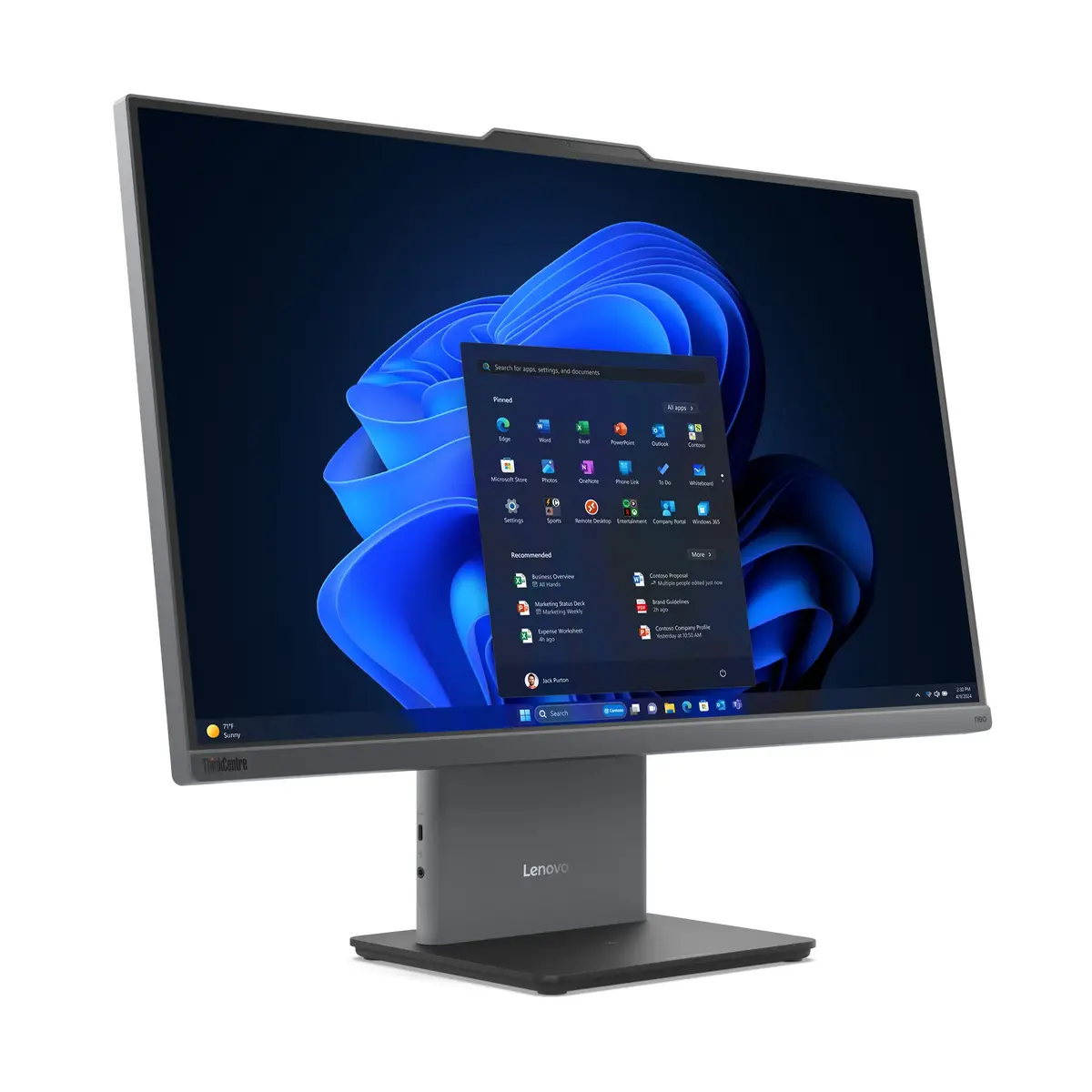
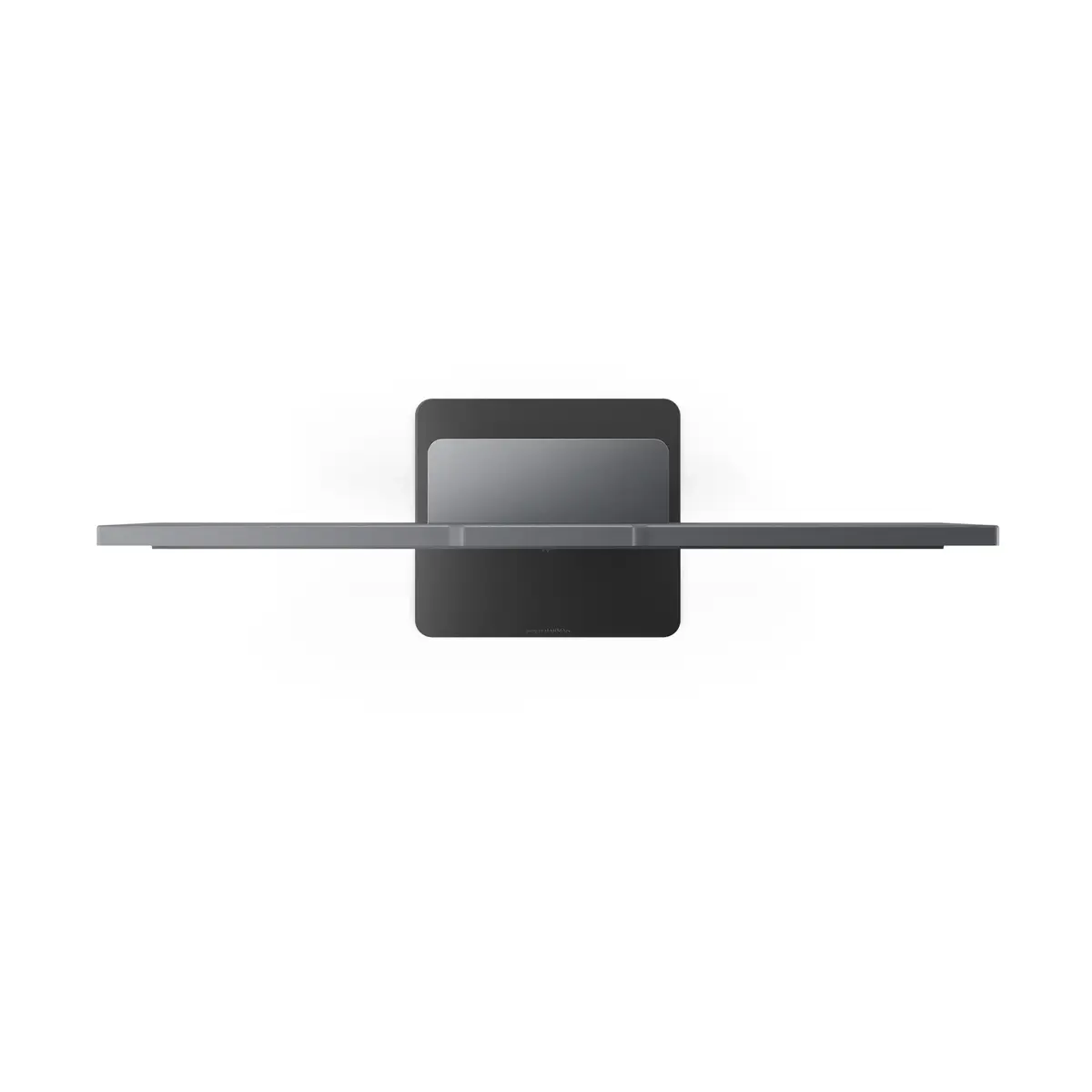
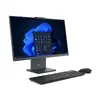
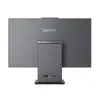
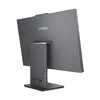
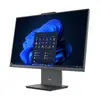
All-in-One PC Lenovo ThinkCentre neo 50a 27 Gen 5 Intel Core i7 16GB 1TB SSD Intel UHD Windows 11 Pro
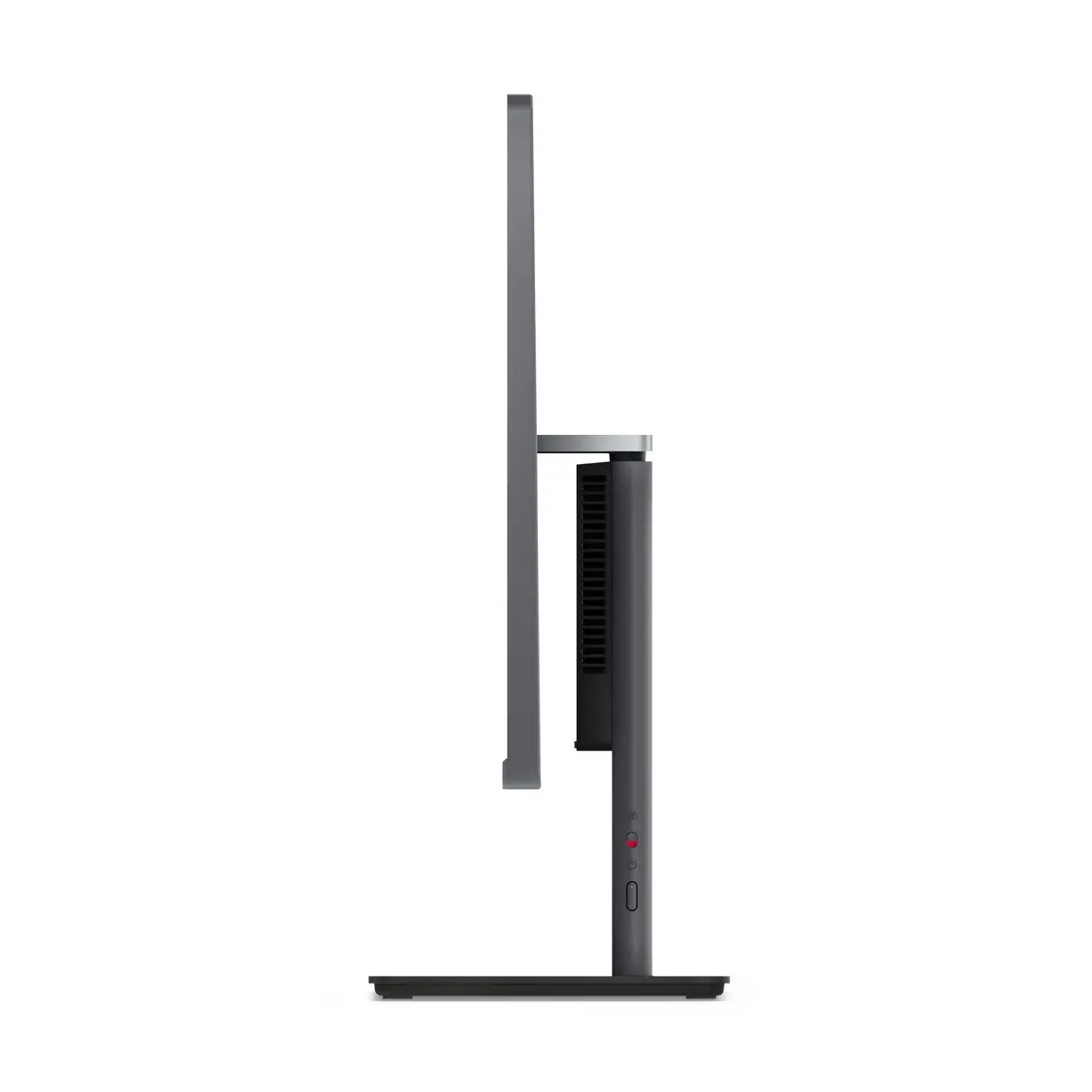
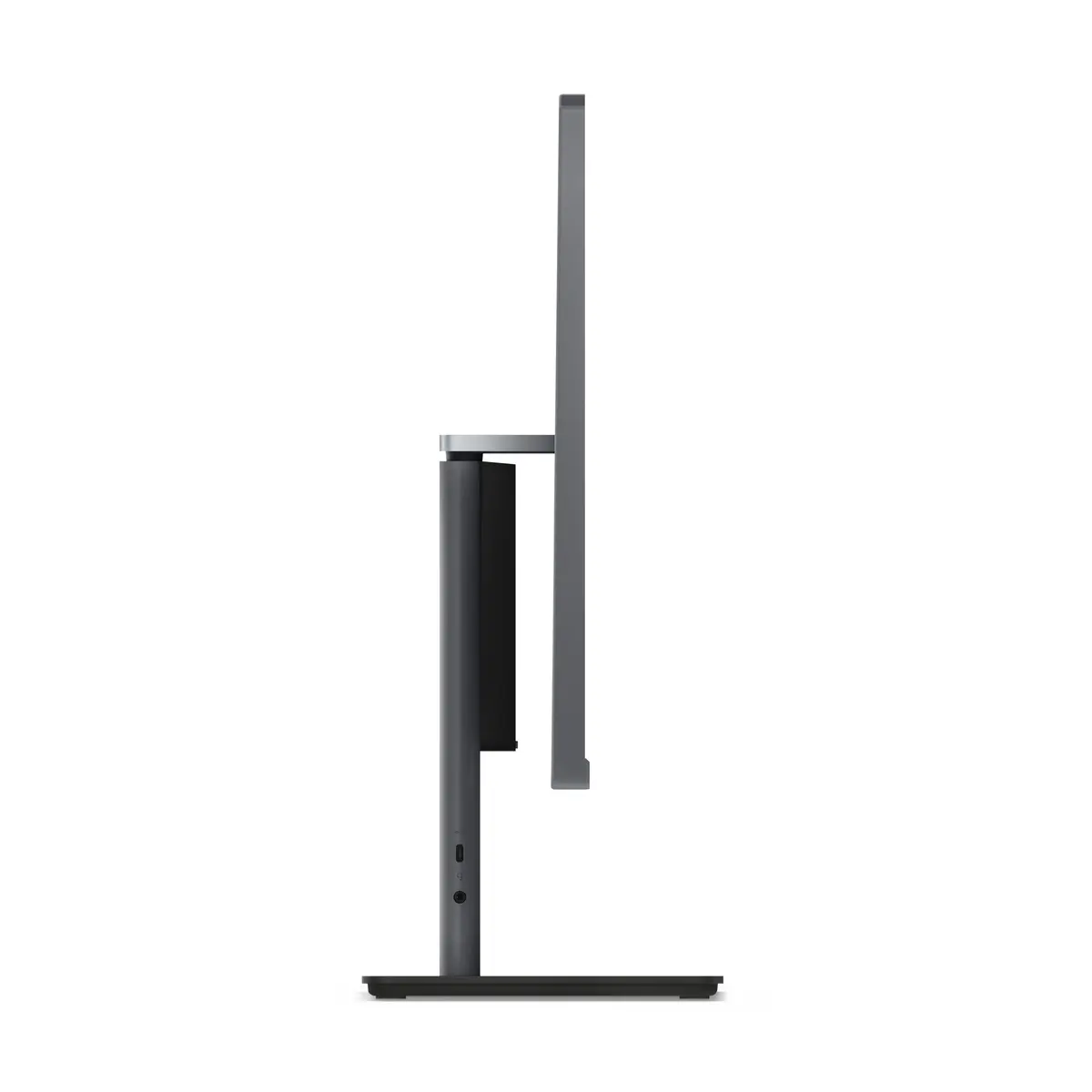
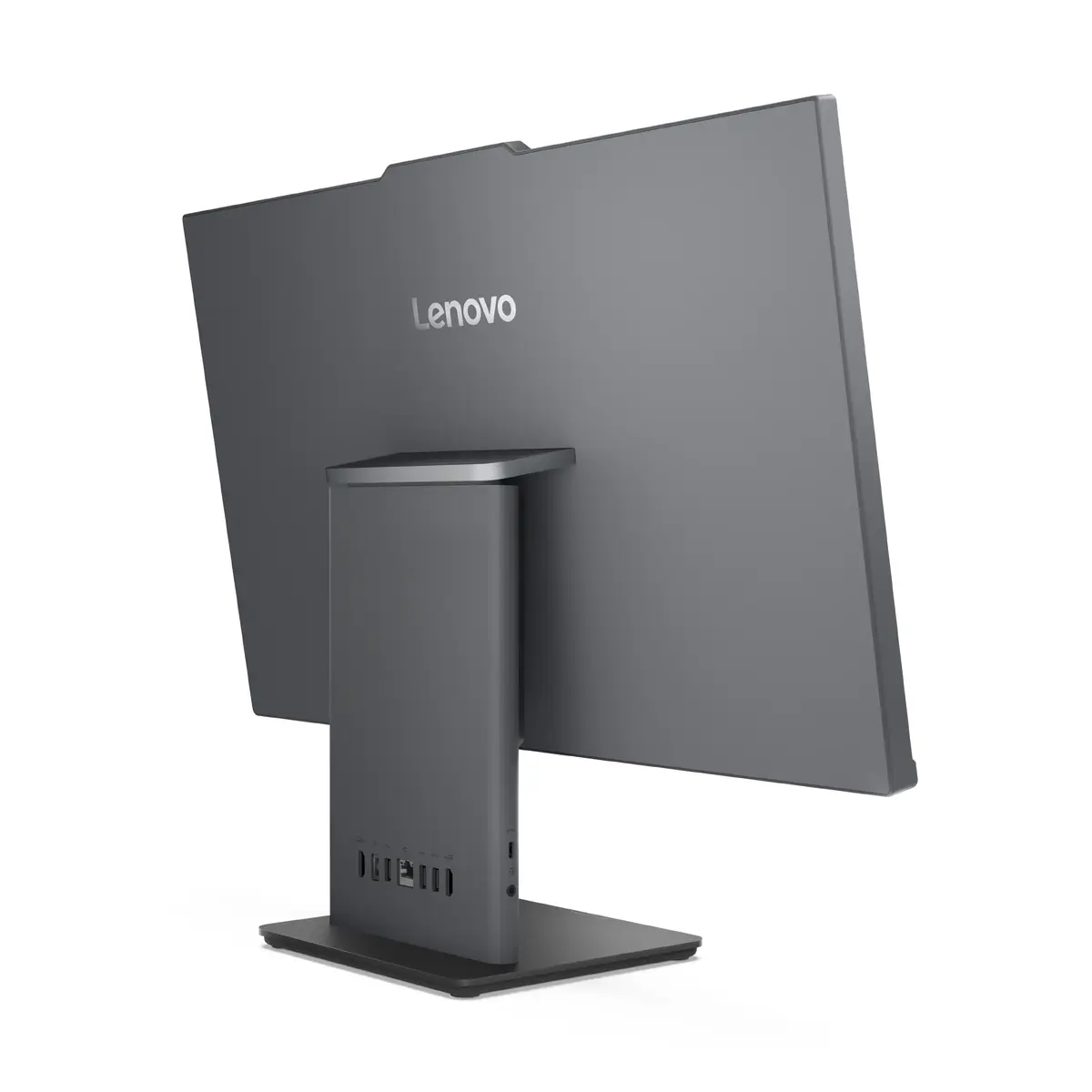
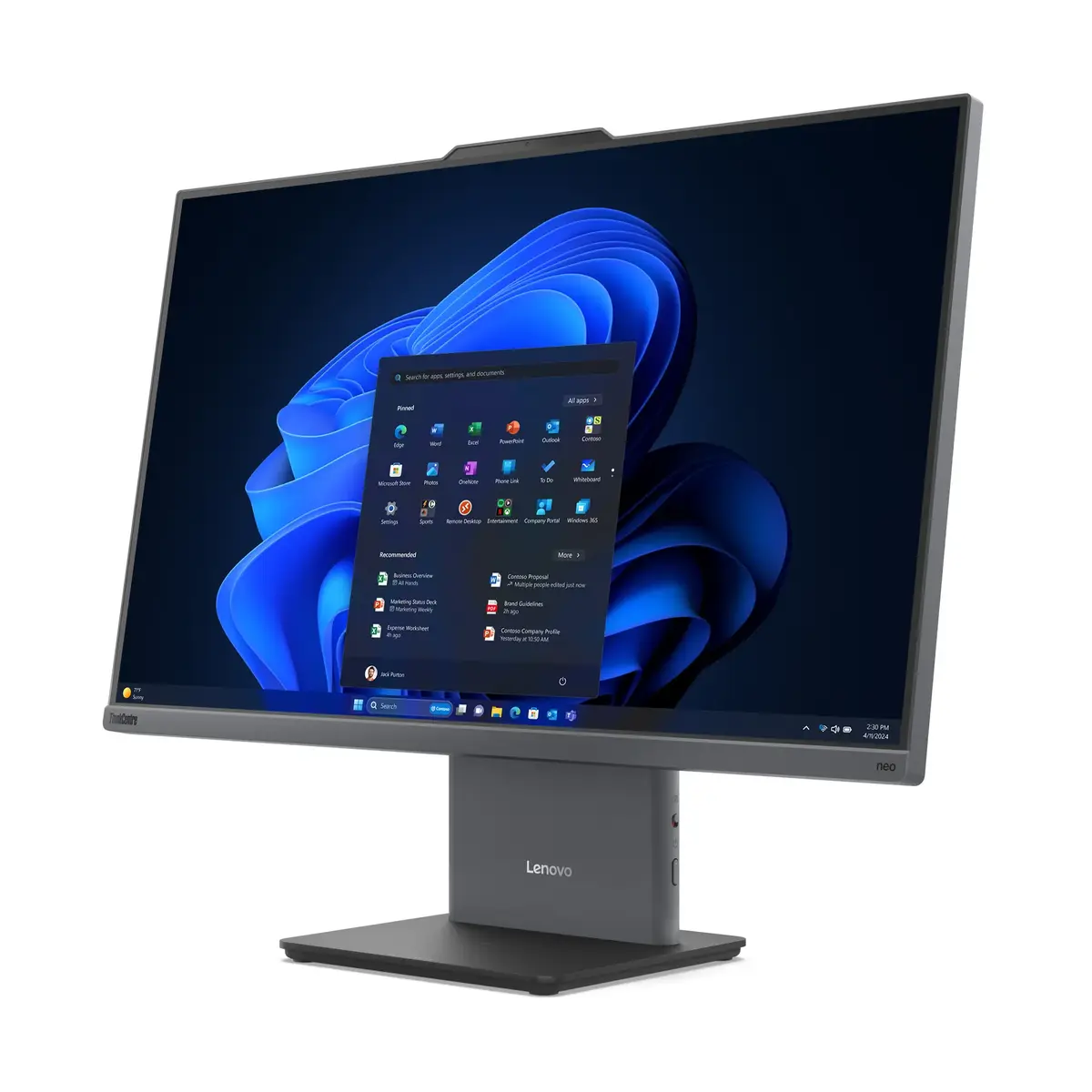
The Lenovo ThinkCentre neo 50a 27 Gen 5 All-in-One PC combines a 27-inch Full HD display with a 13th Gen Intel Core i7 processor, 16 GB DDR5 memory and a 1 TB SSD to deliver responsive performance for professional and home use. Its slim, near‑borderless design houses integrated audio, a 5MP camera and advanced connectivity while Windows 11 Pro provides familiar productivity and security features. Built with energy-conscious components and low-noise operation, this AIO is intended to reduce distractions in hybrid workspaces and support everyday multitasking and collaboration.
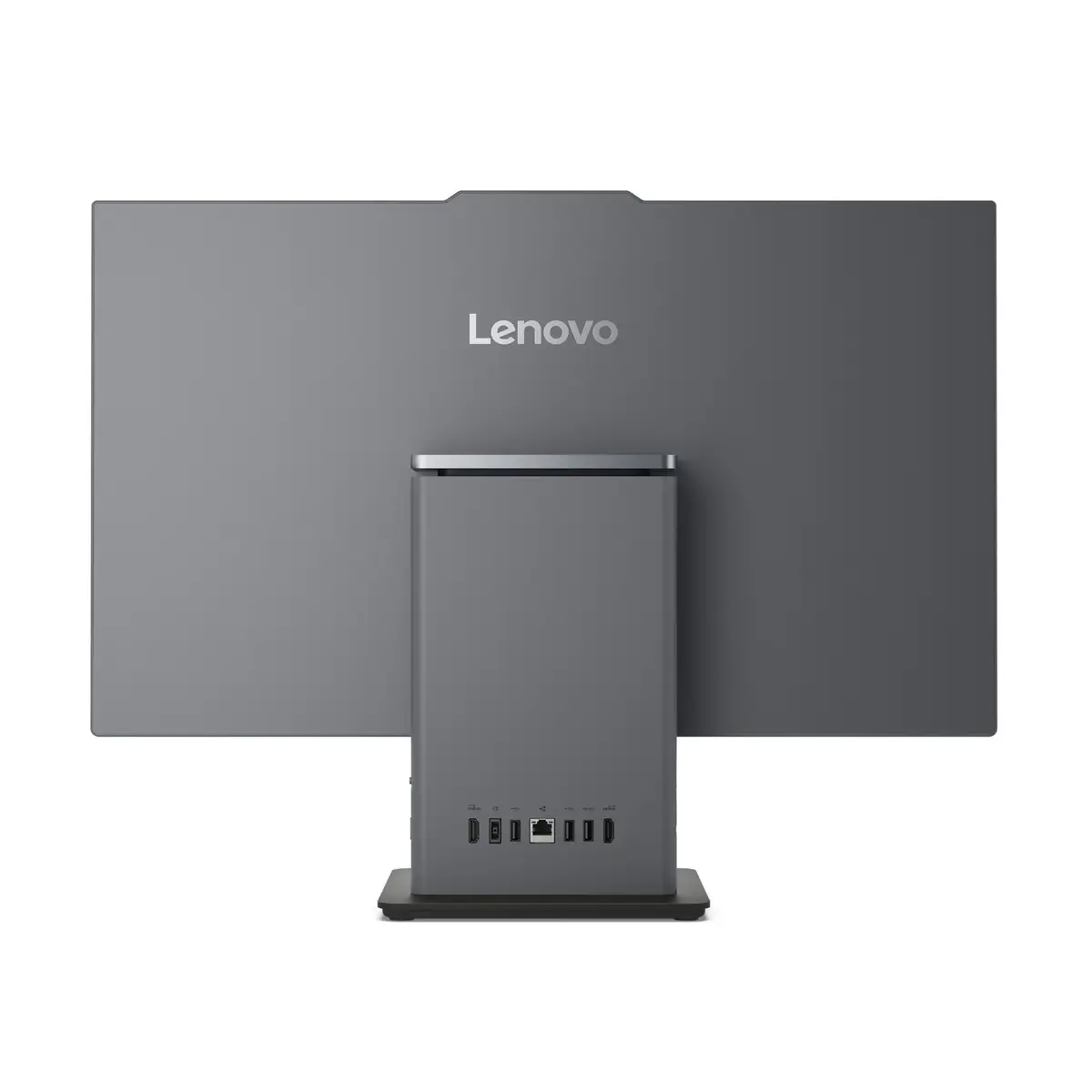
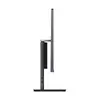
The system pairs a high-performance Intel Core i7-13620H with fast DDR5 memory and solid‑state storage to accelerate application launches, file access and multitasking. The large 27" IPS screen offers clear Full HD visuals with a slim bezel and adjustable tilt for comfortable viewing. Integrated features such as a 5MP camera with AI enhancements, dual speakers with Dolby Audio, Wi-Fi 6 and Bluetooth provide a complete out-of-the-box setup for video conferencing and wireless device connections. Low-noise engineering and optional wireless charging/charging stand support an uncluttered workspace.
Place the All‑in‑One on a stable desk surface and adjust the screen tilt to a comfortable viewing angle. Connect power and any required peripherals such as keyboard, mouse or external storage; wireless peripherals can be paired via Bluetooth. Use the HDMI‑in port to display content from another device when necessary. Sign in to Windows 11 Pro and configure user accounts, network settings and optional Lenovo software such as Lenovo Vantage to manage updates, backups and device health. For video calls, position the integrated 5MP camera and test audio with built‑in speakers before joining meetings.
For sustained performance, keep firmware and drivers up to date via Windows Update or Lenovo Vantage, and maintain at least 10–15% free SSD capacity. Use a wired network connection for large file transfers when possible, and enable Modern Standby or power profiles in Windows 11 Pro to balance responsiveness and energy use. If your model supports the optional charging stand or wireless charging, follow the manufacturer instructions for safe placement and compatible accessories.
{{highlightedFeature.featureTitle}}:
{{getProductFeatureValueById(product, highlightedFeature.featureId)}}
{{ productComparisonGenerationError }}
