
Filters you can trust. Pure water every day.
In cart {{totalProductsCount}} item(s)
Your cart is empty
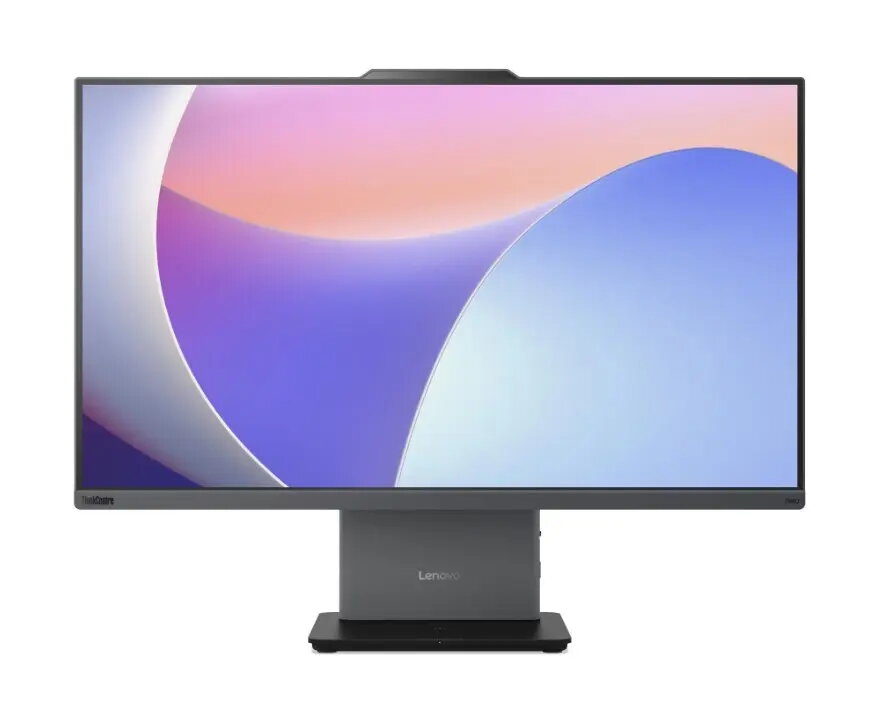
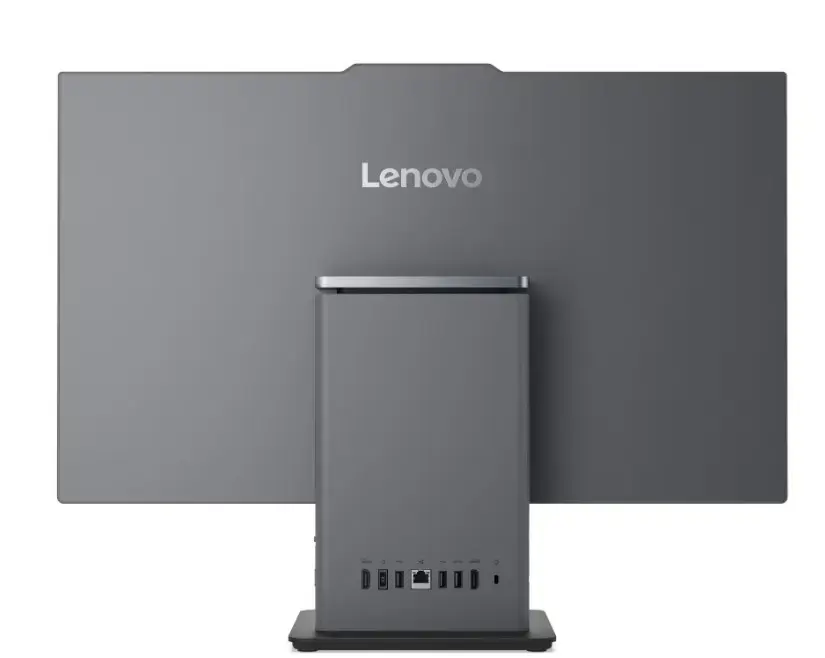
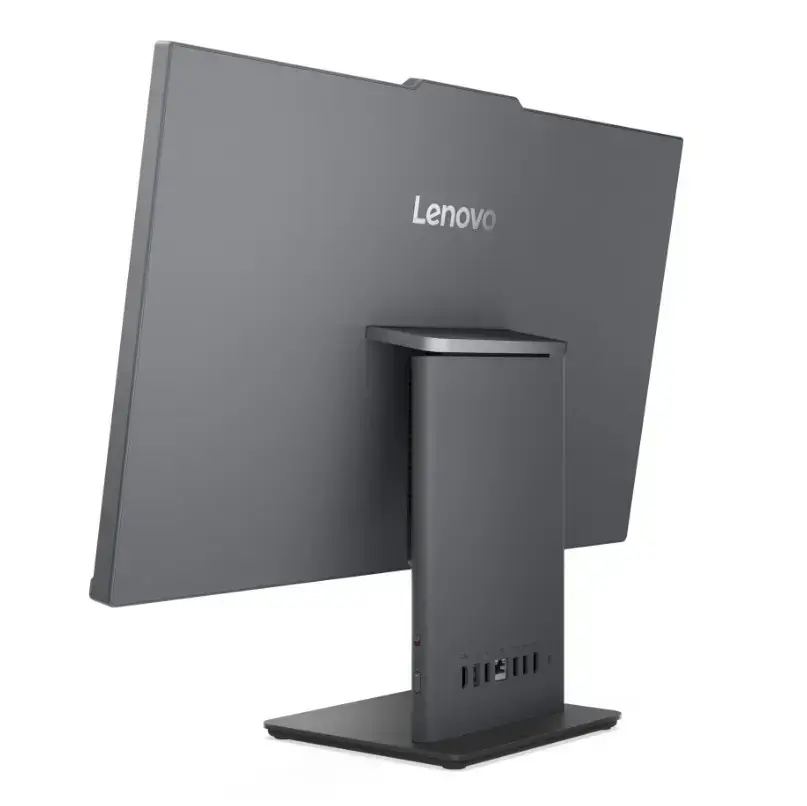
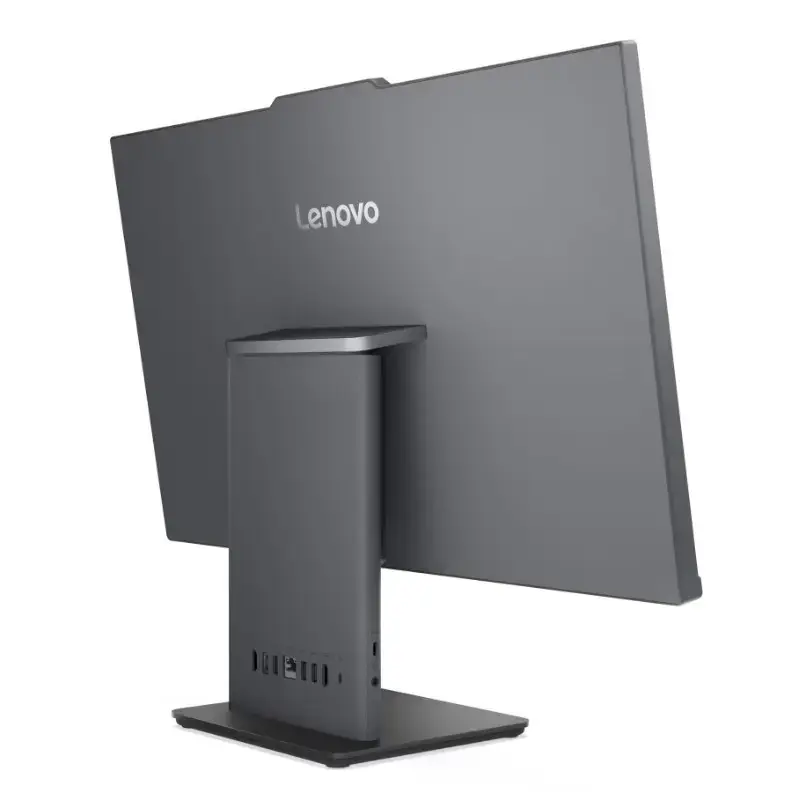
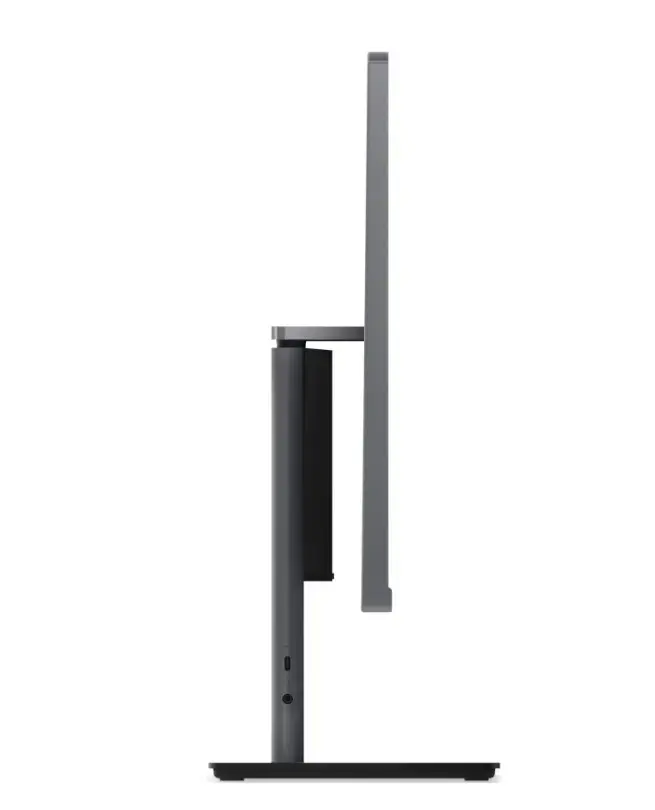
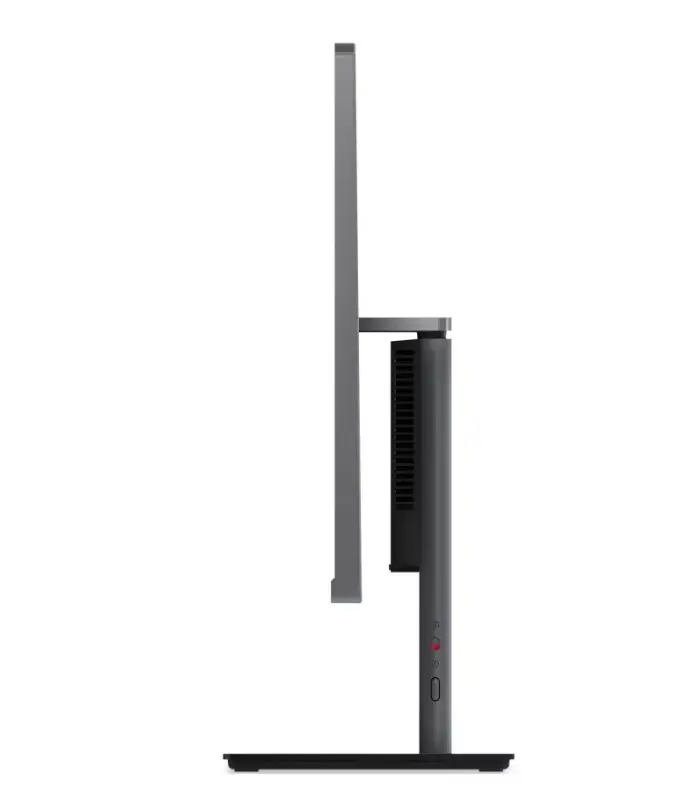
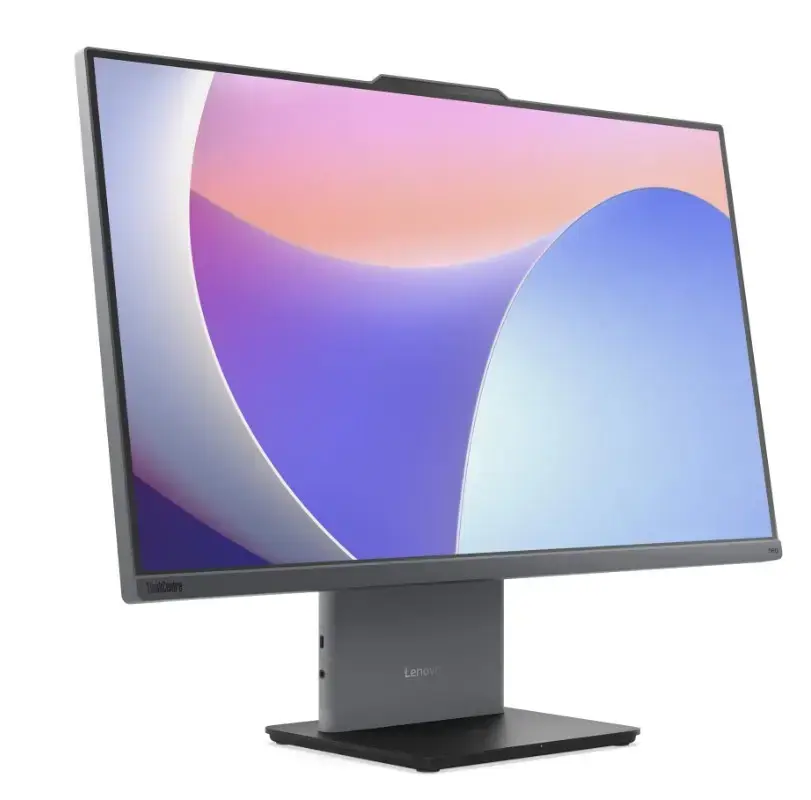
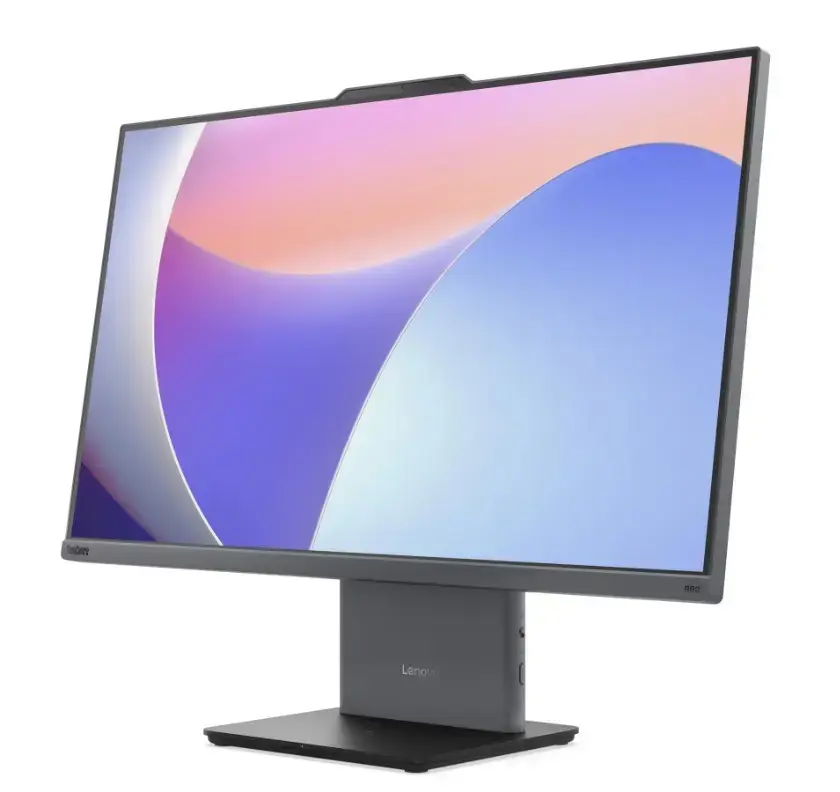
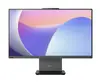
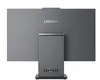
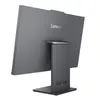
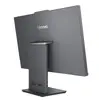
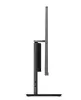
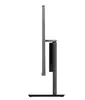
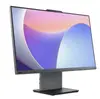
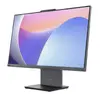
All-in-One PC Lenovo neo 50a G5 Core i5-1240H 16GB RAM 512GB SSD 27.0" FHD Windows 11 Pro Luna Grey — 5-year warranty
The Lenovo neo 50a G5 All-in-One PC combines a 27.0-inch Full HD screen with a 12th-generation Intel Core i5-1240H processor, 16 GB of RAM and a 512 GB solid-state drive, running Windows 11 Pro. The integrated design in Luna Grey houses the display, processing components and essential peripherals in a compact footprint, reducing cable clutter and saving desk space. The system is suited to general office tasks, videoconferencing and multimedia playback while offering a five-year warranty for extended support.
The integrated 27.0" FHD display provides a clear workspace without the need for a separate monitor, while the Core i5-1240H processor and 16 GB RAM enable responsive multitasking for typical business and productivity applications. A 512 GB SSD delivers fast boot and application load times and improves overall system responsiveness. Built-in peripherals and a compact Luna Grey chassis simplify installation and cable management. Included Windows 11 Pro offers familiar productivity and security features suitable for managed environments. The five-year warranty covers extended service and reduces long-term maintenance concerns.
Unpack the All-in-One unit and place it on a stable desk surface. Connect power and any required wired peripherals, or set up wireless keyboard and mouse if preferred. Power on the system and complete the Windows 11 Pro initial setup, including user account creation and network connection. Install necessary business applications or corporate management tools as required. Adjust display brightness, audio settings and power profiles to match your working environment. Routine use includes daily startup, application use for productivity tasks and periodic system updates via Windows Update.
For reliable long-term operation, keep the ventilation areas unobstructed, apply regular Windows and driver updates, and use reputable backup solutions for important data. Place the All-in-One on a stable surface at eye level to reduce neck strain during extended use. For environments with multiple users, consider configuring user accounts and centralized management tools available in Windows 11 Pro.
{{highlightedFeature.featureTitle}}:
{{getProductFeatureValueById(product, highlightedFeature.featureId)}}
{{ productComparisonGenerationError }}
