
Save time and money with our discounts!
In cart {{totalProductsCount}} item(s)
Your cart is empty
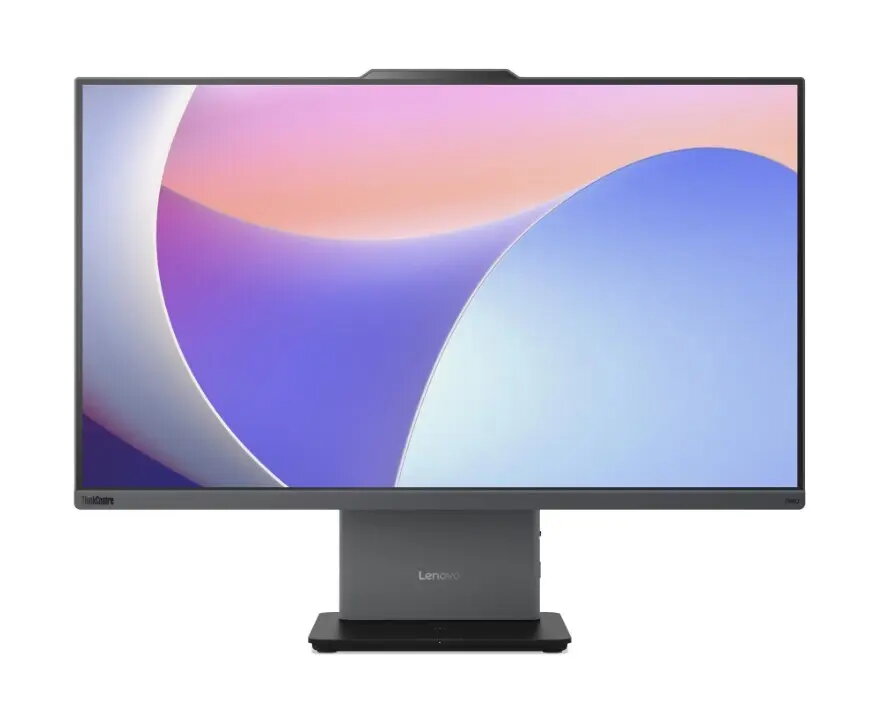
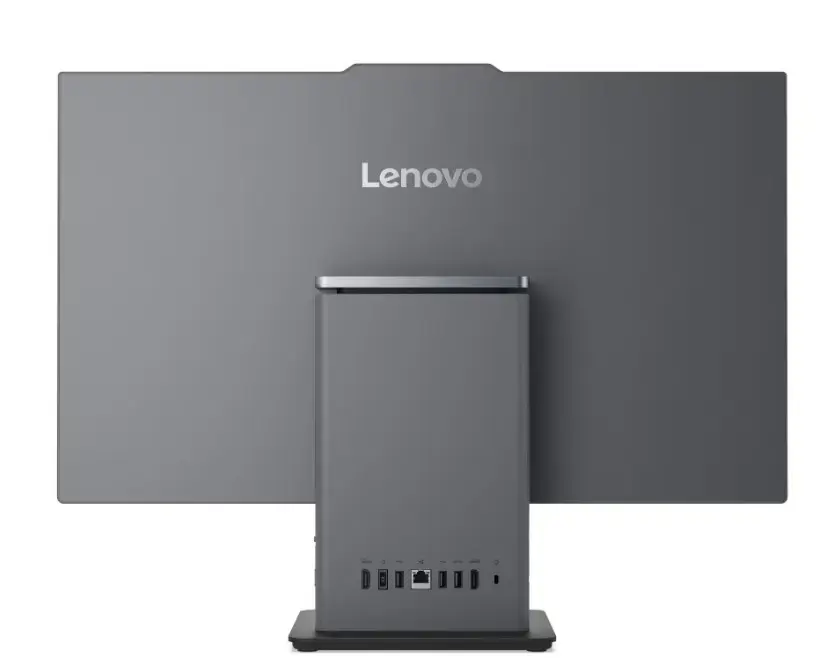
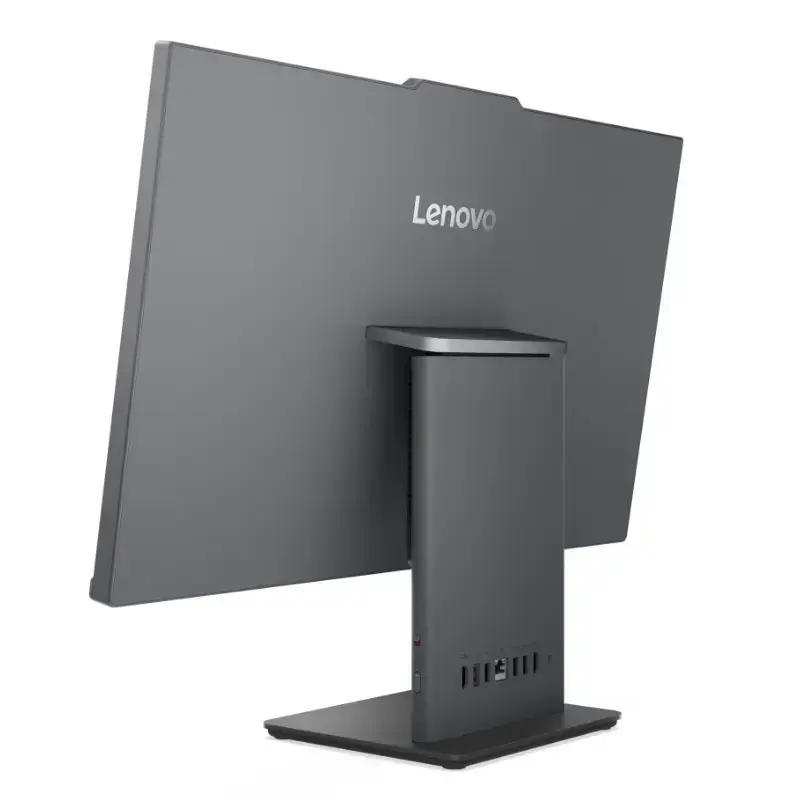
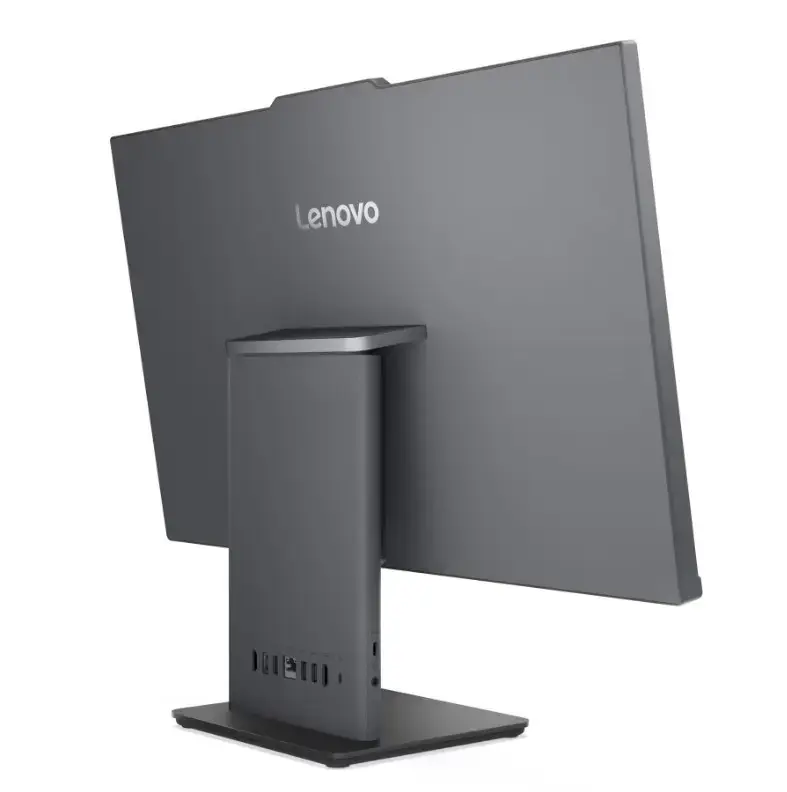
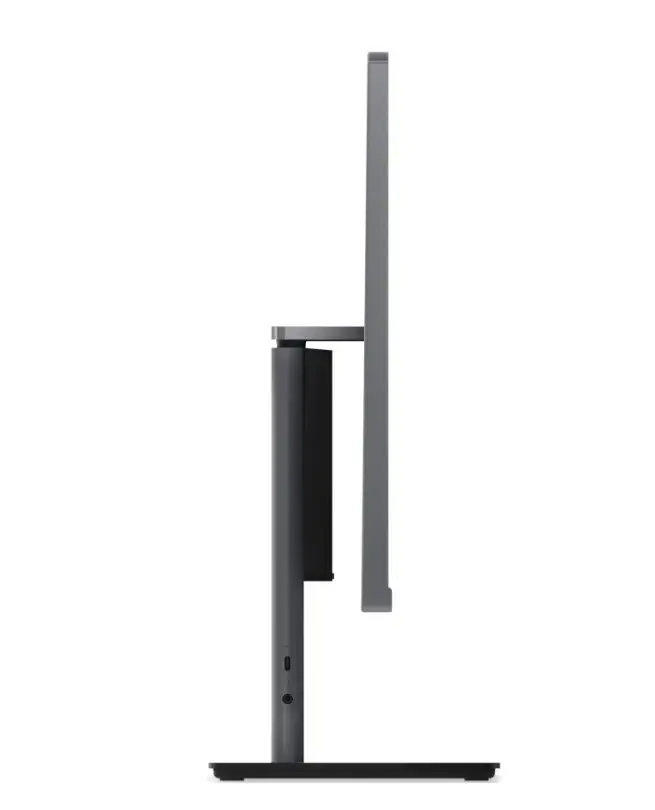
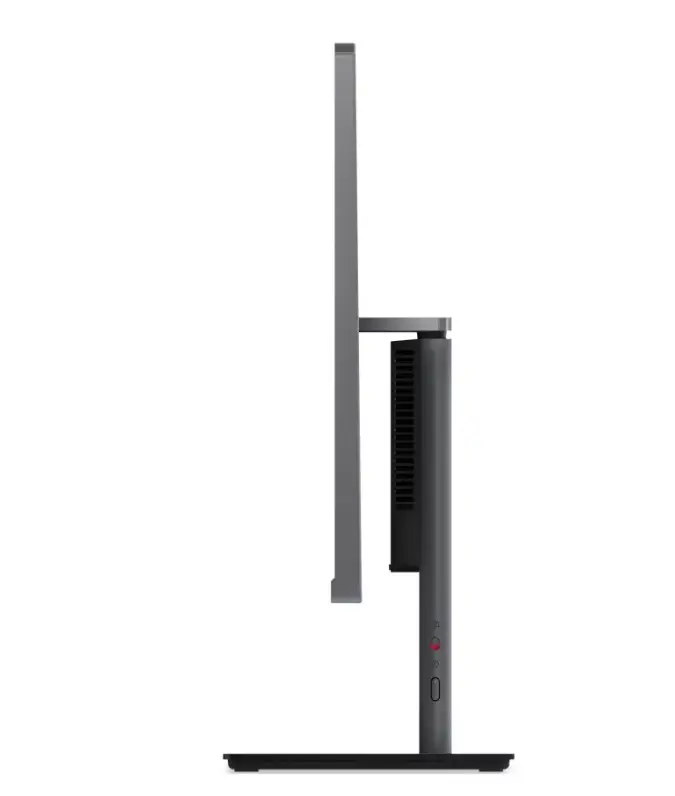
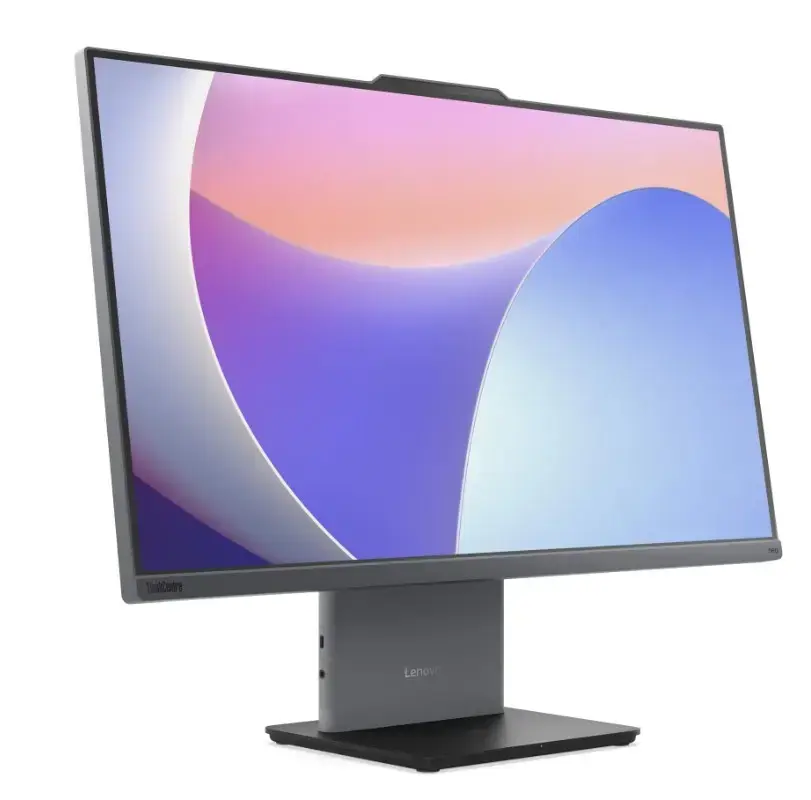
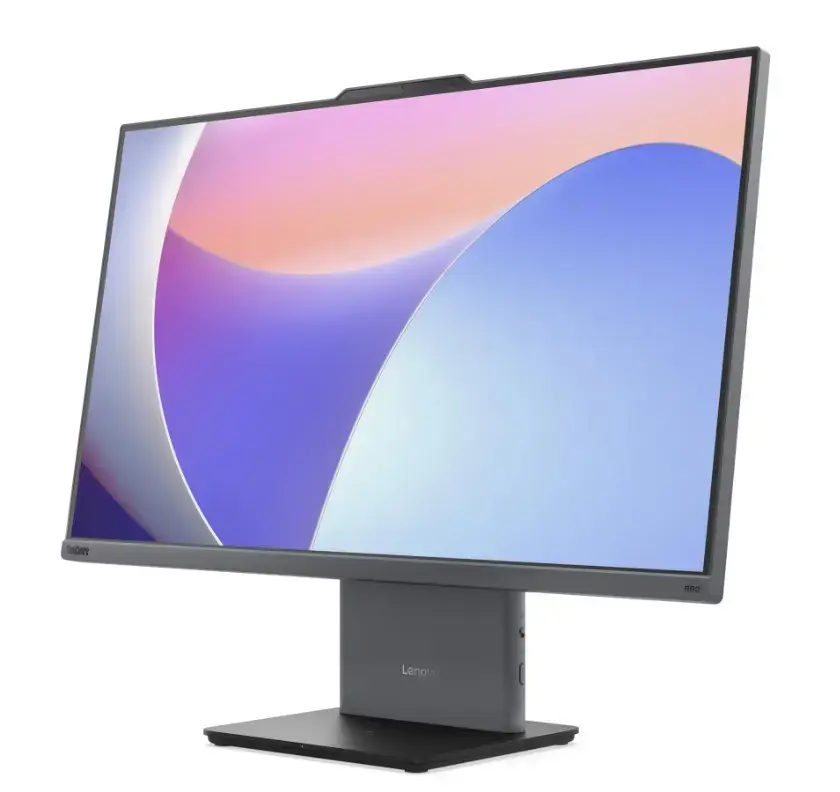
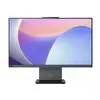
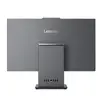
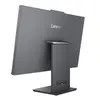
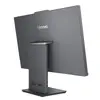
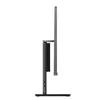
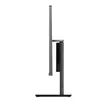
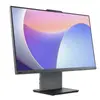
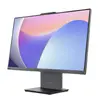
All-in-One desktop Lenovo neo 50a G5 Core 7 240H 2×16GB 1TB 27.0" FHD Touch Windows 11 Pro Luna Grey
The Lenovo neo 50a G5 All-in-One desktop integrates computing components into a 27.0" Full HD touchscreen display, powered by an Intel Core 7 240H processor, 2×16GB memory modules and 1TB of internal storage. Running Windows 11 Pro and finished in Luna Grey, this AIO is intended to provide a compact, space-saving workstation suitable for office tasks, home use and multimedia playback while reducing cable clutter compared with traditional desktop-plus-monitor setups.
The integrated 27.0" FHD touch display simplifies interaction, enabling direct touch control for applications and productivity workflows. Dual 16GB memory modules ensure responsive multitasking and smoother performance when handling several applications simultaneously. The 1TB storage capacity offers room for documents, media and project files without immediate need for external drives. Running Windows 11 Pro provides modern security and management features useful in business environments, while the Luna Grey chassis delivers a neutral appearance that fits many workspace styles.
Place the All-in-One on a stable desk or counter with adequate ventilation behind the chassis. Connect the power cable and any required peripherals such as keyboard, mouse or external storage; the touchscreen supports direct input for many tasks without additional pointing devices. Complete the initial Windows 11 Pro setup by following on-screen prompts to configure user accounts, network connection and privacy settings. Install necessary productivity or creative applications from trusted sources and apply system updates to ensure security and compatibility.
For reliable performance, keep Windows and drivers up to date, manage startup applications to preserve available memory for active tasks, and use regular backups of important files to the internal 1TB drive or an external storage solution. For continuous touch use, clean the display with a soft, lint-free cloth and manufacturer-recommended screen cleaner to maintain responsiveness and image clarity.
{{highlightedFeature.featureTitle}}:
{{getProductFeatureValueById(product, highlightedFeature.featureId)}}
{{ productComparisonGenerationError }}
