
Powerful EcoFlow stations for energy anywhere!
In cart {{totalProductsCount}} item(s)
Your cart is empty
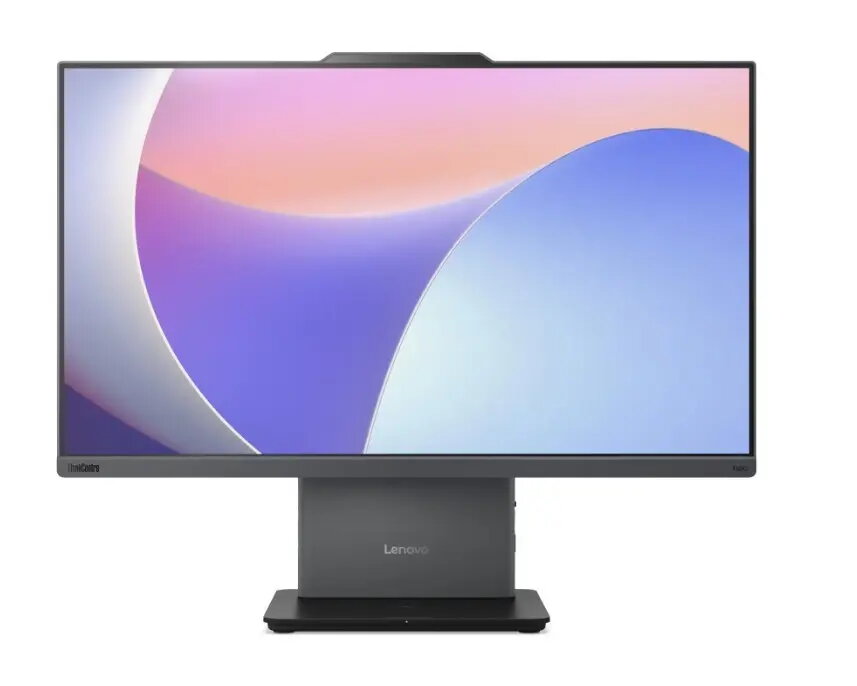
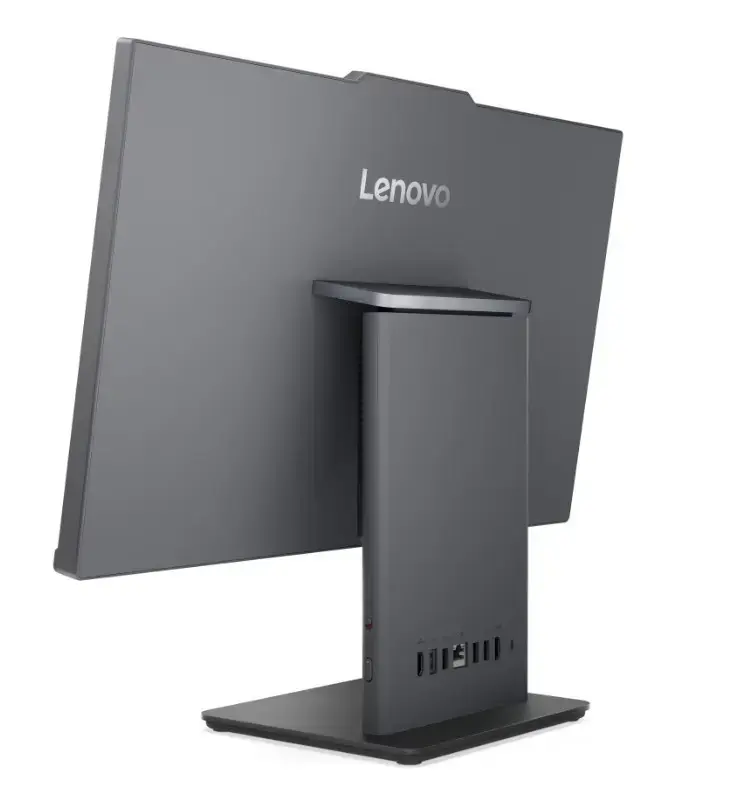
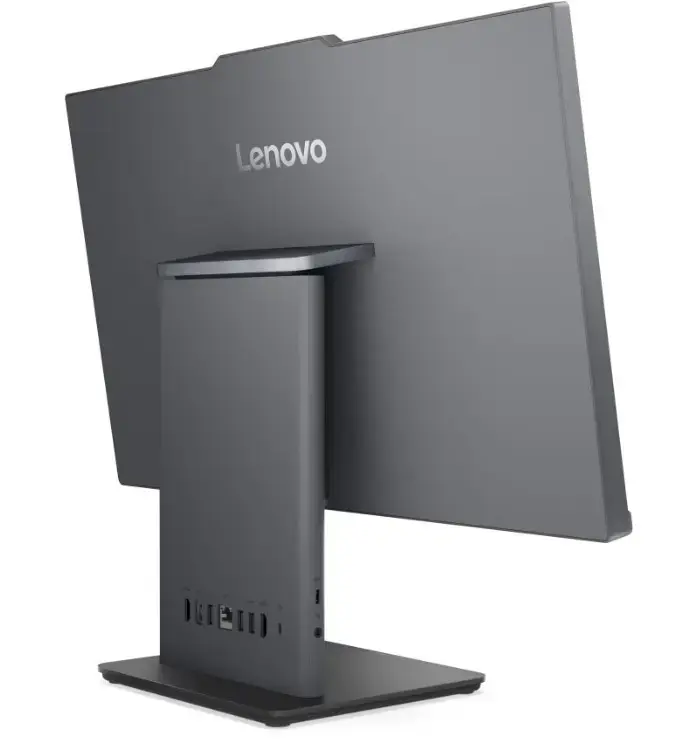
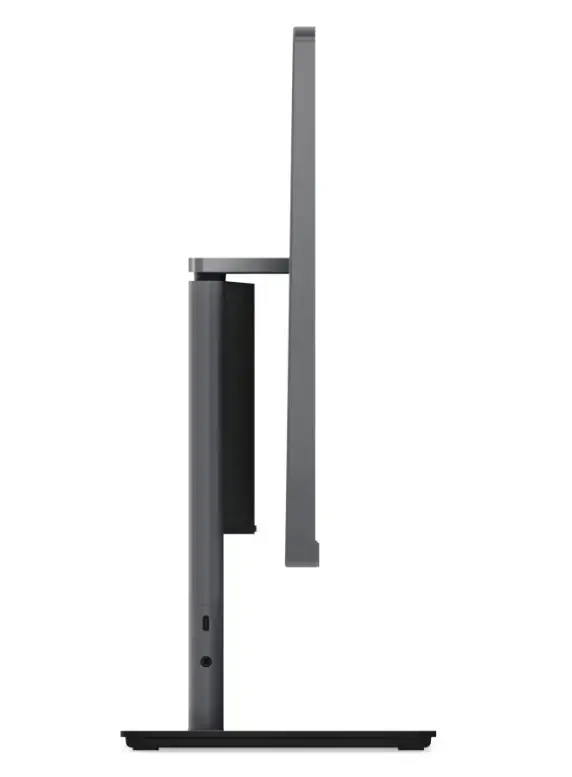
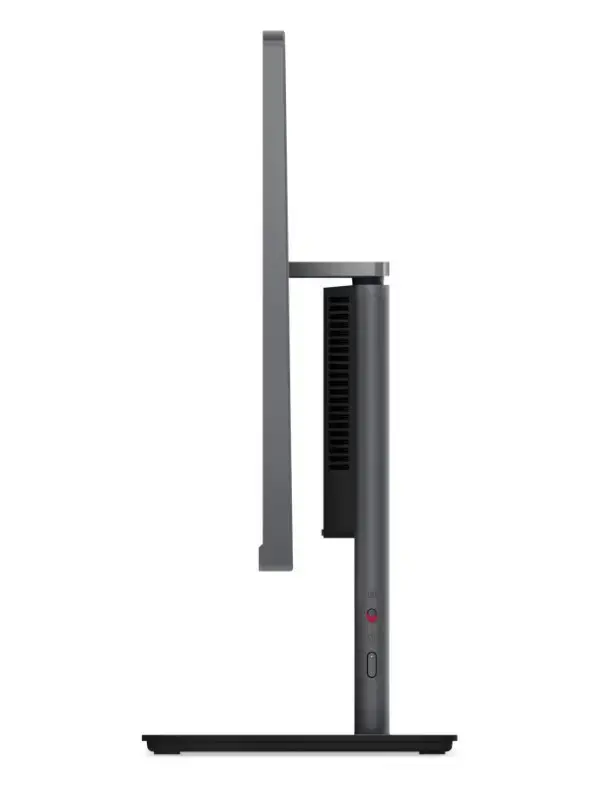
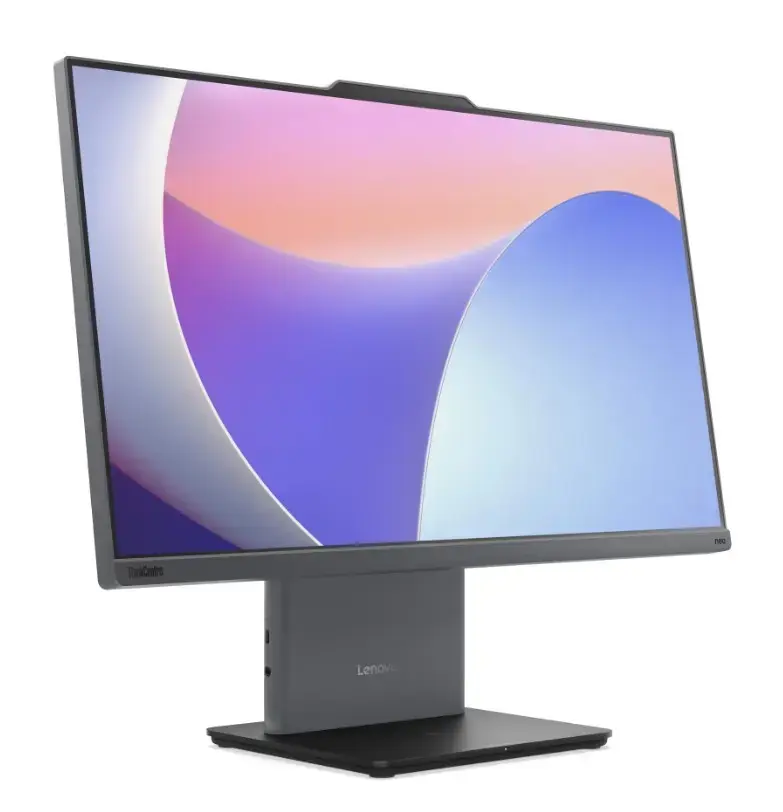
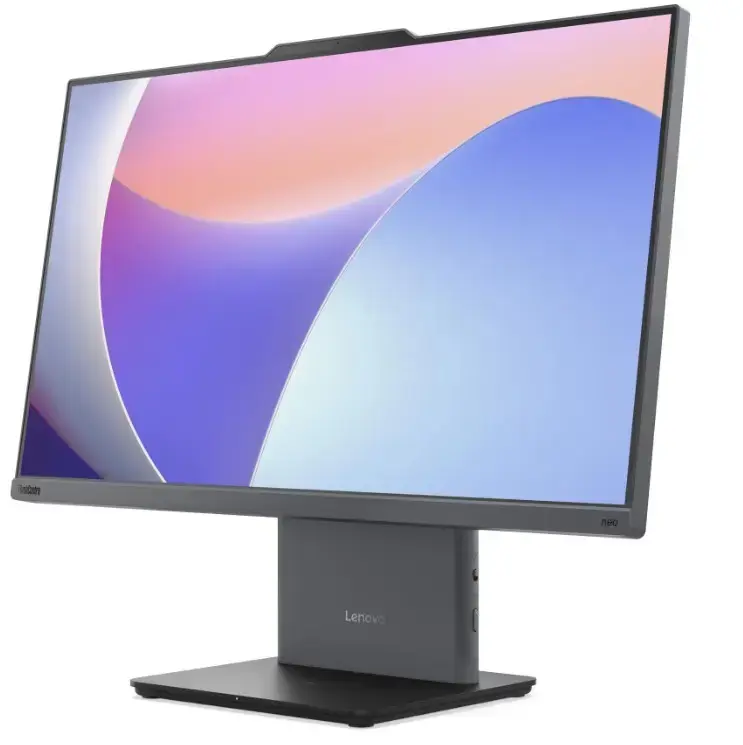
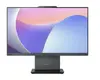
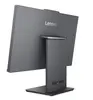
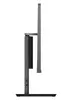
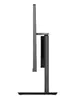
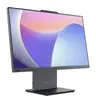
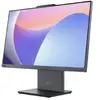
Lenovo neo 50a G5 All-in-One PC, Core 5 210H, 16GB RAM, 512GB SSD, 23.8-inch FHD Display, Windows 11 Pro, Luna Grey
The Lenovo neo 50a G5 is a high-performance All-in-One desktop computer designed to streamline your workspace while delivering robust computing power. Featuring a 23.8-inch Full HD display, this system combines a sleek, space-saving design with the efficiency of an Intel Core 5 210H processor. With 16GB of RAM and a 512GB SSD, it ensures smooth multitasking and rapid data access, making it an ideal solution for professionals who require reliability and performance in a compact form factor.
This All-in-One PC offers a significant advantage by integrating the computer components directly into the monitor housing, which eliminates cable clutter and saves valuable desk space. The high-resolution display provides crisp visuals suitable for detailed work, while the pre-installed Windows 11 Pro operating system offers advanced security and management features tailored for business environments. Its modern Luna Grey finish ensures it fits seamlessly into any contemporary office or home setup, providing a professional aesthetic alongside consistent operational stability.
This device may not be suitable for users requiring high-end graphical performance, such as professional 3D rendering, complex video editing, or demanding gaming. Additionally, because it is an integrated system, it offers limited hardware upgradeability compared to traditional desktop towers.
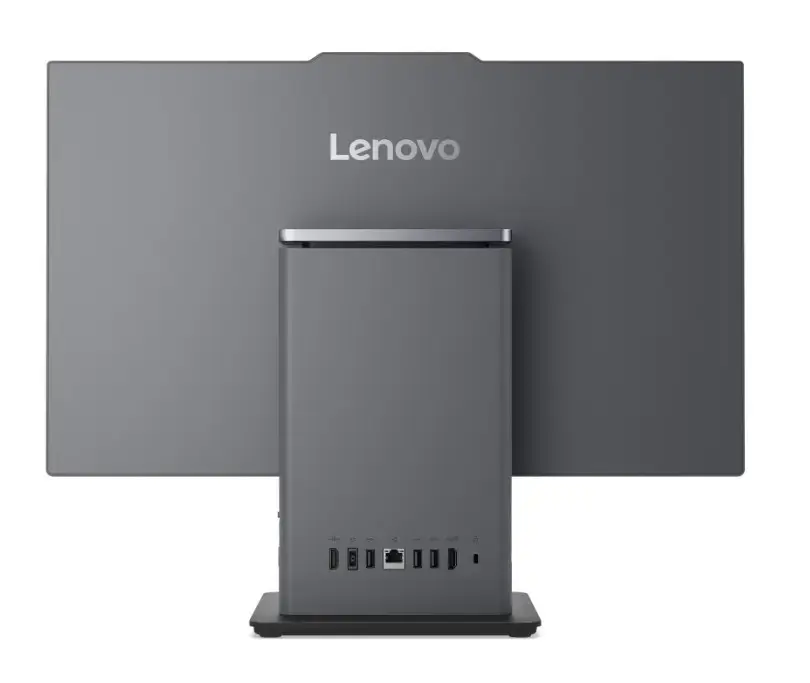
To set up the Lenovo neo 50a G5, place the unit on a stable, flat surface and connect the provided power cable to an electrical outlet. Connect your preferred keyboard and mouse to the available ports. Press the power button to initiate the system, and follow the on-screen prompts to complete the Windows 11 Pro initial configuration. Once set up, you can connect to your network via Wi-Fi or Ethernet to begin your work.
For optimal performance and longevity, keep the ventilation areas clear of obstructions and ensure the system is placed in a well-ventilated environment. Regularly update the operating system and drivers through the manufacturer's support portal to maintain security and system stability.
{{highlightedFeature.featureTitle}}:
{{getProductFeatureValueById(product, highlightedFeature.featureId)}}
{{ productComparisonGenerationError }}
