
Filters you can trust. Pure water every day.
In cart {{totalProductsCount}} item(s)
Your cart is empty
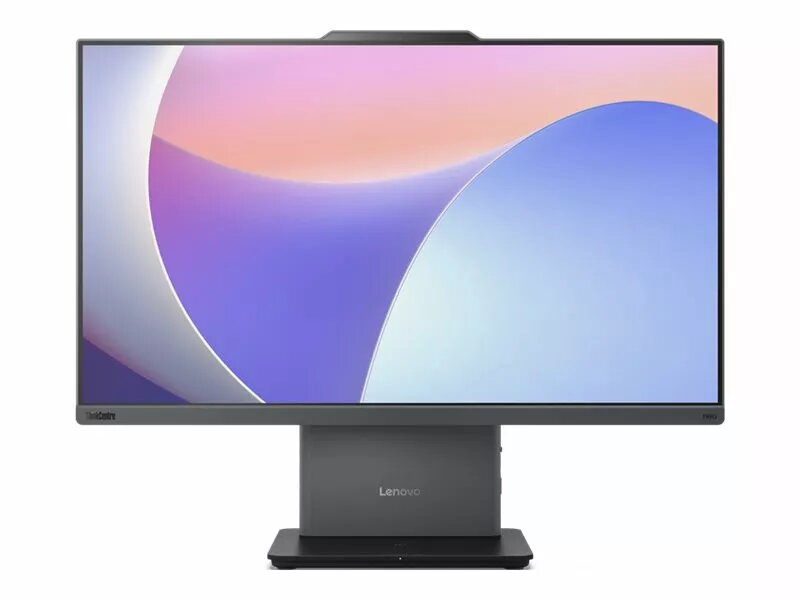
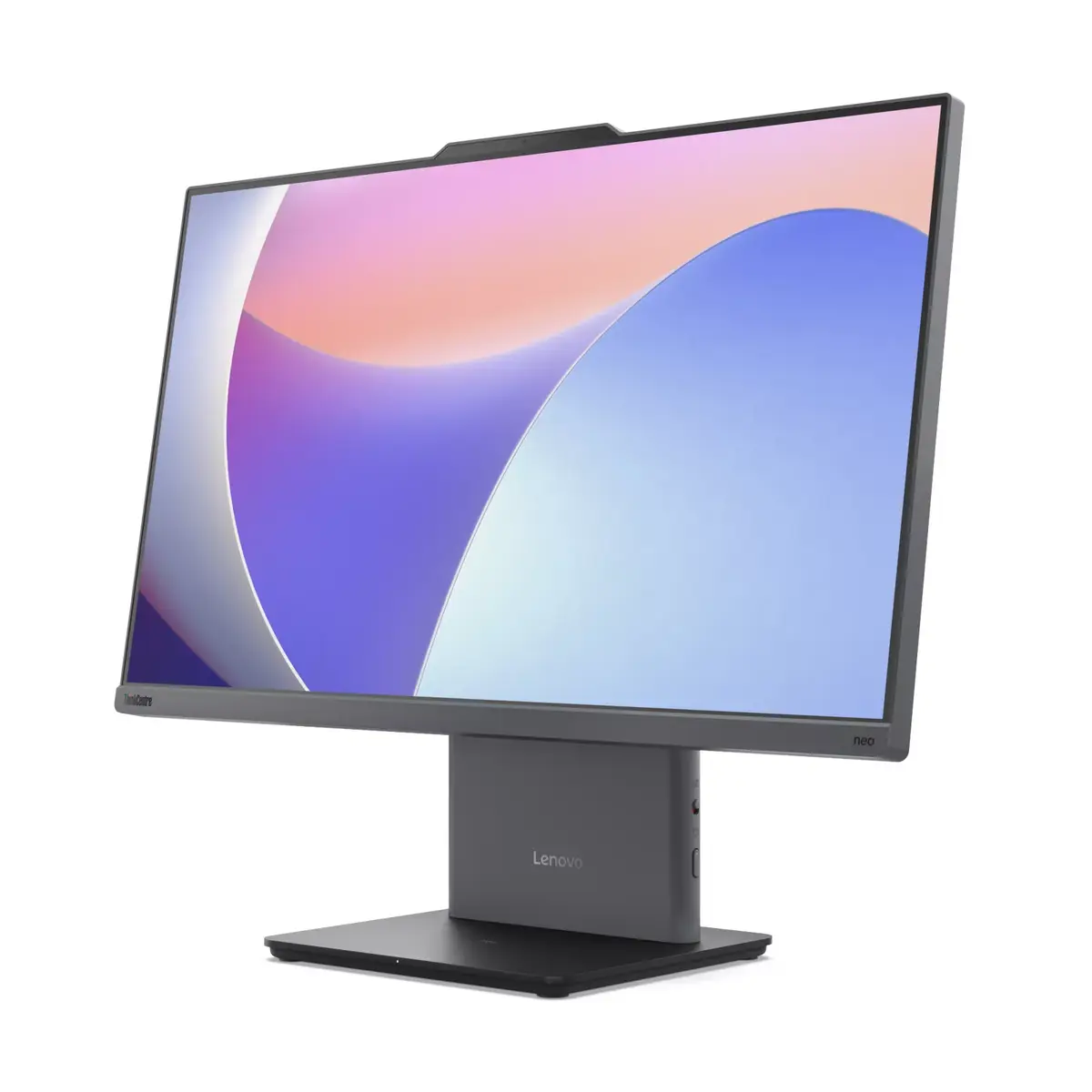
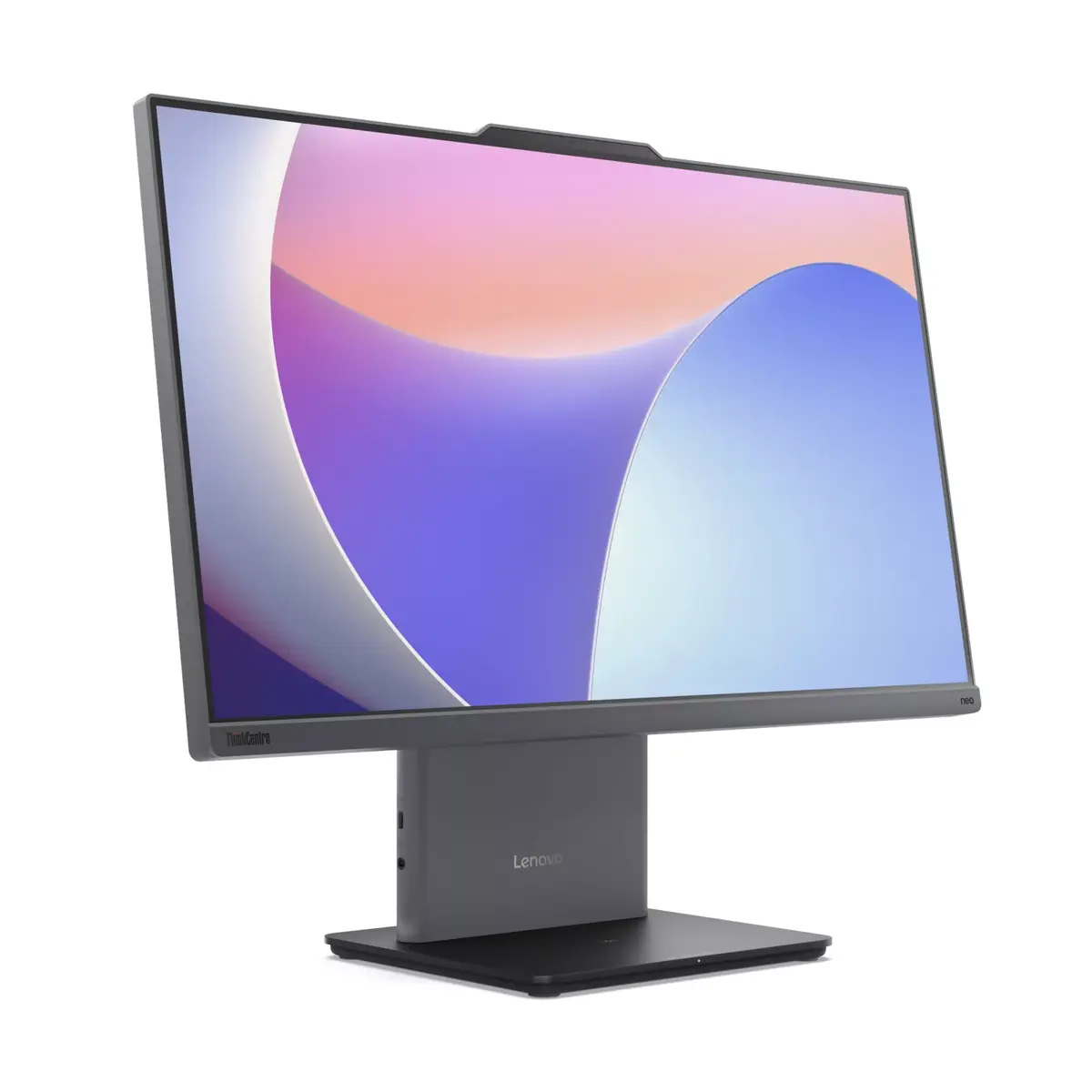
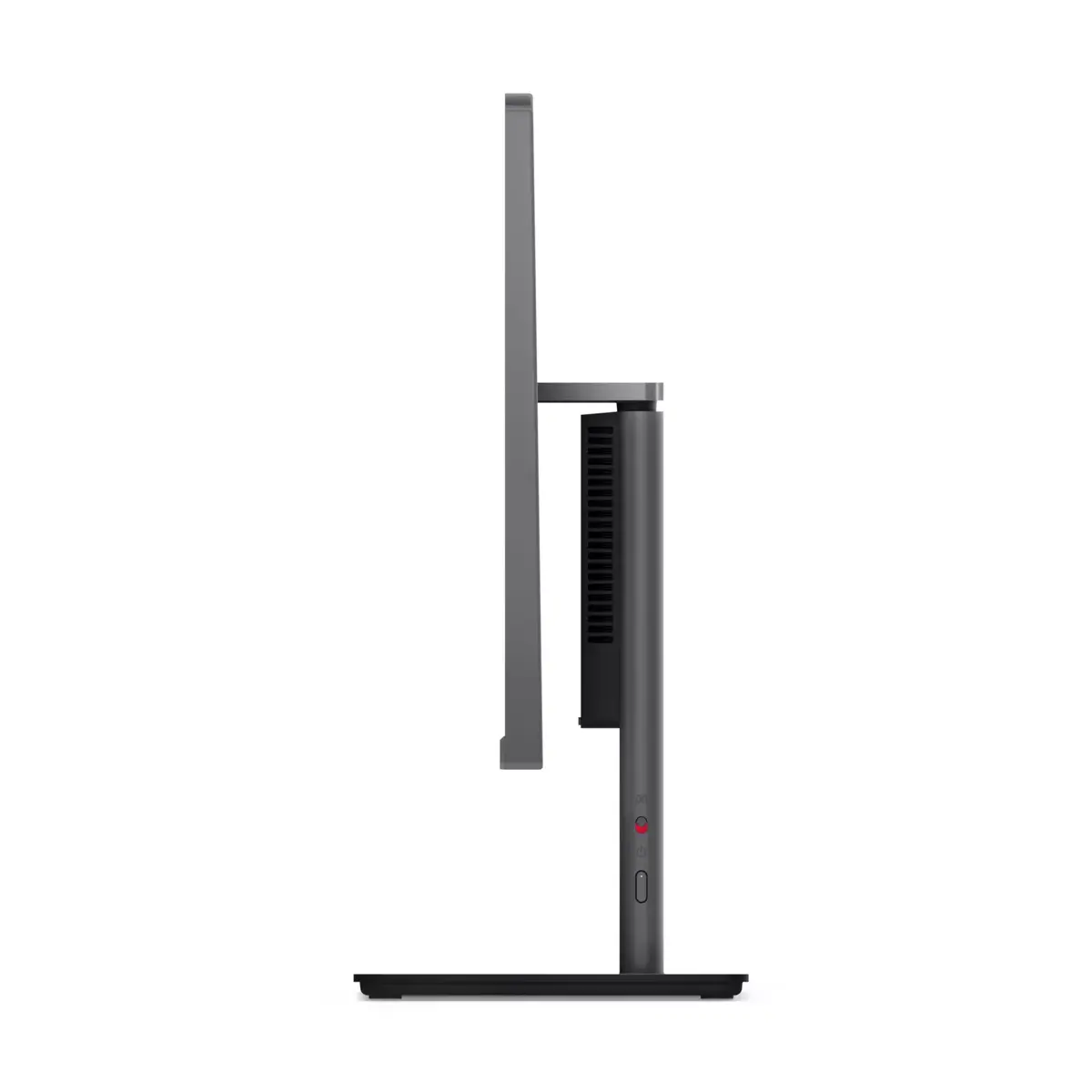
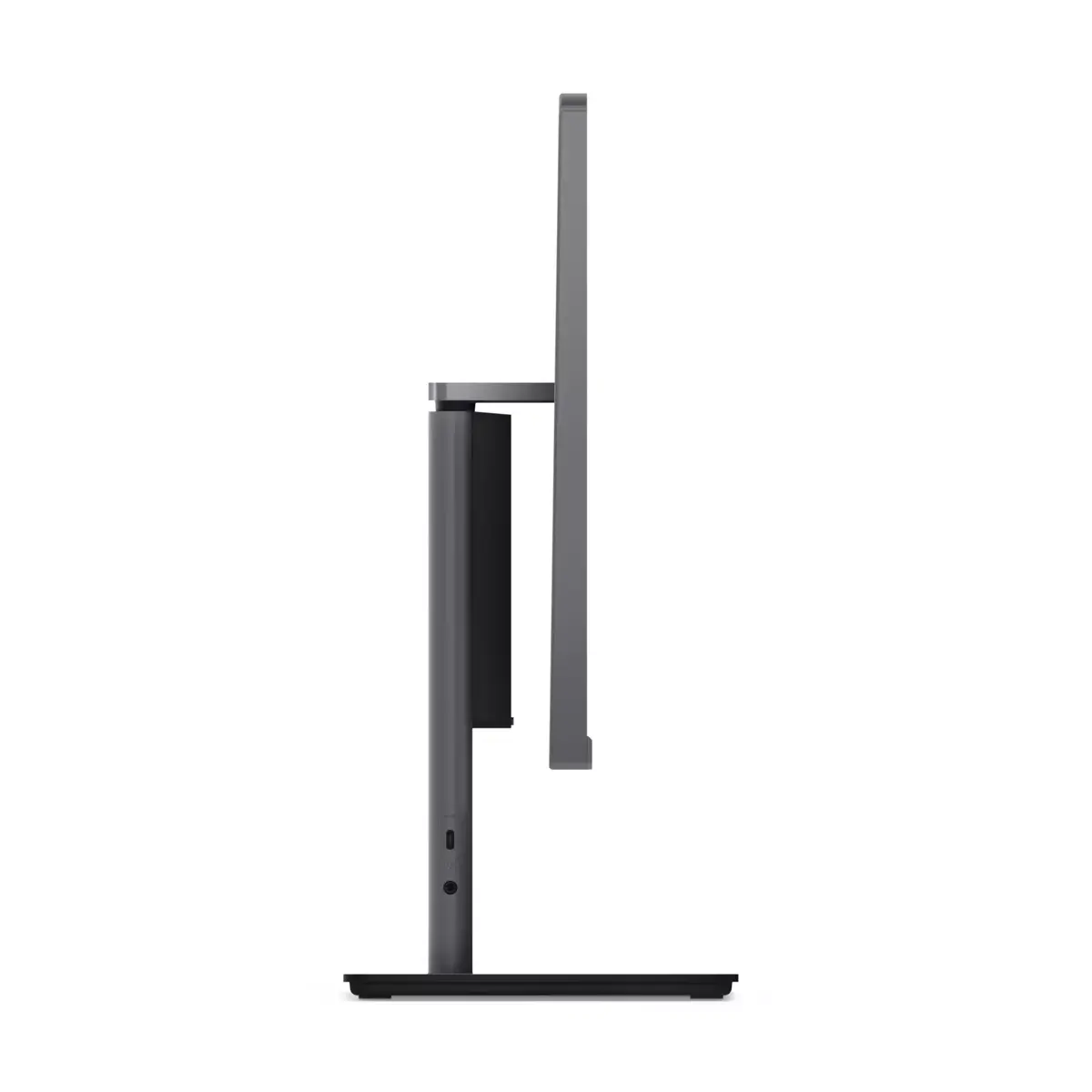
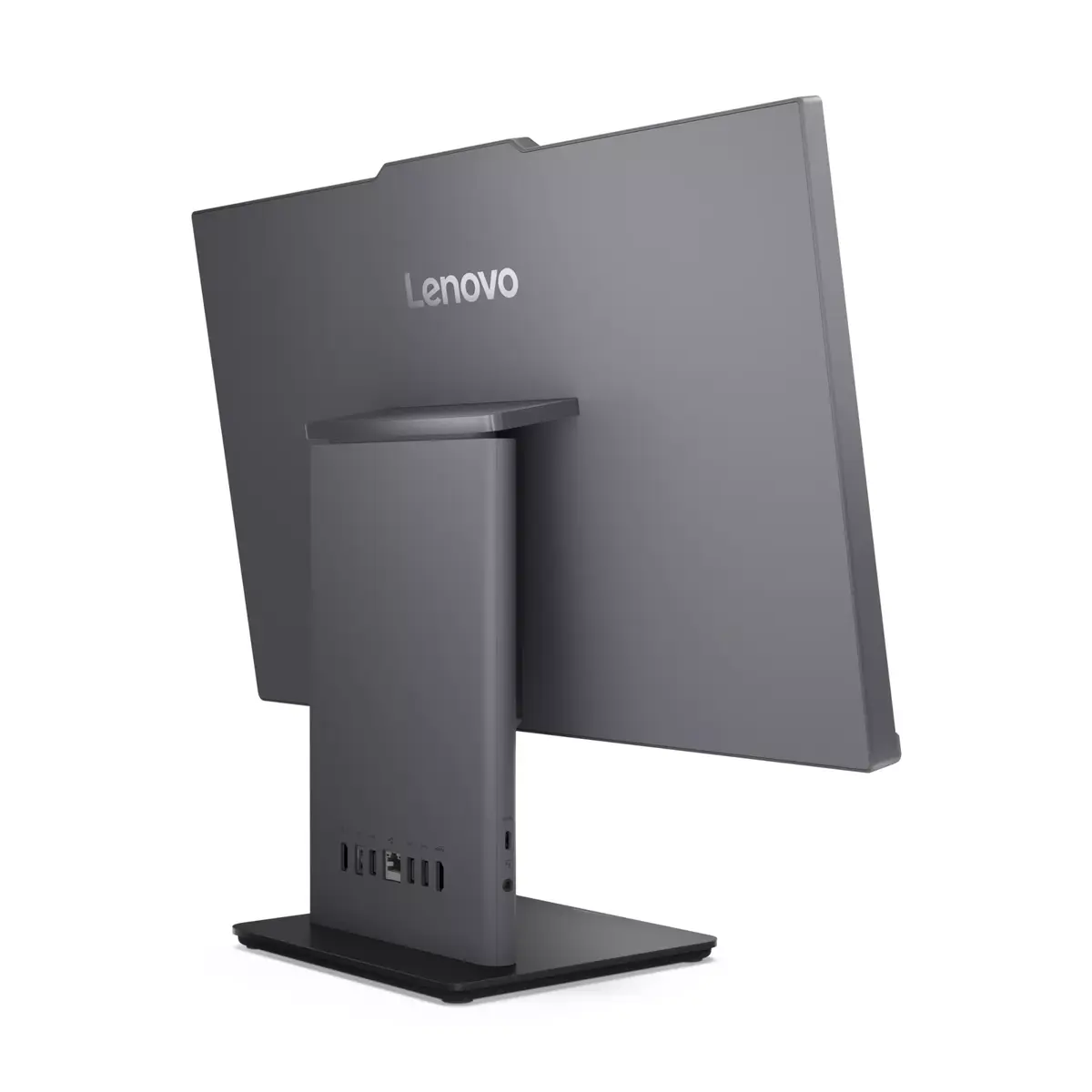
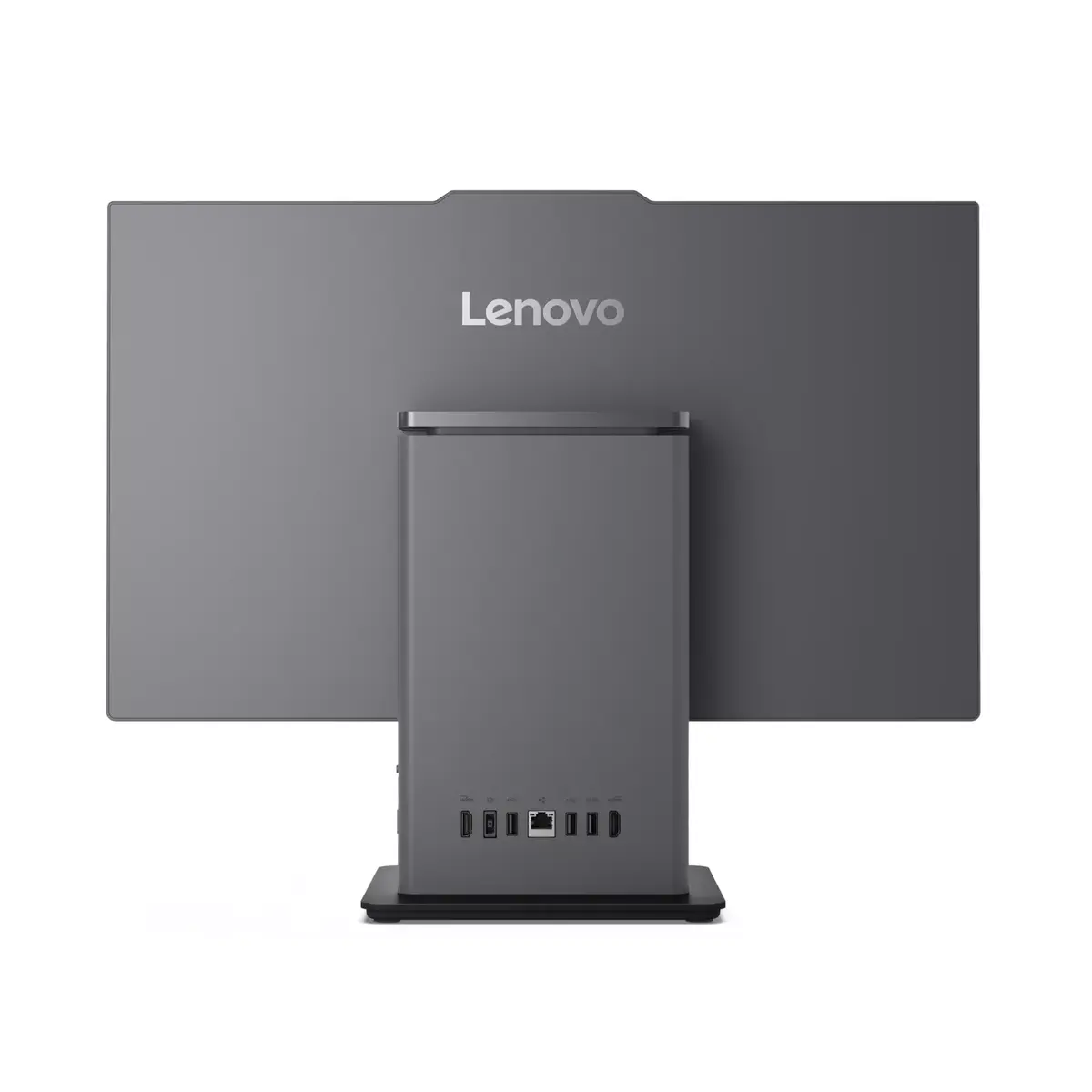
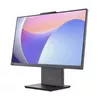
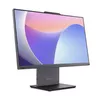
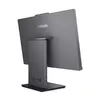
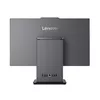
All-in-One Desktop Lenovo ThinkCentre Neo 50a 24" FHD Touchscreen, Intel Core i5-13420H, 16GB RAM, 512GB SSD, Intel UHD, Windows 11 Pro
The Lenovo ThinkCentre Neo 50a 24 is an all-in-one desktop that combines a 23.8" Full HD touchscreen with a compact integrated design powered by an Intel Core i5-13420H processor. This configuration includes 16GB DDR5 SO-DIMM memory and a 512GB solid-state drive, delivering responsive multitasking and fast application load times. Integrated Intel UHD Graphics supports everyday visual tasks, while Windows 11 Pro is preinstalled to provide business-focused features and enhanced security. The slim footprint and built-in display reduce cable clutter and suit shared workspaces, home offices and reception areas.
The touchscreen display provides direct, intuitive interaction for applications, presentations and collaborative tasks without requiring separate peripherals. DDR5 memory and an SSD improve responsiveness for multiple open applications and reduce waiting time when launching software. The all-in-one format integrates compute components and the display into a single unit, saving desk space and simplifying setup. Windows 11 Pro adds enterprise management and security features suitable for professional environments. Built-in Intel UHD Graphics ensures low-power visual performance for standard office, web and multimedia use.
Place the ThinkCentre Neo 50a 24 on a stable desk surface and connect the power cable to a grounded outlet. Use the built-in touchscreen for direct control of supported applications or connect an external keyboard and mouse for traditional input. Configure Windows 11 Pro during initial startup to set up user accounts, network connectivity and security settings. Use the included storage and memory for installing business applications, cloud synchronization and storing documents. Adjust display tilt and brightness as needed for ergonomic viewing.
For sustained performance, keep Windows updates and device drivers current and store critical data on the SSD with regular backups. Use wired network connections for low-latency tasks and enable power management settings appropriate for business or home use to balance performance and energy consumption.
{{highlightedFeature.featureTitle}}:
{{getProductFeatureValueById(product, highlightedFeature.featureId)}}
{{ productComparisonGenerationError }}
