
Save time and money with our discounts!
In cart {{totalProductsCount}} item(s)
Your cart is empty
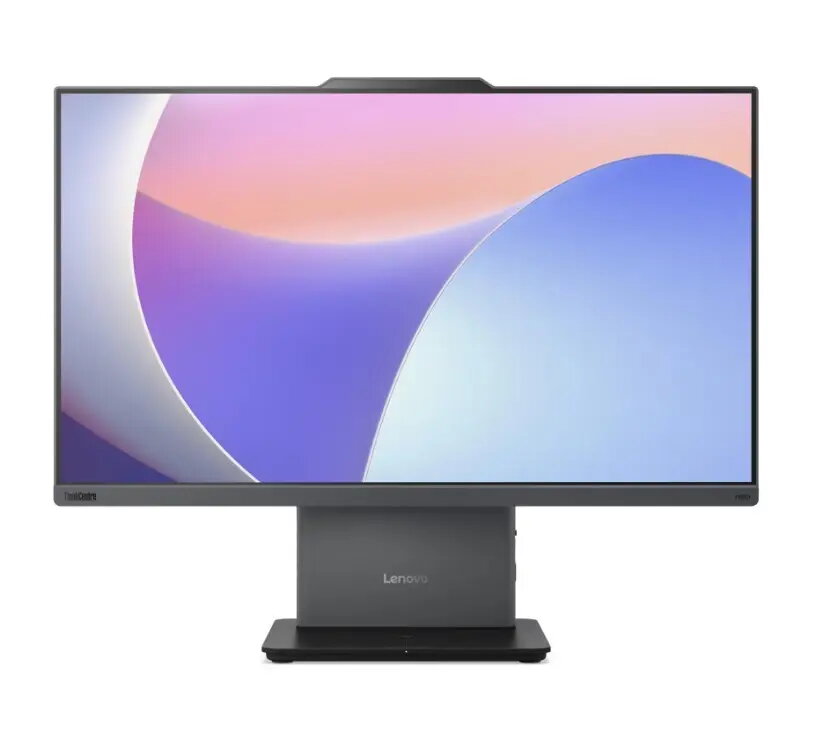
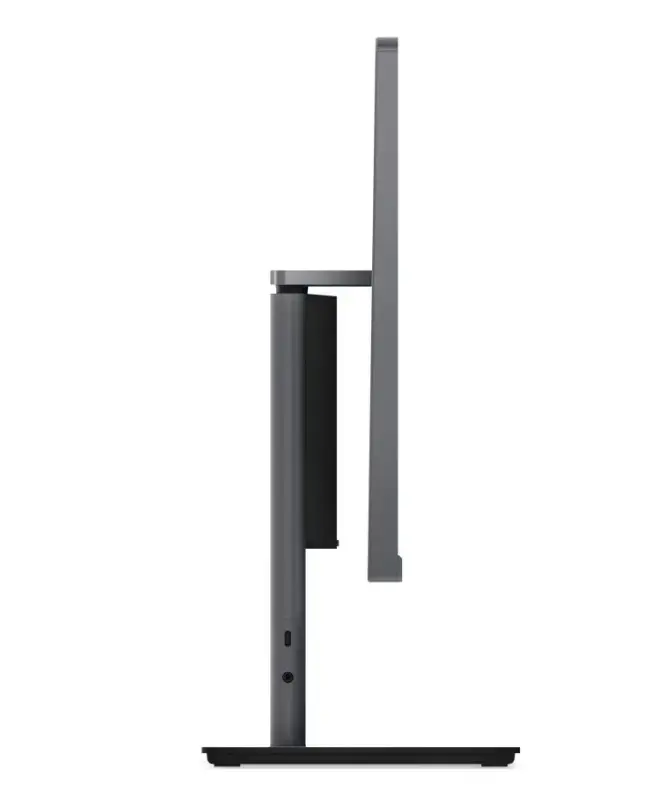
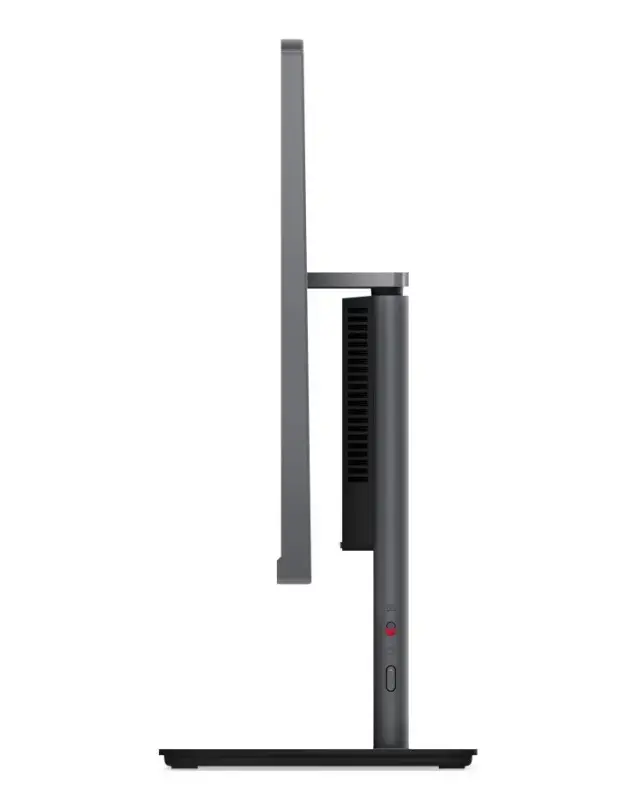
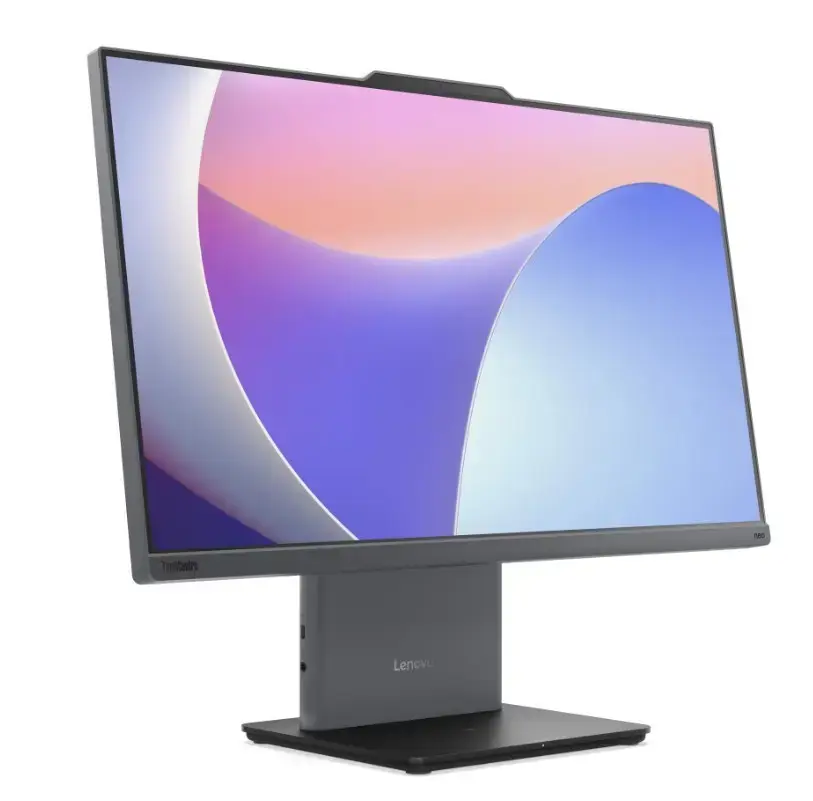
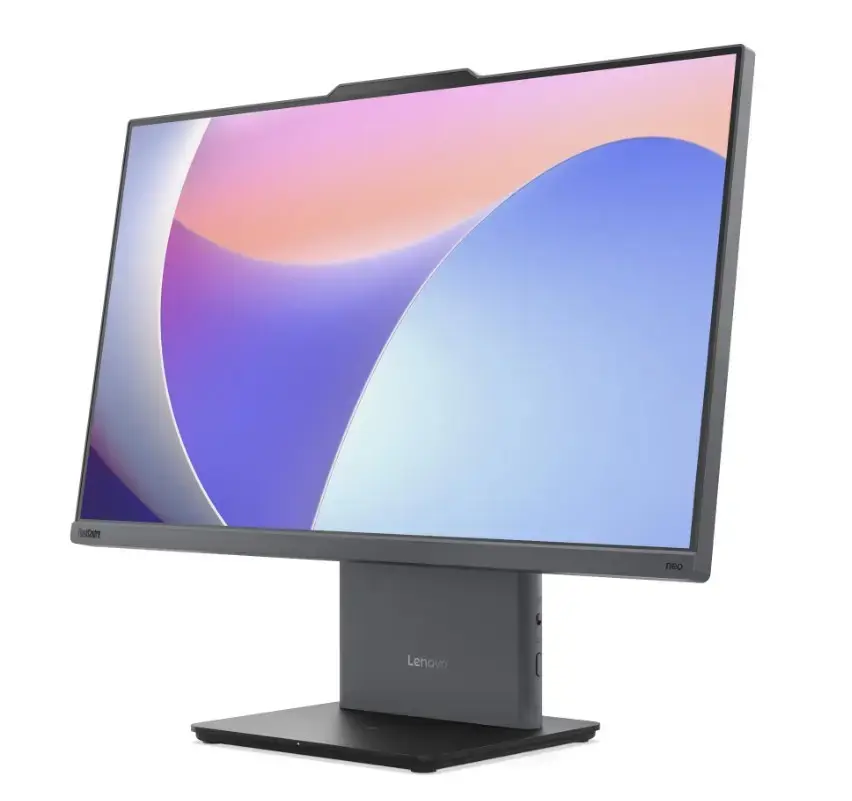
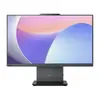
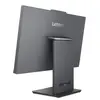
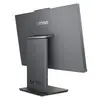
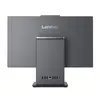
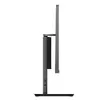
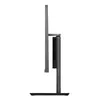
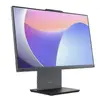
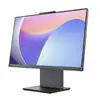
All-in-One PC Lenovo neo 50a G5 (12SD0078PB) Intel Core i5‑210H, 16GB RAM, 512GB SSD, 23.8" FHD, Windows 11 Pro, Luna Grey
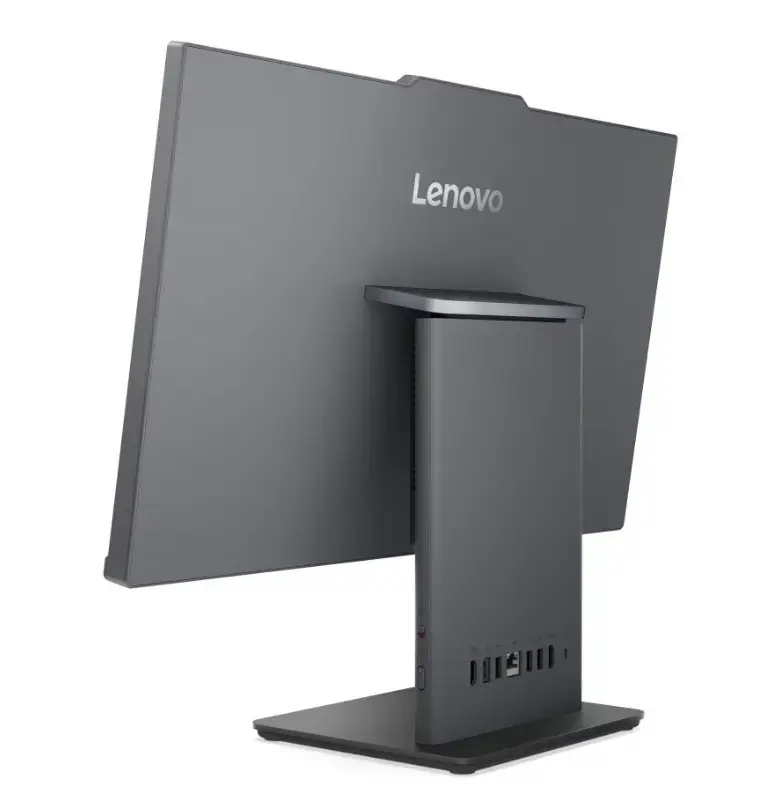
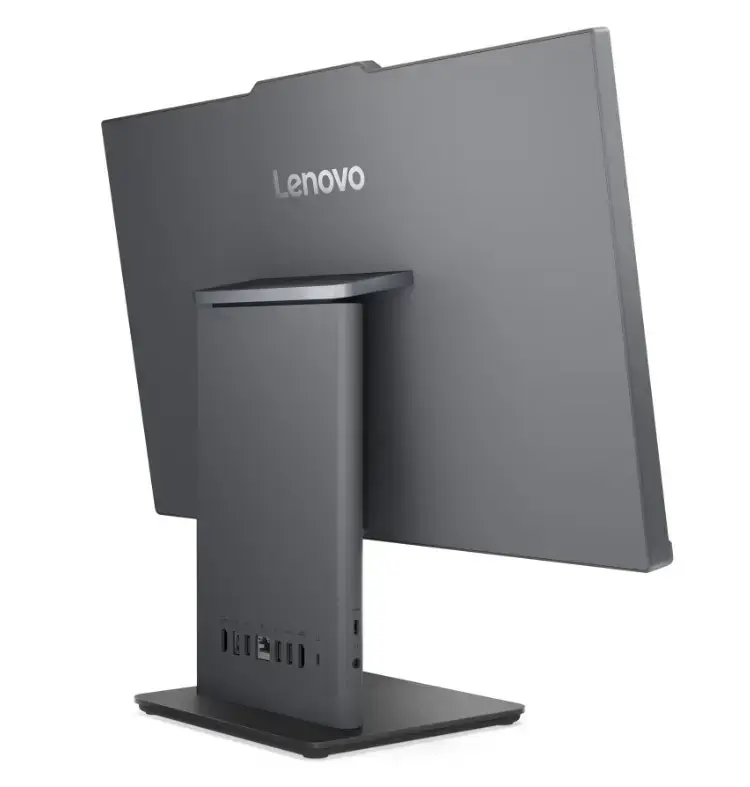
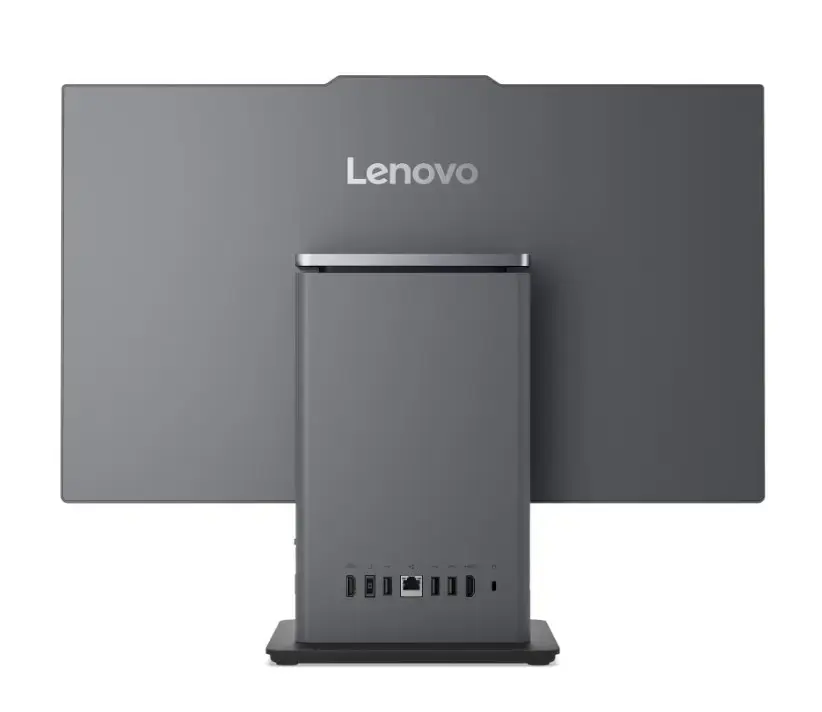
The Lenovo neo 50a G5 all‑in‑one PC combines a 23.8" Full HD display and a compact chassis to provide a space‑saving desktop solution for everyday office, home and multimedia tasks. Powered by an Intel Core i5‑210H processor, 16 GB of RAM and a 512 GB SSD, the system runs Windows 11 Pro and is configured for responsive multitasking, fast application loading and clear on‑screen visuals. The Luna Grey finish and integrated design reduce clutter while keeping common ports and connectivity accessible for peripherals and network access.
The integrated 23.8" Full HD screen eliminates the need for a separate monitor and delivers crisp text and video playback suitable for spreadsheets, presentations and web conferencing. Solid‑state storage ensures quick boot times and application launches, while 16 GB of RAM supports multiple browser tabs and productivity applications running simultaneously. Running Windows 11 Pro provides business‑oriented features such as enhanced security and remote management compatibility. The all‑in‑one form factor simplifies setup and saves desk space compared with traditional tower and monitor combinations.
Place the Lenovo neo 50a G5 on a stable desk surface and connect the power adapter. Attach any required peripherals such as an external keyboard, mouse or wired network cable using the available ports. Power on the unit and follow the Windows 11 Pro initial setup prompts to configure user accounts, network settings and security options. Install or sign in to productivity applications and communication tools needed for your workflow. Regularly check Windows Update and installed application updates to maintain stability and security.
For optimal performance, enable automatic Windows updates and keep device drivers current. Use the SSD for the operating system and frequently used applications, and consider external or network storage for large media libraries and backups. Position the display at eye level to reduce neck strain during extended use and ensure adequate ventilation around the chassis to maintain thermal efficiency.
{{highlightedFeature.featureTitle}}:
{{getProductFeatureValueById(product, highlightedFeature.featureId)}}
{{ productComparisonGenerationError }}
