
Dreame vacuums for fast and efficient cleaning!
In cart {{totalProductsCount}} item(s)
Your cart is empty
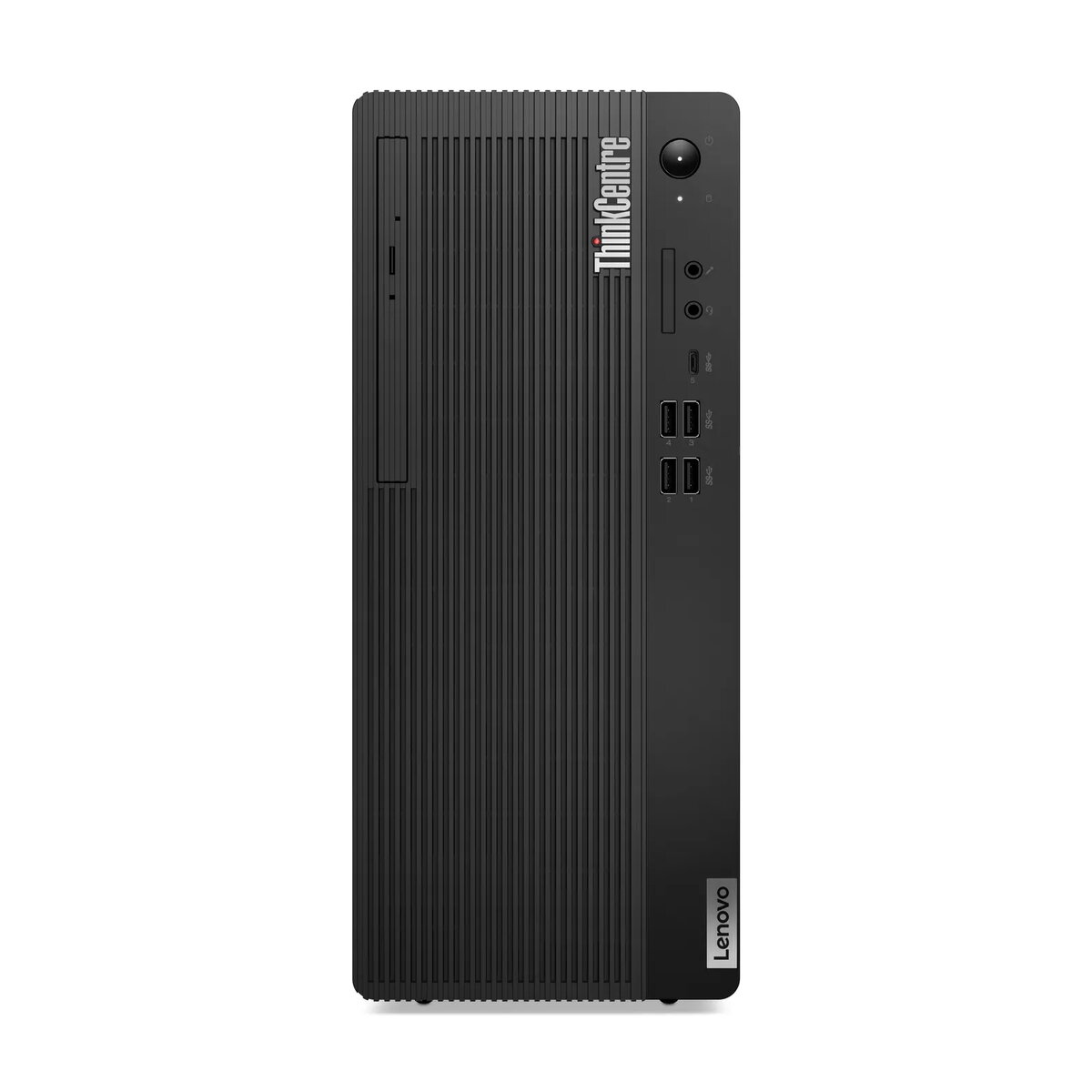
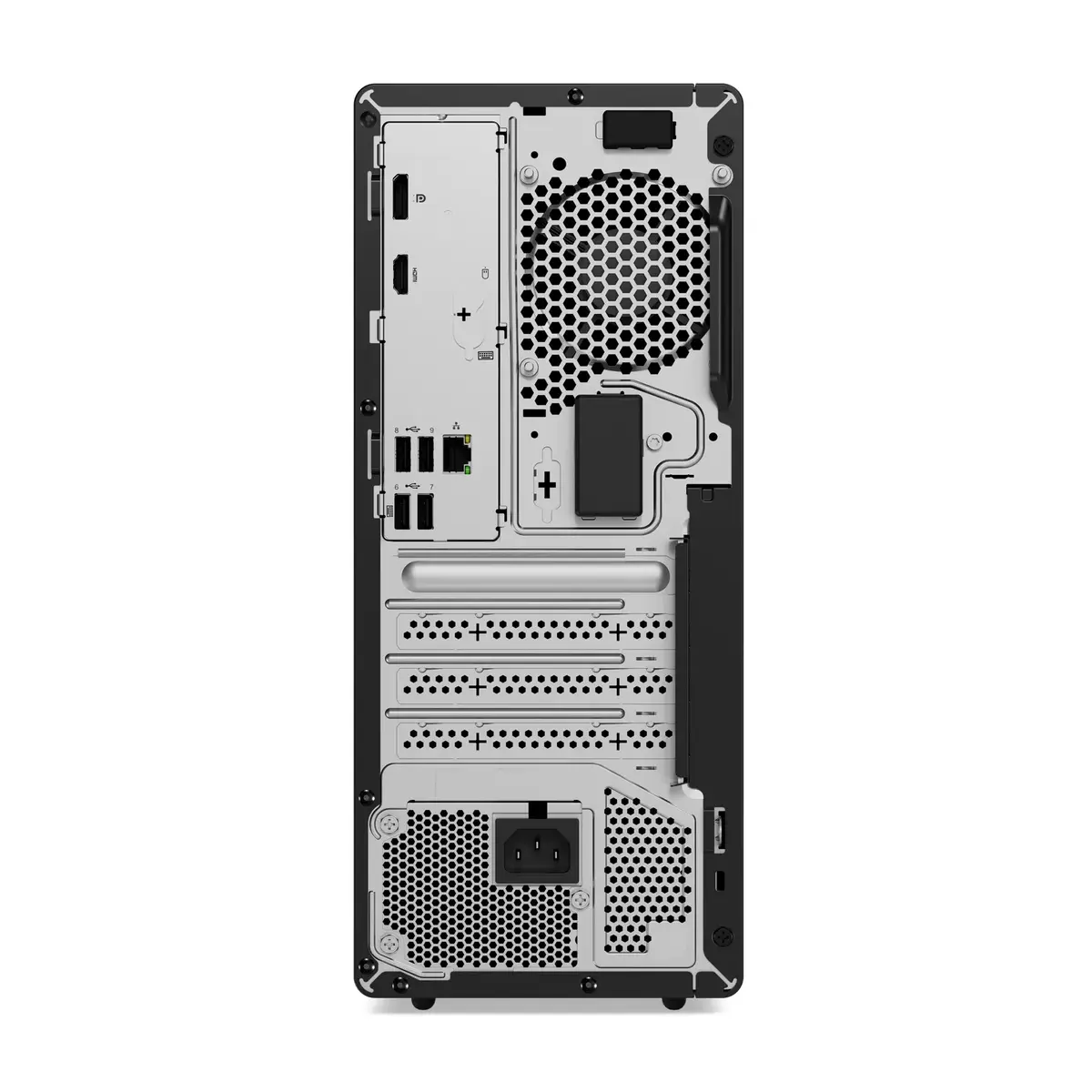
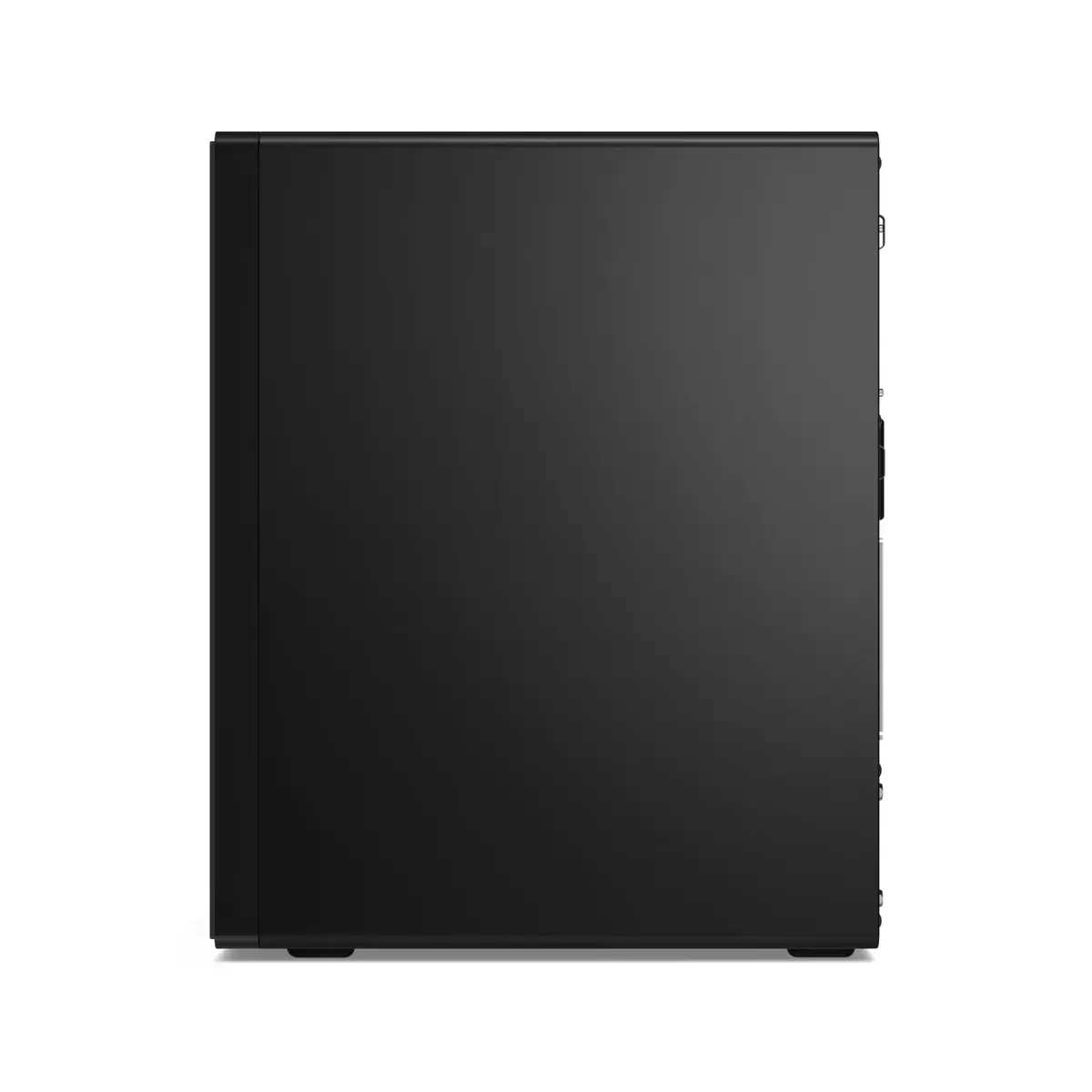
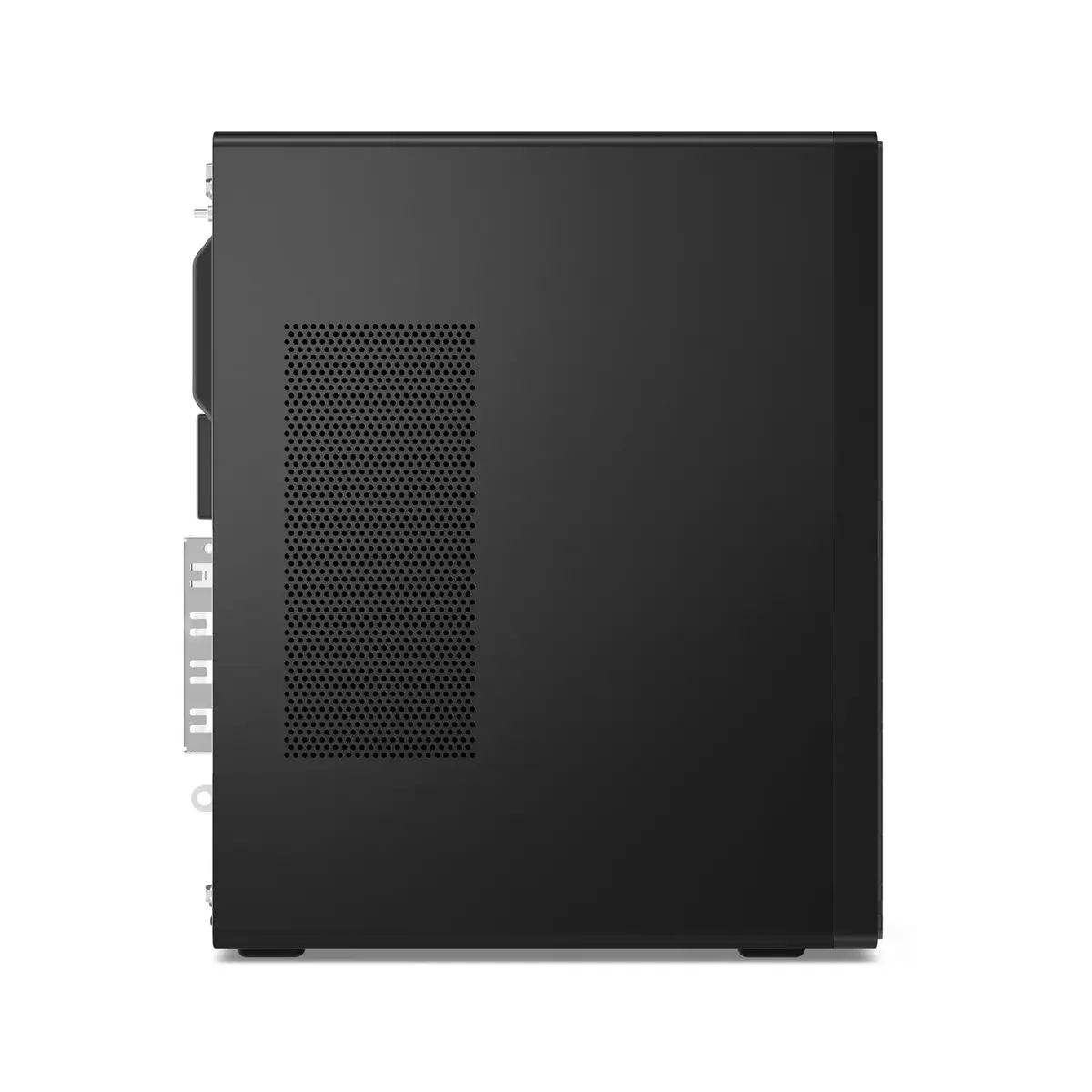
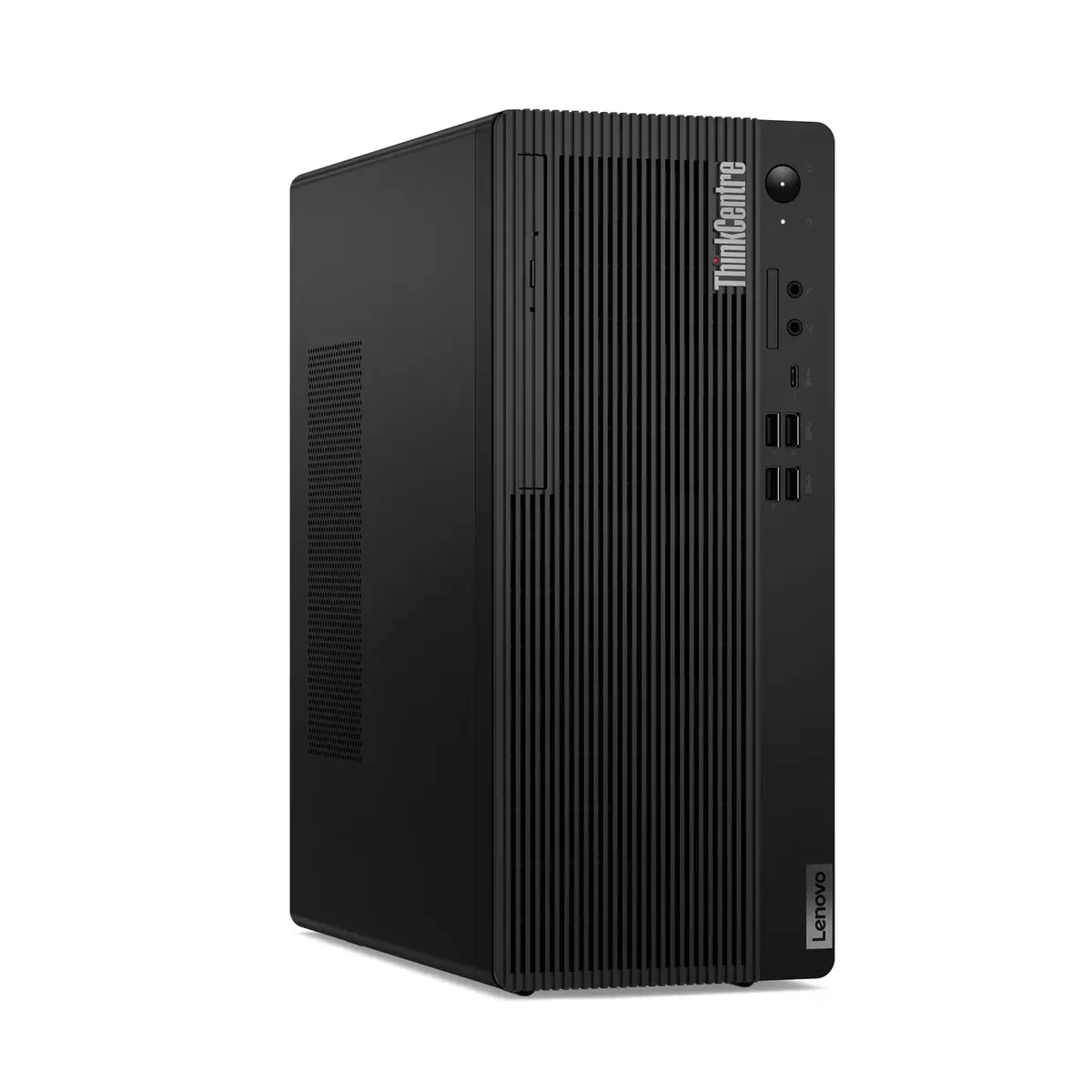
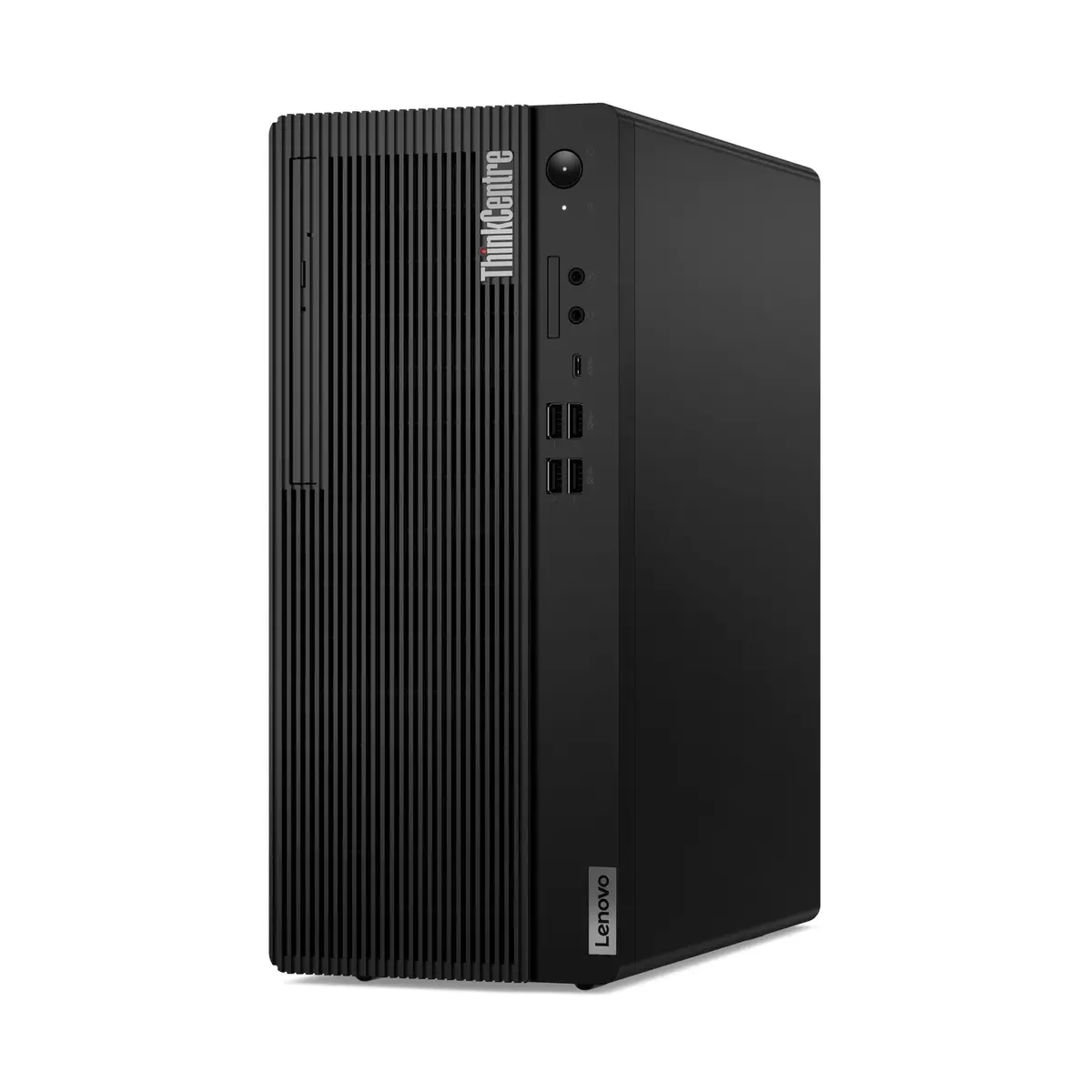
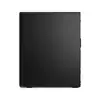
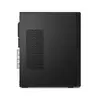
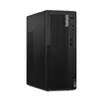
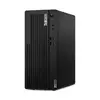
PC Lenovo ThinkCentre M70t Gen 5 Intel Core i5-13400 16GB 512GB SSD Intel UHD Graphics 730 Windows 11 Pro
The Lenovo ThinkCentre M70t Gen 5 is a robust tower desktop computer engineered to deliver reliable performance for professional and home office environments. Powered by an Intel Core i5-13400 processor and supported by 16 GB of high-speed DDR5 memory, this system handles multitasking and demanding applications with ease. The inclusion of a 512 GB SSD ensures rapid boot times and quick access to your files, while the integrated Intel UHD Graphics 730 provides stable visual performance for daily computing tasks.
This desktop PC offers a significant boost in productivity due to its modern architecture and efficient memory management. The tower form factor allows for excellent thermal management and potential future upgrades, making it a sustainable choice for long-term use. With the pre-installed Windows 11 Pro operating system, users benefit from advanced security features and seamless integration into corporate network environments. The built-in optical drive adds versatility for users who still rely on physical media for data storage or software installation.
This computer may not be suitable for users requiring high-end 3D rendering, professional video editing, or intensive gaming, as it lacks a dedicated discrete graphics card. Additionally, users who prioritize extreme portability should consider that this is a stationary tower unit rather than a mobile device.
To set up the Lenovo ThinkCentre M70t Gen 5, connect your monitor, keyboard, and mouse to the appropriate ports on the rear or front panels. Plug the power cable into a grounded wall outlet and press the power button located on the front of the chassis. Follow the on-screen instructions provided by the Windows 11 Pro setup wizard to configure your user account, network settings, and security preferences. Once the initial setup is complete, you can begin installing your preferred software applications.
Usage recommendations: To maintain optimal performance, keep the ventilation areas on the chassis clear of obstructions. Regularly update your operating system and drivers through the official Lenovo support channels to ensure system stability and security.
{{highlightedFeature.featureTitle}}:
{{getProductFeatureValueById(product, highlightedFeature.featureId)}}
{{ productComparisonGenerationError }}
