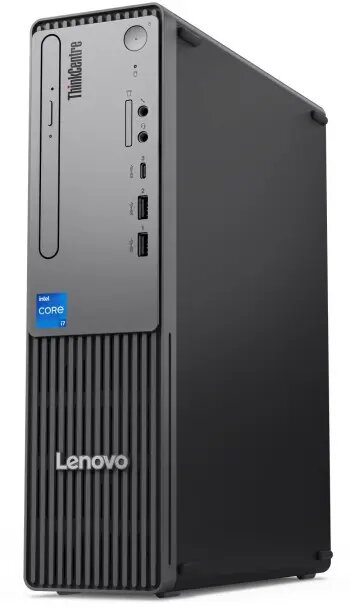
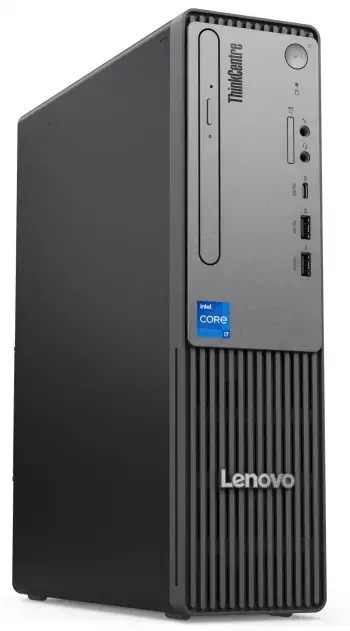
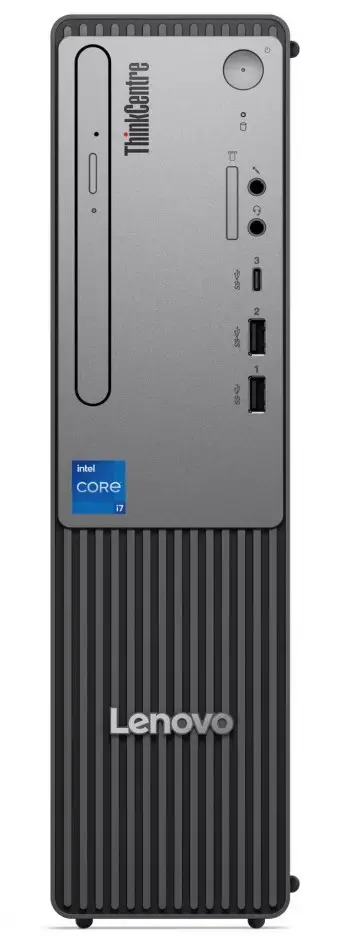
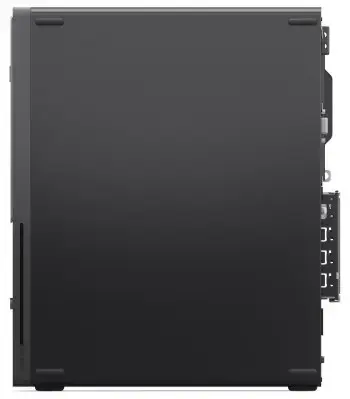
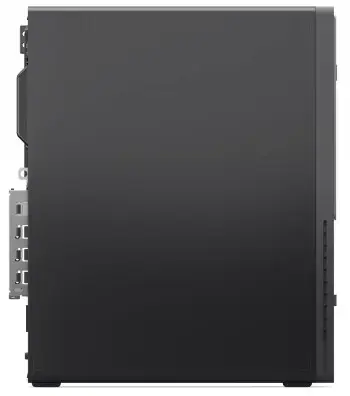
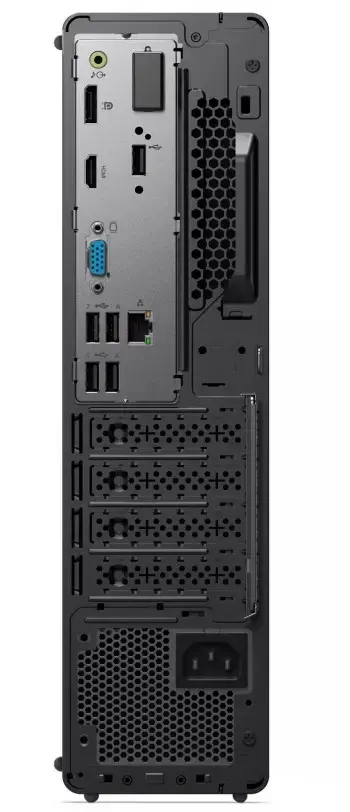
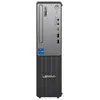
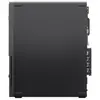
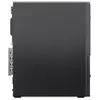
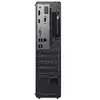
The Lenovo ThinkCentre Neo 50s Gen5 is a compact small form factor (SFF) business desktop designed for professional environments. It is powered by a 14th generation Intel Core i5-14400 processor, equipped with 16 GB DDR5 memory and a 512 GB PCIe 4.0 NVMe SSD, and ships with Windows 11 Pro. The system includes modern connectivity options such as Wi‑Fi 6E, Bluetooth 5.3, multiple USB ports including USB-C, and a variety of display outputs (HDMI, DisplayPort, VGA). The chassis supports additional storage with a 3.5" SATA bay and offers low-profile PCIe expansion slots for added functionality.
Advantages
The Neo 50s provides strong multi-threaded performance from a 10‑core (6P + 4E) Intel Core i5 processor and fast system memory (DDR5 4800 MHz). It offers a compact 8.2 L SFF design that saves desk space while retaining expandability through PCIe slots and an extra 3.5" drive bay. Built-in security features include a TPM 2.0 chip and a Kensington lock slot. Connectivity is comprehensive with Gigabit Ethernet, Wi‑Fi 6E, USB-C front I/O, multiple USB-A ports, and several video outputs for flexible monitor setups.
Suitable for
- Office productivity and business applications
- Remote workstations and conference room PCs
- Light content creation and multitasking
- Point-of-sale and kiosk systems requiring compact desktops
Key specifications
- Operating system: Windows 11 Pro 64-bit
- Processor: Intel Core i5-14400, 10 cores (6 performance + 4 efficient), up to 4.7 GHz
- Memory: 16 GB DDR5 4800 MHz (single module), expandable up to 64 GB
- Storage: 512 GB M.2 2280 PCIe 4.0x4 NVMe SSD; one additional 3.5" SATA drive bay
- Graphics: Integrated Intel UHD Graphics 730
- Networking: Gigabit Ethernet; Intel Wi‑Fi 6E AX211 (802.11ax) with Bluetooth 5.3
- Front I/O: USB-C 3.2 Gen 1, 2 × USB-A 3.2 Gen 1, 3.5 mm combo audio, 3.5 mm microphone
- Rear I/O: 4 × USB-A 2.0, HDMI 2.1 (TMDS), DisplayPort 1.4, VGA, RJ45, line-out
- Expansion: 1 × PCIe 3.0 x16 low-profile, 1 × PCIe 3.0 x1 low-profile (card size limits: length <155 mm, height <70 mm)
- Security: TPM 2.0 (TCG certified), Kensington lock slot
- Power supply: 180 W
- Dimensions (W×D×H): 92.5 × 291.4 × 339.5 mm; weight: ~4.2 kg
- Certifications: TCO Certified 9.0; CO2 offset program applied
How to use
Place the Neo 50s on a flat, stable surface with adequate ventilation around the chassis. Connect a display to one of the available video outputs (HDMI, DisplayPort or VGA), attach keyboard and mouse to the USB ports, and connect the network via Ethernet or Wi‑Fi. Power on the system and follow the Windows 11 Pro setup prompts to configure user accounts, network settings and security options. For storage expansion or adding a low-profile PCIe card, power down and unplug the unit before opening the case and following the manufacturer’s instructions for component installation.
Usage recommendations
For balanced performance in business tasks, keep the system firmware and Windows updates current, use quality cooling airflow around the SFF chassis, and install additional RAM or an extra HDD only when powered off to avoid component damage.