
Hurry and order now – up to 50% off!
In cart {{totalProductsCount}} item(s)
Your cart is empty
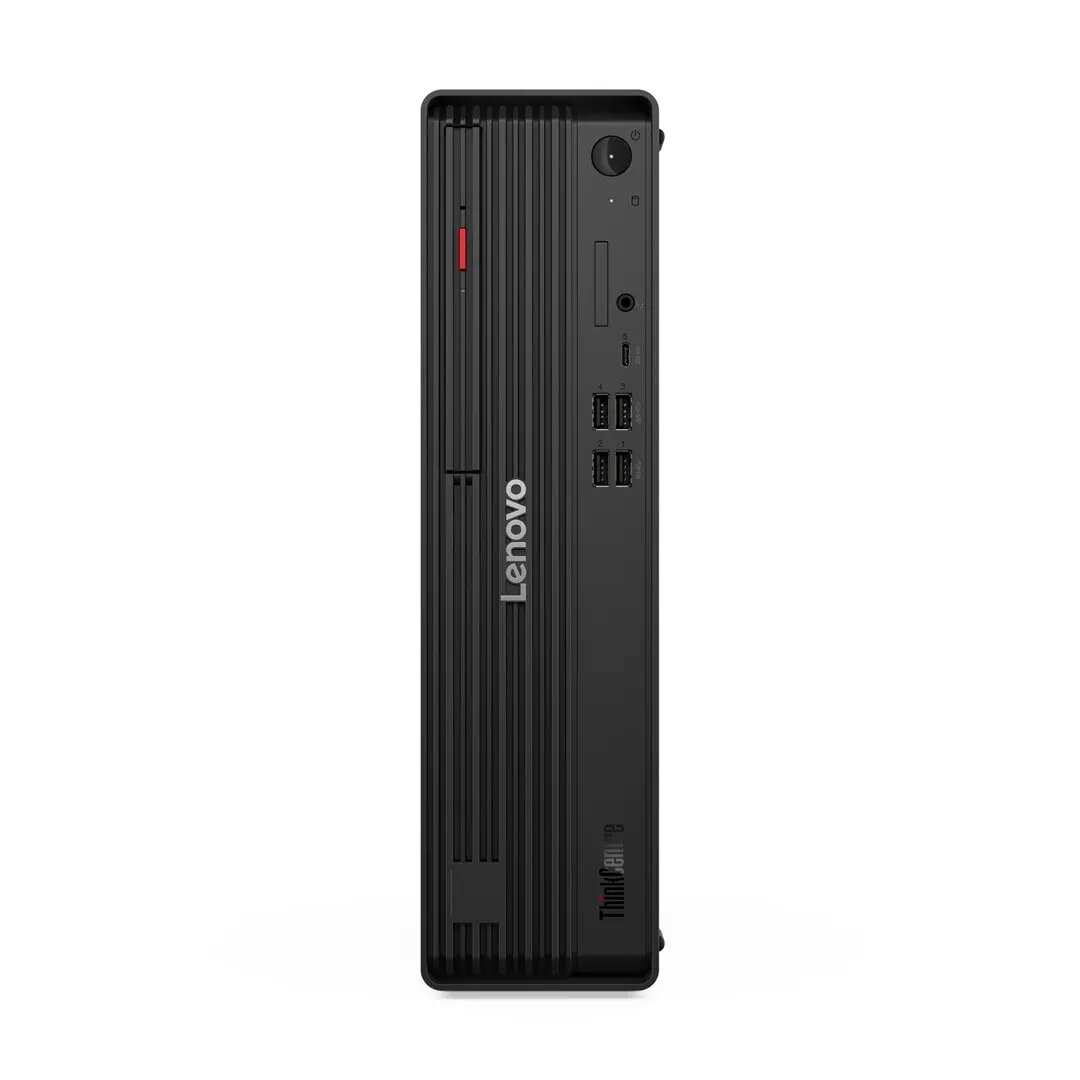
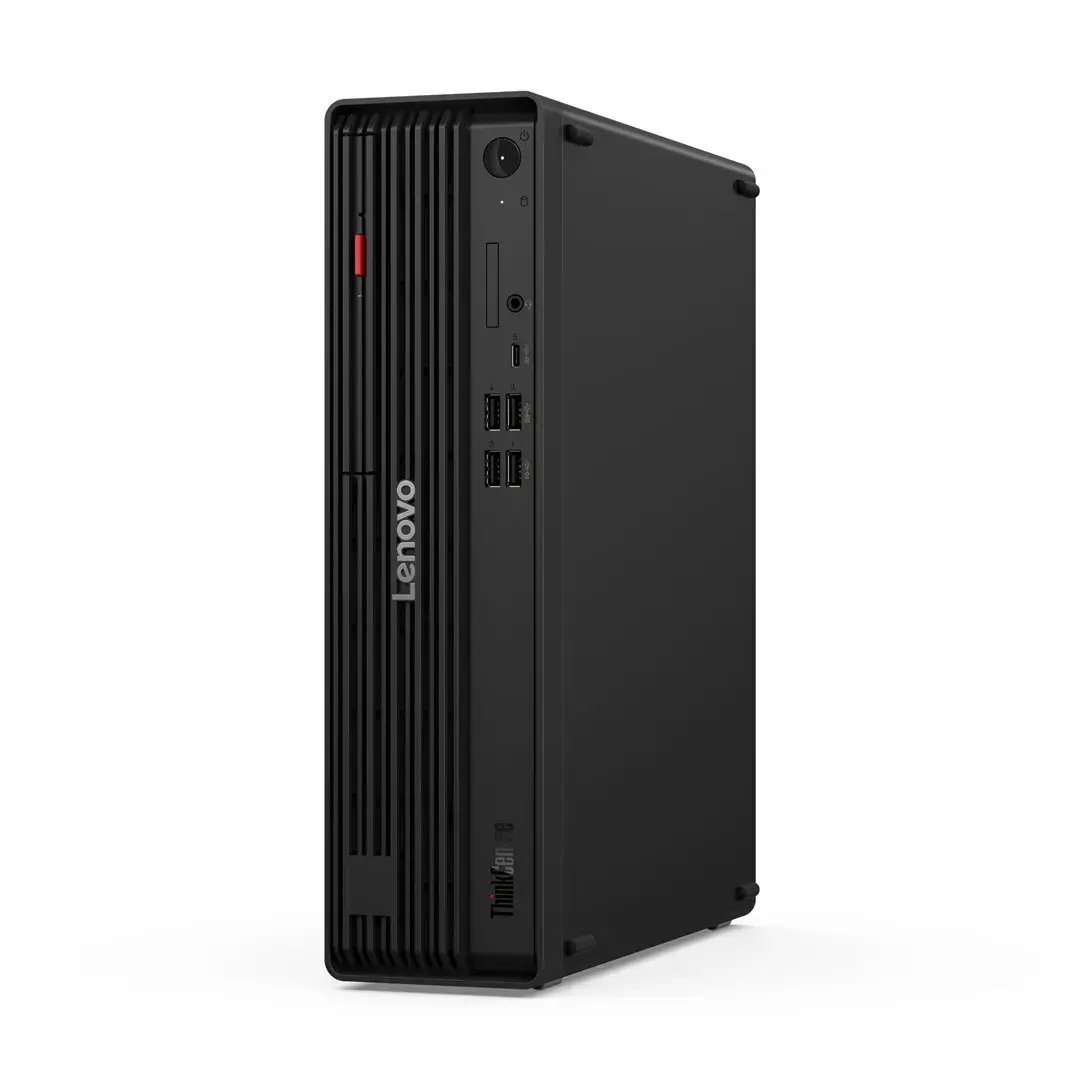
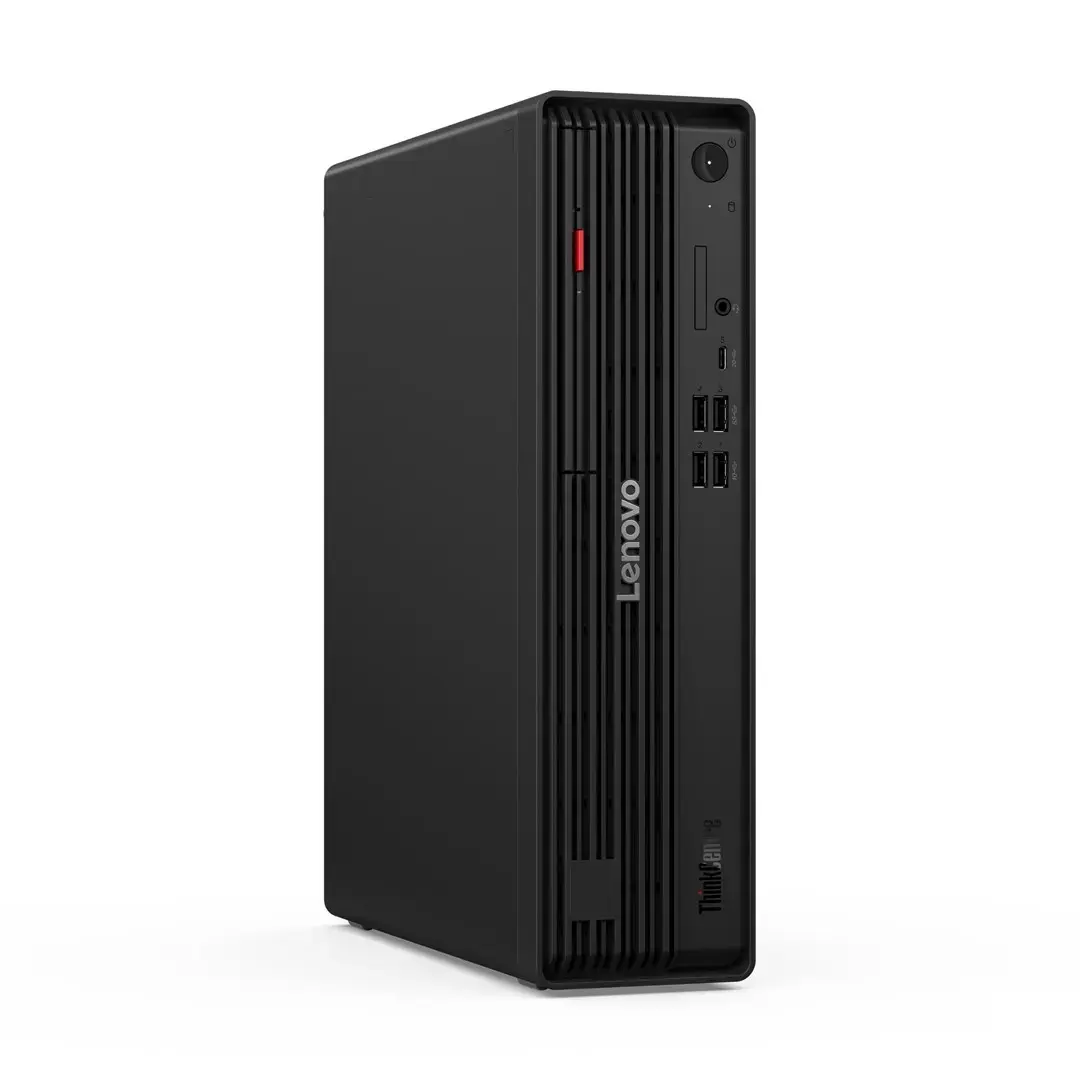
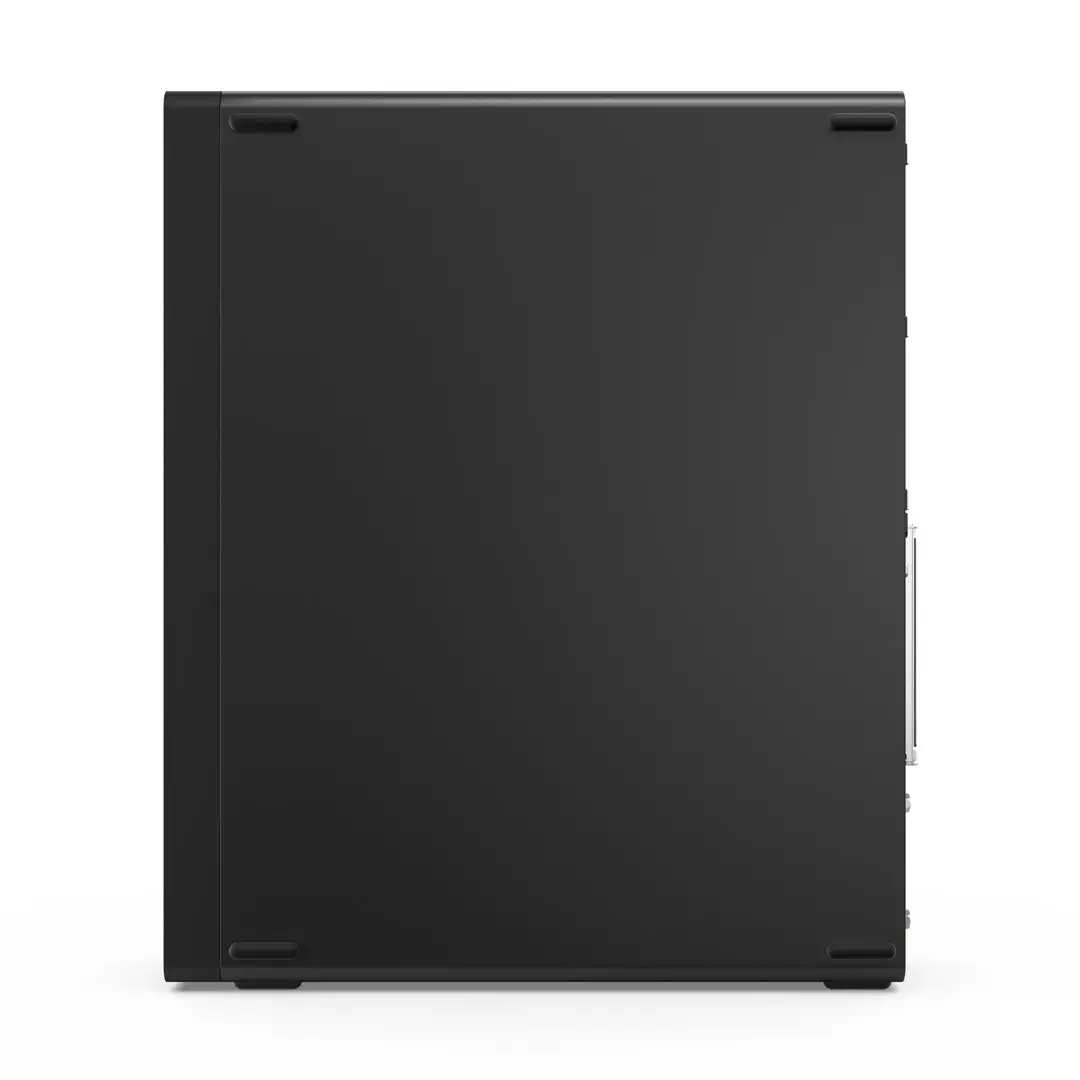
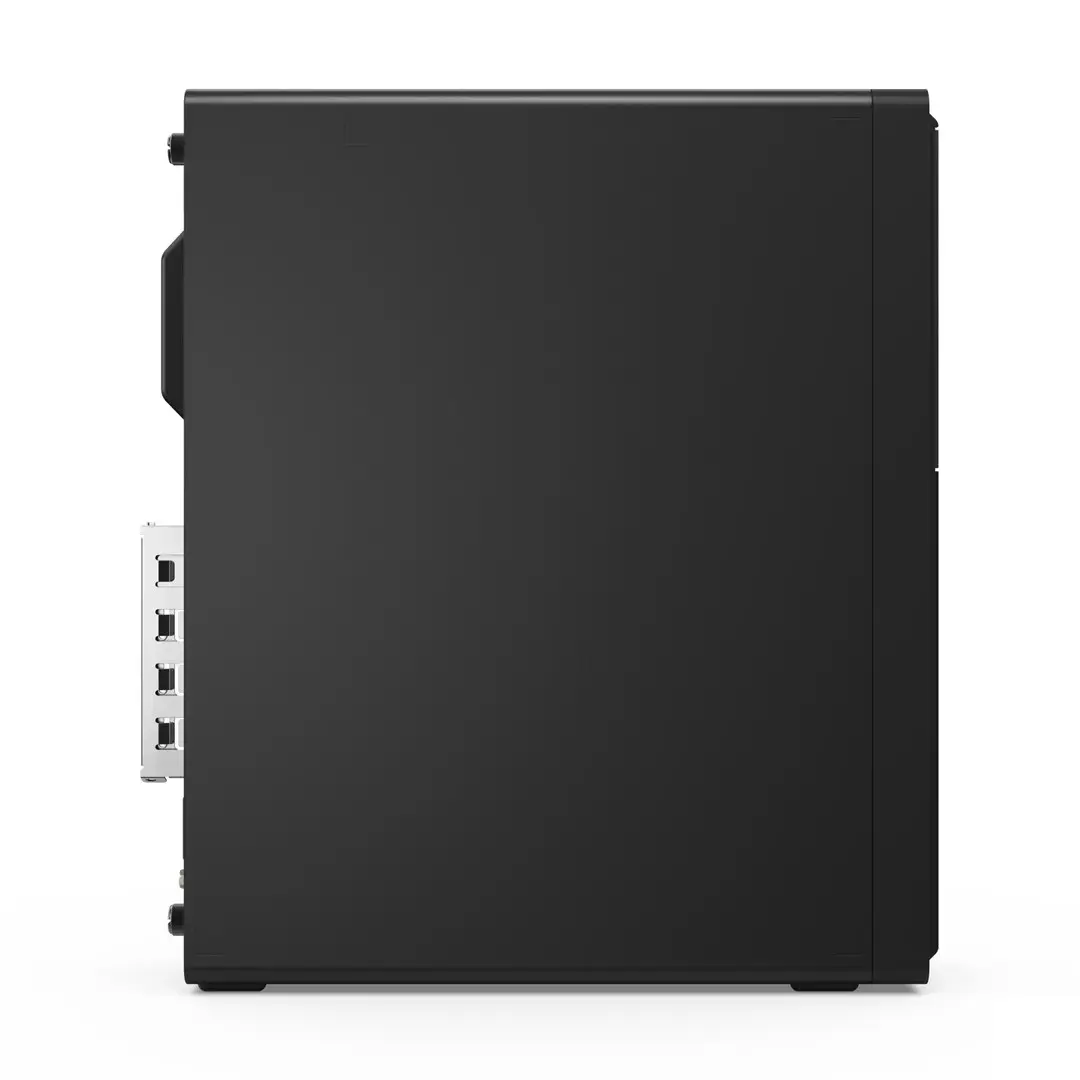
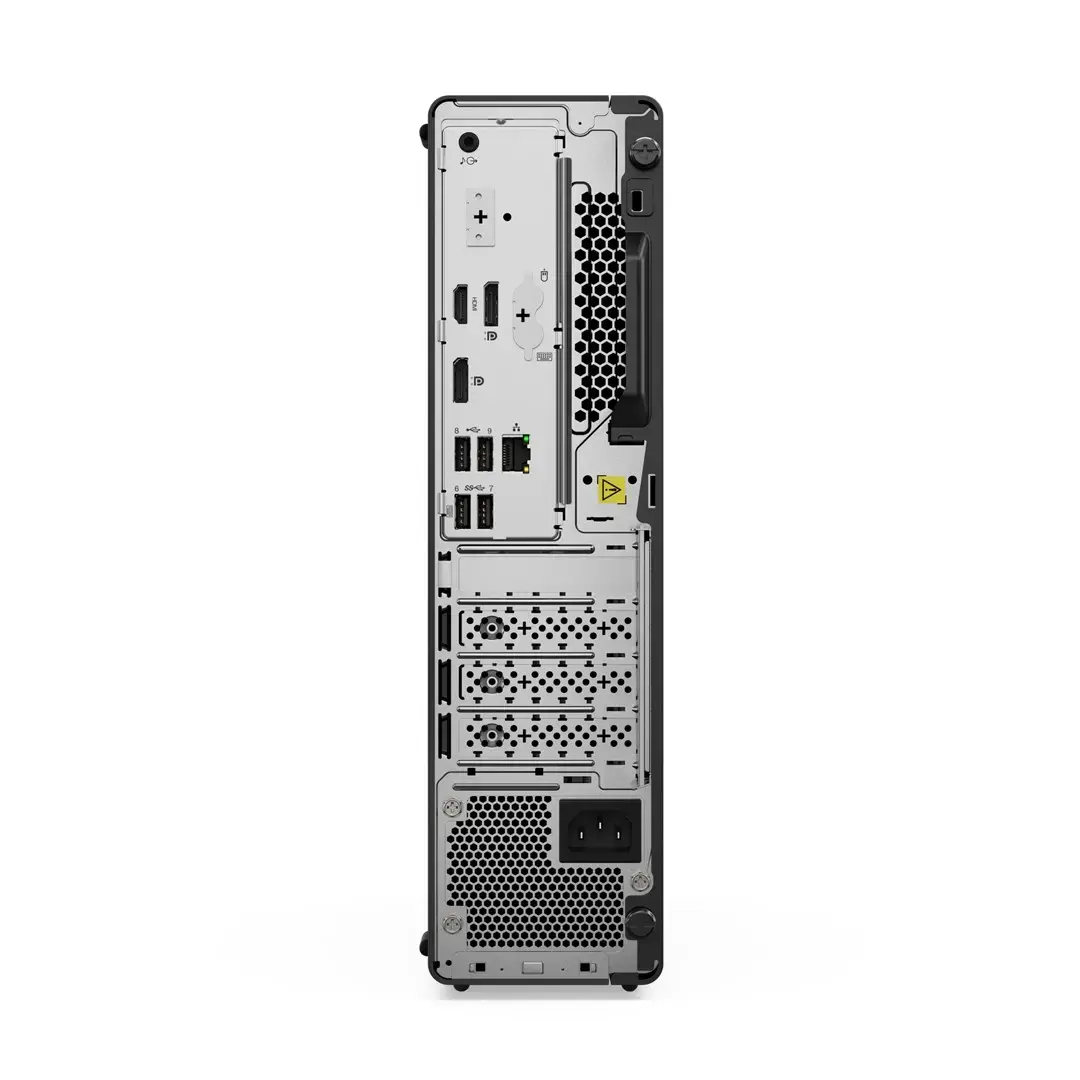
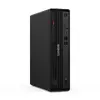
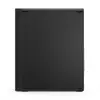
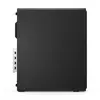
Desktop PC Lenovo ThinkCentre M90s G6 SFF – Intel Ultra 9 285, 32GB DDR5-5600, 1TB SSD, Intel Graphics, DVD, vPro, Windows 11 Pro, 3Y OnSite
Lenovo ThinkCentre M90s G6 SFF is a compact business desktop built for professional use. Equipped with an Intel Ultra 9 285 processor and integrated Intel graphics, this small-form-factor PC offers responsive performance for office productivity, remote work and enterprise deployment. The system pairs 32 GB of DDR5-5600 memory with a 1 TB solid-state drive for fast multitasking, quick boot times and ample storage for documents and applications. Additional features include an internal DVD drive, Intel vPro management capabilities and Windows 11 Pro for business-focused security and administration, along with a three-year onsite warranty for reduced downtime.
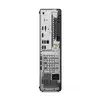
The combination of a high-performance Intel Ultra 9 processor and 32 GB DDR5-5600 memory ensures smooth handling of multiple applications, virtual meetings and browser-based workloads. The 1 TB SSD delivers rapid system responsiveness, fast file access and shorter application load times compared with traditional drives. The small-form-factor chassis saves desk space while providing sufficient connectivity for peripherals. Intel vPro support enables remote management and enhanced security options for IT departments, and Windows 11 Pro provides enterprise-grade features for device management and protection.
Set the ThinkCentre M90s G6 SFF on a stable surface or mount it under a desk using compatible mounting accessories to save space. Connect display, keyboard, mouse and network cables, then power on and follow the Windows 11 Pro initial setup prompts to configure user accounts and network settings. Use the included management tools and Intel vPro features to enroll the device in enterprise management systems if required. Store user data and applications on the internal SSD and keep the optical drive available for reading or writing discs as needed.
Install the latest Windows and driver updates after initial setup and enable BitLocker or other disk encryption if storing sensitive data. For optimal multitasking performance, keep background applications to a minimum and use enterprise management tools to schedule maintenance windows. Place the SFF unit in a ventilated area and avoid blocking airflow around the chassis to maintain reliable cooling.
{{highlightedFeature.featureTitle}}:
{{getProductFeatureValueById(product, highlightedFeature.featureId)}}
{{ productComparisonGenerationError }}
